
 Data sheet & specs

 User manual
 CAD symbols & drawings




 UPBOXPRO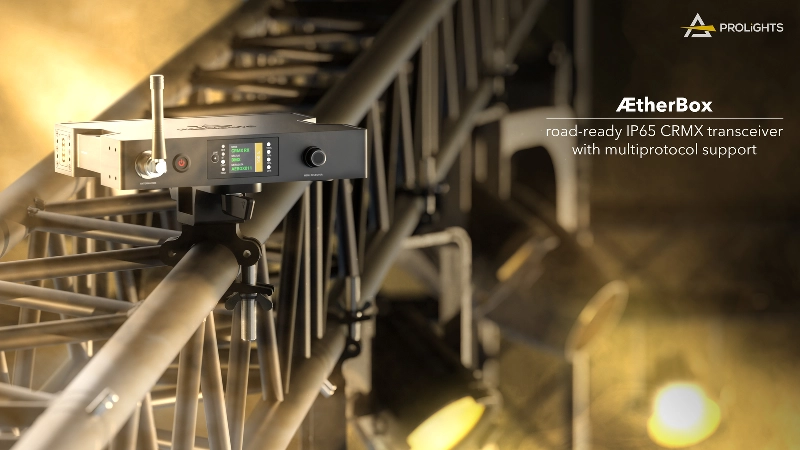

ÆtherBox
Order Code: AETHERBOX
IP rating
IP65 for temporary outdoor use
Weight
1,8kg / 3.97lbs
Key Features
- IP65 single universe CRMX transceiver, compatible also for battery operation
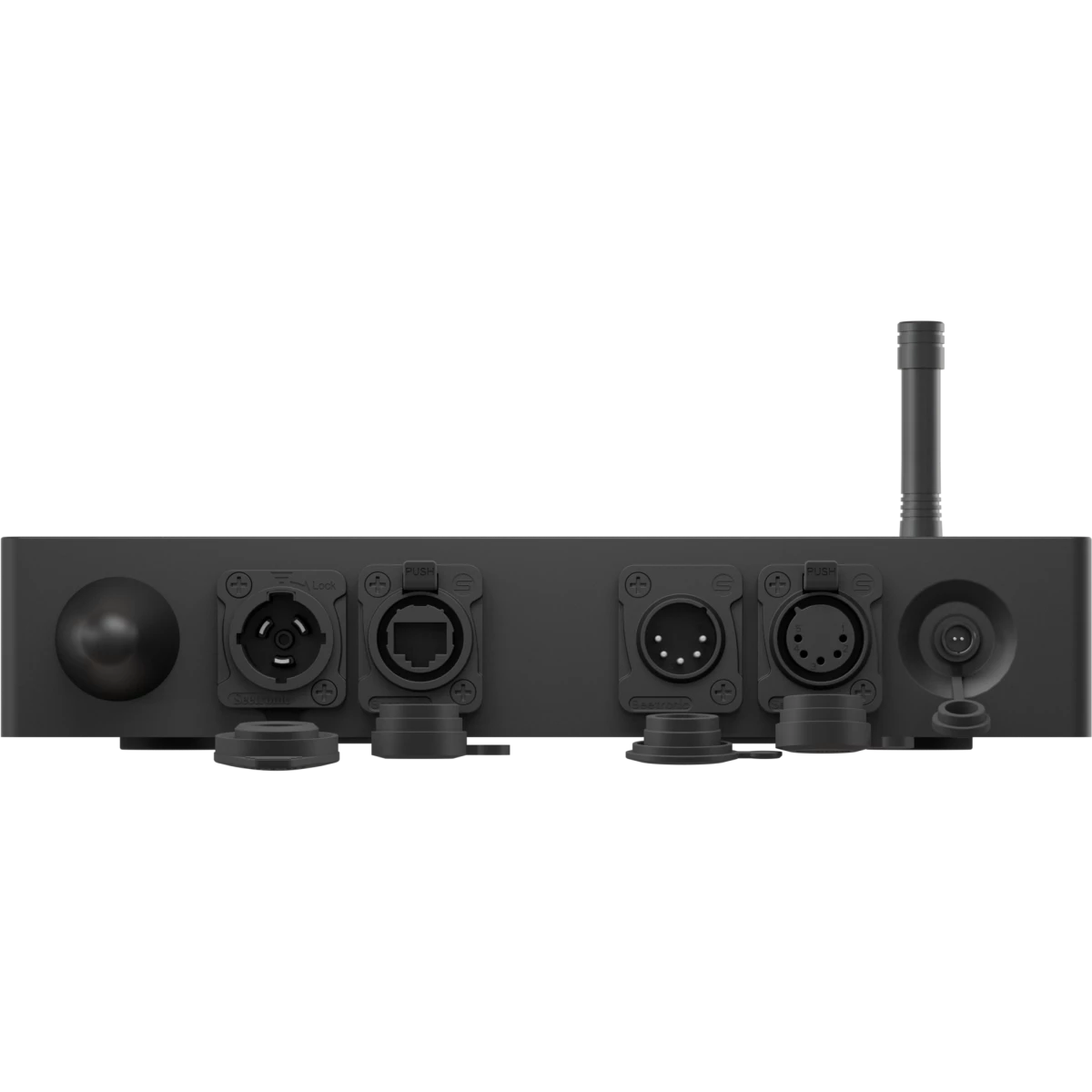
- XLR 5p in/out, Ethernet for sACN and ArtNet, as well as Wi-Fi and Bluetooth
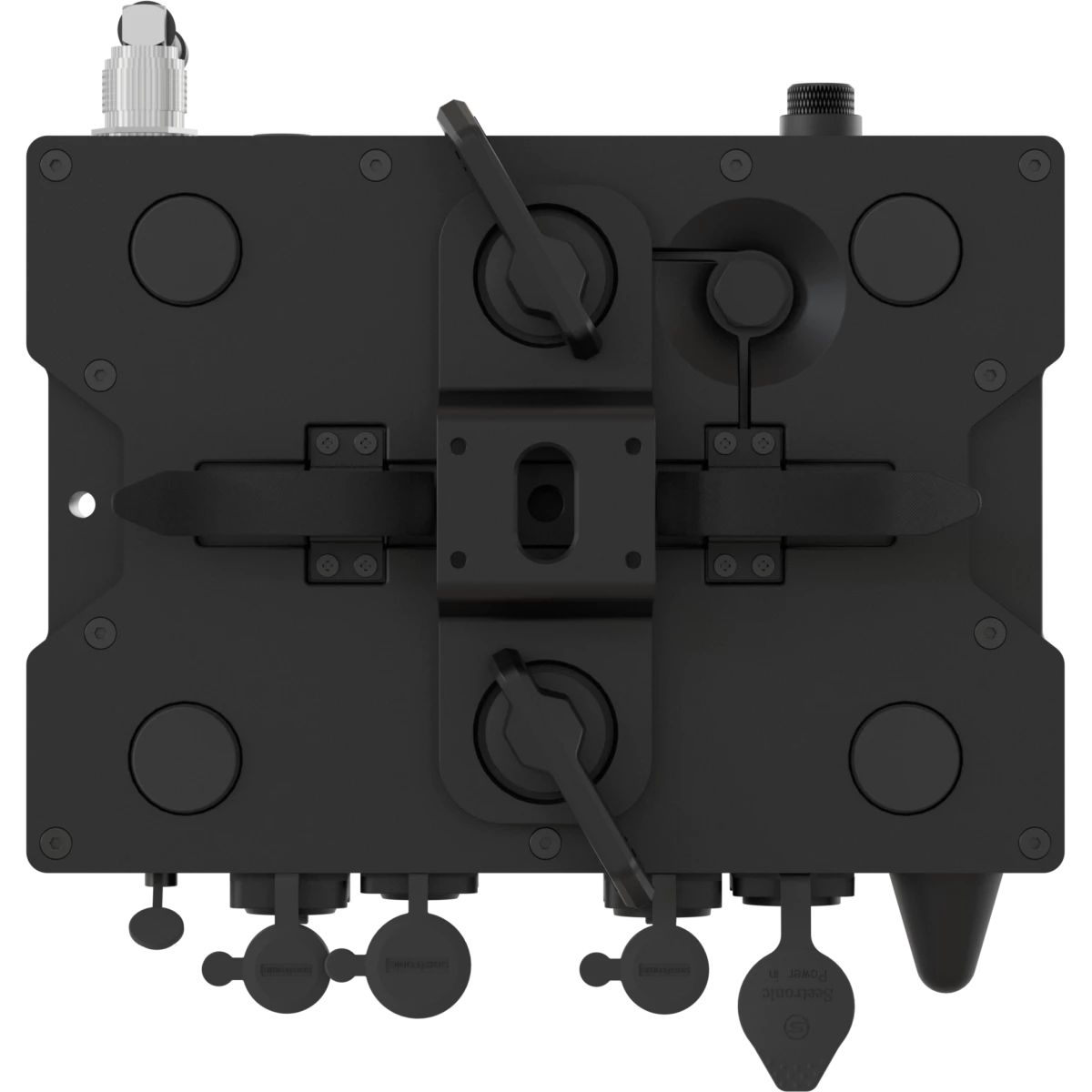
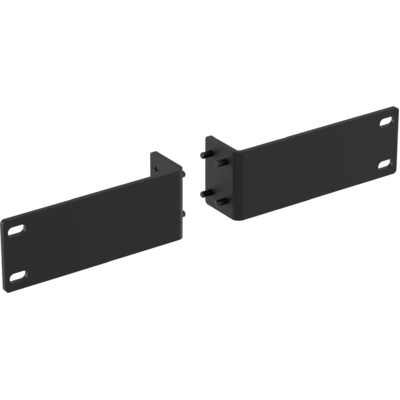
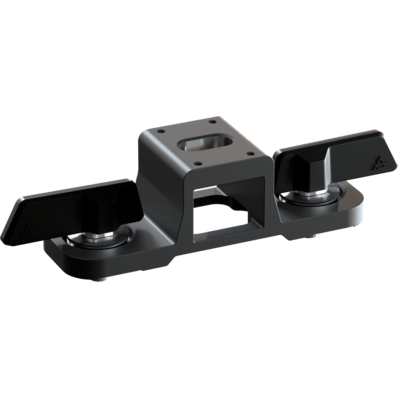
- Rack mounting, truss mounting, camlocks, M10 and ⅜ threads anchoring options
- Available operating modes: TX mode and RX mode
- Compatible with: CRMX, G4S, G3, and CRMX2 - CRMX2 operates as a receiver only
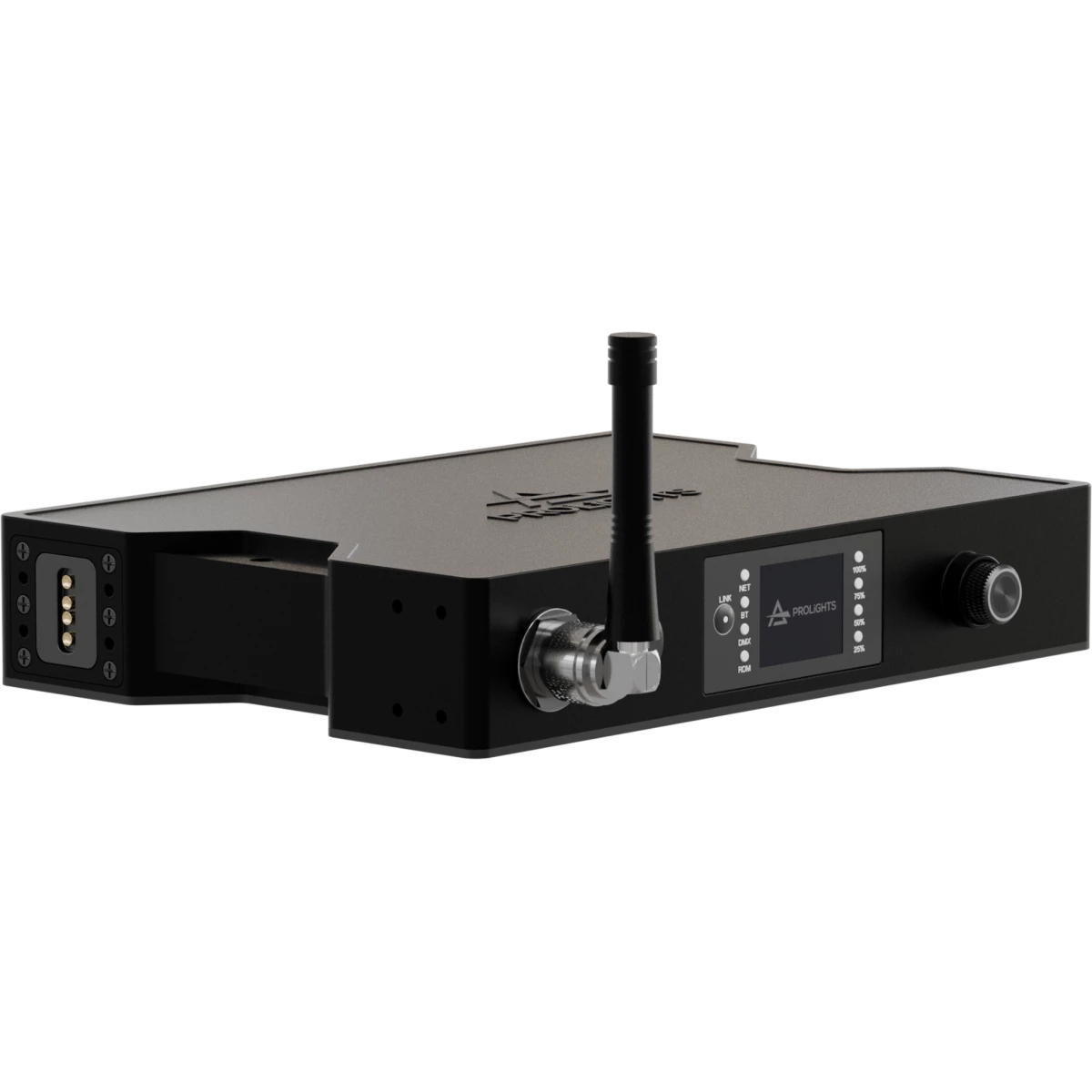
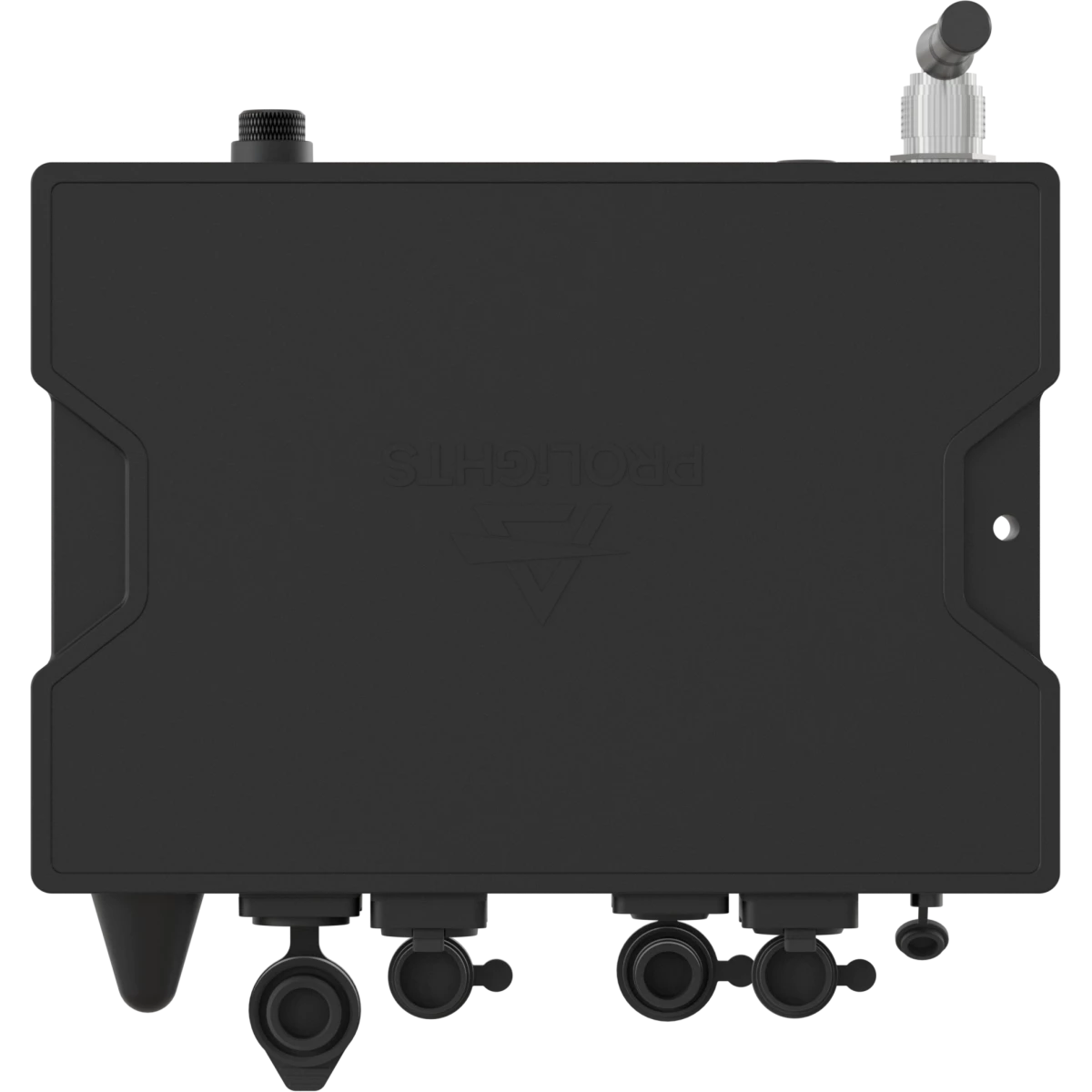
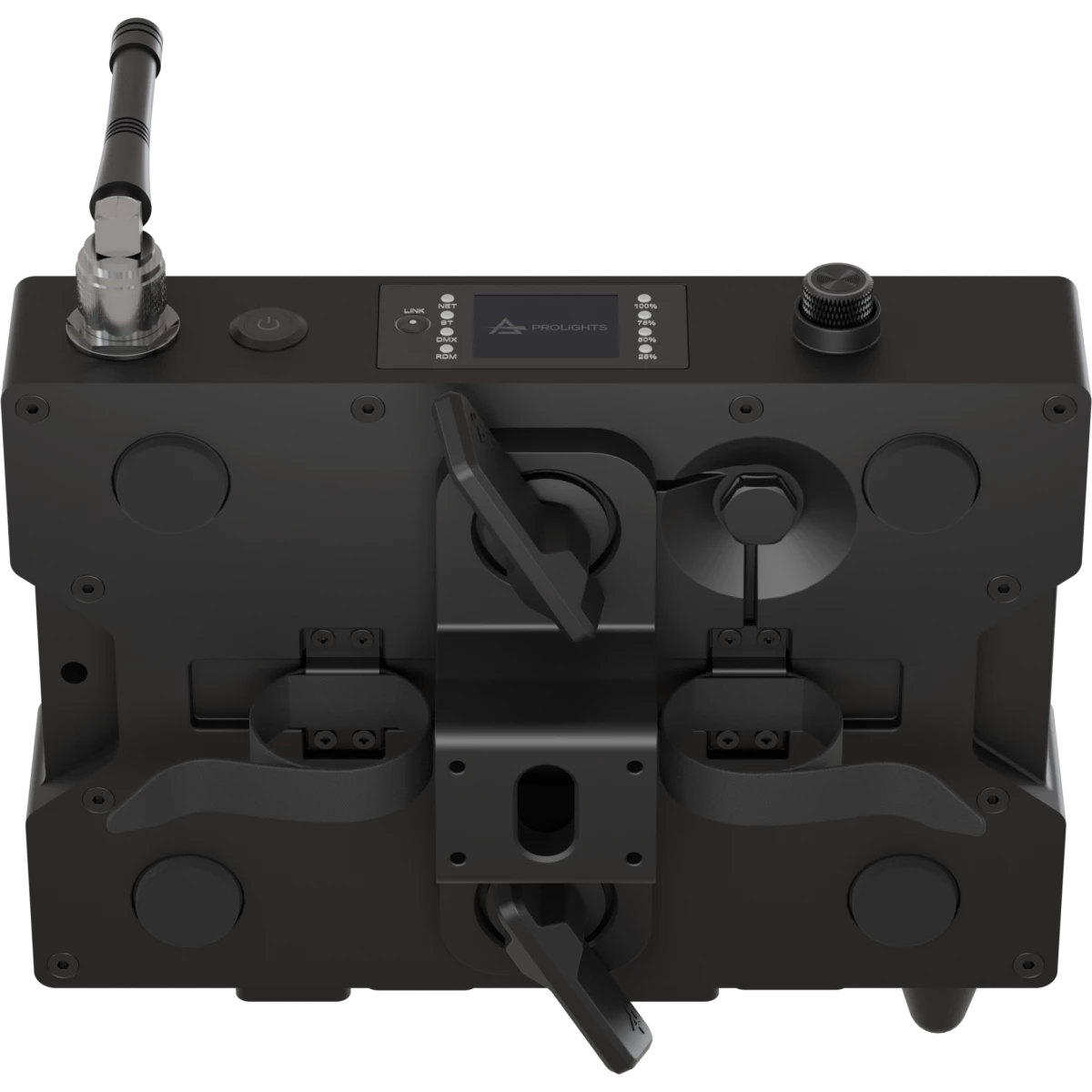
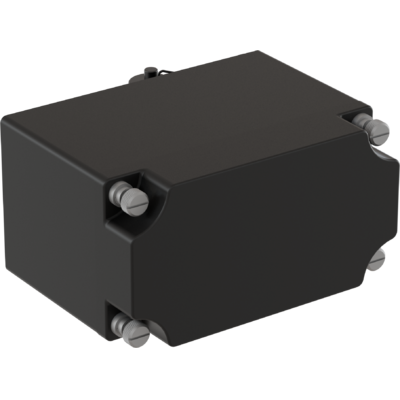
The AetherBox is a robust IP65-rated single universe CRMX transceiver, designed for professional use in any venue, whether it be indoor or outdoor, on stages or sets. It boasts an extensive range of connectivity options including XLR 5p in/out, Ethernet for sACN and ArtNet, as well as Wi-Fi and Bluetooth, while supporting CRMX transmission protocol.
Constructed from die-cast aluminum, the chassis offers water and dust proof protection. It also provides versatile mounting solutions, such as rack mounting, truss mounting with velcro strings, camlock for easy hanging via omega brackets, and M10 and ⅜ threads for additional anchoring options.
The unit is adaptable in terms of power sources, accommodating mains power through a True1 connector, DC12V input and and NP-F battery type operation via an adapter box accessory. For user interaction, it features a color display and pushable encoders, allowing for easy access to advanced configuration settings.
The AetherBox is a robust IP65-rated single universe CRMX transceiver, designed for professional use in any venue, whether it be indoor or outdoor, on stages or sets. It boasts an extensive range of c...
Read more