


AIR6PIX

Air 6Pix

DISCONTINUED

Order Code: AIR6PIX

Source
6x40W RGBW LEDs
IP rating
 IP20
Weight
12kg / 26.46lbs 

Key Features

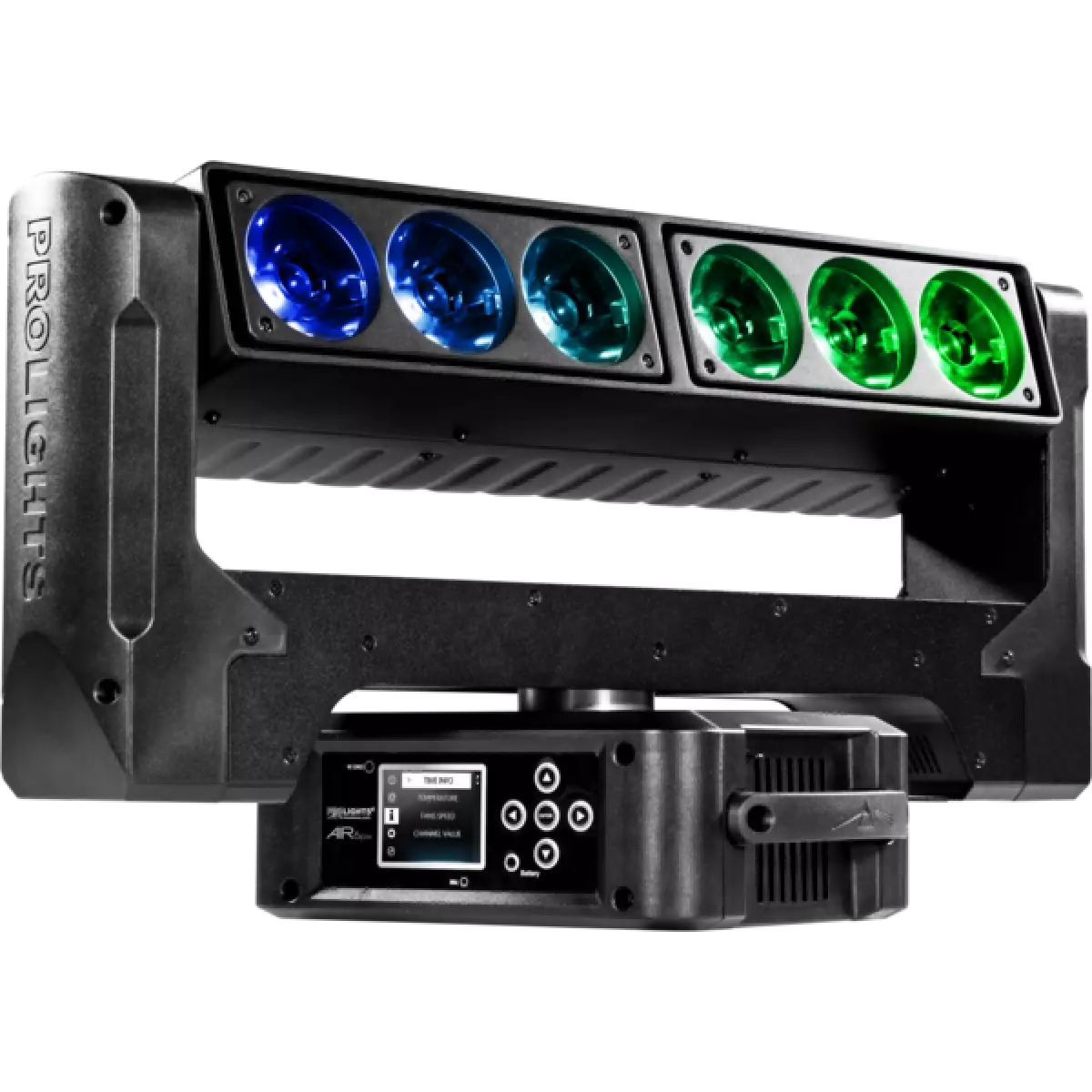
  • 6x40W RGBW LED with 67 mm lenses each deliver a bright, consistent 4,5° beam
  • Infinite pan and tilt rotation plus beam pivot provides movement on 3 axis
  • Individual pixel control with an on-board generator for precise and fast to create effects

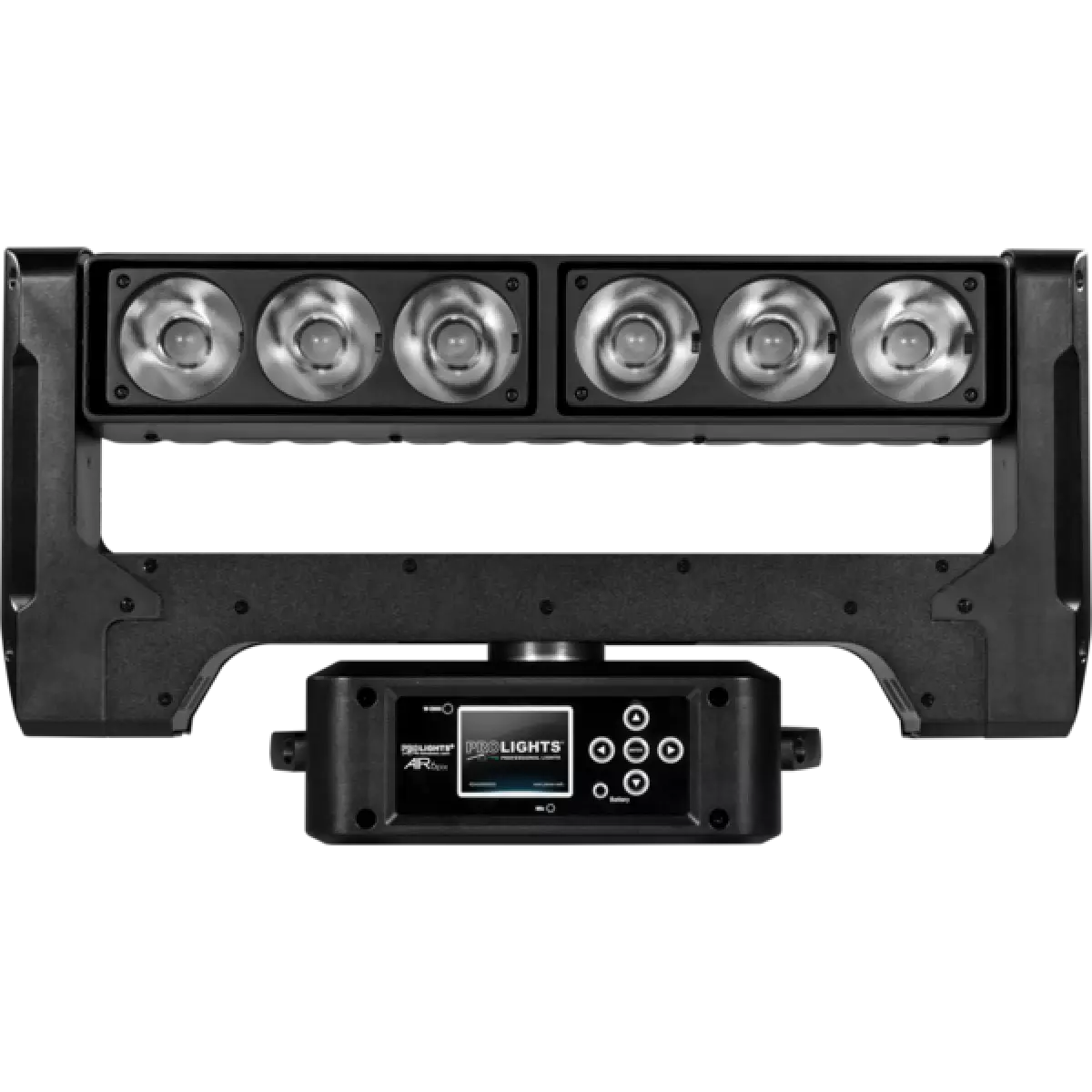
Air 6Pix is a moving batten designed to deliver a powerful blade of beams. Each of the 4,5° RGBW LED pixels are individually controllable and both sides pivot to create classic ACL 'fan' and 'knot' looks. With infinite rotation of both pan and tilt, the only limit is the designer's imagination.

Read less
Air 6Pix is a moving batten designed to deliver a powerful blade of beams. Each of the 4,5° RGBW LED pixels are individually controllable and both sides pivot to create classic ACL 'fan' and 'knot' lo...

Photo Gallery

Specifications

LIGHT SOURCE
  • Source: 6x40W RGBW LEDs
  • Lux: 85'611lx @3 m full
  • Source life expectancy: > 50.000 h
OPTICS
  • Beam angle: 4,5°
  • Lens diameter: 67mm / 2.64''
COLOUR SYSTEM
  • Colour mixing: RGBW / FC
  • CCT: CCT control through dedicated DMX channel
  • White presets: 2.800 K ~ 9.000K
  • Colour wheel: virtual colour wheel with macros
  • Macros: several pre-built pixel macros with adjustable speed
DYNAMIC EFFECTS
  • Pixel patterns: pre-programmed dynamic and static patterns
  • FX generator: adjustable foreground/background colour, index, speed, direction
  • Special features: pivot angle - 5° to + 15°
BODY
  • Pan range: 630° with 360° continuous rotation
  • Tilt range: 265° with 360° continuous rotation
  • Pan/Tilt resolution: bit 8 / 16-bit
  • Feedback: automatic repositioning after accidental movement
  • Body: aluminium structure with high-resistance polycarbonate cover
  • Body colour: black
CONTROL
  • Protocols: DMX512, RDM, Art-Net
  • DMX channels: 23 / 25 / 49channel
  • Pixel control: pixel2pixel control
  • Wireless Control: Optional Wireless Solution receiver
  • RDM: RDM for remote monitoring and settings
  • Display: LCD high resolution colour display
  • Firmware upgrade: via DMX with UPBOXPRO/UPBOX2 (USB-DMX interface not included)
  • Hibernation: power safe mode when lost DMX
  • Master/Slave: for synchronised operation of more units linked in a chain
ELECTRONICS
  • Dimmer: linear 0 ~ 100% electronic dimmer
  • Strobe / shutter: 1 - 25 Hz, electronic
  • Display battery: self-charging battery backup
  • Operating temperature: -10° ~ +45° Ta
  • LED Control: flicker free operation
ELECTRICAL
  • Mains power supply: 100-240V - 50/60Hz
  • Max power consumption: 216W
  • Max power consumption (at 120V): 216W
  • Standby power: 30W
PHYSICAL
  • IP rating: IP20
  • Cooling: active, silent operation
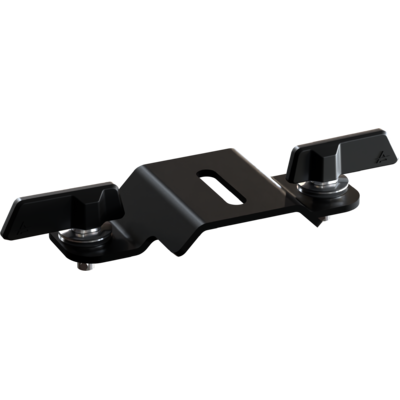
  • Suspension and fixing: any position with quick-lock omega brackets
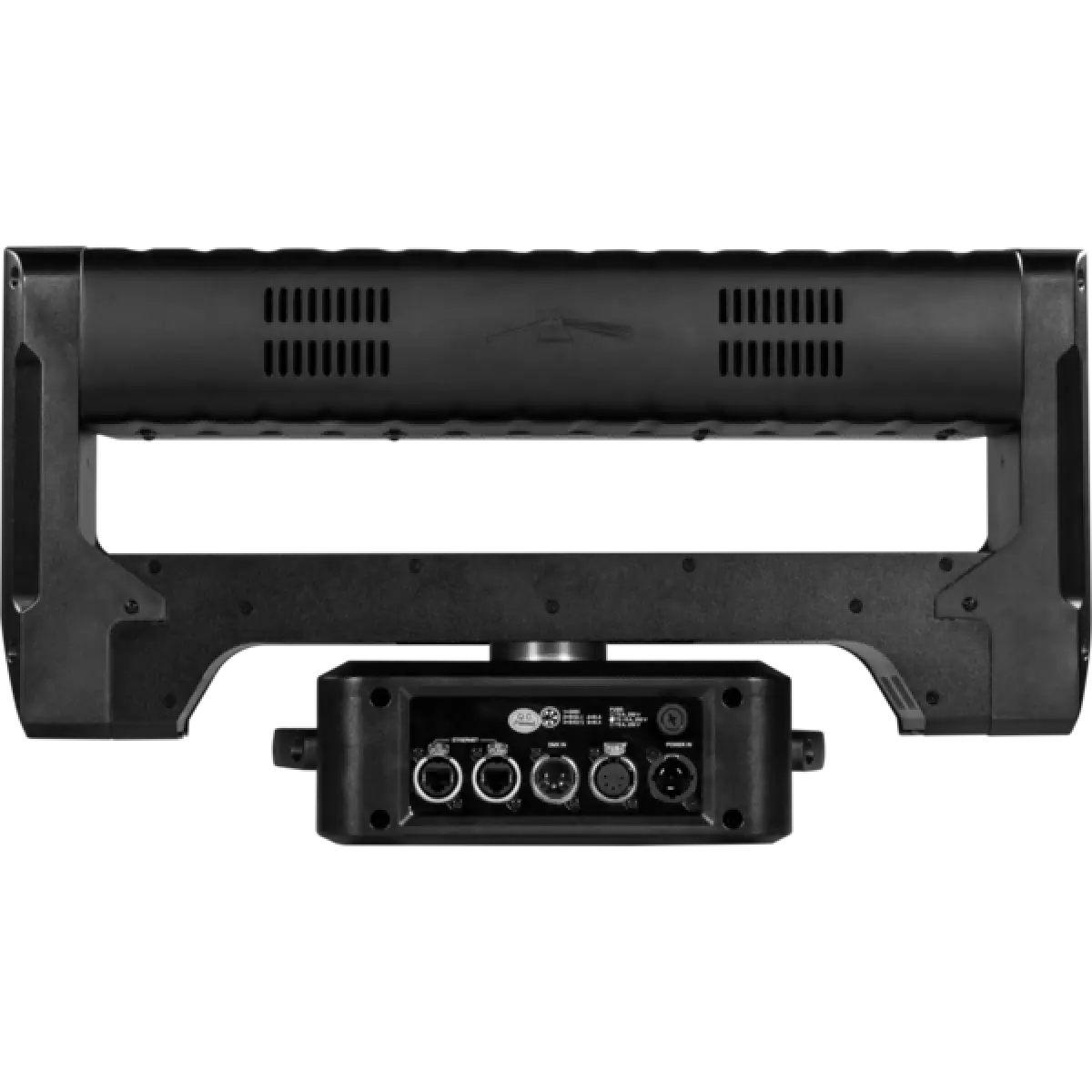
  • Signal connection: Amphenol XLR 5p IN/OUT connectors
  • Data connection: Art-Net RJ45 IN/OUT
  • Power connection: Neutrik powerCON TRUE1 IN connector
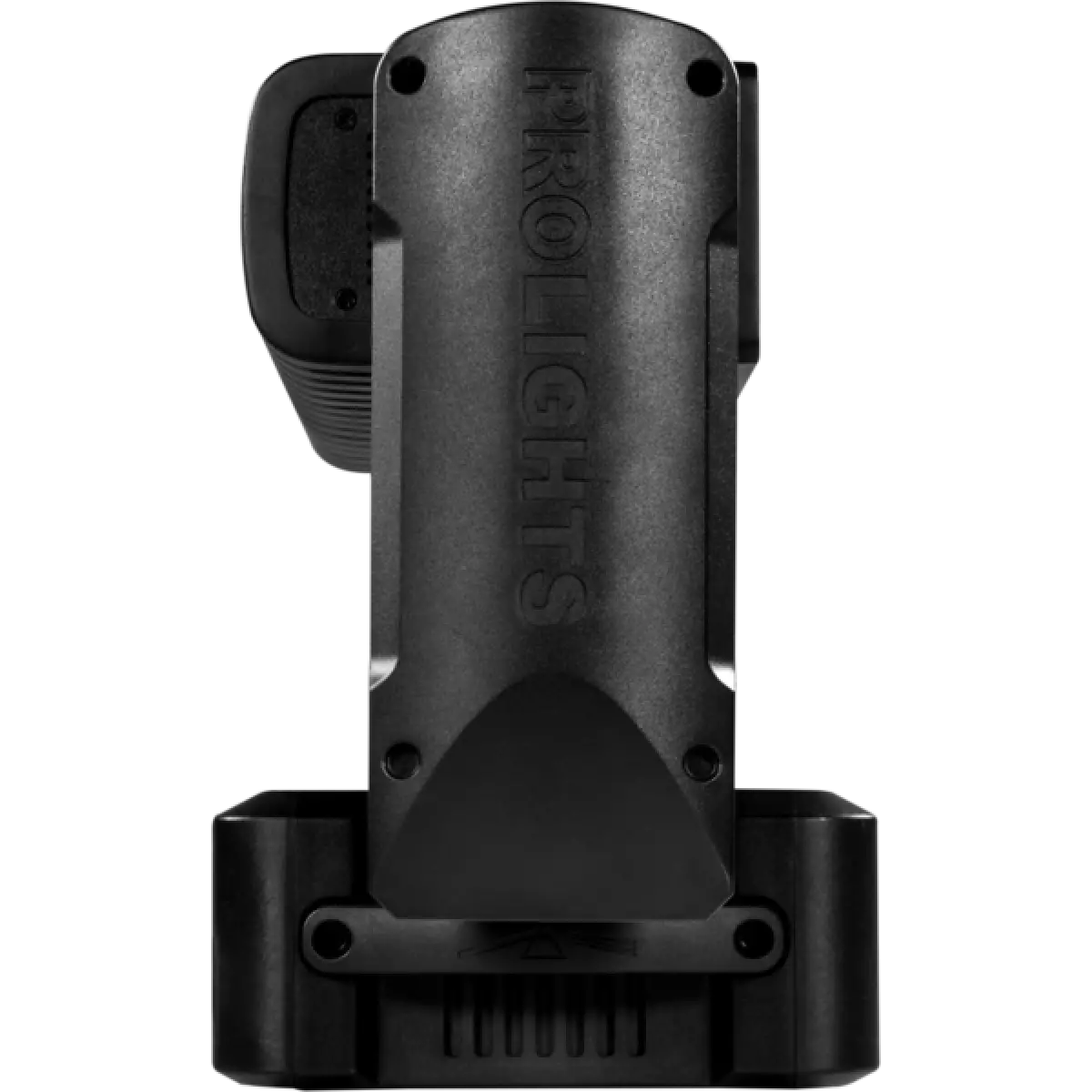
  • Dimensions (WxHxD): 550x320x200mm / 21.65''x12.6''x7.87''
  • Weight: 12kg / 26.46lbs
CERTIFICATIONS / APPROVALS
  • Certifications / Approvals: CE, UKCA, RCM
BOX CONTENT
  • 1 x AIR6PIX
  • 1 x 1,5 meters 3G1,5mmq power cable (BARE END - NEUTRIK POWERCON TRUE1 IP65 power connector)
  • 2 x OS24PLUS
  • User Manual

Accessories & Related Products

Optional OS24PLUS

Quick-lock omega bracket, M12 hole

Order Code: OS24PLUS

Optional UPBOXPRO

Firmware uploader kit, USB IN, 5-pin XLR DMX OUT connector

Order Code: UPBOXPRO

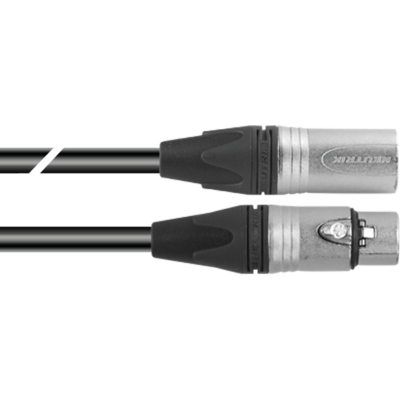
Optional TOUR53415L03

Dmx cable HC5340. CANC5MXX XLR 5p->CANC5FXX XLR (f) 5p, L.3m

Order Code: TOUR53415L03

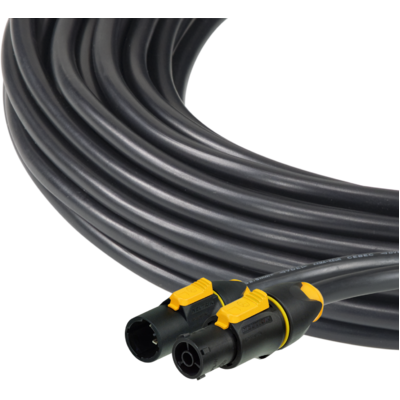
Optional 958225L03

3x2.5mm TH07 Cable, 16A 3p PwCon MXW, 16A 3p PwCon FXW, L. 3m

Order Code: 958225L03

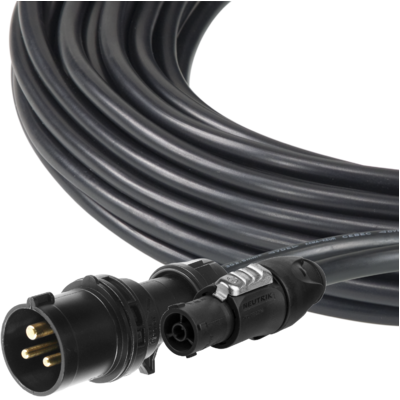
Optional 9513FXWL03

Ass. 3x2.5mm TH07 cable, 16A 3p 230V CEE plug, MENAC3FXW socket, L.3 m

Order Code: 9513FXWL03

Optional 9533FXWL03

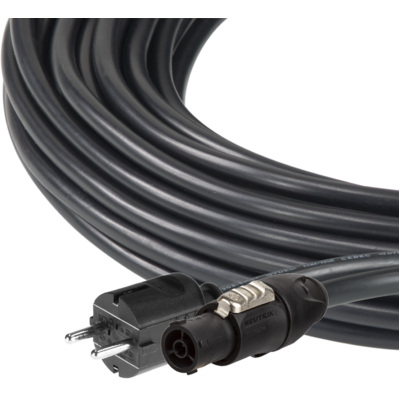
Ass. 3x2.5mm TH07 cable, SCHUKO plug, MENAC3FXW socket, L.3m

Order Code: 9533FXWL03

Optional RSR0630B

Steel security cable for hanging bodies, inox steel shackle, L=60 cm, black

Order Code: RSR0630B

Optional C6016B

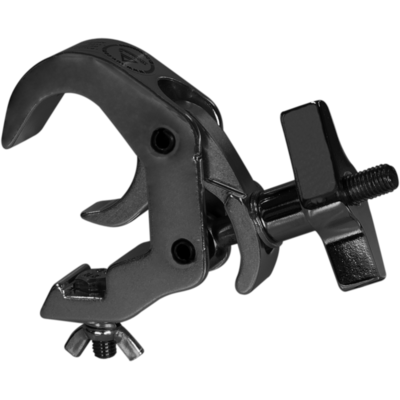
Selflock slim clamp, 250Kg load, 48-51mm tubes, M10 bolt incl, Black&White& White

Order Code: C6016B

Optional UPBOXPRO

Firmware uploader kit, USB IN, 5-pin XLR DMX OUT connector

Order Code: UPBOXPRO

Downloads

Technical documentation and support files

User manual User manual

File name File size Download
User manualAir6pix_USER_MANUAL_ITEN.pdf(05/11/2018)3MB
User manualInstalling wireless board on Prolights moving hea.pdf(04/02/2025)2MB

DMX chart & personalities DMX chart & personalities

File name File size Download
DMX chartAir6pix_DMX_CHARTS.pdf(01/02/2018)55KB

AIR6PIX Firmware rev. 1.1.05

manufacturer fixture library (Link) Link
prolights_air6pix.d4Download
manufacturer fixture library (Link) Link
prolight_air6pix_elem.hedDownload
manufacturer fixture library (Link) Link
air6pix_23ch.fdfDownload
air6pix_25ch.fdfDownload
air6pix_49ch.fdfDownload
manufacturer fixture library (Link) Link
air6pix_ma2.zipDownload
manufacturer fixture library (Link) Link
air6pix_martin.zipDownload
manufacturer fixture library (Link) Link
air 6pix basic.fix2Download
air 6pix extended.fix2Download
air 6pix standard.fix2Download
manufacturer fixture library (Link) Link

Photometrics Photometrics

File name File size Download
IESprolights_air6pix_full_4,5°.ies(17/07/2018)30KB
PhotometricsAir6pix_PHOTOMETRICS.pdf(07/08/2018)166KB
DialuxDownload DIALux product catalogue-

CAD symbols & drawings CAD symbols & drawings
File name File size Download
3D RFAAir6pix_3D.rvt(09/03/2020)505KB
3D SKPAir6pix_3D.skp(16/10/2020)309KB
2DAir6pix_CAD_2D.dwg(11/05/2021)1006KB
3DAir6pix_CAD_3D.dwg(15/10/2020)601KB
2D cad symbolsAir6pix_CAD_2DSYMBOLS.dwg(09/03/2020)69KB
Technical drawingAir6pix_TECHNICAL_DRAWING.pdf(11/05/2021)203KB
VectorWorksPROLIGHTS_VECTORWORKS_v2025_LIBRARY.vwx(13/05/2025)321MB
VectorWorksPROLIGHTS_VECTORWORKS_v2020_LIBRARY.vwx(13/05/2025)276MB
VectorWorksVECTORWORKS_SYMBOLS.vwx(09/03/2020)324KB

Firmware


Firmware update instructions

1 Download the firmware (complete download is available on Customer Care - contact support@prolights.it for more info)

2 Download the updater software UpBox_Tool 

3 Follow the instructions in the following guide
-------------------------------------------------------------------------------
Additional info:
  • Firmware updates require the UPBOXPRO compatible with all Prolights products
  • It's possible to use UPBOX1 and UPBOX2 *DISCONTINUED* checking the compatibility in the below tab
  • UpBox_Tool  software is compatible with all interfaces (UPBOXPRO, UPBOX1 and UPBOX2)
  • It's possible to update NET boards (with .EHEX files) following this guide with software Professional Uploader 
Update Tool: UPBOXPRO UPBOXPRO UPBOXPRO UPBOXPRO
Check hardware changelog before downloading firmware
Revision Release date Firmware changelog HW Compatibility
1.1.05 STABLE 05/11/2019 Improved color change on dimming effects Rev. 1

Info Request

News

NEWSLETTER

Subscribe to our Newsletter

Loading...