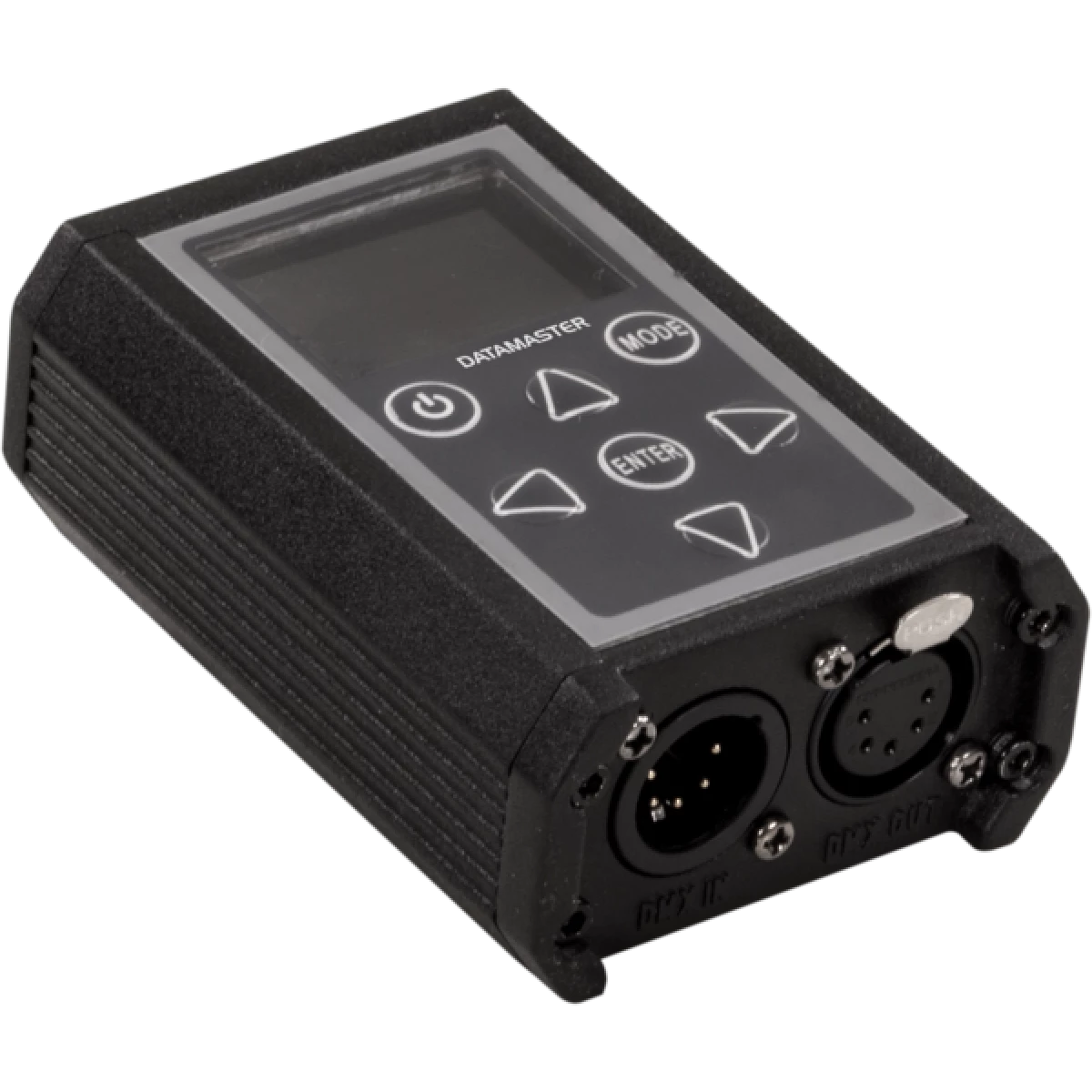
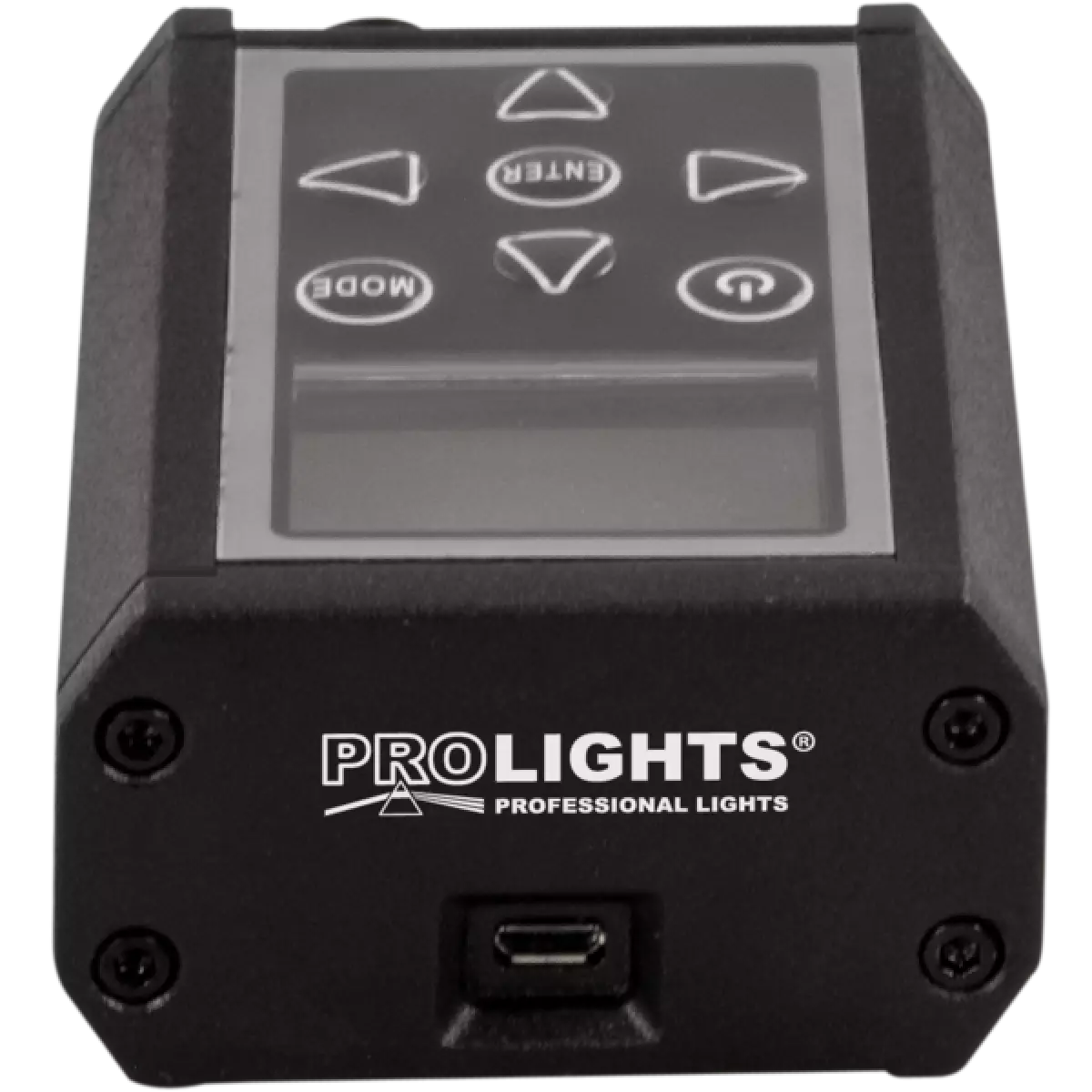
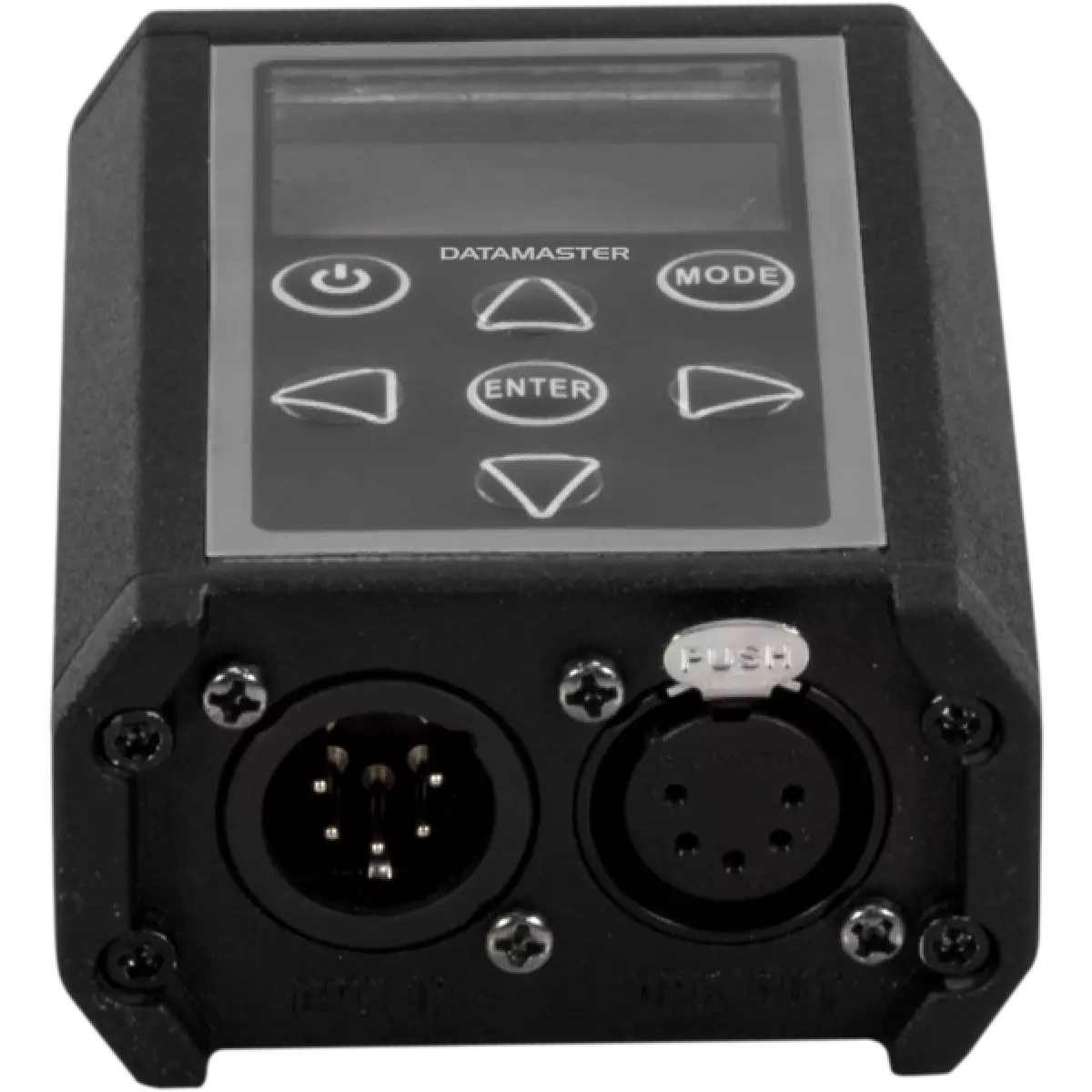
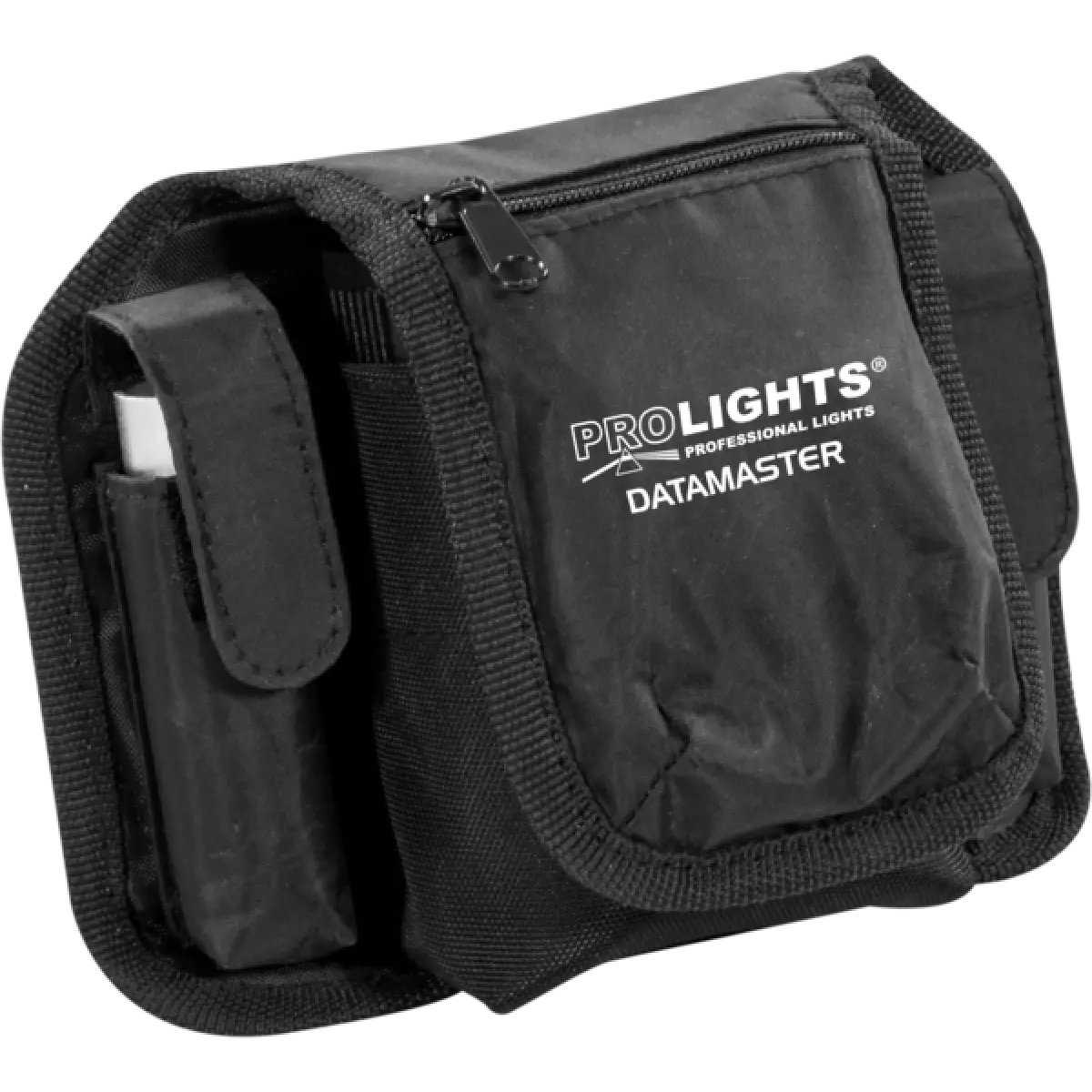
DATAMASTER

DataMaster

Order Code: DATAMASTER

IP rating
 IP20

Key Features

  • RDM controller
  • DMX receiver / transmitter
  • XLR cable tester
  • DMX recorder
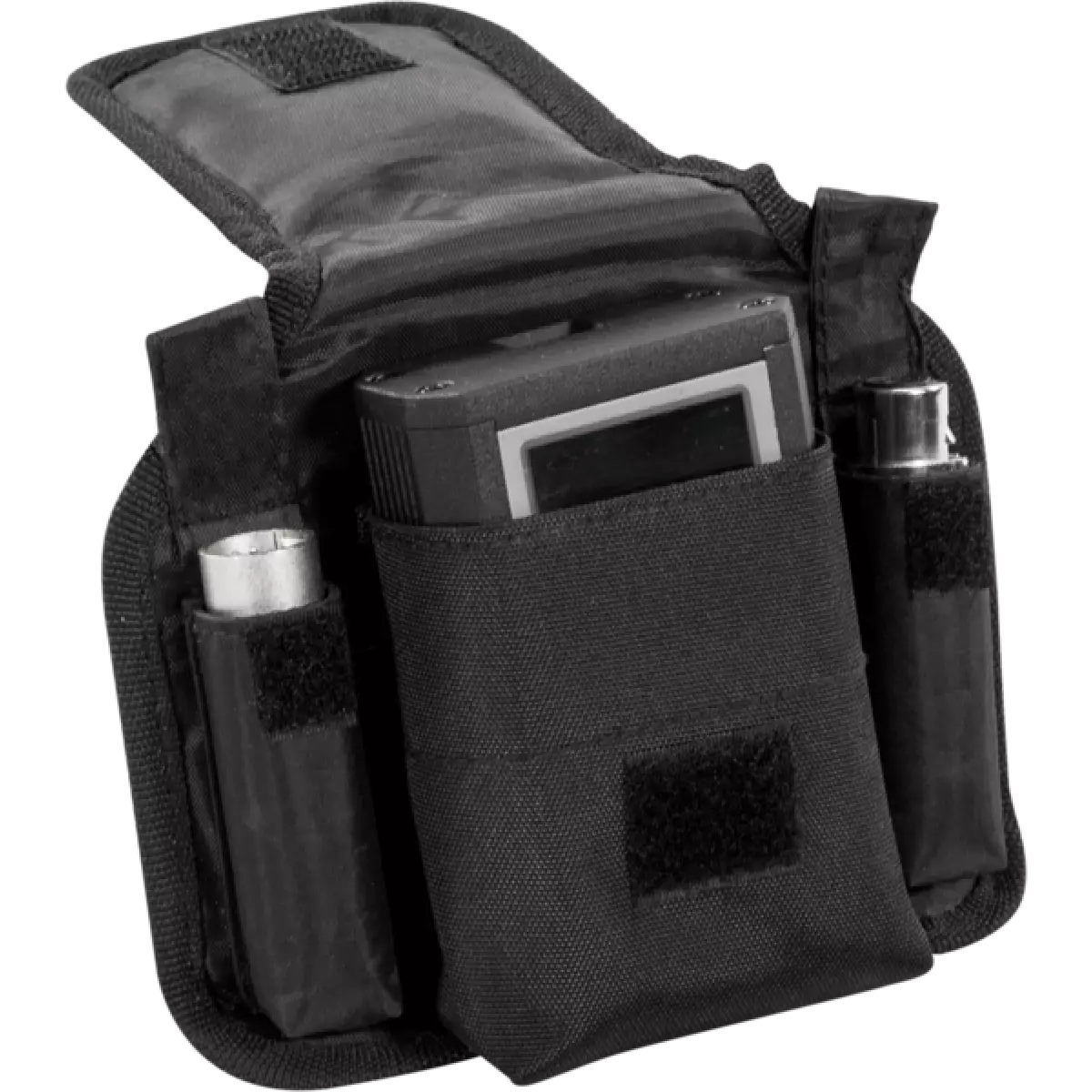
  • 3-pole XLR female to 5-pole XLR male DMX adapter, 5-pole XLR female to 3-pole XLR male DMX adapter included

DATAMASTER is a very compact and versatile RDM-DMX tool, a 'must-have' for all lighting designers. This powerful tool automatically detects the RDM enabled devices and allows the user to monitor and control them rapidly and effectively. The fixtures' status information such as the burning time of the lamp, can be read directly on the DATAMASTER - the user doesn’t have to go to the fixture. The simple, user-friendly operation coupled with the extra features such as cable testers and DMX recorder make the DATAMASTER ideal for troubleshooting installations.
 

Read less
DATAMASTER is a very compact and versatile RDM-DMX tool, a 'must-have' for all lighting designers. This powerful tool automatically detects the RDM enabled devices and allows the user to monitor and c...

Photo Gallery

Specifications

CONTROL
  • Protocols: DMX, RDM
  • Display: LCD display
ELECTRICAL
  • Mains power supply: micro USB charging cable
PHYSICAL
  • IP rating: IP20
  • Signal connection: DMX 5p IN/OUT
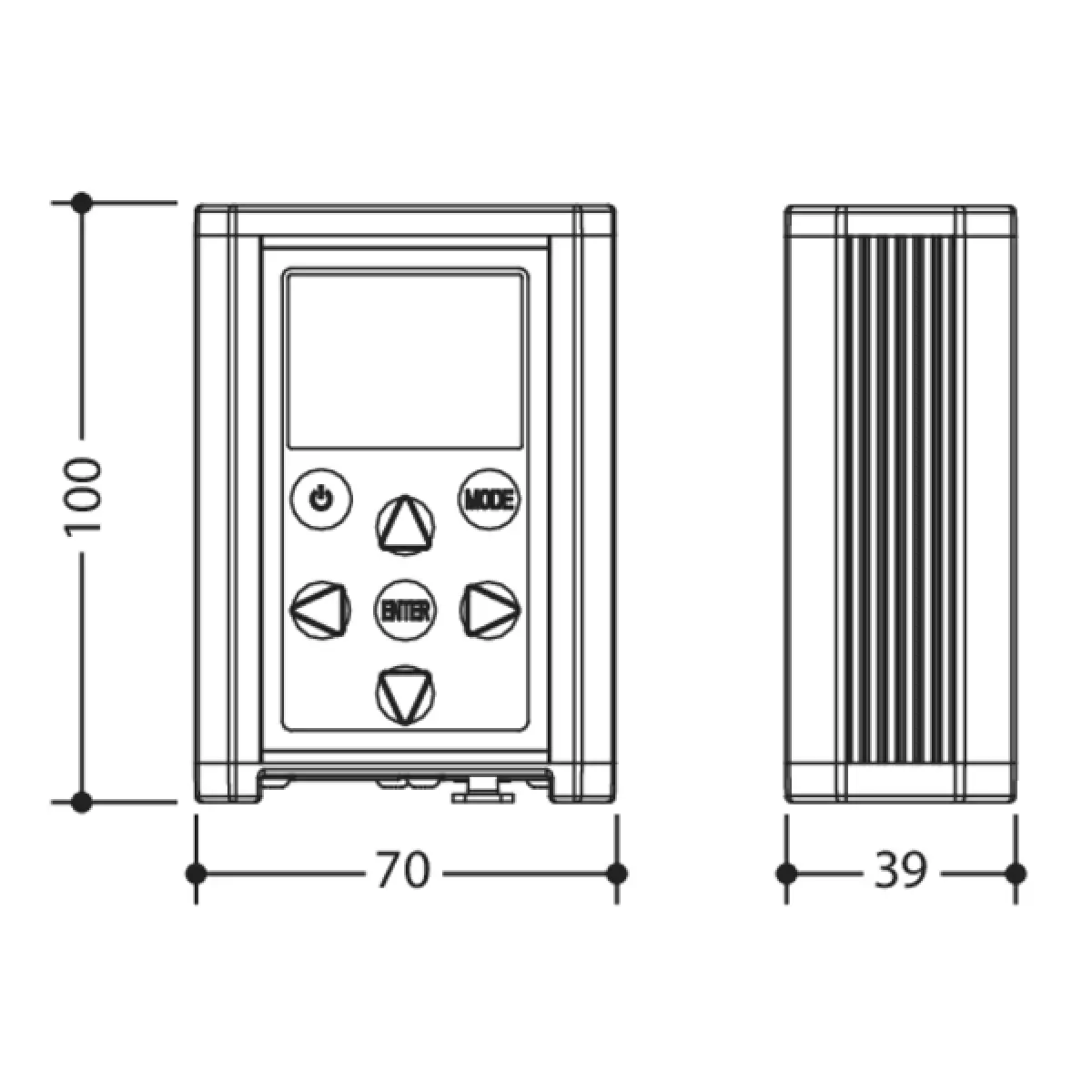
  • Dimensions (WxHxD): 70x100x39mm / 2.76''x3.94''x1.54''
CERTIFICATIONS / APPROVALS
  • Certifications / Approvals: CE, UKCA
BOX CONTENT
  • 1 x DATAMASTER
  • 1 x nylon bag
  • 1 x XLR adapter from 3p male to 5p female
  • 1 x XLR adapter from 3p female to 5p male
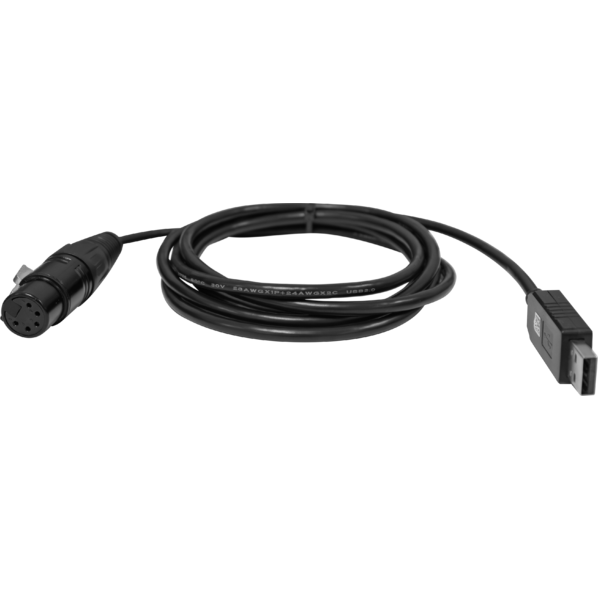
  • 1 x USB cable from type A to type MICRO-B
  • 1 x XLR adapter from 5p to single DMX cable cable
  • User Manual

Accessories & Related Products

Optional TOUR53415L03

Dmx cable HC5340. CANC5MXX XLR 5p->CANC5FXX XLR (f) 5p, L.3m

Order Code: TOUR53415L03

Optional UPBOXPRO

Firmware uploader kit, USB IN, 5-pin XLR DMX OUT connector

Order Code: UPBOXPRO

Downloads

Technical documentation and support files

Data sheet & specs Data sheet & specs
File name File size Download
Letter datasheetDatamaster_A4_DATASHEET_(EN).pdf(30/08/2024)233KB

User manual User manual

File name File size Download
User manualDatamaster_USER_MANUAL_EN.pdf(11/07/2024)2MB

CAD symbols & drawings CAD symbols & drawings
File name File size Download
3DDatamaster_CAD_3D.dwg(21/08/2018)3MB
2DDatamaster_CAD_2D.dwg(11/05/2021)860KB
Technical drawingDatamaster_TECHNICAL_DRAWING.pdf(11/05/2021)239KB

Firmware


Firmware update instructions

1 Download the firmware (complete download is available on Customer Care - contact support@prolights.it for more info)

2 Download the updater software UpBox_Tool 

3 Follow the instructions in the following guide
-------------------------------------------------------------------------------
Additional info:
  • Firmware updates require the UPBOXPRO compatible with all Prolights products
  • It's possible to use UPBOX1 and UPBOX2 *DISCONTINUED* checking the compatibility in the below tab
  • UpBox_Tool  software is compatible with all interfaces (UPBOXPRO, UPBOX1 and UPBOX2)
  • It's possible to update NET boards (with .EHEX files) following this guide with software Professional Uploader 
Update Tool: UPBOXPRO UPBOXPRO
Check hardware changelog before downloading firmware
Revision Release date Firmware changelog HW Compatibility
2.2 STABLE 28/12/2023 Improvements:
  • Removed "Fixture" section.
  • Improved the "Play Scene" section.
  • Set the value 5 minute as default in "Power Option" section.

Info Request

NEWSLETTER

Subscribe to our Newsletter

Loading...