IPTESTBOX

Iptestbox

Order Code: IPTESTBOX

Weight
7kg / 15.43lbs 

Key Features

  • Test according to a specific PROLIGHTS product program, or according to an IP class
  • Continuous stress test mode with multiple cycles
  • Save and load report from SD card
  • Generating reports with fixture name, serial number and date/time of test
  • Report readable in CSV format
  • Import/Export settings
  • Unit Auto test for self diagnostic of the IPTESTBOX
  • Firmware upgrade through SD card

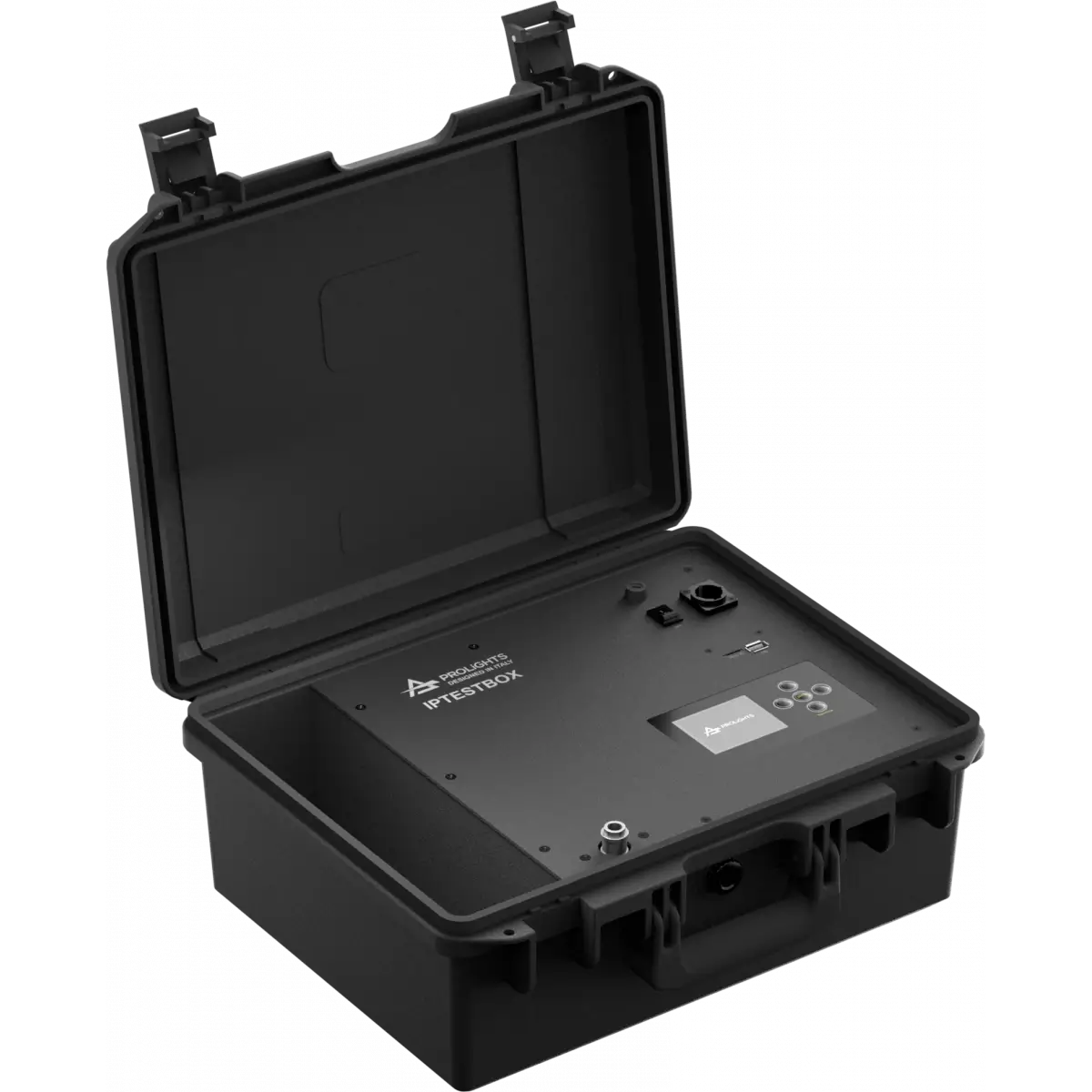
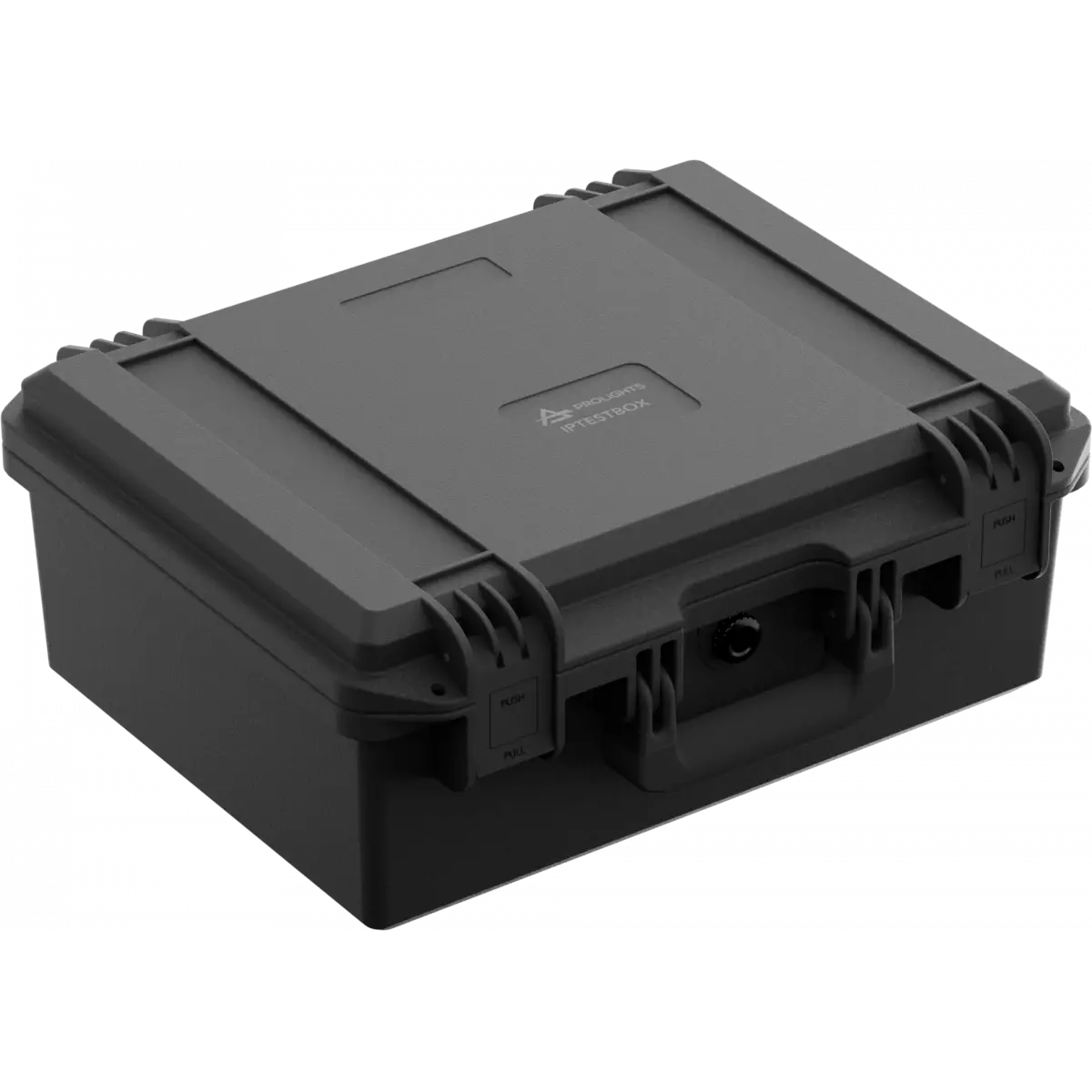
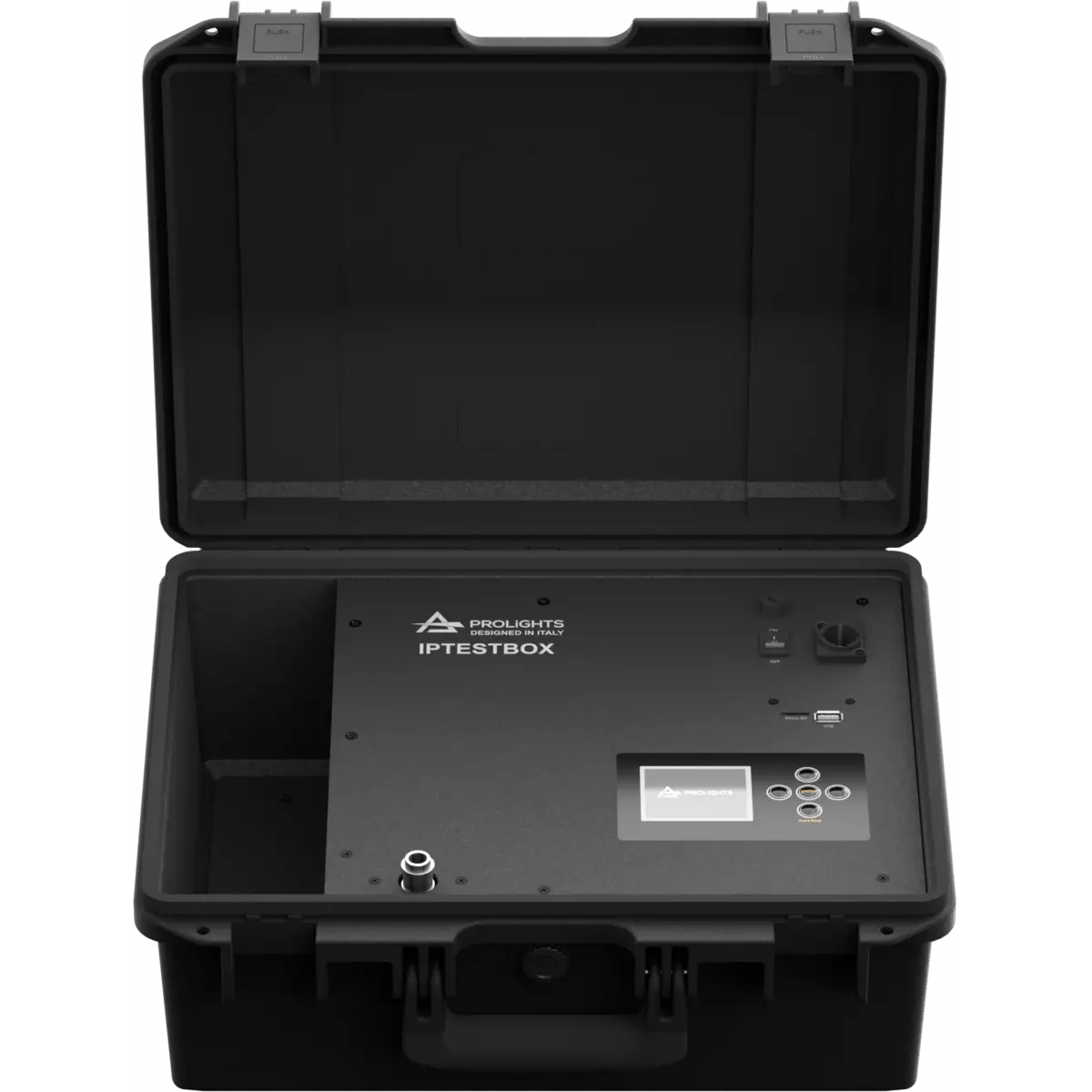
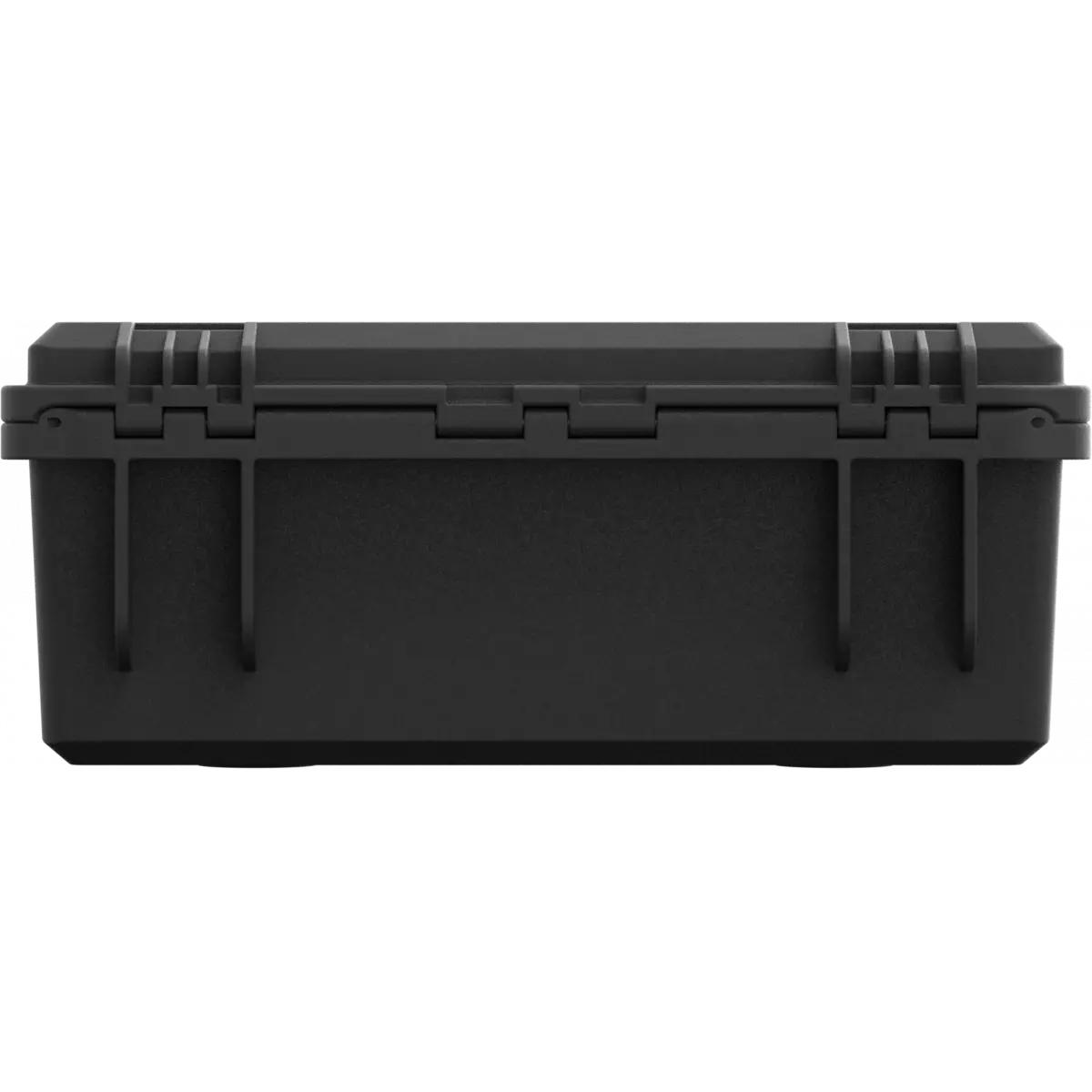
IPTESTBOX is a portable tool coming into an ABS case that is capable to test IP rating for multiple PROLIGHTS products. The tool features features both vacuum (sucking the air) and pressure (pushing hair) test of the lighting fixtures through the internal air compressor, monitoring the pressure behaviour inside the unit housing according to the IP class or product selected.
IPTESTBOX is simple to use, just unscrew the IP air vent valve on the product and connect the IP tester air-duct cable, replace the other valve with a supplied adapter, press a button and wait for the result.

Read less
IPTESTBOX is a portable tool coming into an ABS case that is capable to test IP rating for multiple PROLIGHTS products. The tool features features both vacuum (sucking the air) and pressure (pushing h...

Photo Gallery

Specifications

BODY
  • Body: Sturdy ABS case
  • Body colour: RAL 9004
CONTROL
  • Display: Graphic User Interface
  • Firmware upgrade: via menu with internal SD Card memory
ELECTRONICS
  • Operating temperature: -20° C / +45° C (-4° F / +113° F) Ta
ELECTRICAL
  • Mains power supply: 100-240V - 50/60Hz
  • Max power consumption: 40W
PHYSICAL
  • Power connection: Neutrik powerCON TRUE1 IN connector
  • Dimensions (WxHxD): 420x362x165mm / 16.54''x14.25''x6.5''
  • Weight: 7kg / 15.43lbs
BOX CONTENT
  • 1 x IPTESTBOX
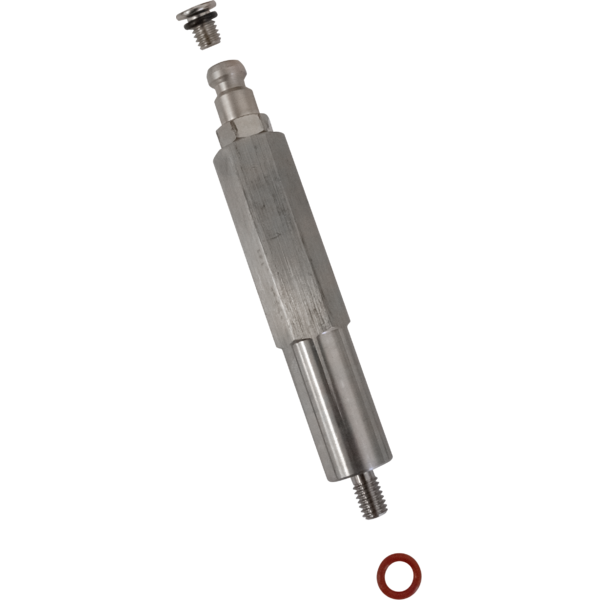
  • 1 x IPTBM6ADP
  • 1 x flexible tube
  • 1 x M12 thread adapter
  • 1 x cap with M12 thread

Accessories & Related Products

Included IPTBM6ADP

M6 adapter and M6 cap for IPTESTBOX

Order Code: IPTBM6ADP

Optional 958225L03

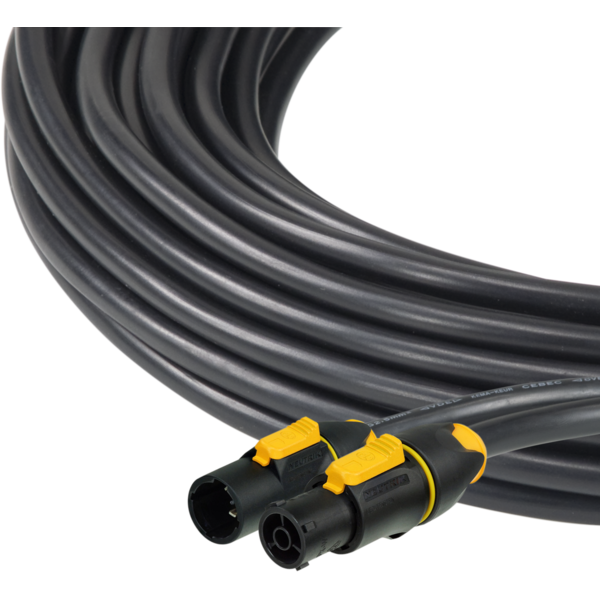
3x2.5mm TH07 Cable, 16A 3p PwCon MXW, 16A 3p PwCon FXW, L. 3m

Order Code: 958225L03

Optional 9513FXWL03

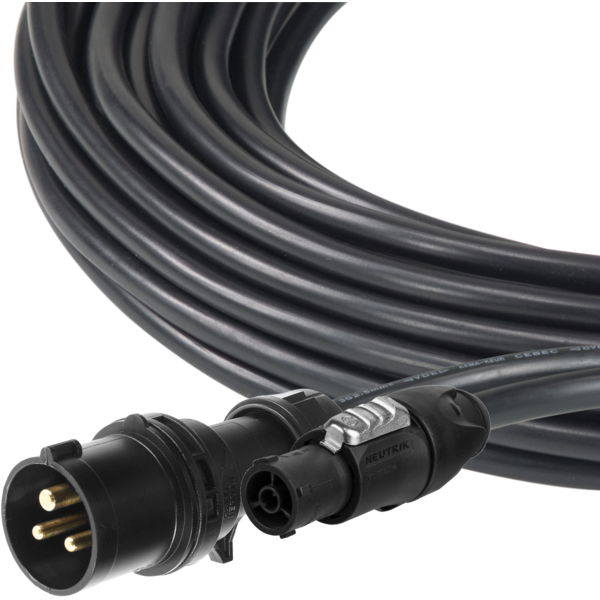
Ass. 3x2.5mm TH07 cable, 16A 3p 230V CEE plug, MENAC3FXW socket, L.3 m

Order Code: 9513FXWL03

Optional 9533FXWL03

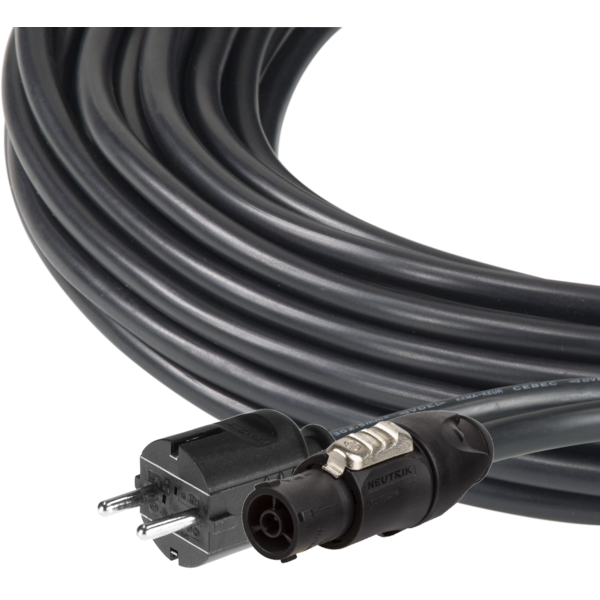
Ass. 3x2.5mm TH07 cable, SCHUKO plug, MENAC3FXW socket, L.3m

Order Code: 9533FXWL03

Downloads

Technical documentation and support files

User manual User manual

File name File size Download
User manualIptestbox_USER_MANUAL_EN.pdf(17/01/2024)2MB

CAD symbols & drawings CAD symbols & drawings

File name File size Download
2DIptestbox_CAD_2D.dwg(25/06/2021)1MB
Technical drawingIptestbox_TECHNICAL_DRAWING.pdf(25/06/2021)215KB

Firmware

Update Tool: {Upbox}
Check hardware changelog before downloading firmware
Revision Release date Firmware changelog HW Compatibility
2.1.07 STABLE 27/12/2023 Improvement:
  • Improved the menu structure and its graphical interface.
FIRMWARE UPDATE PROCEDURE:
  • Create a folder renamed "firmware" on the computer with the .prl file inside ;
  • Insert SD Card on the computer and formatting it in FAT32 ;
  • Copy "firmware" folder from computer to SD Card ;
  • Insert SD Card into IPTESTBOX, turn on the device in bootloader (UP+ENTER when turning on), select the file 1U1.prl and press Enter to start the firmware update.
Notes: 
  1. SD Card cannot have a memory larger than 32GB as it will not be possible to format it in FAT32.
  2. If you have an SD Card larger than 32GB (exFAT), you need to create a partition inside it up to 32GB in order to format it in FAT32.

Info Request

NEWSLETTER

Subscribe to our Newsletter

Loading...