 User manual
 DMX chart & personalities
  Photometrics

 CAD symbols & drawings

 UPBOXPRO

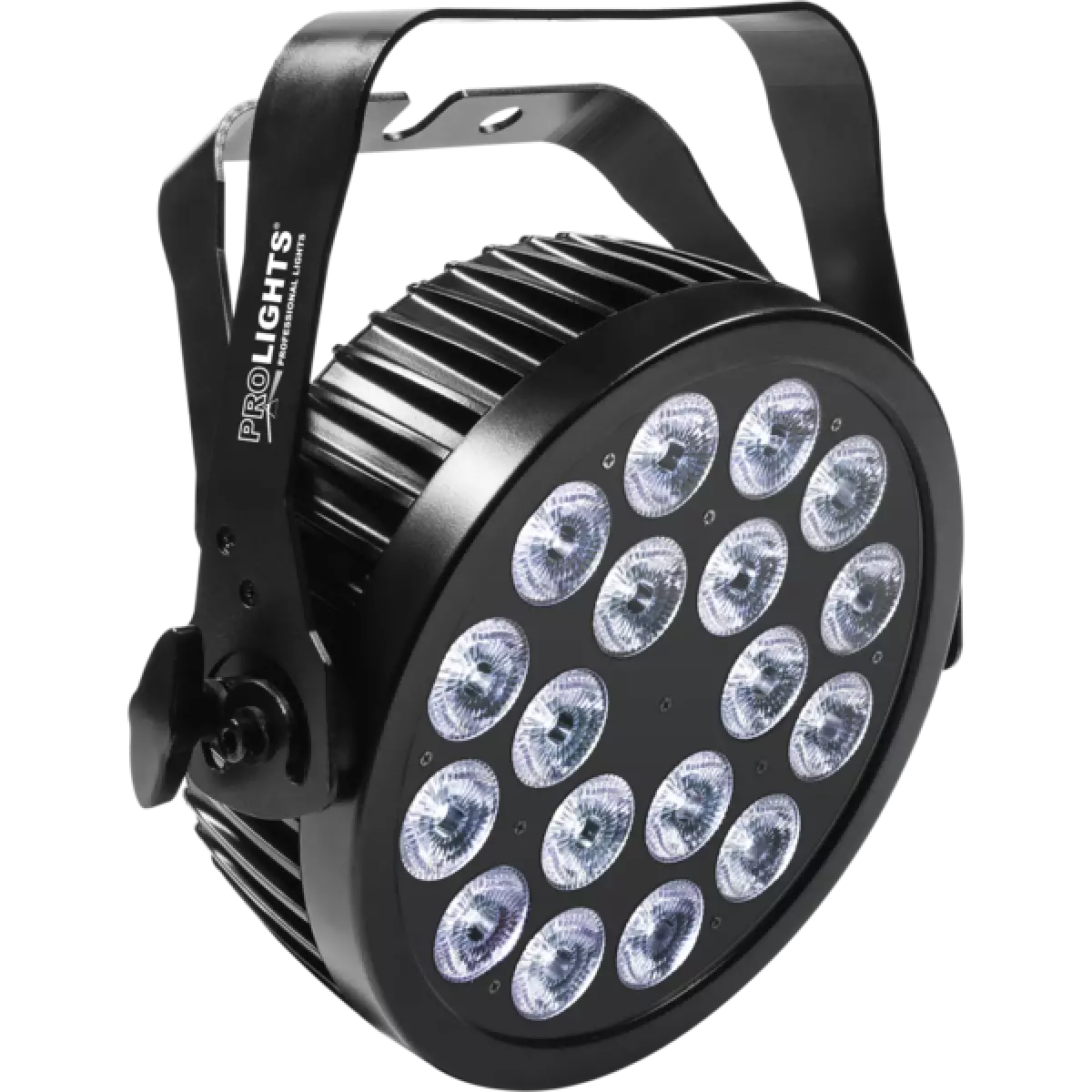
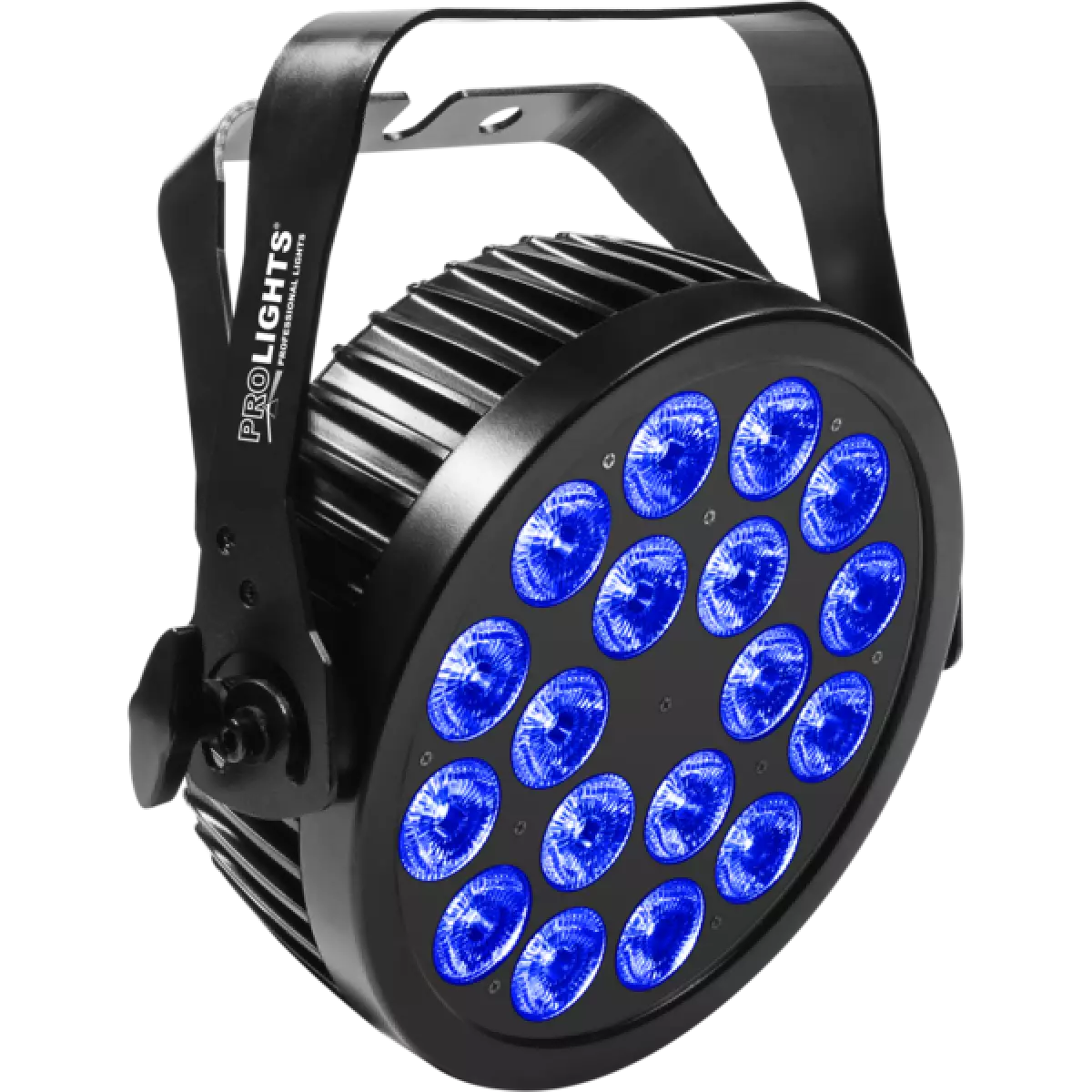
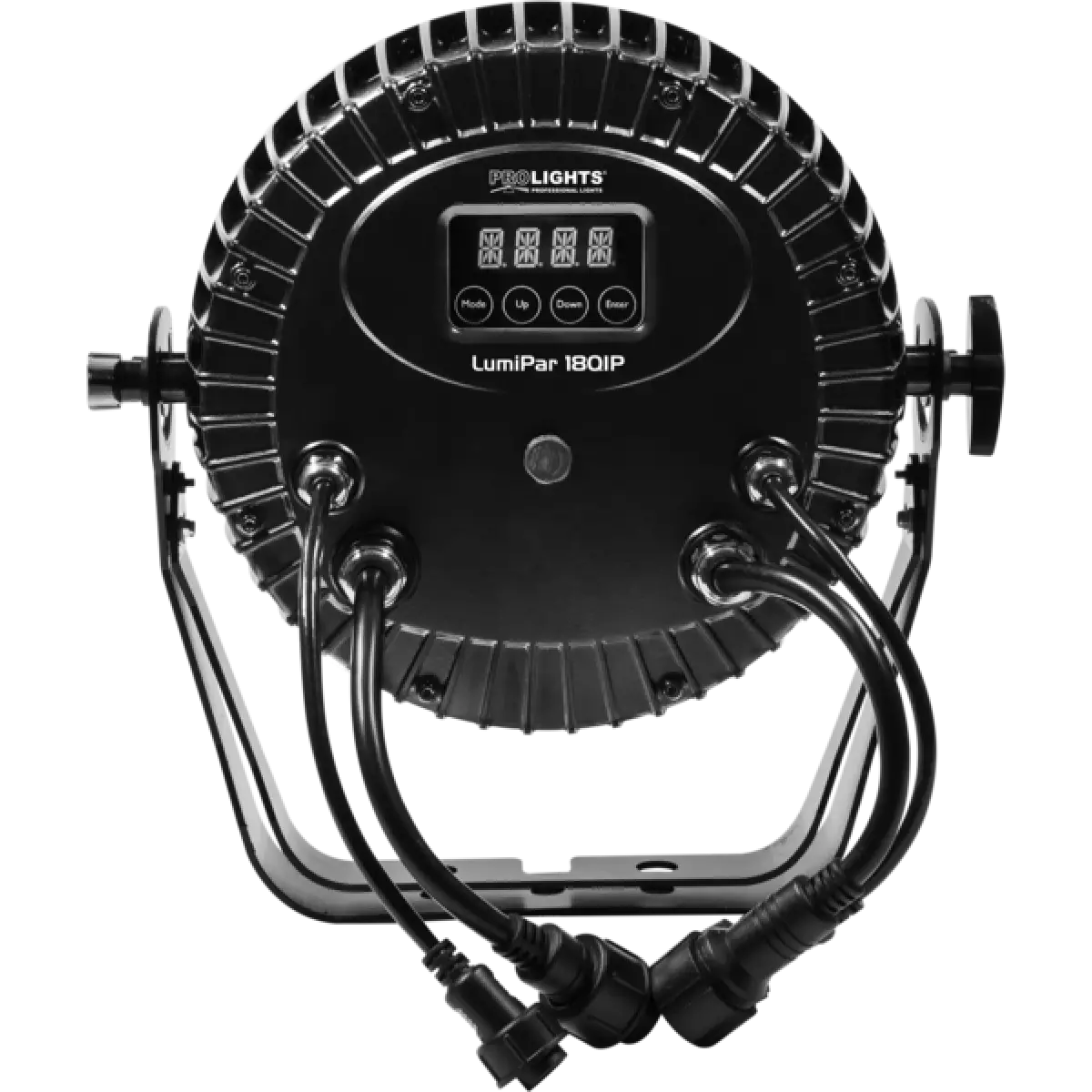
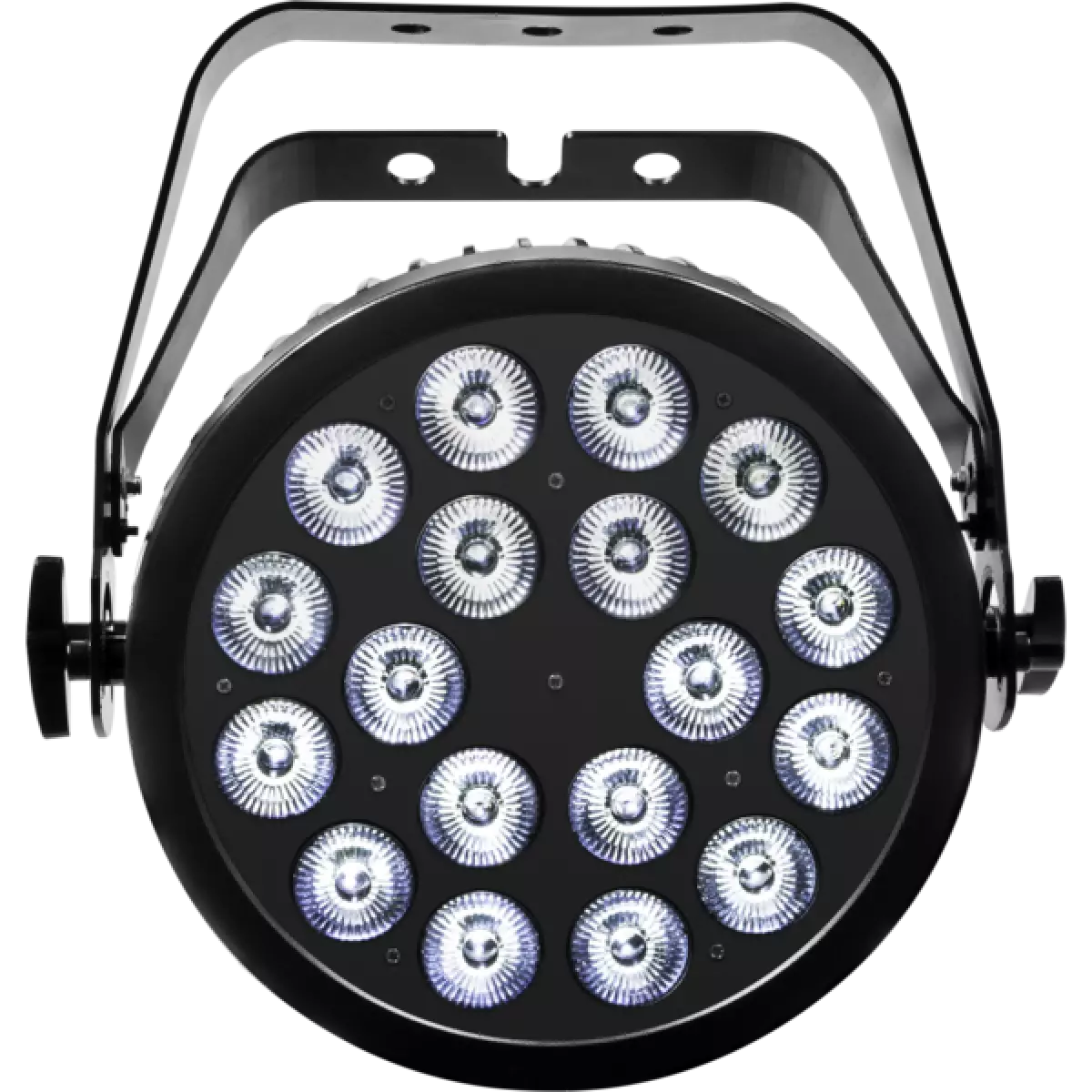
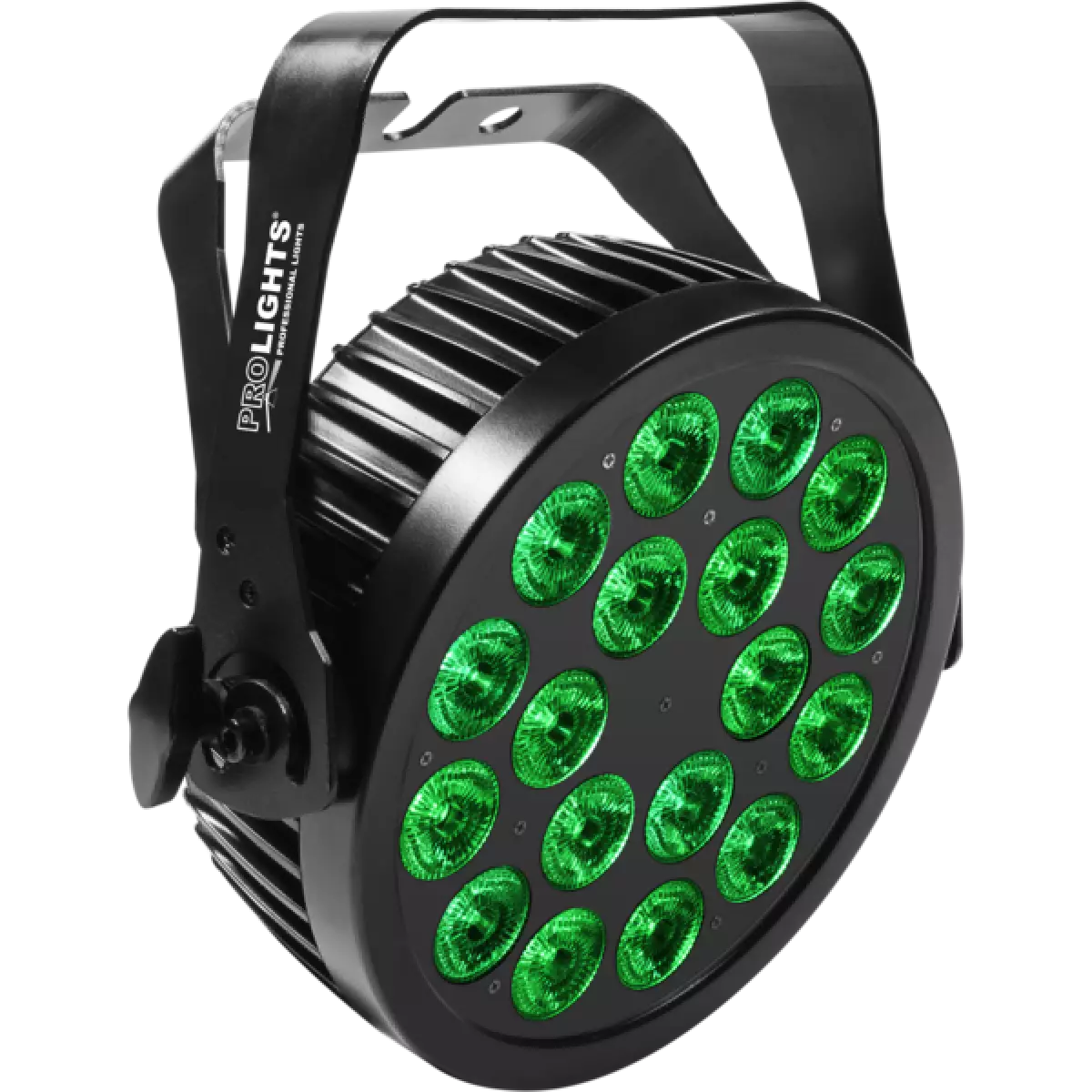
LumiPar 18QIP
DISCONTINUOOrder Code: LUMIPAR18QIP
Source
18x8W RGBW LED
IP rating
IP65 for temporary outdoor use
Weight
5,5kg / 12.13lbs
Key Features
- 18 x 8W RGBW/FC high-power LED
- IP65 housing for exterior application
- Superior optical design to ensure advanced chromatic synthesis
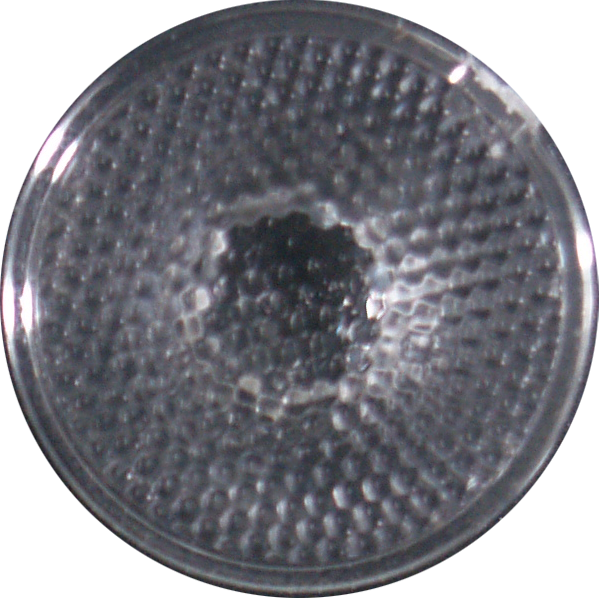
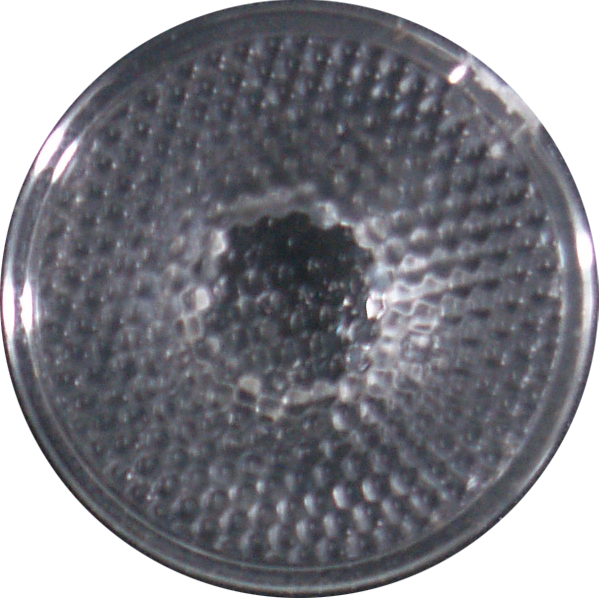
- Interchangeable optics: 25°,15° and 45°
- Flicker free operations
- Silent operation and linear dimming system
LUMIPAR18QIP is an outdoor IP65 super-slim ParLED for professional use, designed to be a powerful wash-light in Rental/Touring applications. The high efficiency RGBW/FC LEDs light source, the ultra-thin design and the absence of fans make LUMIPAR18QIP a big innovation compared to traditional parcans, offering higher versatility, easy setup and reduced carrying volume.
Read less
LUMIPAR18QIP is an outdoor IP65 super-slim ParLED for professional use, designed to be a powerful wash-light in Rental/Touring applications. The high efficiency RGBW/FC LEDs light source, the ultra-th...
Read more