
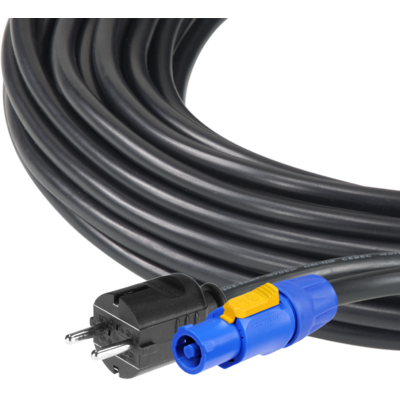

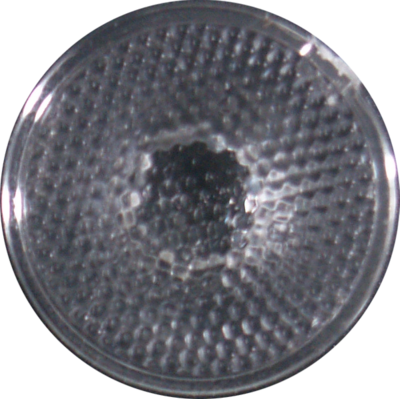


Order Code: LUMIPIX8H
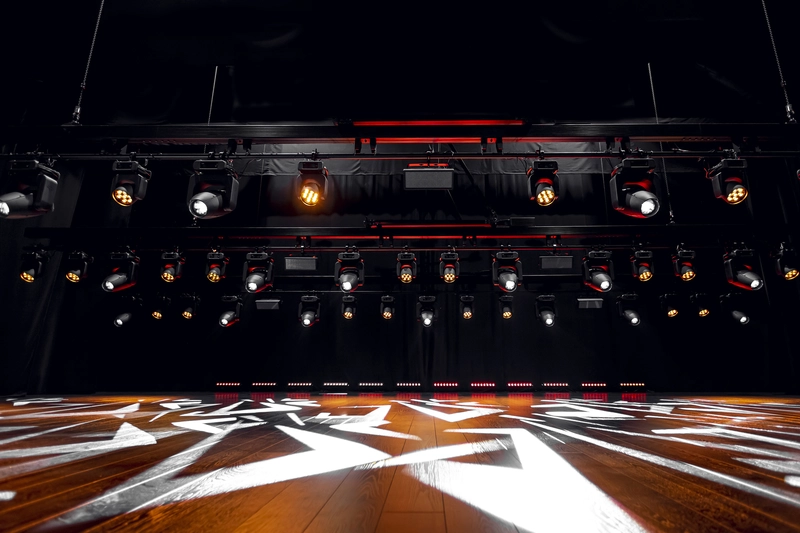
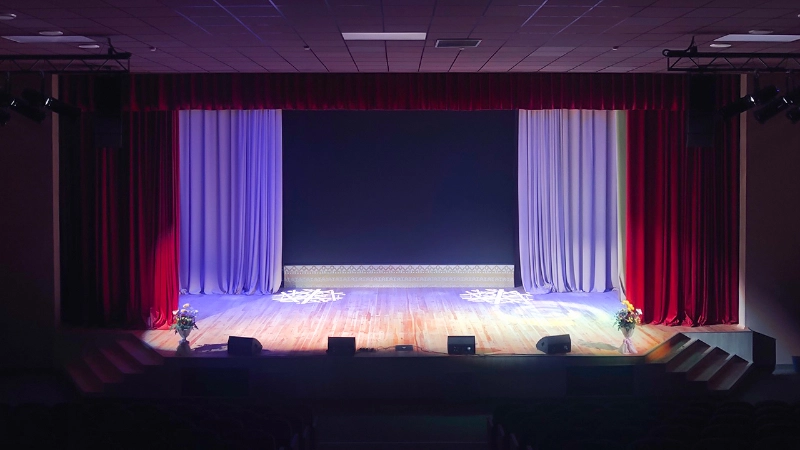
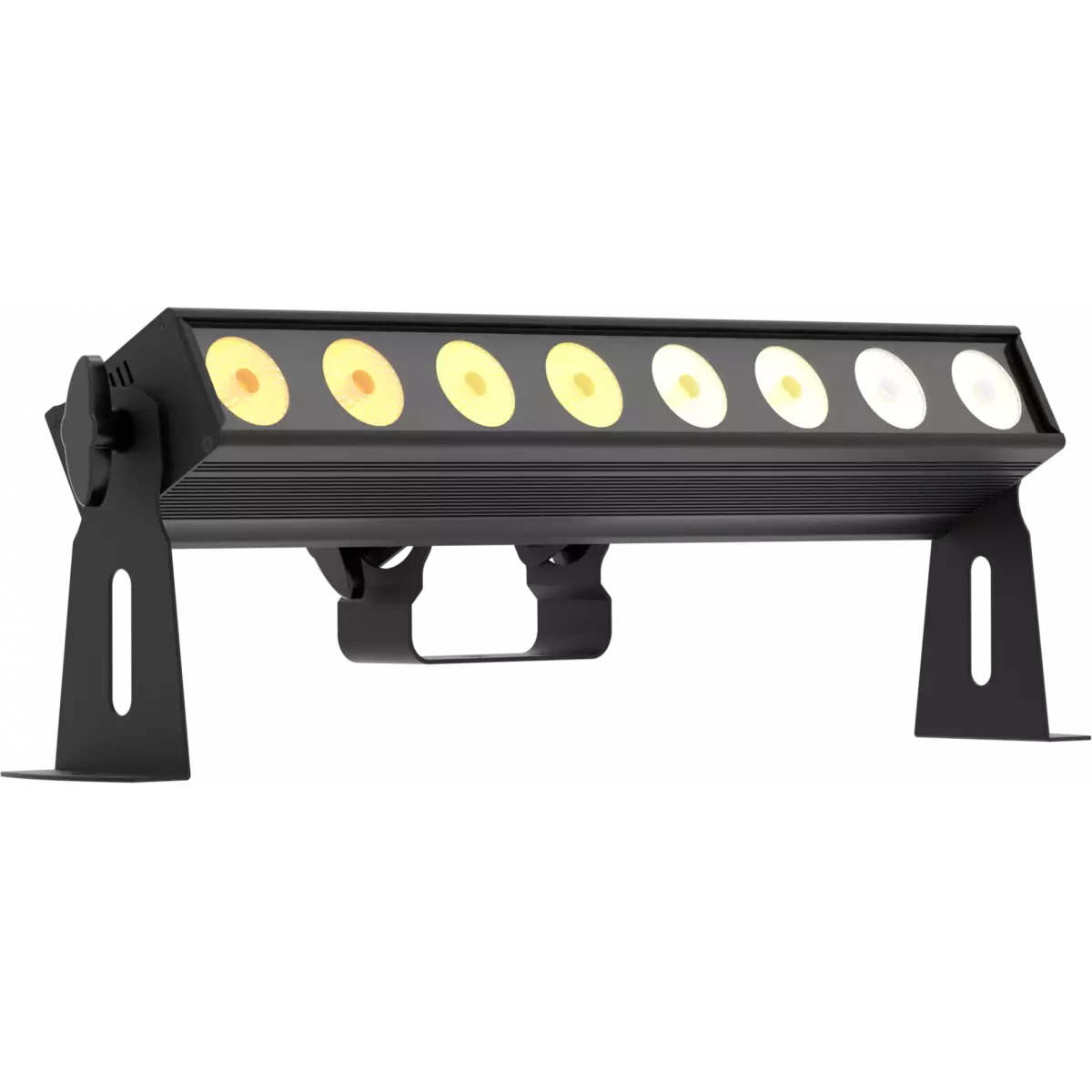
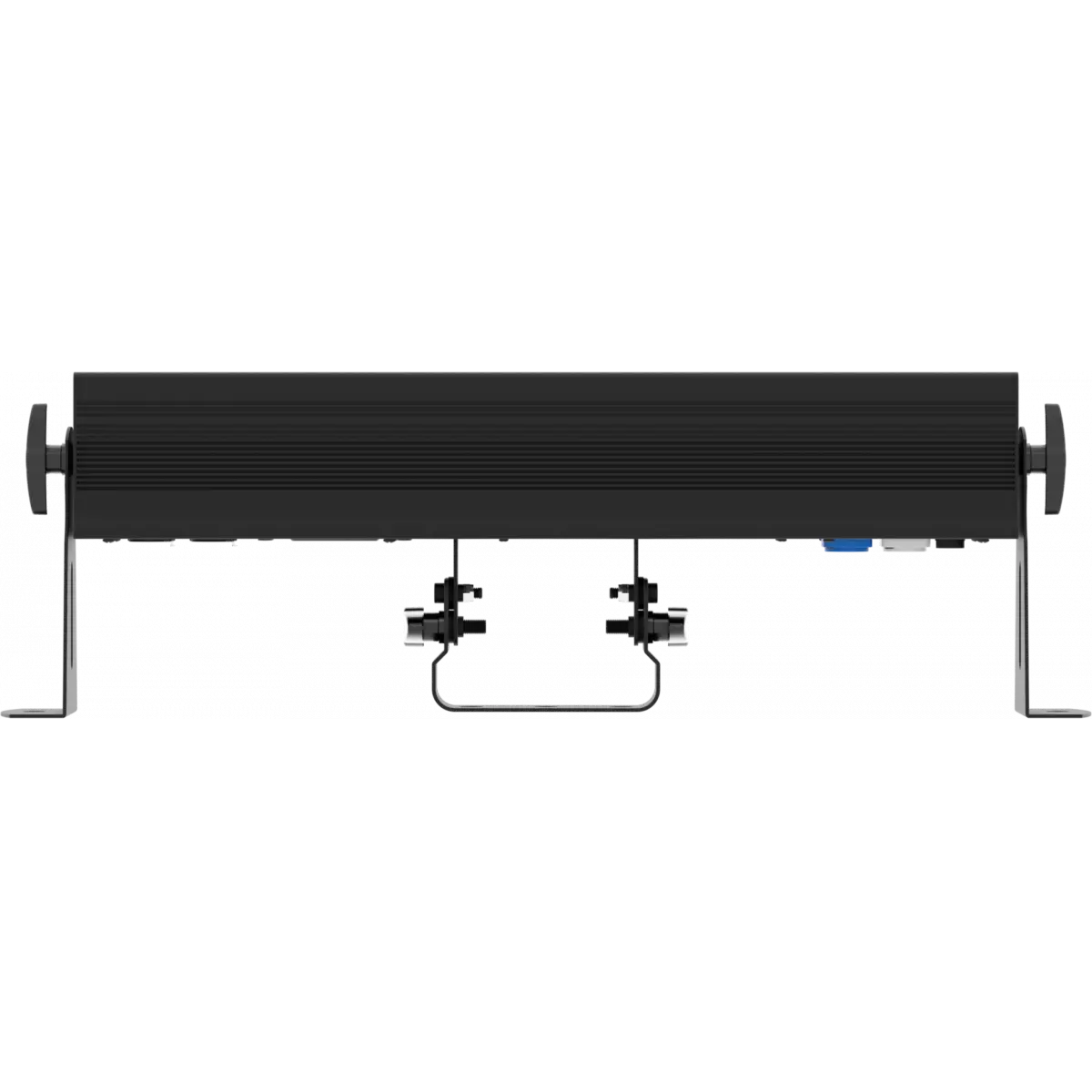
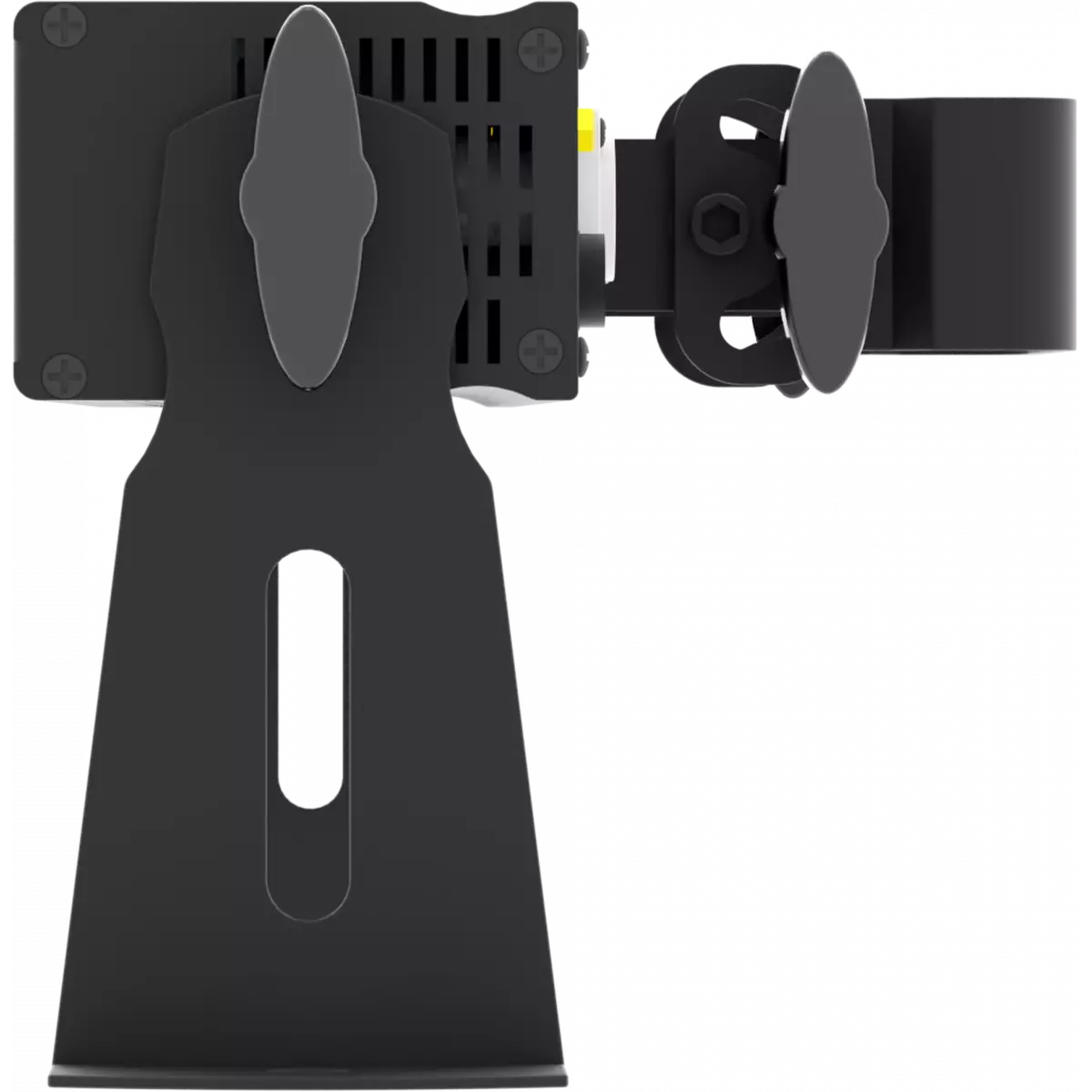
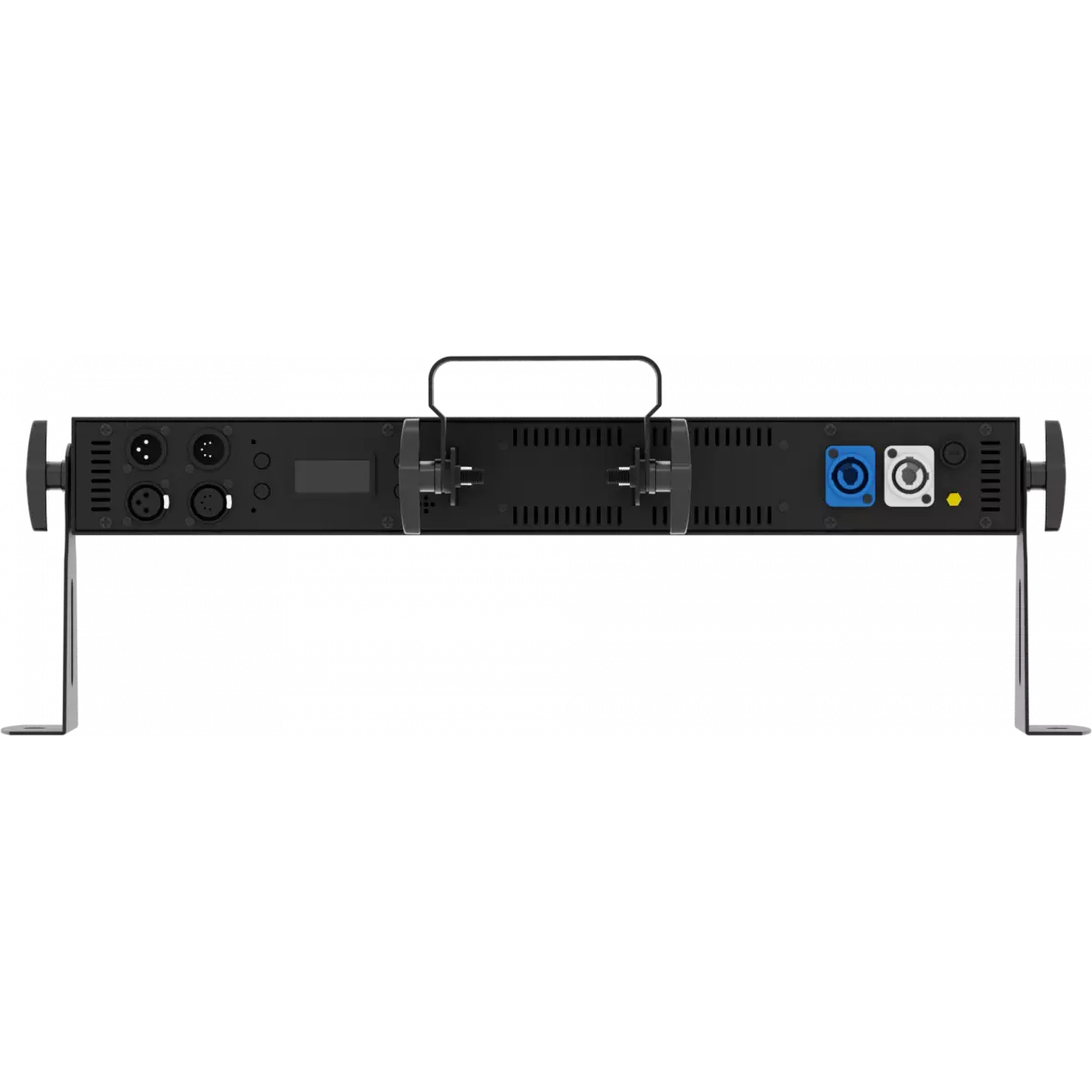
Lumipix 8H is a linear 50 cm LED batten designed for professional use, employing an innovative optical system combined with a new light source performing 6 primary colour mixing, RGBWAP full colour, granting unprecedented chromatic performance. The super-slim design combined with the extreme colour precision and light output make Lumipix 8H a flexible and versatile solution for every kind of application or within venues as their architectural, cyclorama, wall-washer, pixel effect or blinder.
Read lessDiscover the LumiPix 8H in action
Technical documentation and support files
| File name | File size | Download | |
|---|---|---|---|
| Lumipix8h_A4_DATASHEET_(IT).pdf(30/04/2021) | 164KB | ||
| Lumipix8h_A4_DATASHEET_(EN).pdf(25/09/2024) | 150KB |
| File name | File size | Download | |
|---|---|---|---|
| Lumipix8h_USER_MANUAL_ITEN.pdf(10/01/2014) | 3MB |
| File name | File size | Download | |
|---|---|---|---|
| Lumipix8h_DMX_CHARTS.pdf(07/11/2017) | 53KB |
| File name | File size | Download | |
|---|---|---|---|
| prolights_lumipix8h_amber_22°.ies(17/07/2018) | 64KB | ||
| prolights_lumipix8h_blue_22°.ies(17/07/2018) | 64KB | ||
| prolights_lumipix8h_full_22°.ies(17/07/2018) | 64KB | ||
| prolights_lumipix8h_green_22°.ies(17/07/2018) | 64KB | ||
| prolights_lumipix8h_purple_22°.ies(17/07/2018) | 64KB | ||
| prolights_lumipix8h_red_22°.ies(17/07/2018) | 64KB | ||
| prolights_lumipix8h_white_22°.ies(17/07/2018) | 64KB | ||
| Download DIALux product catalogue | - |
| File name | File size | Download | |
|---|---|---|---|
| Lumipix8h_3D.rfa(23/04/2021) | 2MB | ||
| Lumipix8h_CAD_2D.dwg(11/05/2021) | 1MB | ||
| Lumipix8h_CAD_3D.dwg(09/10/2019) | 4MB | ||
| Lumipix8h_TECHNICAL_DRAWING.pdf(11/05/2021) | 197KB | ||
| VECTORWORKS_SYMBOLS.vwx(12/10/2021) | 445KB | ||
| PROLIGHTS_VECTORWORKS_v2025_LIBRARY.vwx(13/05/2025) | 321MB | ||
| PROLIGHTS_VECTORWORKS_v2020_LIBRARY.vwx(13/05/2025) | 276MB |
PROLIGHTS product firmware can be updated in several ways, depending on the product and file extension. The available methods are listed in the product specifications in the CONTROL - Firmware upgrade section.
| Method/Device | File extension | Needed software | Instructions |
|---|---|---|---|
| UPBOXPRO (*) | .PRL |
UpBox_Tool | Guide |
| USB | .PRL |
No software needed | see User Manual |
| NET CABLE | .EHEX |
Professional Uploader | Guide |
| NET CABLE | .ALF |
DMX Workshop | Guide |
(*) You can still use UPBOX1 and UPBOX2 by checking their compatibility on the product accessories page. To use UPBOX2, you need to download the drivers from the following link.
Update Tool: UPBOXPRO |
||||
| Check hardware changelog before downloading firmware | ||||
| Revision | Release date | Firmware changelog | HW Compatibility | |
|---|---|---|---|---|
| 1.2 STABLE | 25/10/2015 | Improved the firmware functionality. | Rev. 1.0 |
|
Subscribe to our Newsletter