

Order Code: RAZOR440
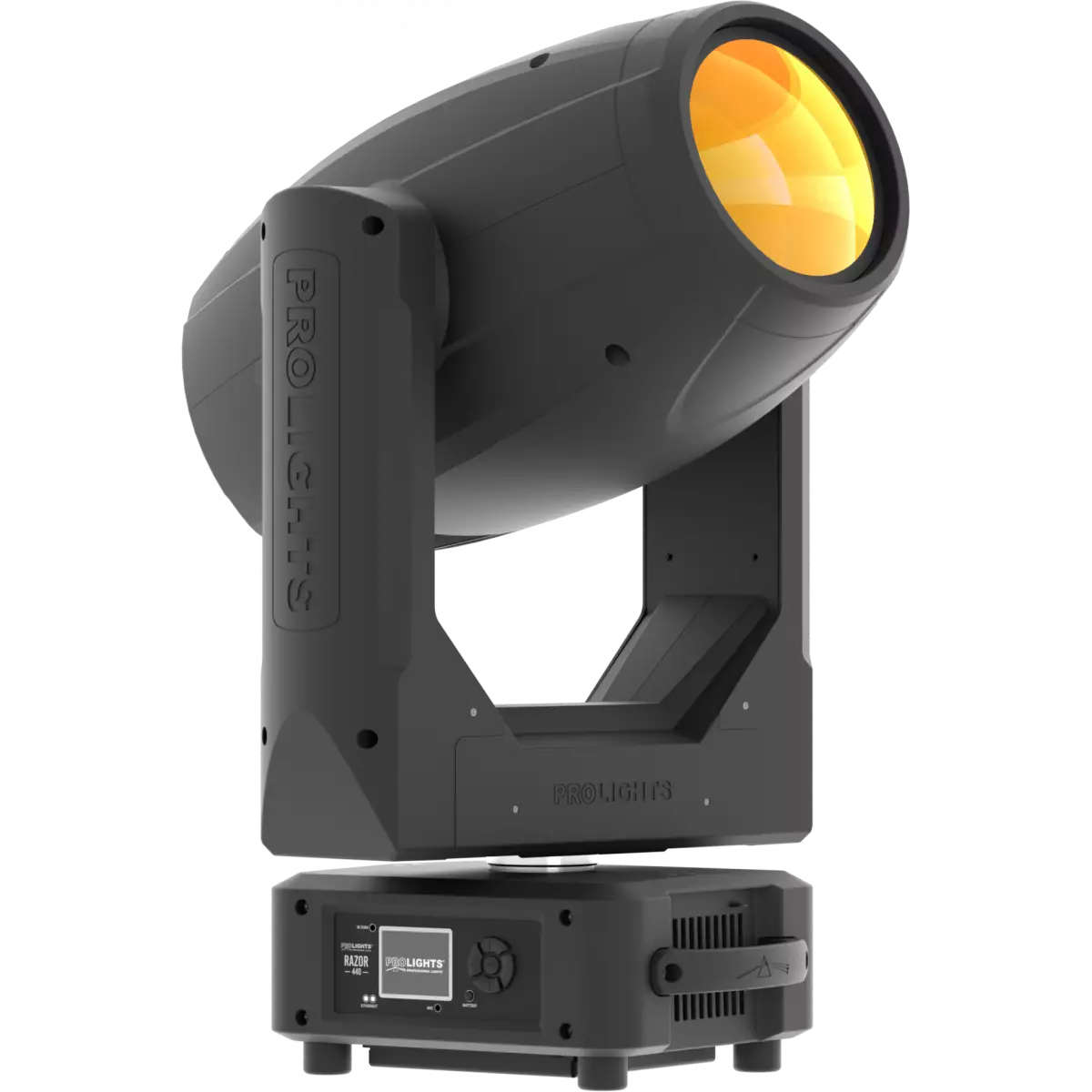
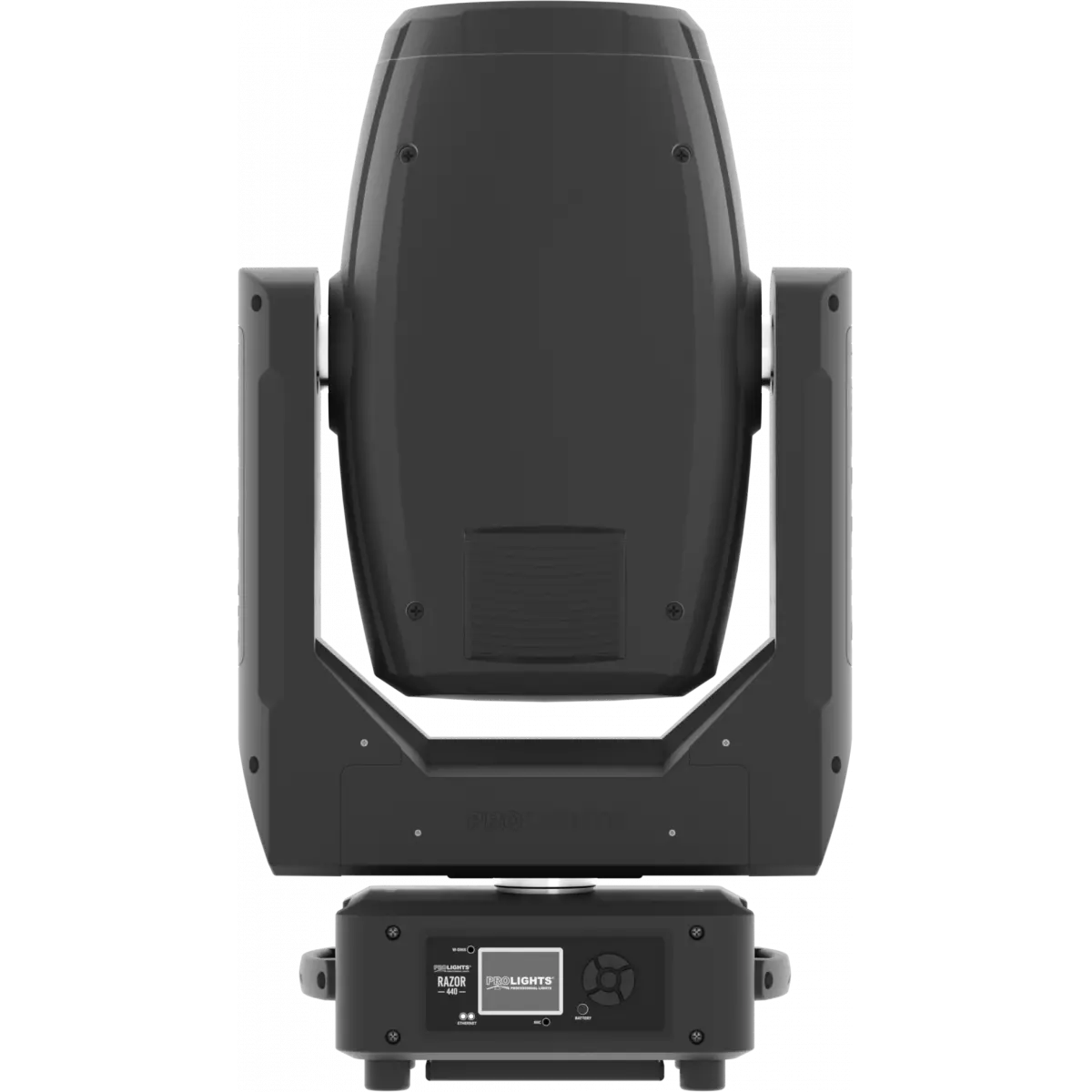
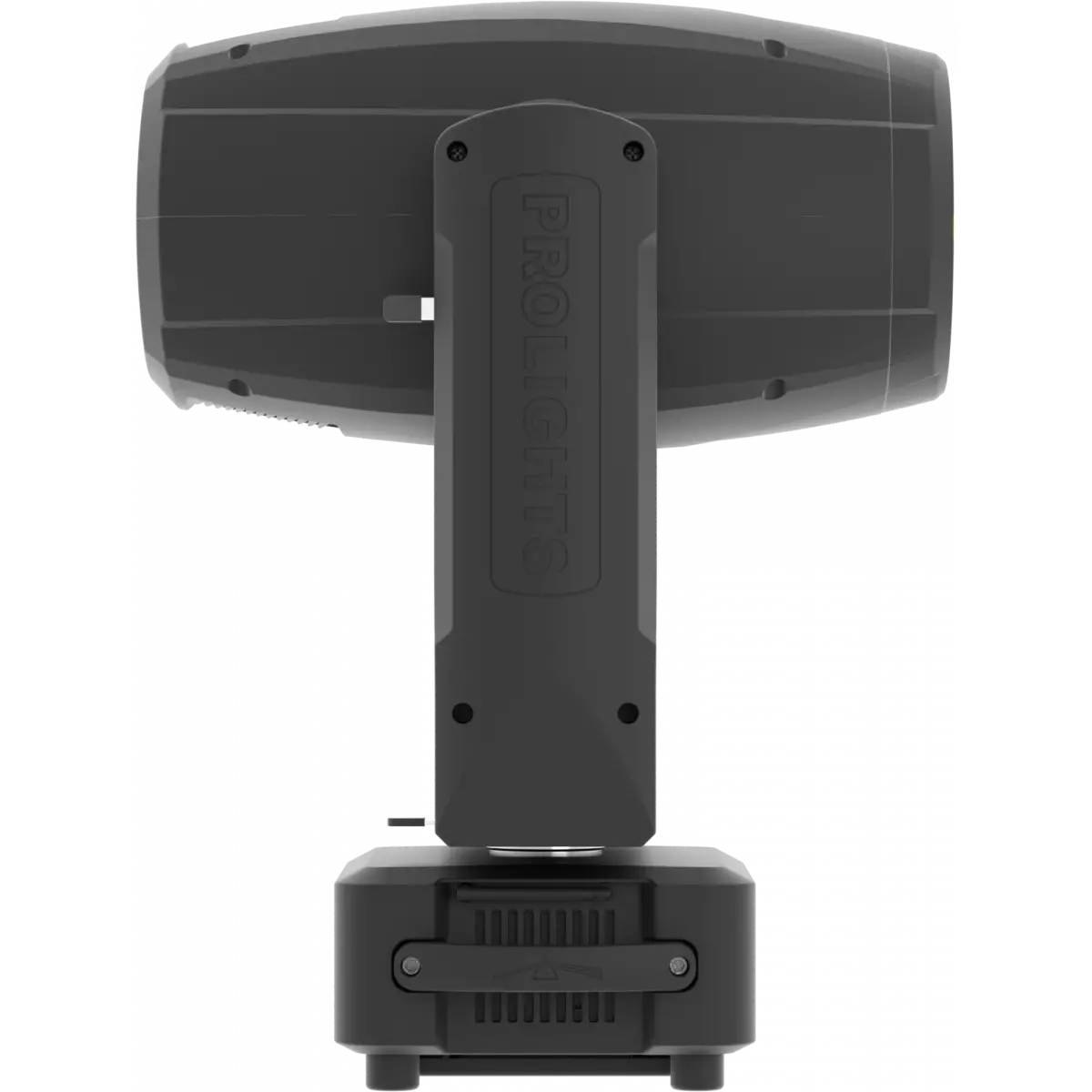
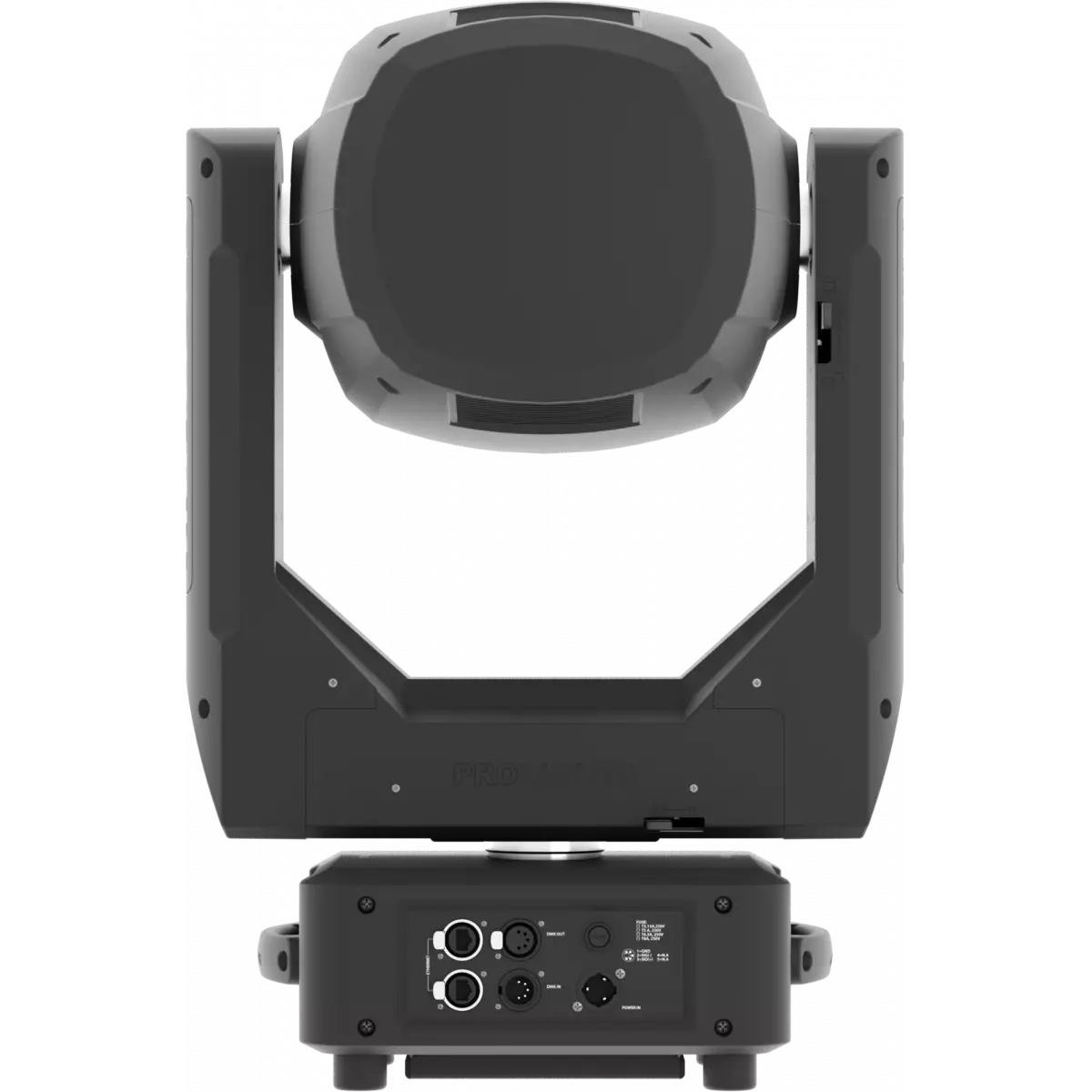
Razor 440 is a hybrid moving light delivering a full toolkit for designers in a single fixture. Harnessing the power of the 440W discharge source with a custom optical system, it provides a punchy beam, even wash and crisp spot - all from a single unit.
Read lessDiscover the Razor 440 in action
Technical documentation and support files
| File name | File size | Download | |
|---|---|---|---|
| Razor440_A4_DATASHEET_(EN).pdf(05/02/2024) | 329KB |
| File name | File size | Download | |
|---|---|---|---|
| Razor440_USER_MANUAL_ITEN.pdf(14/04/2023) | 3MB |
| File name | File size | Download | |
|---|---|---|---|
| Razor440_DMX_CHARTS.pdf(30/06/2022) | 69KB |
| File name | File size | Download | |
|---|---|---|---|
| prolights_razor440_full_2°.ies(25/07/2018) | 992KB | ||
| prolights_razor440_full_50°.ies(25/07/2018) | 993KB | ||
| Razor440_PHOTOMETRICS.pdf(17/02/2020) | 421KB | ||
| Download DIALux product catalogue | - |
| File name | File size | Download | |
|---|---|---|---|
| Razor440_3D.rfa(23/04/2021) | 2MB | ||
| Razor440_3D.skp(13/03/2020) | 2MB | ||
| Razor440_CAD_2D.dwg(11/05/2021) | 1MB | ||
| Razor440_CAD_3D.dwg(09/10/2019) | 1MB | ||
| Razor440_CAD_2DSYMBOLS.dwg(09/03/2020) | 87KB | ||
| Razor440_TECHNICAL_DRAWING.pdf(11/05/2021) | 327KB | ||
| PROLIGHTS_VECTORWORKS_v2025_LIBRARY.vwx(13/05/2025) | 321MB | ||
| PROLIGHTS_VECTORWORKS_v2020_LIBRARY.vwx(13/05/2025) | 276MB | ||
| VECTORWORKS_SYMBOLS.vwx(09/03/2020) | 995KB |
| File name | File size | Download | |
|---|---|---|---|
| Razor440_COLOR.pdf(25/03/2020) | 52KB | ||
| Razor440_GOBOS.pdf(25/03/2020) | 186KB | ||
| Razor440_GOBOS.pdf(25/03/2020) | 48KB |
PROLIGHTS product firmware can be updated in several ways, depending on the product and file extension. The available methods are listed in the product specifications in the CONTROL - Firmware Upgrade section.
| Method/Device | File extension | Nedeed software | Instructions |
|---|---|---|---|
| UPBOXPRO (*) | .PRL |
UpBox_Tool | Guide |
| USB | .PRL |
Nessun software necessario | see User manual / USB UPDATE MODE |
| NET CABLE | .EHEX |
Professional Uploader | Guide |
| NET CABLE | .ALF |
DMX Workshop | Guide |
(*) You can still use UPBOX1 and UPBOX2 by checking their compatibility on the product accessories page.
To use UPBOX2, you need to download the drivers from the following link.
Update Tool: UPBOXPRO |
||||
| Check hardware changelog before downloading firmware | ||||
| Revision | Release date | Firmware changelog | HW Compatibility | |
|---|---|---|---|---|
| 3.0.00 STABLE | 22/08/2019 | Firmware version for Hardware revision 3. Firmware compatiblity can be checked considering the starting number of the firmware release already installed on the unit. Unit with firmware version 1.x.xx can be updated only with 1.x.xx version and not with 2.x.xx |
Rev. 3 |
|
| 1.4.00 STABLE | 22/08/2019 | Firmware for Hardware Version 1 Firmware compatiblity can be checked considering the starting number of the firmware release already installed on the unit. Unit with firmware version 1.x.xx can be updated only with 1.x.xx version and not with 2.x.xx Improved Pan/Tilt management. Improved gobo indexing. |
Rev. 1 |
|
| 2.1.00 STABLE | 09/08/2018 | Firmware version for Hardware revision 2. Firmware compatiblity can be checked considering the starting number of the firmware release already installed on the unit. Unit with firmware version 1.x.xx can be updated only with 1.x.xx version and not with 2.x.xx |
Rev. 2 |
|
| 1.3.00 STABLE | 11/11/2017 | Improved lamp cooling system management. | ||
Subscribe to our Newsletter