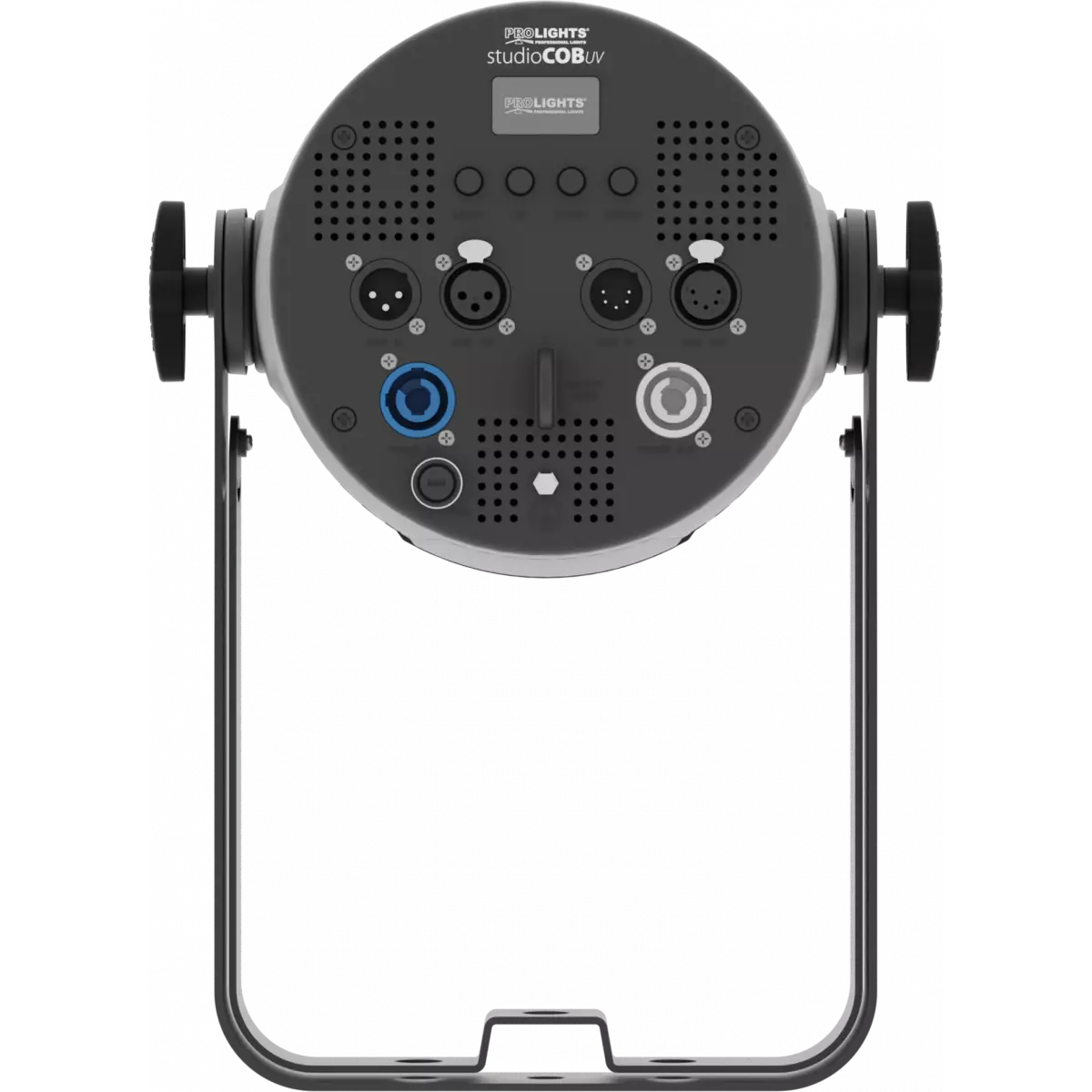
STUDIOCOBUV

StudioCob UV

DISCONTINUED

Source
405 nm 100W UV LEDs
IP rating
 IP20
Weight
4,5kg / 9.92lbs 

Key Features

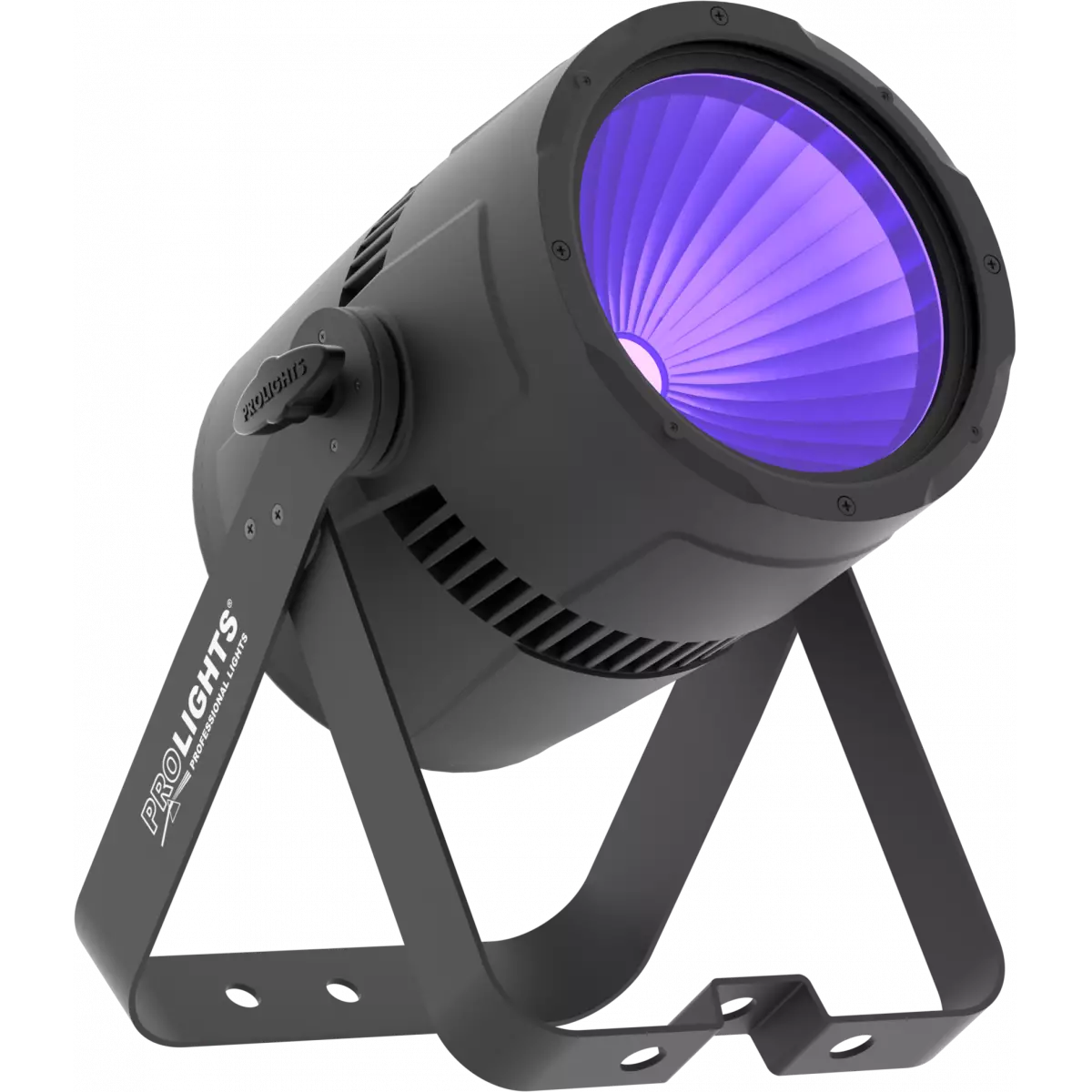
  • 100W UV COB LED source with HD dimming
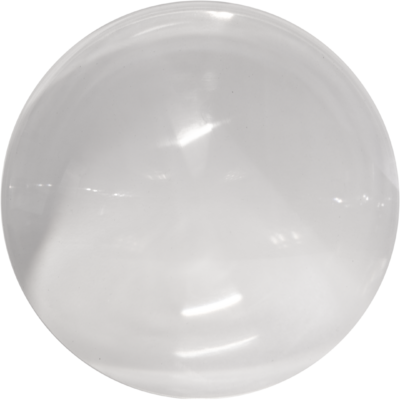
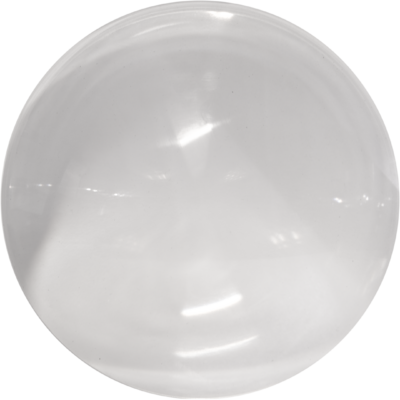
  • Flexible lens options of 15° - 30° - 60°
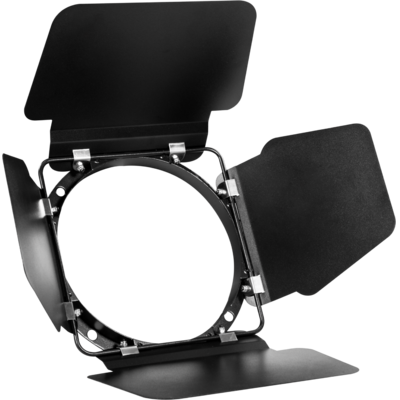
  • Functional barn doors for beam control

StudioCob UV is a powerful and incredibly versatile UV LED PAR. Fusing the old and the new, it pairs a UV COB LED source with a traditional parabolic reflector to deliver a proper LED replacement to traditional UV lights.

Read less
StudioCob UV is a powerful and incredibly versatile UV LED PAR. Fusing the old and the new, it pairs a UV COB LED source with a traditional parabolic reflector to deliver a proper LED replacement to t...

Versions

Code Housing
STUDIOCOBUVBK
STUDIOCOBUVBK DISCONTINUED
Black
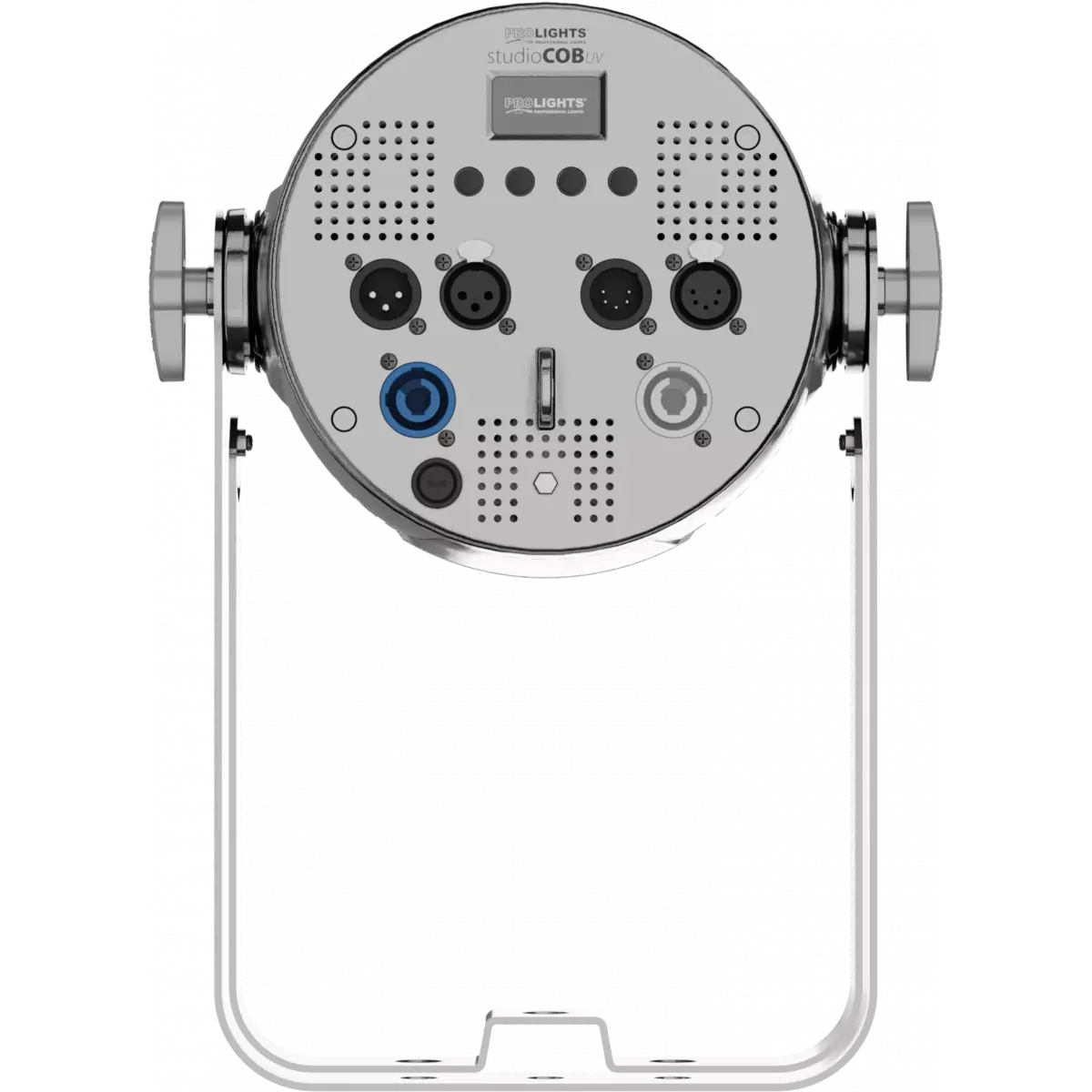
STUDIOCOBUVCR
STUDIOCOBUVCR DISCONTINUED
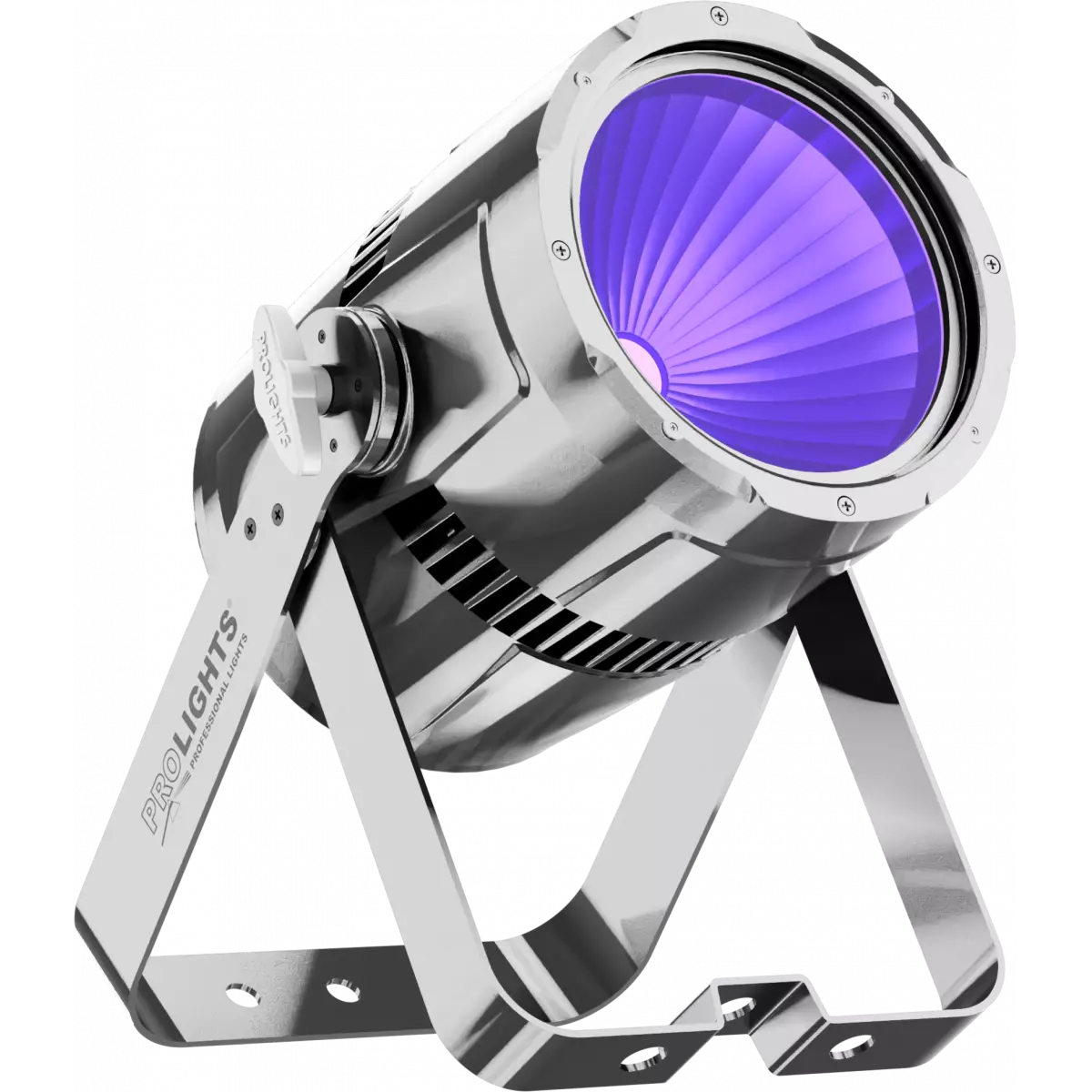
Chrome

Photo Gallery

Specifications

LIGHT SOURCE
  • Source: 405 nm 100W UV LEDs
  • Luminous flux: 79
  • Source life expectancy: > 30.000 h
OPTICS
  • Beam angle: 60°
  • Field angle: 80°
  • Lens type: parabolic reflector in combination with HD fresnel lens
  • Additional optics: 30° (inc) - 15° (opt)
DYNAMIC EFFECTS
  • Static mode: selection of static colour
  • Manual mode: manual adjustment of dimmer and strobe
  • Auto mode: built-in programs with execution speed adjustment
BODY
  • Body: sturdy die-cast aluminium body
  • Body colour: black, mirror finishing available
CONTROL
  • Protocols: DMX512
  • DMX channels: 1 / 2 / 5channel
  • Display: Graphic User Interface
  • Firmware upgrade: via DMX with UPBOXPRO/UPBOX1 (USB-DMX interface not included)
  • Master/Slave: for synchronised operation of more units linked in a chain
ELECTRONICS
  • Dimmer: linear 0 ~ 100% electronic dimmer
  • Dimmer curves: 4 selectable dimming modes available
  • Strobe / shutter: 1 - 28 Hz, electronic
  • Operating temperature: -10° ~ +45° Ta
  • LED Control: flicker free operation
  • Selectable PWM: 600 ~ 25.000 Hz
ELECTRICAL
  • Mains power supply: 100-240V - 50/60Hz
  • Max power consumption: 124W
  • Max power consumption (at 120V): 128W
  • Output (at 230V): 12 units on a single power line
PHYSICAL
  • IP rating: IP20
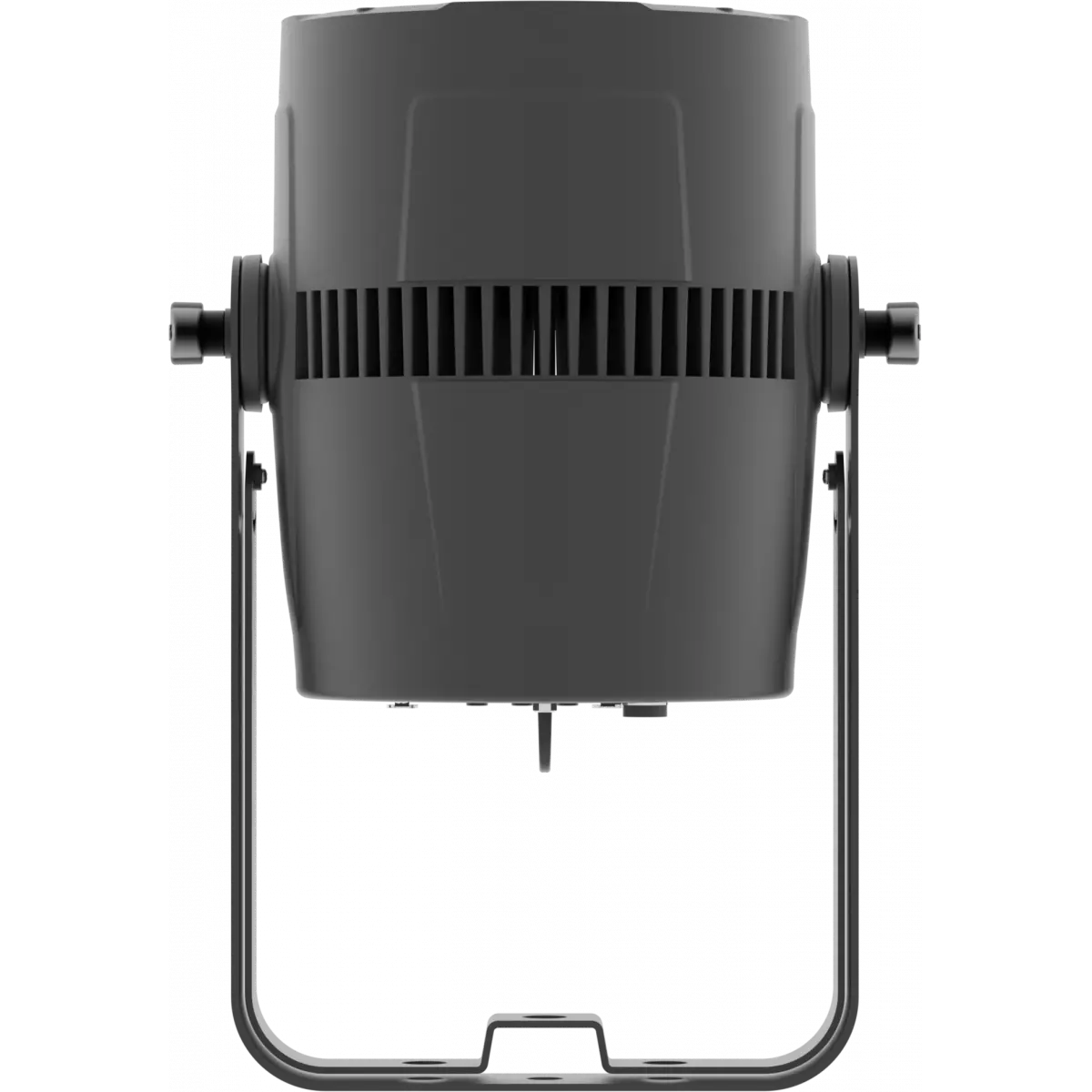
  • Cooling: active, silent operation
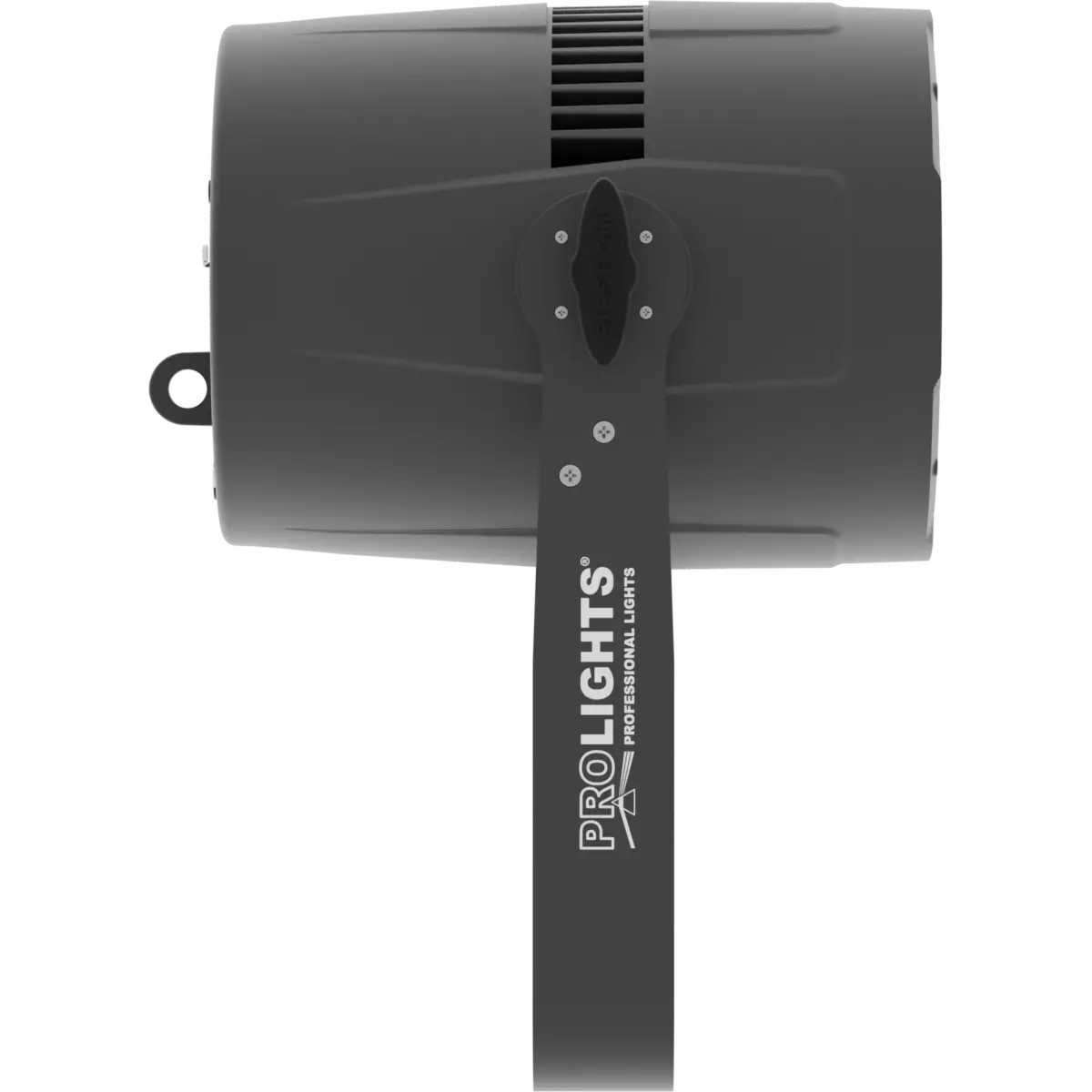
  • Suspension and fixing: double hanging bracket suitable for safe hanging and for floor positioning
  • Signal connection: XLR 3p + 5p IN/OUT connectors
  • Power connection: Neutrik powerCON IN/OUT connectors
  • Dimensions (WxHxD): 262x190x371mm / 10.31''x7.48''x14.61''
  • Weight: 4,5kg / 9.92lbs
CERTIFICATIONS / APPROVALS
  • Certifications / Approvals: CE, UKCA, RCM
BOX CONTENT
  • 1 x STUDIOCOBUV
  • 1 x 1,5 meters power cable (BARE END - NEUTRIK POWERCON)
  • User Manual

Accessories & Related Products

Optional C6002B

Slim aluminum clamp, 200kg loading, 48-51mm tubes, M10 bolt, Black&White& White

Order Code: C6002B

Included STUDIOCOBL30

Optics for STUDIOCOB projectors series, 30°

Order Code: STUDIOCOBL30

Optional TOUR53415L03

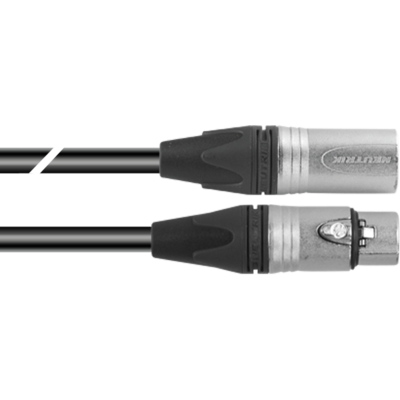
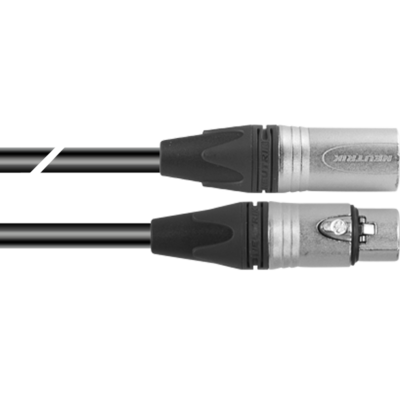
Dmx cable HC5340. CANC5MXX XLR 5p->CANC5FXX XLR (f) 5p, L.3m

Order Code: TOUR53415L03

Optional TOUR53413L03

Dmx cable HC5340. CANC3MXX XLR 3p->CANC3FXX XLR (f) 3p, L.3m

Order Code: TOUR53413L03

Optional 958025L03

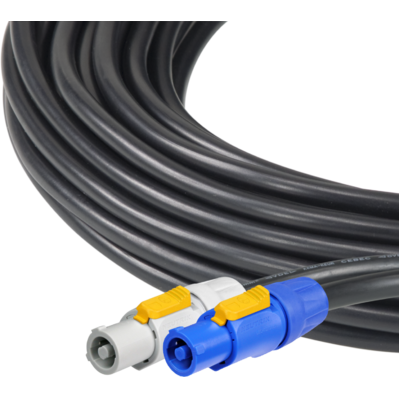
3x2.5mm TH07 Cable, 20A 3p PwCon FCA, 20A 3p PwCon FCB, L. 3m

Order Code: 958025L03

Optional 9513FCAL03

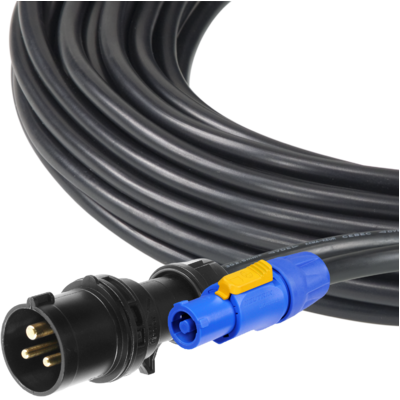
Ass. 3x2.5mm TH07 cable, 16A 3p 230V CEE plug, MENAC3FCA socket, L.3m

Order Code: 9513FCAL03

Optional 9533FCAL03

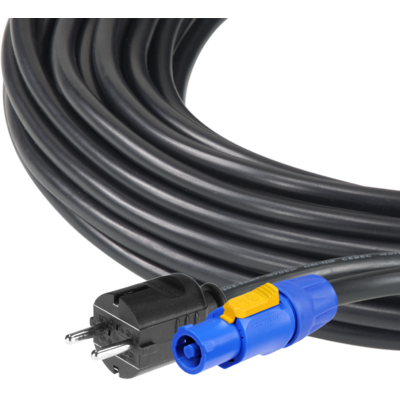
Ass. 3x2.5mm TH07 cable, SCHUKO plug, MENAC3FCA socket, L.3m

Order Code: 9533FCAL03

Optional RSR0630B

Steel security cable for hanging bodies, inox steel shackle, L=60 cm, black

Order Code: RSR0630B

Optional STUDIOCOBL15

Optics for STUDIOCOB projectors series, 15°

Order Code: STUDIOCOBL15

Optional STUDIOCOBBD

Barn door 4 directional flaps to adjust the light beam, f. frame included

Order Code: STUDIOCOBBD

Optional FCLPAR4190

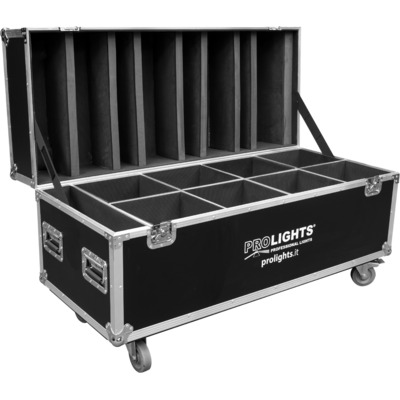
Flight case for 8 STUDIOCOB, VERSAPAR

Order Code: FCLPAR4190

Optional STUDIOCOBTPG

Filter frame for STUDIOCOB projectors

Order Code: STUDIOCOBTPG

Optional UPBOXPRO

Firmware uploader kit, USB IN, 5-pin XLR DMX OUT connector

Order Code: UPBOXPRO

Downloads

Technical documentation and support files

Data sheet & specs Data sheet & specs

File name File size Download
Letter datasheetStudiocobuv_A4_DATASHEET_(IT).pdf(30/04/2021)179KB
Letter datasheetStudiocobuv_A4_DATASHEET_(EN).pdf(01/09/2021)183KB

User manual User manual

File name File size Download
User manualStudiocobuv_USER_MANUAL_ITEN.pdf(09/04/2016)1MB

DMX chart & personalities DMX chart & personalities

File name File size Download
DMX chartStudiocobuv_DMX_CHARTS.pdf(07/11/2017)37KB

STUDIOCOBUV Firmware rev. 1.6

manufacturer fixture library (Link) Link
prolights_studiocobuv.d4Download
manufacturer fixture library (Link) Link
studiocobuv_1ch.fdfDownload
studiocobuv_2ch.fdfDownload
studiocobuv_5ch.fdfDownload
studio cob uv_mode1.sslDownload
studio cob uv_mode2.sslDownload
studio cob uv.ssl2Download
manufacturer fixture library (Link) Link
prolights@studio_cob_uv@2_channel@initial.xmlpDownload
prolights@studio_cob_uv@5_channel@initial.xmlpDownload
manufacturer fixture library (Link) Link
studio cob uv 2 channel.fix2Download
studio cob uv 5 channel.fix2Download
manufacturer fixture library (Link) Link

Photometrics Photometrics

File name File size Download
IESprolights_studiocobuv_uv_60°.ies(17/07/2018)30KB
PhotometricsStudiocobuv_PHOTOMETRICS.pdf(20/08/2019)504KB
DialuxDownload DIALux product catalogue-

CAD symbols & drawings CAD symbols & drawings
File name File size Download
3D RFAStudiocobuv_3D.rfa(23/04/2021)1MB
3D SKPStudiocobuv_3D.skp(24/03/2020)2MB
2DStudiocobuv_CAD_2D.dwg(11/05/2021)3MB
3DStudiocobuv_CAD_3D.dwg(30/06/2021)540KB
2D cad symbolsStudiocobuv_CAD_2DSYMBOLS.dwg(09/03/2020)81KB
Technical drawingStudiocobuv_TECHNICAL_DRAWING.pdf(11/05/2021)422KB
VectorWorksPROLIGHTS_VECTORWORKS_v2025_LIBRARY.vwx(13/05/2025)321MB
VectorWorksPROLIGHTS_VECTORWORKS_v2020_LIBRARY.vwx(13/05/2025)276MB
VectorWorksSTUDIOCOBUV_SYMBOLS.zip2MB

Firmware


Firmware update instructions

1 Download the firmware (complete download is available on Customer Care - contact support@prolights.it for more info)

2 Download the updater software UpBox_Tool 

3 Follow the instructions in the following guide
-------------------------------------------------------------------------------
Additional info:
  • Firmware updates require the UPBOXPRO compatible with all Prolights products
  • It's possible to use UPBOX1 and UPBOX2 *DISCONTINUED* checking the compatibility in the below tab
  • UpBox_Tool  software is compatible with all interfaces (UPBOXPRO, UPBOX1 and UPBOX2)
  • It's possible to update NET boards (with .EHEX files) following this guide with software Professional Uploader 
Update Tool: UPBOXPRO UPBOXPRO
Check hardware changelog before downloading firmware
Revision Release date Firmware changelog HW Compatibility
1.6 STABLE 17/12/2018 10 second default display backlight

Info Request

NEWSLETTER

Subscribe to our Newsletter

Loading...