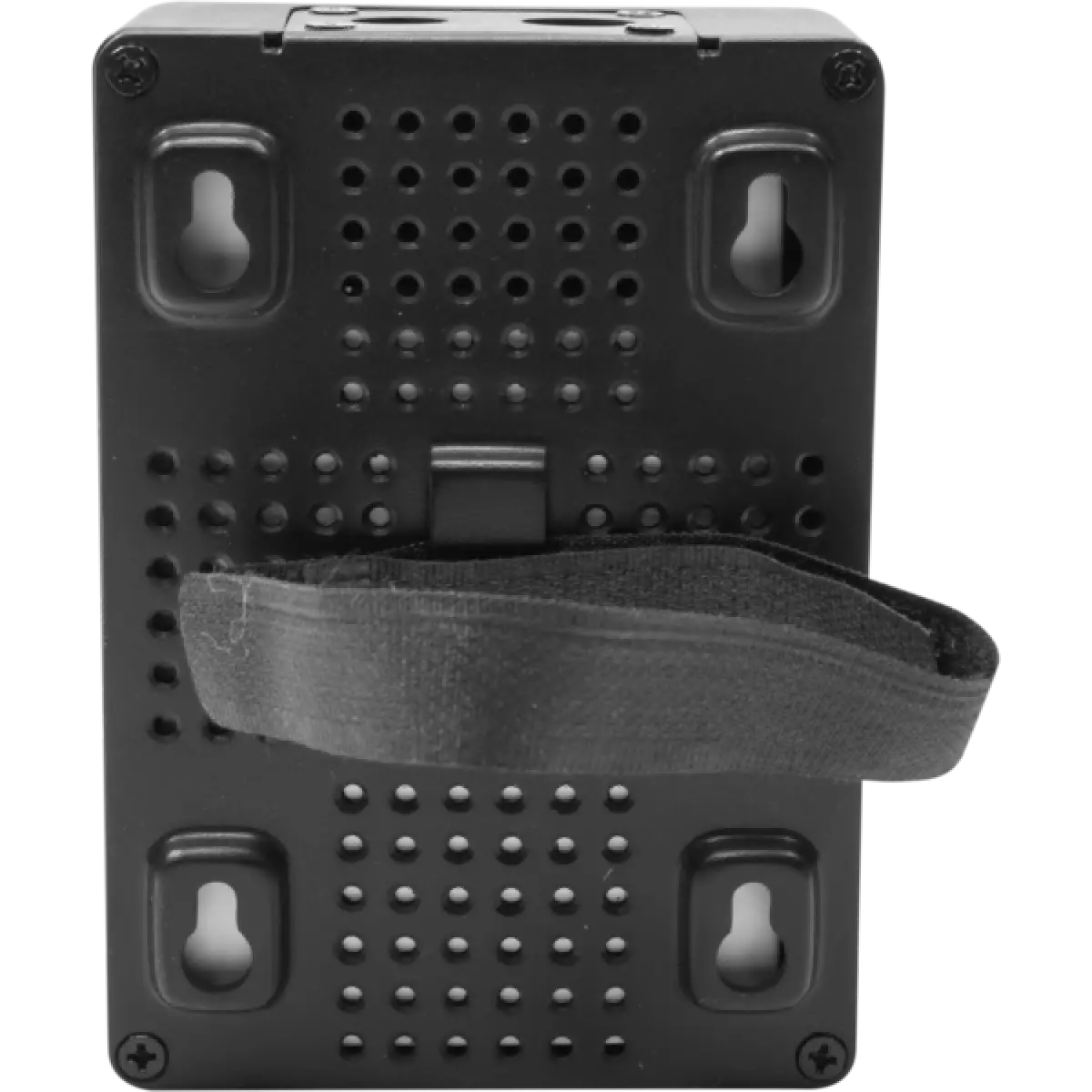
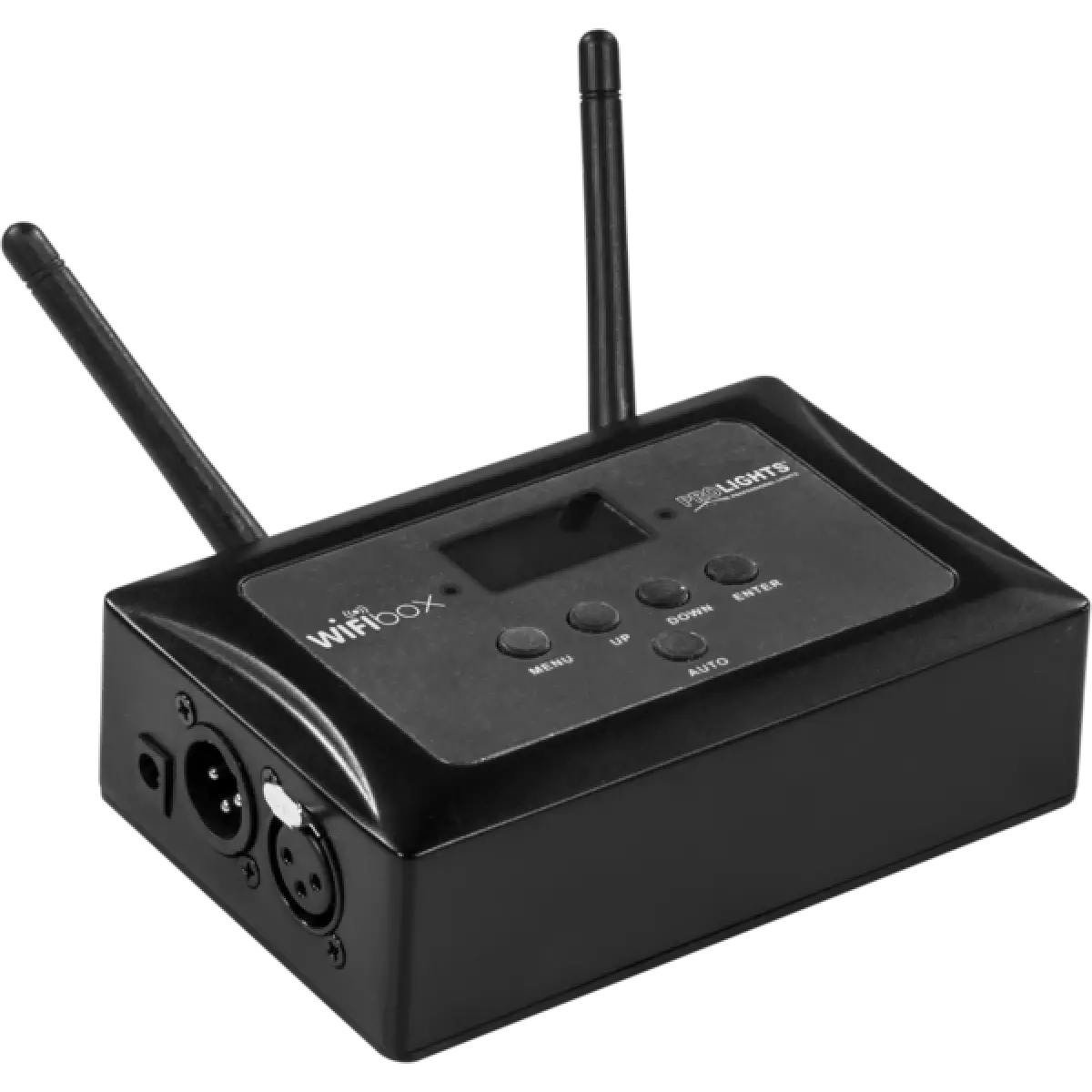
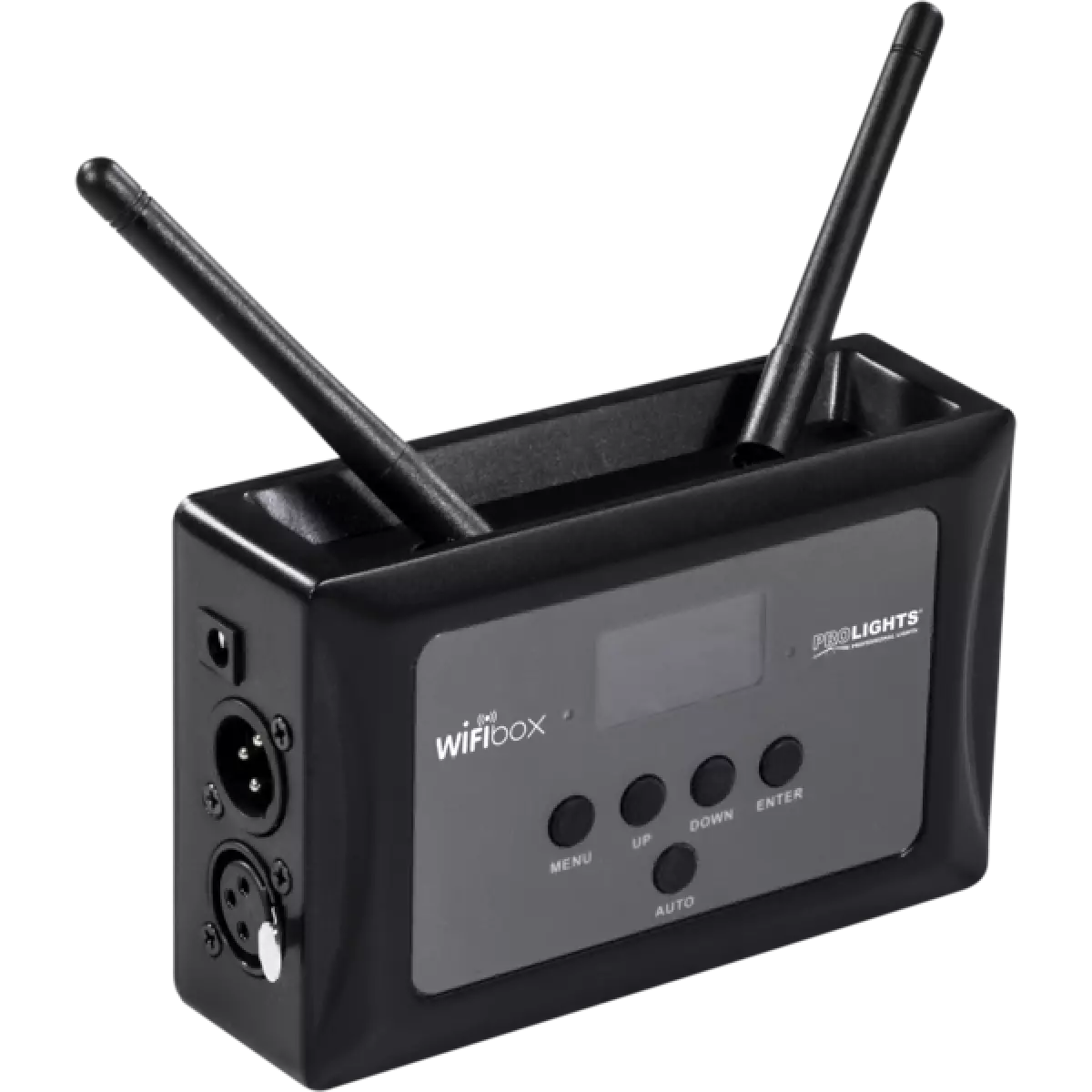
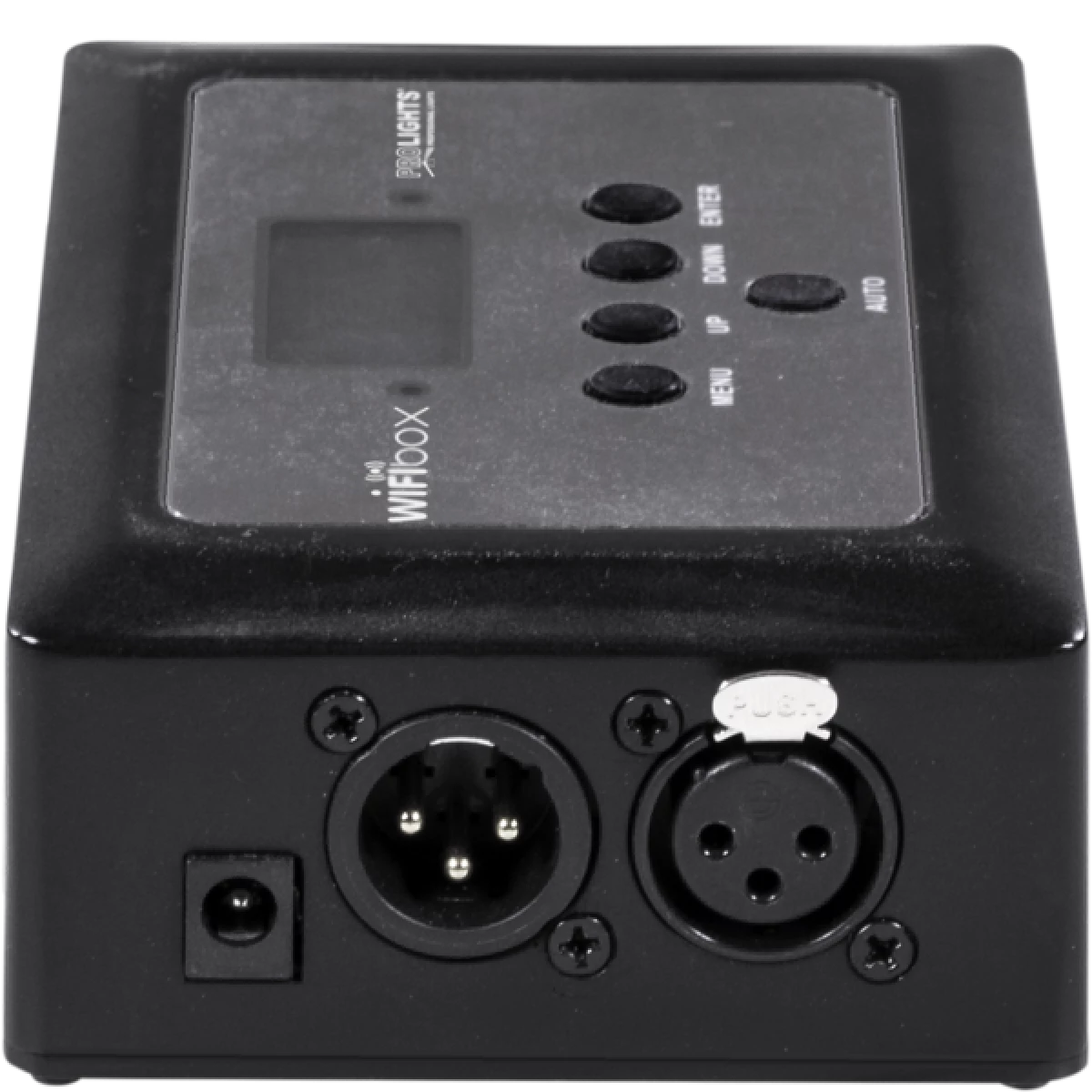
WIFIBOX

WIFI-Box

Order Code: WIFIBOX

Key Features

  • Transmitter and receiver (Wi-Fi) in a single compact unit
  • Wi-Fi connection for fixtures control through the SmartColors app
  • Manual or automatic channel operating options
  • 16 channels dedicated to the manual mode
  • Simple user interface with black OLED display and 5 buttons
  • DMX512 protocol and WIFI connection through mobile phone or tablet supported
  • DMX IN/OUT connectors: 3-pin XLR
  • Operating frequency: 2,4 GHz
  • Max unobstructed distance: 80 m
  • Power supply (included): input 100 - 240 V 50 / 60 Hz, output DC 9 V, 1000 mA
  • Weight: 0,6 kg
  • Dimensions (WxHxD): 102x82x41 mm

WIFIBOX is a new-generation light control system, designed to provide an easy and versatile platform for LED projectors. The signal transmission is managed both wired and wirelessly (through Wi-Fi), both input and output, even allowing to control the fixtures through the SmartColors app, available for IOS and Android devices.

Read less
WIFIBOX is a new-generation light control system, designed to provide an easy and versatile platform for LED projectors. The signal transmission is managed both wired and wirelessly (through Wi-Fi), b...

Photo Gallery

Specifications

CERTIFICATIONS / REPORTS
  • Compliance: CE, UKCA
BOX CONTENT
  • 1 x WIFIBOX
  • 1 x external power supply
  • User Manual

Accessories & Related Products

(Optional) UPBOXPRO

Firmware uploader kit, USB IN, 5-pin XLR DMX OUT connector

Order Code: UPBOXPRO

Downloads

Technical documentation and support files

Data sheet & specs Data sheet & specs

File name File size Download
Letter datasheetWifibox_A4_DATASHEET_(EN).pdf(16/12/2021)589KB

User manual User manual

File name File size Download
User manualWifibox_USER_MANUAL_ITEN.pdf(01/02/2019)1MB

CAD symbols & drawings CAD symbols & drawings
File name File size Download
2DWifibox_CAD_2D.dwg(11/05/2021)980KB
3DWifibox_CAD_3D.dwg(21/08/2018)3MB
Technical drawingWifibox_TECHNICAL_DRAWING.pdf(11/05/2021)318KB

Firmware


Firmware Update Information

PROLIGHTS product firmware can be updated in several ways, depending on the product and file extension. The available methods are listed in the product specifications in the CONTROL - Firmware upgrade section.

Method/Device File extension Needed software Instructions
UPBOXPRO (*) .PRL UpBox_Tool Guide
USB port .PRL No software needed see User Manual 
Ethernet port .EHEX Professional Uploader Guide
Ethernet port .ALF DMX Workshop Guide

(*) You can still use UPBOX1 and UPBOX2 by checking their compatibility on the product accessories page. To use UPBOX2, you need to download the drivers from the following link.

Note: Some products without DMX or USB inputs may require an additional device and may not be compatible with UPBOXPRO. Check here  the products list.

UPDATE Instructions

  1. Check the update methods available on your product in the CONTROL - Firmware upgrade section.
  2. Download the firmware and software dedicated for the update.
  3. Follow the update guide available in the firmware folder.
Update Tool: UPBOXPRO UPBOXPRO
Check hardware changelog before downloading firmware
Revision Release date Firmware changelog HW Compatibility
2.3 STABLE 20/09/2019 Improved firmware functionality.
2.2 STABLE 14/06/2017 Improved WI-FI functionality.

Info Request

NEWSLETTER

Subscribe to our Newsletter

Loading...