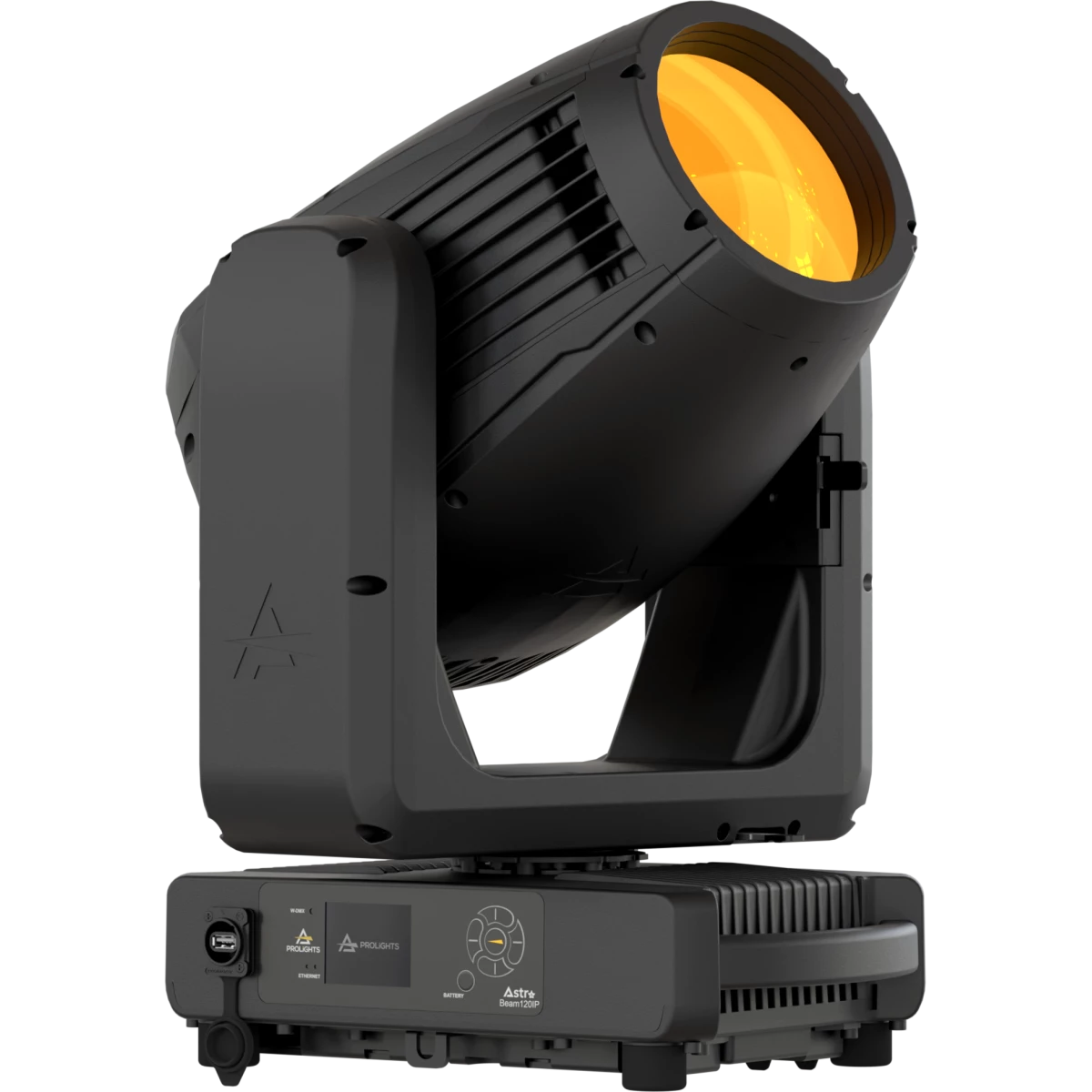
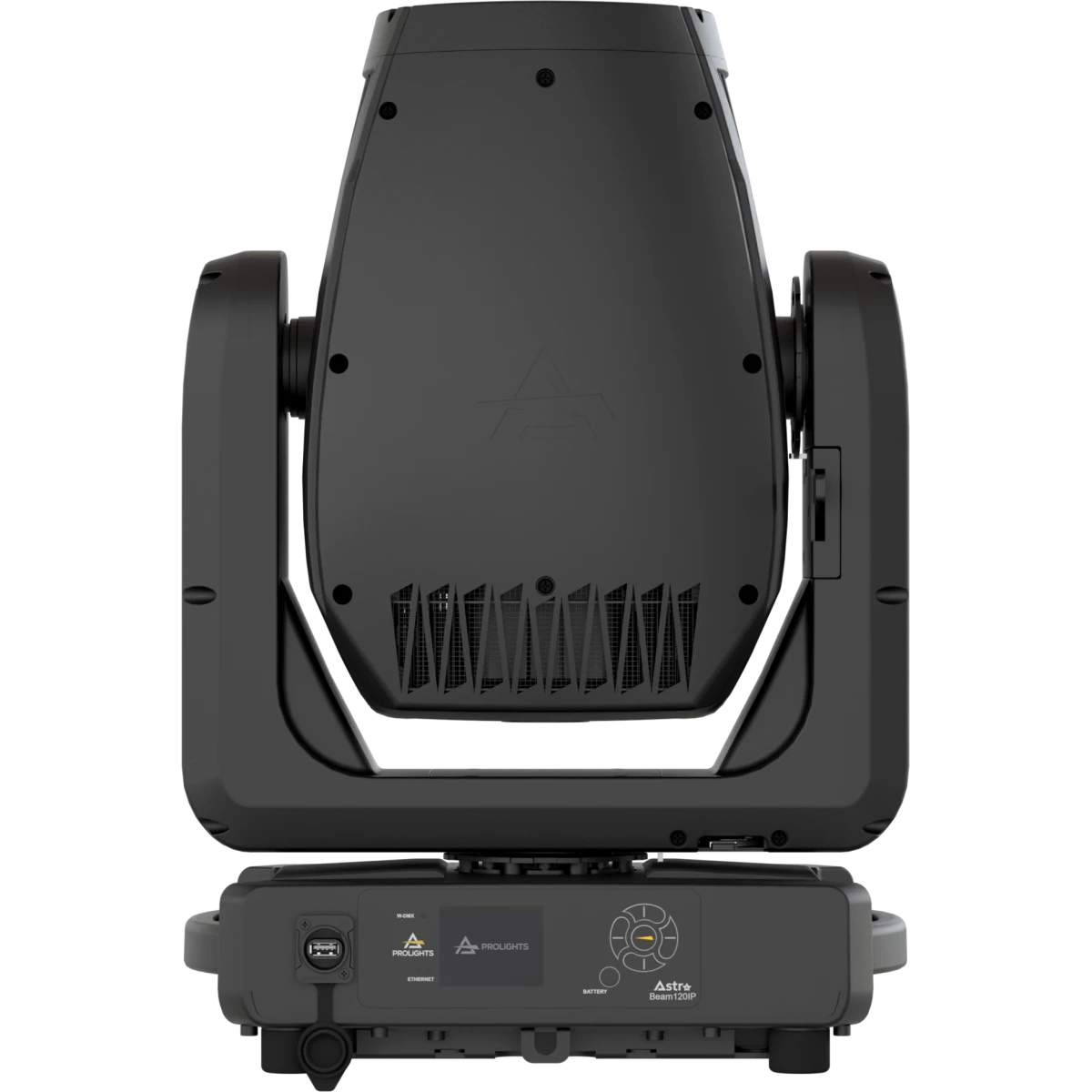
ASTRABEAM120IP

Astra Beam120IP

NEW

Order Code: ASTRABEAM120IP

Source
120W Phosphor Laser source
IP rating
 IP65 for temporary outdoor use (*)
Weight
20kg / 44.09lbs 

Key Features

  • IP65 Beam moving light equipped with a 120W white Laser source
  • 0.6° beam angle for long throw applications
  • 360° P&T, CMY, 1x color wheel, 13 rotating and 29 fix gobos, one animation wheel, 6 prisms, 2 frost

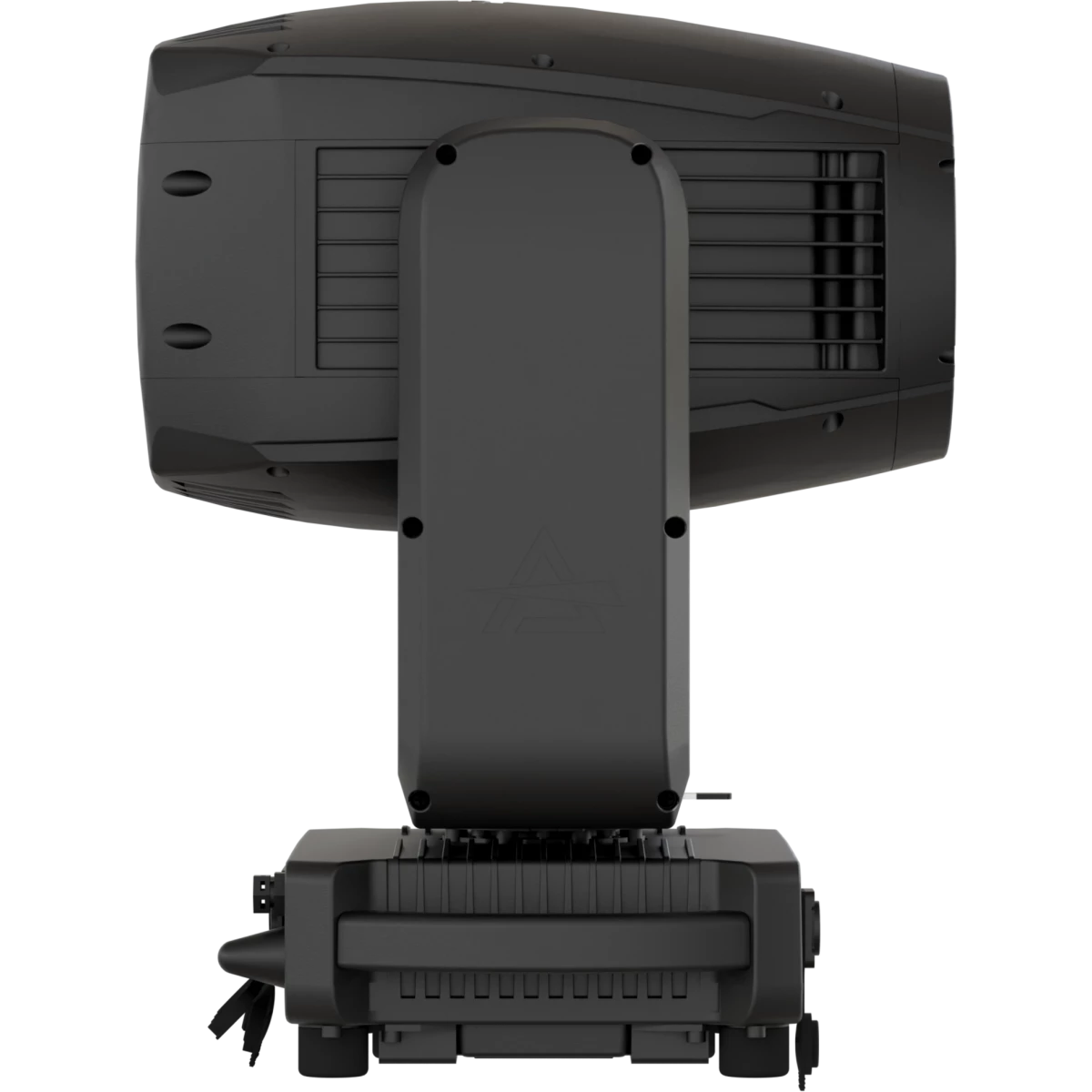
Astra Beam120IP stands as a formidable IP-rated pure beam moving head, leveraging a 120W phosphor laser source to cast intense white light. Designed for both indoor and outdoor large stage applications, its power and versatility are unmatched.

This moving head's advanced phosphor laser source, characterized by a notably small light-emitting surface, works in tandem with a custom-engineered optical system. The result is a striking 0.6° fat, parallel beam that excels in long throw aerial effects, offering unparalleled intensity and contrast.

The Astra Beam120IP is not just about raw power; it's a hub of creative potential. Its comprehensive feature set enables limitless color possibilities and visual effects. This includes linear CMY color mixing, a color wheel, one rotating gobo wheel, one static gobo wheels and one animation wheel. The unit also boasts six prisms, dual frost filters, and infinite Pan & Tilt rotation, further expanding its capacity for effect possibilities.

Read less
Astra Beam120IP stands as a formidable IP-rated pure beam moving head, leveraging a 120W phosphor laser source to cast intense white light. Designed for both indoor and outdoor large stage application...

Photo Gallery

Specifications

LIGHT SOURCE
  • Source: 120W Phosphor Laser source
  • Source CCT: 7.000K
  • Lux: 204'167lx @15 m full
  • Source life expectancy: > 12.000 h
OPTICS
  • Beam angle: 0,6°
  • Lens diameter: 143mm / 5.63''
  • Lens type: HD anti-reflection lenses with achromatic coating
  • Focus: motorised 16-bit
COLOUR SYSTEM
  • Colour mixing: linear CMY
  • CCT: several CTB/CTO on wheel
  • Colour wheel: open + 24 colour filters
DYNAMIC EFFECTS
  • Control Resolution: 16-bit dimmer control
  • Animation wheel: animation wheel with CW and CCW rotation
  • FX generator: prisms overlap for spectacular aerial effects
  • FX Wheel A: 8-f circular prism / 4-f & 6-f linear prism / heavy frost, bi-directional rotation, indexing, interchangeable
  • FX Wheel B: 16-f & 6-f circular prism / 6-f linear prism, bi-directional rotation, indexing, interchangeable
  • Frost: dual soft-edge and heavy
GOBOS
  • Rotating gobos (wheel1): 13 rotating gobos + open, interchangeable, indexing
  • Gobo size (wheel1): outer: 8,4 mm - image: 4 mm - thickness: 0,3 mm
  • Fixed gobos: 29 fixed gobos + open
CONTROL
  • Supported Protocols: DMX512, RDM, ArtNet, sACN, CRMX
  • DMX channels: 32ch
  • Wireless Control: Included LumenRadio Timo Fx DMX/RDM receiver compatible with CRMX (Lumen Radio) and W-DMX (Wireless DMX)
  • RDM: for remote addressing and parameter configuration
  • Display: LCD high resolution colour display with autoflip
  • Firmware upgrade: via DMX with UPBOXPRO (not included) or via USB pen drive
MOVEMENT
  • Pan: 540° - 16-bit resolution with 360° endless rotation
  • Tilt: 270° - 16-bit resolution with 360° endless rotation
  • Position feedback: automatic repositioning after external movement
  • Pan / tilt lock: for transport and maintenance
ELECTRONICS
  • Dimmer: linear 0 ~ 100% electronic dimmer
  • Dimmer curves: 4 selectable dimming modes available
  • Strobe / shutter: 1-30 Hz, electronic
  • Display battery: included, self-charging battery backup
  • Selectable PWM: 600 to 50000 Hz (selectable steps)
ELECTRICAL
  • Mains power supply: 100-240V - 50/60Hz
  • Max power consumption (230V): 150W
  • Output (at 230V): 14 units on a single power line
  • Standby power: 66,4 W
  • Power factor: > 0,96
CONNECTIONS
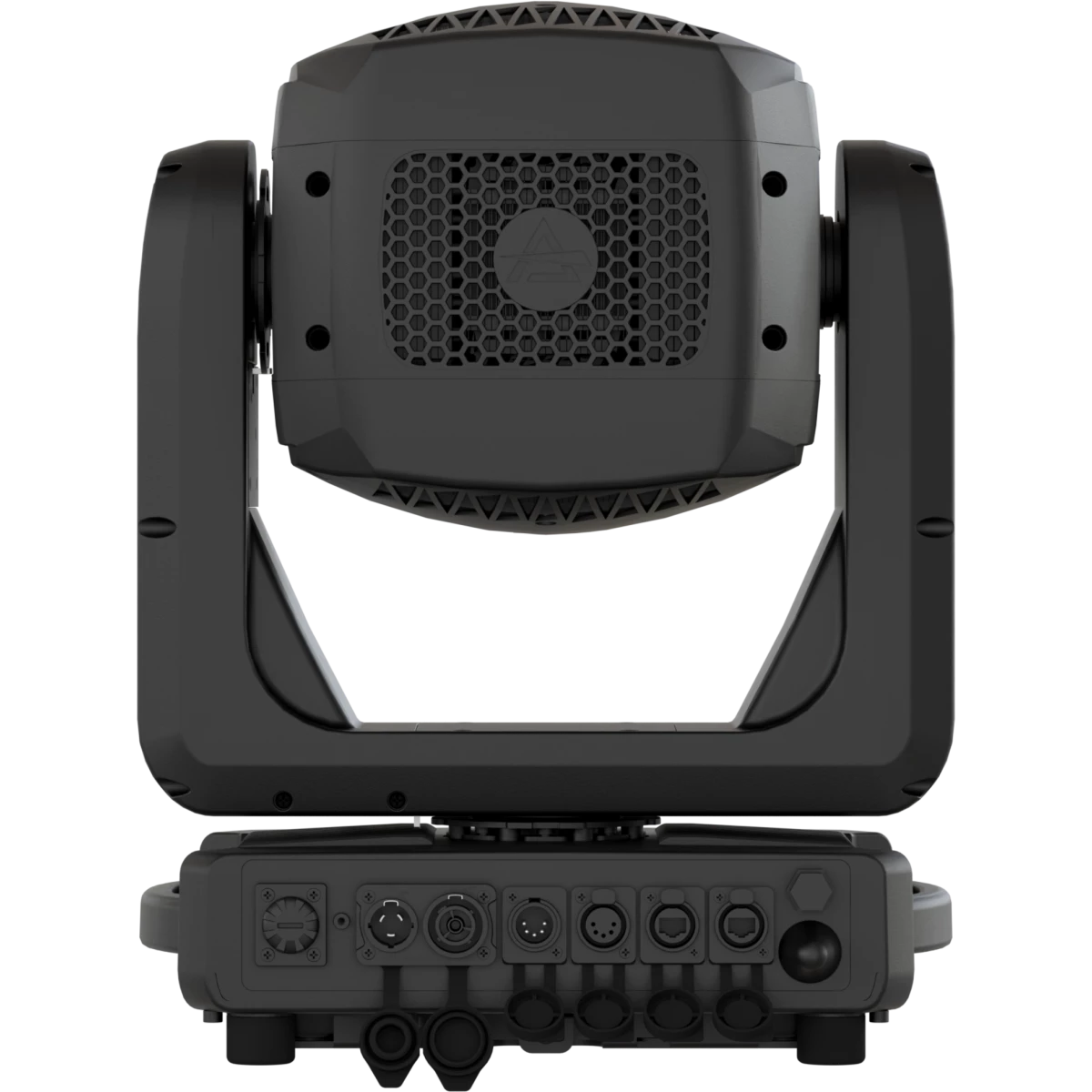
  • Signal connection: IP65 Seetronic XLR 5p IN/OUT connectors
  • Data connection: IP65 Seetronic Art-Net RJ45 IN/OUT
  • Power connection: Seetronic powerCON TRUE IP65 IN
  • EtherFlow: Ethernet pass-through switch that preserves network connectivity even when the fixture is unpowered
PHYSICAL
  • IP rating: IP65 for temporary outdoor use (*)
  • Cooling: heat pipe with low-noise fan
  • Housing: Weatherproof IP65 construction with die-cast magnesium alloy
  • Finish: black
  • Operating temperature: Ta -20 to +45 °C (-4 to +113 °F)
  • Dimensions (WxHxD): 366x528x258mm / 14.41''x20.79''x10.16''
  • Weight: 20kg / 44.09lbs
INSTALLATION
  • Suspension and fixing: any position with quick-lock omega brackets
CERTIFICATIONS / REPORTS
  • Compliance: CE, RCM
(*)
  • NOTE: Suitable for permanent outdoor use, provided installation and maintenance cycles by qualified technicians are carried.
BOX CONTENT
  • 1 x ASTRABEAM120IP
  • 2 x OSIPPLUS
  • 1 x Antenna
  • 1 x 1,5 meters 3G1,5mmq power cable (BARE END - SEETRONIC POWERCON TRUE1 IP65 power connector)
  • User Manual

Accessories & Related Products

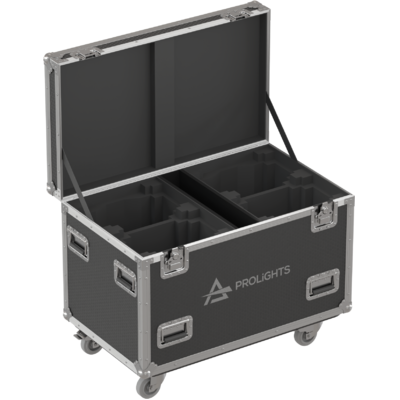
Optional FCLASTRAB120IP

Flight case for 4 pcs of ASTRABEAM120IP / JETBEAM120IP

Order Code: FCLASTRAB120IP

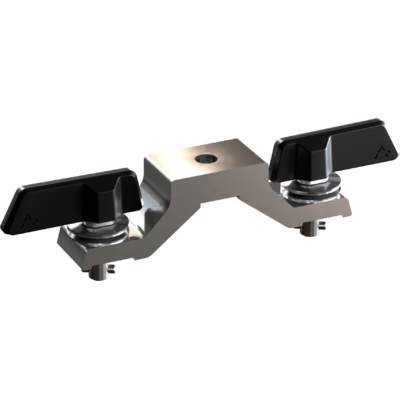
Included OSIPPLUS

IP65 quick-lock omega bracket compatible with IP65 moving heads, M12 hole

Order Code: OSIPPLUS

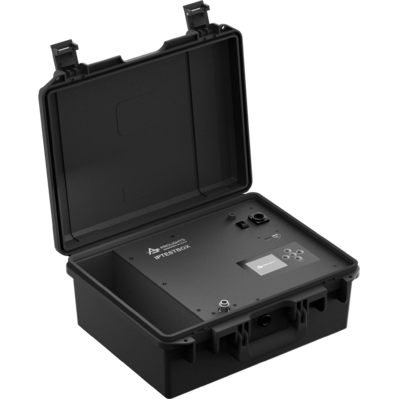
Optional IPTESTBOX

Portable vacuum and pressure tester for ProLights IP fixtures

Order Code: IPTESTBOX

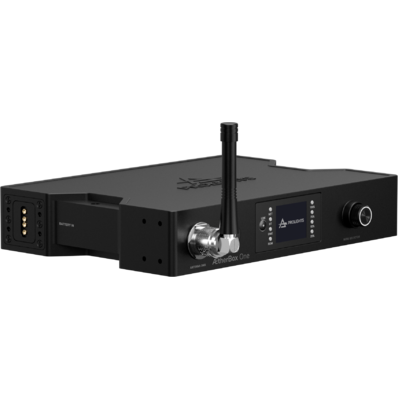
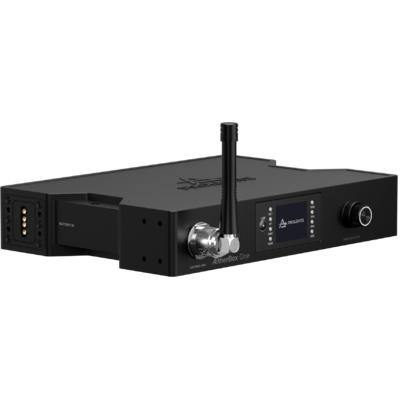
Optional <b>ÆtherBox</b>

IP65 1 universe CRMX transceiver, DMX and Ethernet protocols, Wi-Fi, Bluetooth and battery ready

Order Code: AETHERBOX

Optional C6002B

Slim aluminum clamp, 200kg loading, 48-51mm tubes, M10 bolt, Black&White& White

Order Code: C6002B

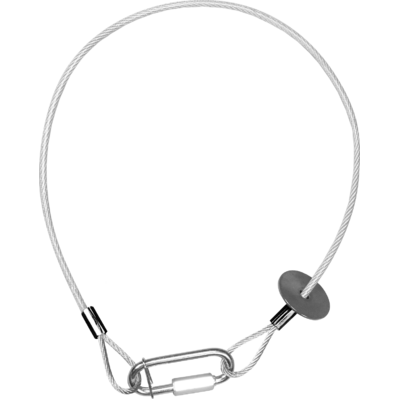
Optional RSR0630A

Steel security cable for hanging bodies, inox steel shackle, L=60 cm, silver

Order Code: RSR0630A

Optional UPBOXPRO

Firmware uploader kit, USB IN, 5-pin XLR DMX OUT connector

Order Code: UPBOXPRO

Downloads

Technical documentation and support files

Data sheet & specs Data sheet & specs
File name File size Download
Letter datasheetAstrabeam120ip_A4_DATASHEET_(ITA).pdf(26/02/2026)460KB
Letter datasheetAstrabeam120ip_A4_DATASHEET_(EN).pdf(26/02/2026)450KB
Tender SpecificationAstrabeam120ip_TENDER_SPECIFICATION.pdf(26/05/2025)293KB

User manual User manual

File name File size Download
User manualAstrabeam120ip_USER_MANUAL_EN.pdf(09/03/2026)11MB
User manualAstrabeam120ip_General_Safety_Information.pdf(04/06/2025)3MB

DMX chart & personalities DMX chart & personalities

File name File size Download
DMX chartAstrabeam120ip_DMX_CHARTS.pdf(09/03/2026)2MB

ASTRABEAM120IP Firmware rev. 1.1.03.0

manufacturer fixture library (Link) Link

Photometrics Photometrics

File name File size Download
PhotometricsAstrabeam120ip_PHOTOMETRICS_REPORT.pdf(19/06/2025)304KB
DialuxDownload DIALux product catalogue-

CAD symbols & drawings CAD symbols & drawings

File name File size Download
3D SKPAstrabeam120ip_3D.skp(12/03/2025)2MB
2DAstrabeam120ip_CAD_2D.dwg(11/03/2025)5MB
3DAstrabeam120ip_CAD_3D.dwg(12/03/2025)1MB
2D cad symbolsAstrabeam120ip_ASTRABEAM120IP_2DSYMBOLS.dwg(08/09/2025)30KB
Technical drawingAstrabeam120ip_TECHNICAL_DRAWING.pdf(11/03/2025)302KB
VectorWorksASTRABEAM120_SYMBOLS.vwx(19/05/2025)603KB

Firmware


Firmware Update Information

PROLIGHTS product firmware can be updated in several ways, depending on the product and file extension. The available methods are listed in the product specifications in the CONTROL - Firmware upgrade section.

Method/Device File extension Needed software Instructions
UPBOXPRO (*) .PRL UpBox_Tool Guide
USB port .PRL No software needed see User Manual 
Ethernet port .EHEX Professional Uploader Guide
Ethernet port .ALF DMX Workshop Guide

(*) You can still use UPBOX1 and UPBOX2 by checking their compatibility on the product accessories page. To use UPBOX2, you need to download the drivers from the following link.

Note: Some products without DMX or USB inputs may require an additional device and may not be compatible with UPBOXPRO. Check here  the products list.

UPDATE Instructions

  1. Check the update methods available on your product in the CONTROL - Firmware upgrade section.
  2. Download the firmware and software dedicated for the update.
  3. Follow the update guide available in the firmware folder.
Update Tool: UPBOXPRO UPBOXPRO
Check hardware changelog before downloading firmware
Revision Release date Firmware changelog HW Compatibility
1.1.03.0 STABLE 06/03/2026

New Functions:

  • Added Pan/Tilt Mode "Fast" (default value), "Medium", "Slow", "Ultra Fast". On the Control Ch, the following functions are available at the following DMX ranges:
    • PAN/TILT MODE FAST = 10 -11 dmx value
    • PAN/TILT MODE MEDIUM  = 12 - 13 dmx value
    • PAN/TILT MODE SLOW  = 14 - 15 dmx value
    • PAN/TILT ULTRA FAST  = 16 - 17 dmx value

Improvements:

  • Improved temperature management. Now, maximum LED power is correctly limited according to both LED temperature and driver temperature.
  • Improved PAN-TILT movement management.

Fixed Bug:

  • Factory Reload does not reset all settings to default.

NOTE: Artnet/sACN Ethernet section not implemented. It will be implemented in future firmware.

Rev. 1.0
Rev. 2.0

Info Request

NEWSLETTER

Subscribe to our Newsletter

Loading...