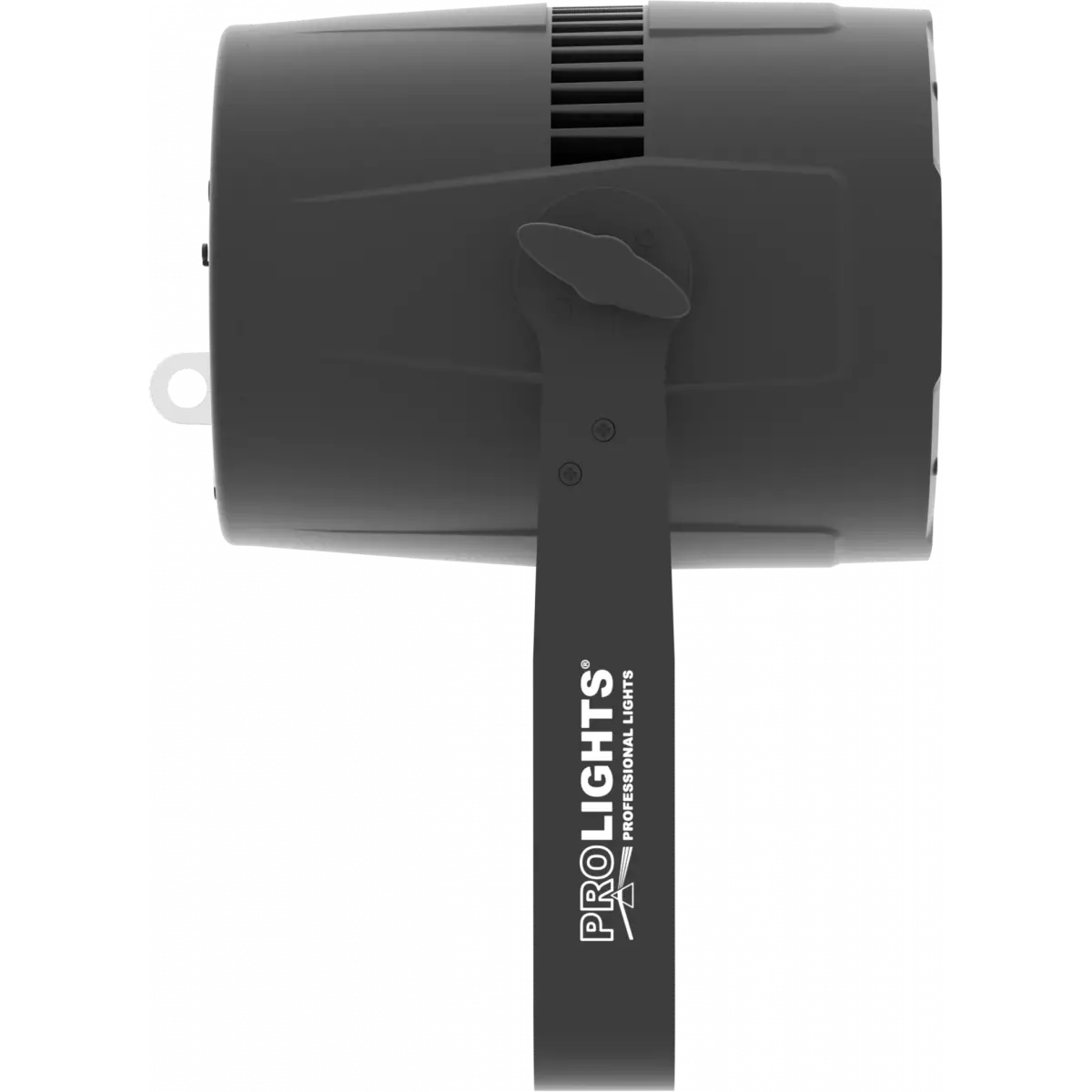
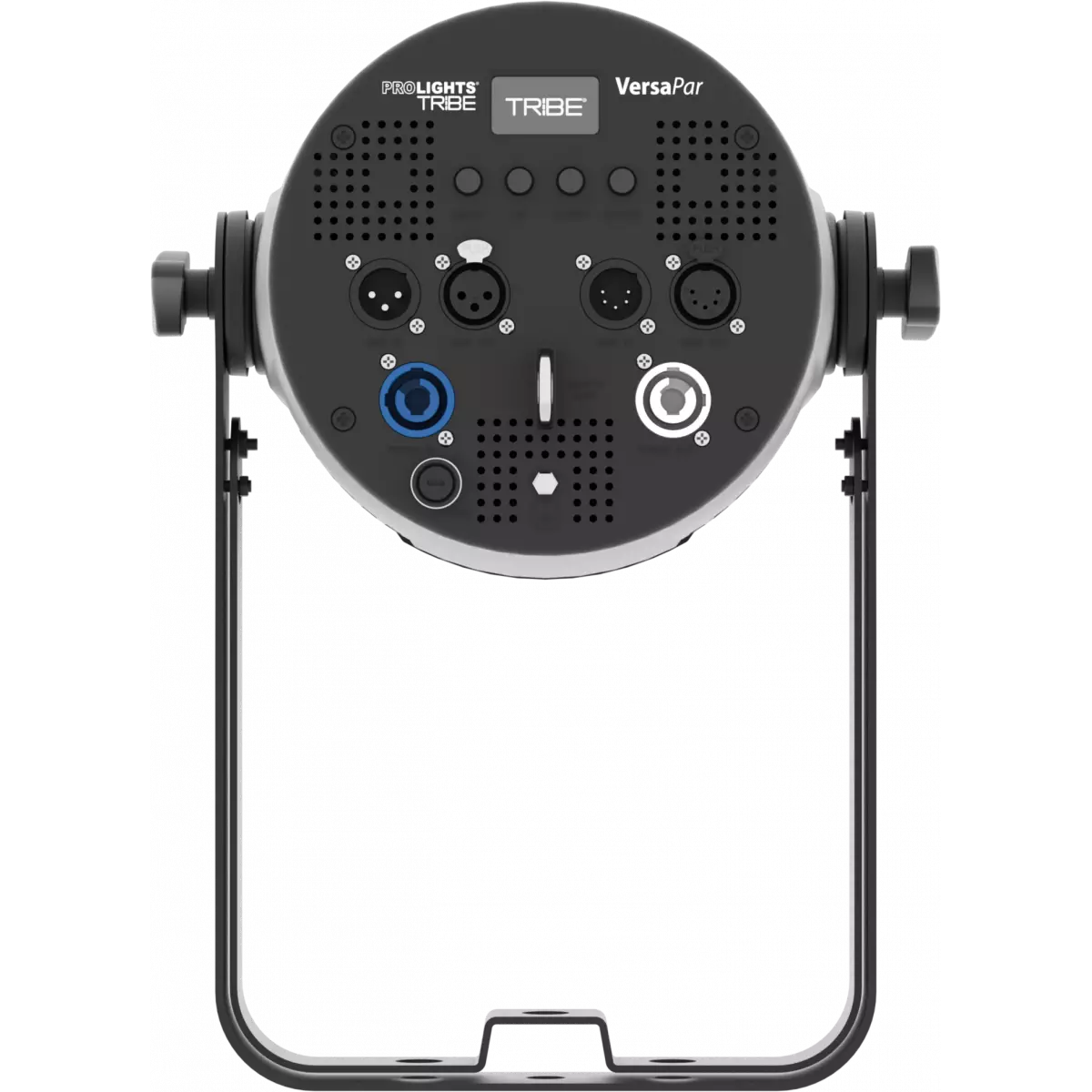

VERSAPAR

VersaPar

Order Code: VERSAPAR

Source
12x10W RGBW LEDs
Zoom range
10° - 60° motorised linear zoom
IP rating
 IP30
Weight
5,5kg / 12.13lbs 

Key Features

  • 12x10W RGBW/FC LED
  • Wide zoom range from 10° - 60° (1:6 zoom)
  • HD dimming with selectable PWM
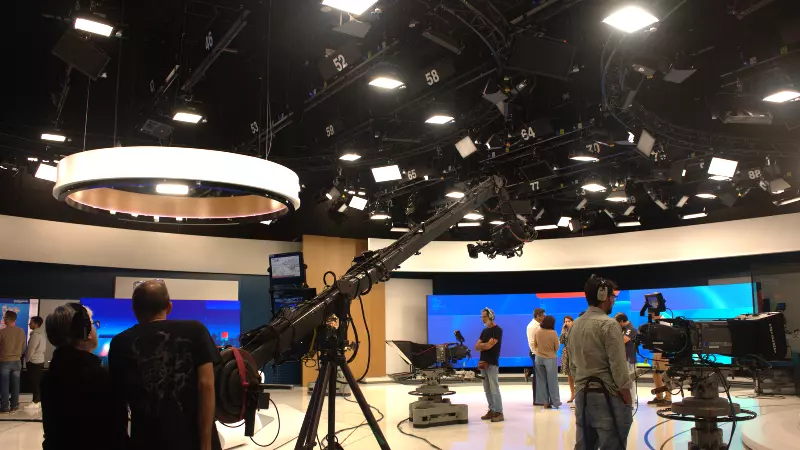
  • Silent operation for studio application

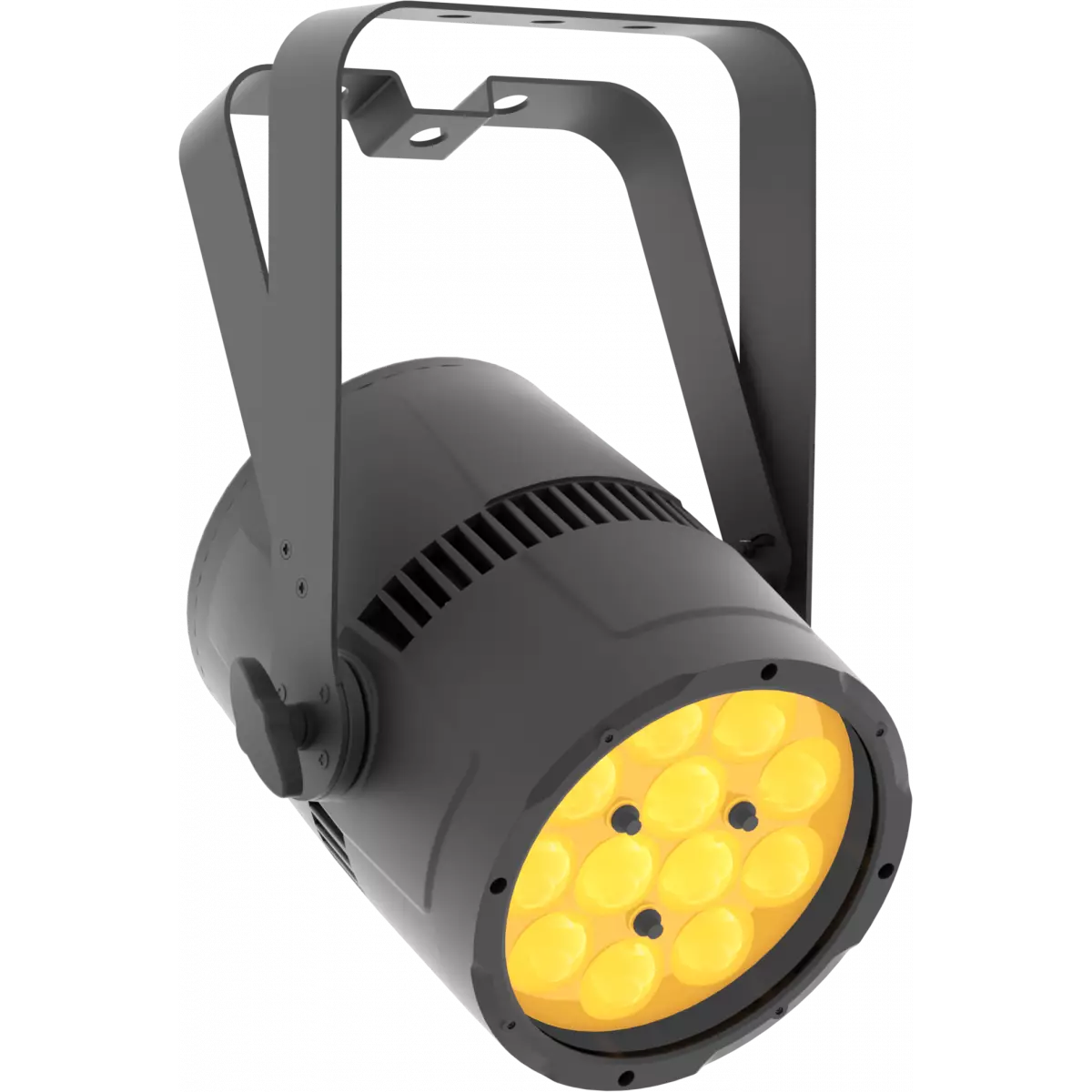
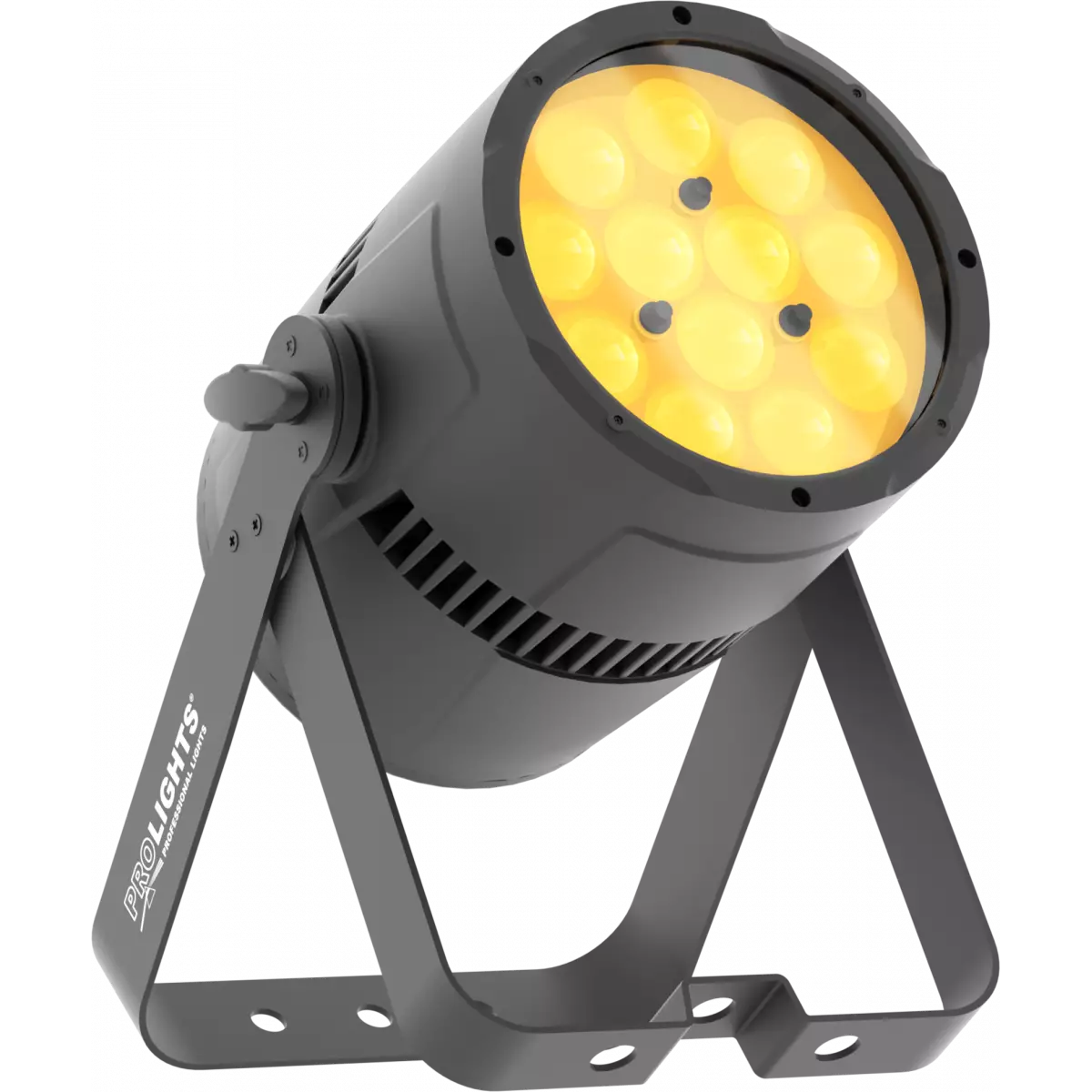
VersaPar is a LED zoom PAR designed for rental companies. The multi-purpose concept combining high brightness, wide zoom range and advanced colour mixing make this a unique fixture. VersaPar is equipped with 10° - 60° unrivalled zoom range, high efficiency, perfect chromatic uniformity, HDL dimming technology and totally silent operation.

Read less
VersaPar is a LED zoom PAR designed for rental companies. The multi-purpose concept combining high brightness, wide zoom range and advanced colour mixing make this a unique fixture. VersaPar is equipp...

Photo Gallery

Specifications

LIGHT SOURCE
  • Source: 12x10W RGBW LEDs
  • Luminous flux: (10°) 1'450 lm - (60°) 1'786
  • Lux: (10°) 3'144 lx - (60°) 249lx @5 m full
  • Source life expectancy: > 50.000 h
OPTICS
  • Zoom range: 10° - 60° motorised linear zoom
  • Lens type: plano-convex lens path
COLOUR SYSTEM
  • Colour wheel: virtual colour wheel with macros
  • Macros: built-in white presets
DYNAMIC EFFECTS
  • Static mode: selection of static colour
  • Manual mode: manual adjustment of colour
  • Auto mode: built-in programs with execution speed adjustment
CONTROL
  • Supported Protocols: DMX512
  • DMX channels: 5 / 7 / 10ch
  • Display: Graphic User Interface
  • Master/Slave: for synchronised operation of more units linked in a chain
ELECTRONICS
  • Dimmer: linear 0 - 100% electronic dimmer
  • Dimmer curves: 4 selectable dimming modes available
  • Strobe / shutter: 1 - 28 Hz, electronic
  • Selectable PWM: 600 to 25000 Hz (selectable steps)
  • Firmware upgrade with: via DMX with UPBOXPRO/UPBOX1 (not included)
CONNECTIONS
  • Power connection: Neutrik powerCON IN/OUT connectors
  • Signal connection: XLR 3p + 5p IN/OUT connectors
ELECTRICAL
  • Mains power supply: 100-240V - 50/60Hz
  • Max power consumption (230V): 120W
  • Output (at 230V): 15 units on a single power line
  • Power factor: > 0,94
PHYSICAL
  • IP rating: IP30
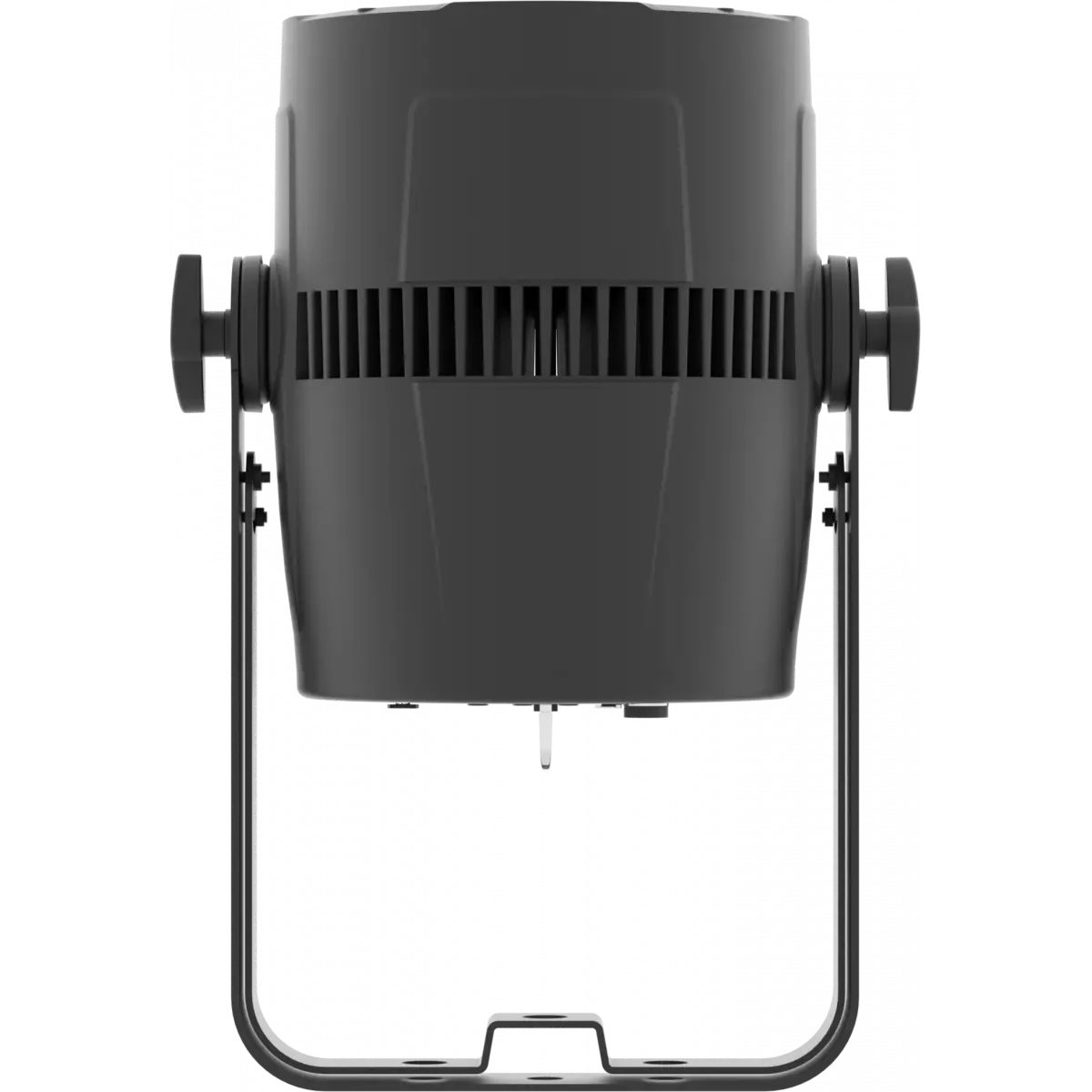
  • Cooling: forced-air with low-noise fan
  • Housing: Sturdy die-cast aluminium body
  • Finish: black
  • Operating temperature: Ta -10 to +40 °C (+14 to +104 °F)
  • Dimensions (WxHxD): 262x350x261mm / 10.31''x13.78''x10.28''
  • Weight: 5,5kg / 12.13lbs
INSTALLATION
  • Suspension and fixing: double bracket for hanging and floor positioning
CERTIFICATIONS / REPORTS
  • Compliance: CE, UKCA, RCM
BOX CONTENT
  • 1 x VERSAPAR
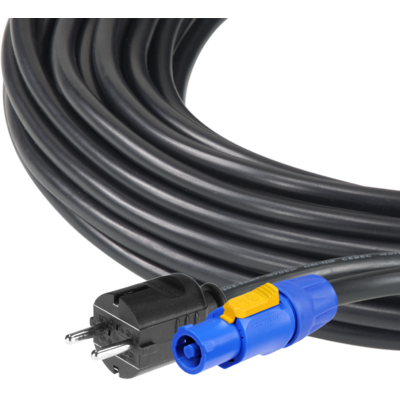
  • 1 x 1,5 meters 3G1,5mmq power cable (BARE END - NEUTRIK POWERCON power connector)

Accessories & Related Products

(Optional) 9533FCAL03

Ass. 3x2.5mm TH07 cable, SCHUKO plug, MENAC3FCA socket, L.3m

Order Code: 9533FCAL03

(Optional) TOUR53415L03

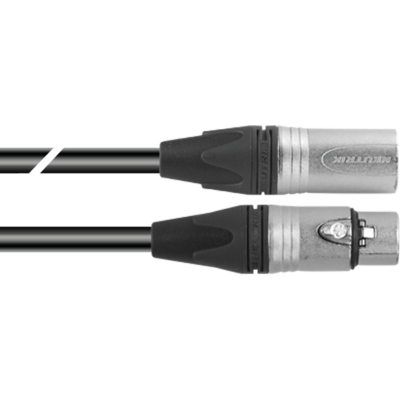
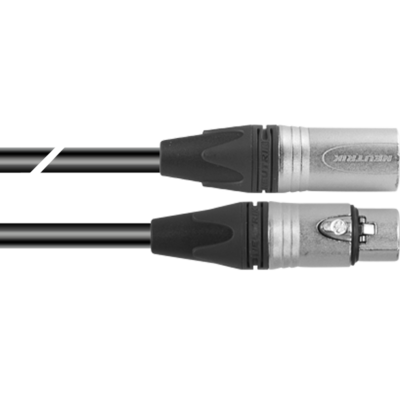
Dmx cable HC5340. CANC5MXX XLR 5p->CANC5FXX XLR (f) 5p, L.3m

Order Code: TOUR53415L03

(Optional) TOUR53413L03

Dmx cable HC5340. CANC3MXX XLR 3p->CANC3FXX XLR (f) 3p, L.3m

Order Code: TOUR53413L03

(Optional) 958025L03

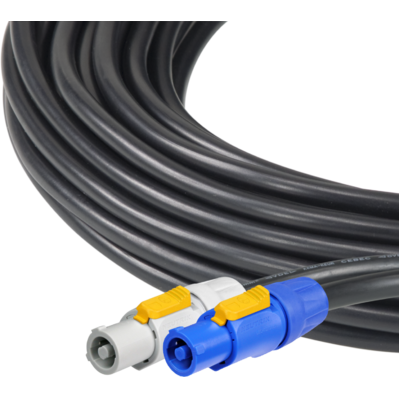
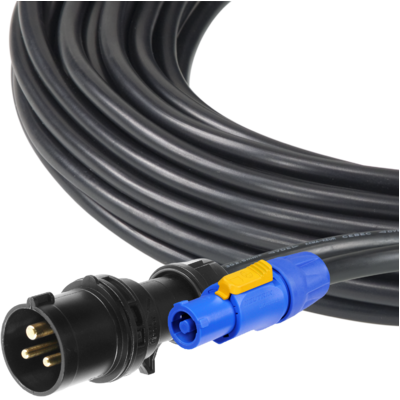
3x2.5mm TH07 Cable, 20A 3p PwCon FCA, 20A 3p PwCon FCB, L. 3m

Order Code: 958025L03

(Optional) C6002B

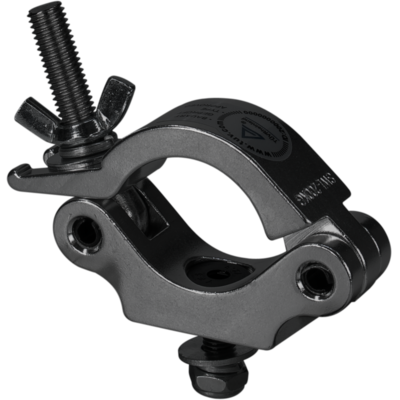
Slim aluminum clamp, 200kg loading, 48-51mm tubes, M10 bolt, Black&White& White

Order Code: C6002B

(Optional) RSR0630B

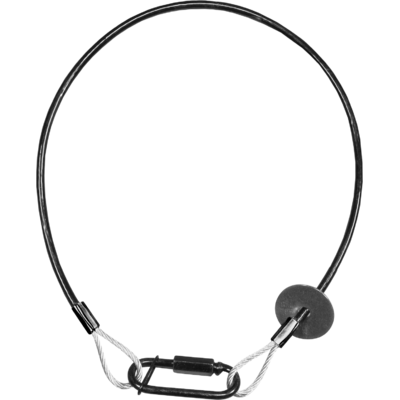
Steel security cable for hanging bodies, inox steel shackle, L=60 cm, black

Order Code: RSR0630B

(Optional) 9513FCAL03

Ass. 3x2.5mm TH07 cable, 16A 3p 230V CEE plug, MENAC3FCA socket, L.3m

Order Code: 9513FCAL03

(Optional) FCLPAR4190

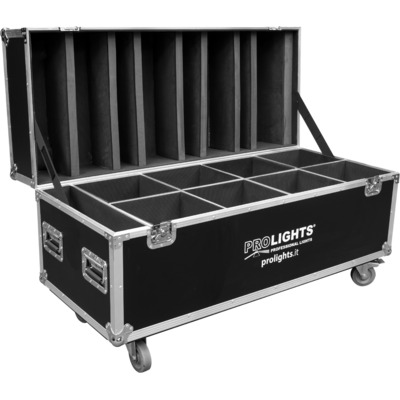
Flight case for 8 STUDIOCOB, VERSAPAR

Order Code: FCLPAR4190

(Optional) STUDIOCOBBD

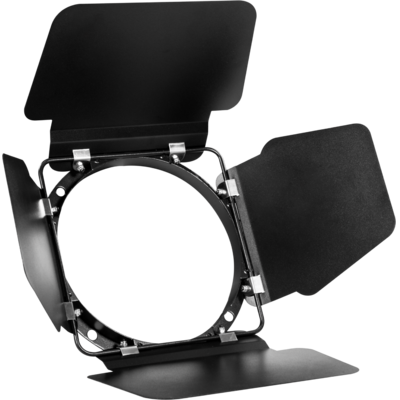
Barn door 4 directional flaps to adjust the light beam, f. frame included

Order Code: STUDIOCOBBD

(Optional) UPBOXPRO

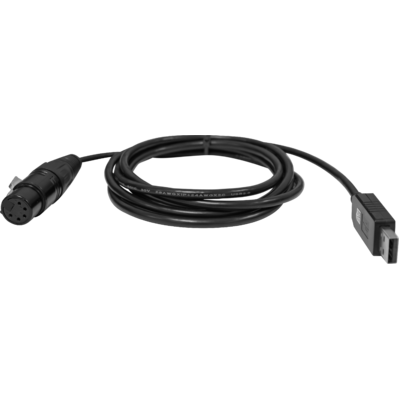
Firmware uploader kit, USB IN, 5-pin XLR DMX OUT connector

Order Code: UPBOXPRO

Downloads

Technical documentation and support files

Data sheet & specs Data sheet & specs
File name File size Download
Letter datasheetVersapar_A4_DATASHEET_(EN).pdf(01/09/2021)390KB

User manual User manual

File name File size Download
User manualVersapar_USER_MANUAL_EN.pdf(07/03/2025)2MB

DMX chart & personalities DMX chart & personalities

File name File size Download
DMX chartVersapar_DMX_CHARTS.pdf(07/03/2025)780KB

VERSAPAR Firmware rev. 1.7

manufacturer fixture library (Link) Link
prolights_versapar.d4Download
manufacturer fixture library (Link) Link
versapar_5ch.fdfDownload
versapar_7ch.fdfDownload
versapar_10ch.fdfDownload
manufacturer fixture library (Link) Link
prolights@versapar@5_channel@ma_library_update_v13.1.xmlpDownload
prolights@versapar@7_channel@ma_library_update_v13.1.xmlpDownload
prolights@versapar@10_channel@ma_library_update_v13.1.xmlpDownload
manufacturer fixture library (Link) Link
versapr_hog3.zipDownload
manufacturer fixture library (Link) Link
versapar 5 channel.fix2Download
versapar 7 channel.fix2Download
versapar 10 channel.fix2Download
manufacturer fixture library (Link) Link

VERSAPAR Firmware rev. 1.6

manufacturer fixture library (Link) Link
prolights_versapar.d4Download
manufacturer fixture library (Link) Link
versapar_5ch.fdfDownload
versapar_7ch.fdfDownload
versapar_10ch.fdfDownload
manufacturer fixture library (Link) Link
prolights@versapar@5_channel@ma_library_update_v13.1.xmlpDownload
prolights@versapar@7_channel@ma_library_update_v13.1.xmlpDownload
prolights@versapar@10_channel@ma_library_update_v13.1.xmlpDownload
manufacturer fixture library (Link) Link
versapr_hog3.zipDownload
manufacturer fixture library (Link) Link
versapar 5 channel.fix2Download
versapar 7 channel.fix2Download
versapar 10 channel.fix2Download
manufacturer fixture library (Link) Link

Photometrics Photometrics

CAD symbols & drawings CAD symbols & drawings
File name File size Download
3D RFAVersapar_3D.rfa(23/04/2021)948KB
3D SKPVersapar_3D.skp(30/03/2020)1MB
2DVersapar_CAD_2D.dwg(24/02/2021)3MB
2D cad symbolsVersapar_CAD_2DSYMBOLS.dwg(09/03/2020)23KB
3DVersapar_CAD_3D.dwg(30/03/2020)298KB
Technical drawingVersapar_TECHNICAL_DRAWING.pdf(24/02/2021)189KB
VectorWorksVECTORWORKS_SYMBOLS.vwx(09/03/2020)325KB
VectorWorksPROLIGHTS_VECTORWORKS_v2025_LIBRARY.vwx(20/05/2026)321MB
VectorWorksPROLIGHTS_VECTORWORKS_v2020_LIBRARY.vwx(13/05/2025)276MB

Tech docs Tech docs

File name File size Download
Noise ReportVersapar_NOISE_REPORT.pdf(27/03/2025)610KB

Firmware


Firmware Update Information

Methods are listed in the product specs - ELECTRONICS > Firmware upgrade.

Method / Device Extension Required software Instructions
UPBOXPRO (*) .PRL UpBox_Tool Guide
USB port .PRL No software needed see User Manual
Ethernet port .EHEX Professional Uploader Guide
Ethernet port .ALF DMX Workshop Guide

(*) UPBOX1 and UPBOX2 are still usable - check compatibility on the product accessories page. UPBOX2 requires drivers from this link.

Note: Some products without DMX or USB inputs may require an additional device and may not be compatible with UPBOXPRO - see the products list.

Update procedure
  1. Check the update methods on your product (ELECTRONICS> Firmware upgrade).
  2. Download the firmware and the dedicated software.
  3. Follow the update guide included in the firmware folder.
Update Tool: UPBOXPRO UPBOXPRO
Check hardware changelog before downloading firmware
Revision Release date Firmware changelog HW Compatibility
1.7 STABLE 15/04/2021 Added full on mode with off and studio modes. Added fan settings silent and off
1.6 STABLE 02/07/2020 Improved white balance feature. Rev. 1.0

Info Request

News

NEWSLETTER

Subscribe to our Newsletter

Loading...