

DIAMOND37

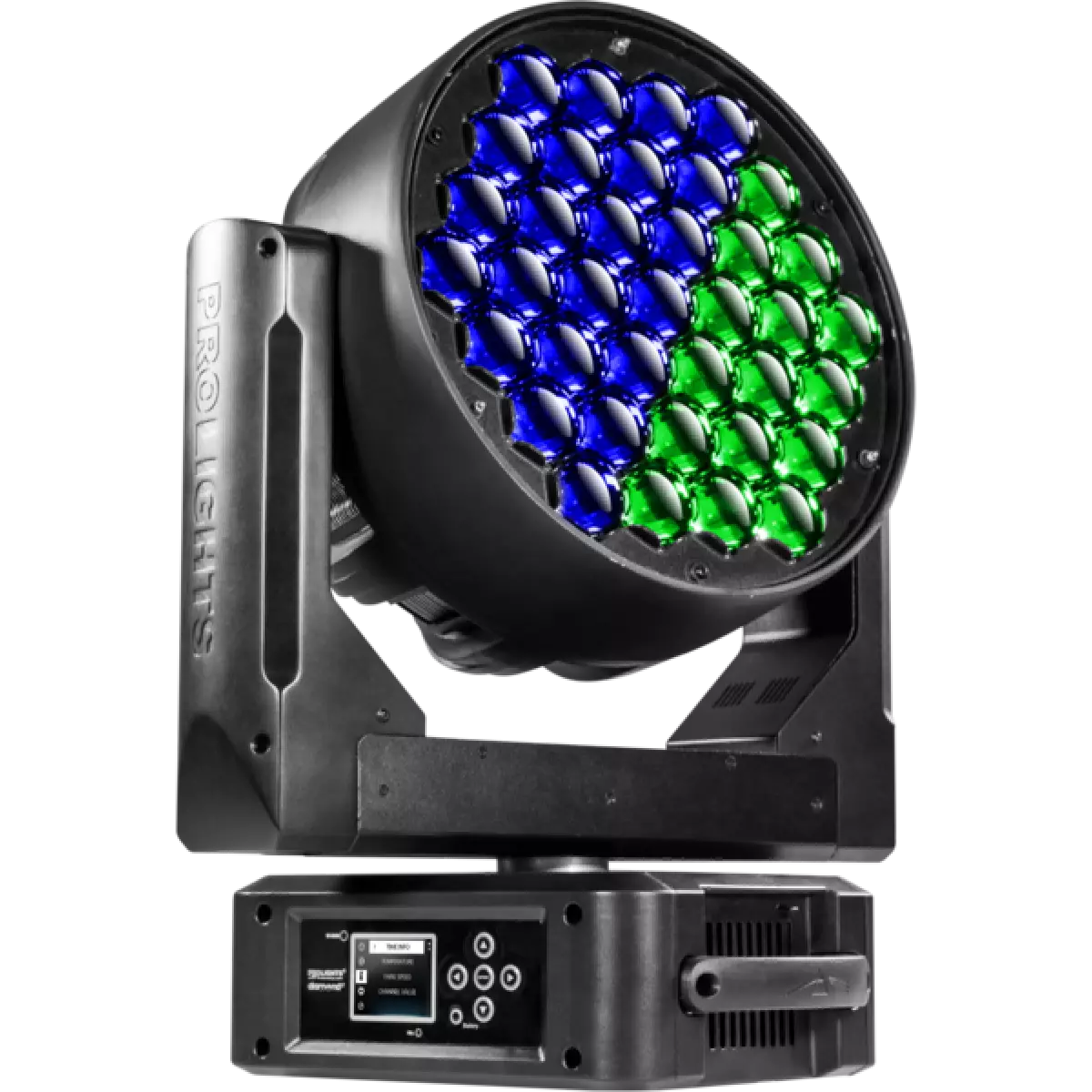
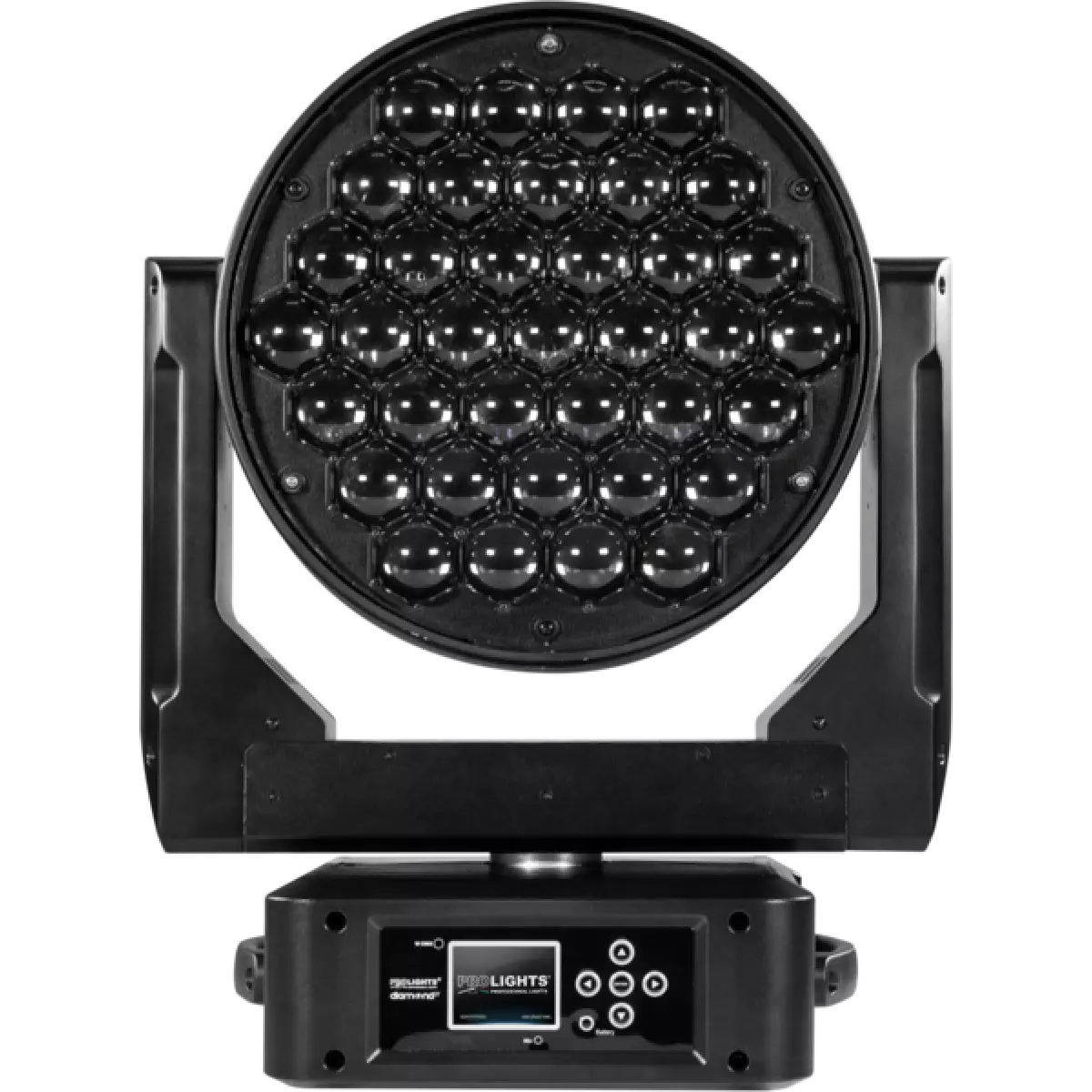
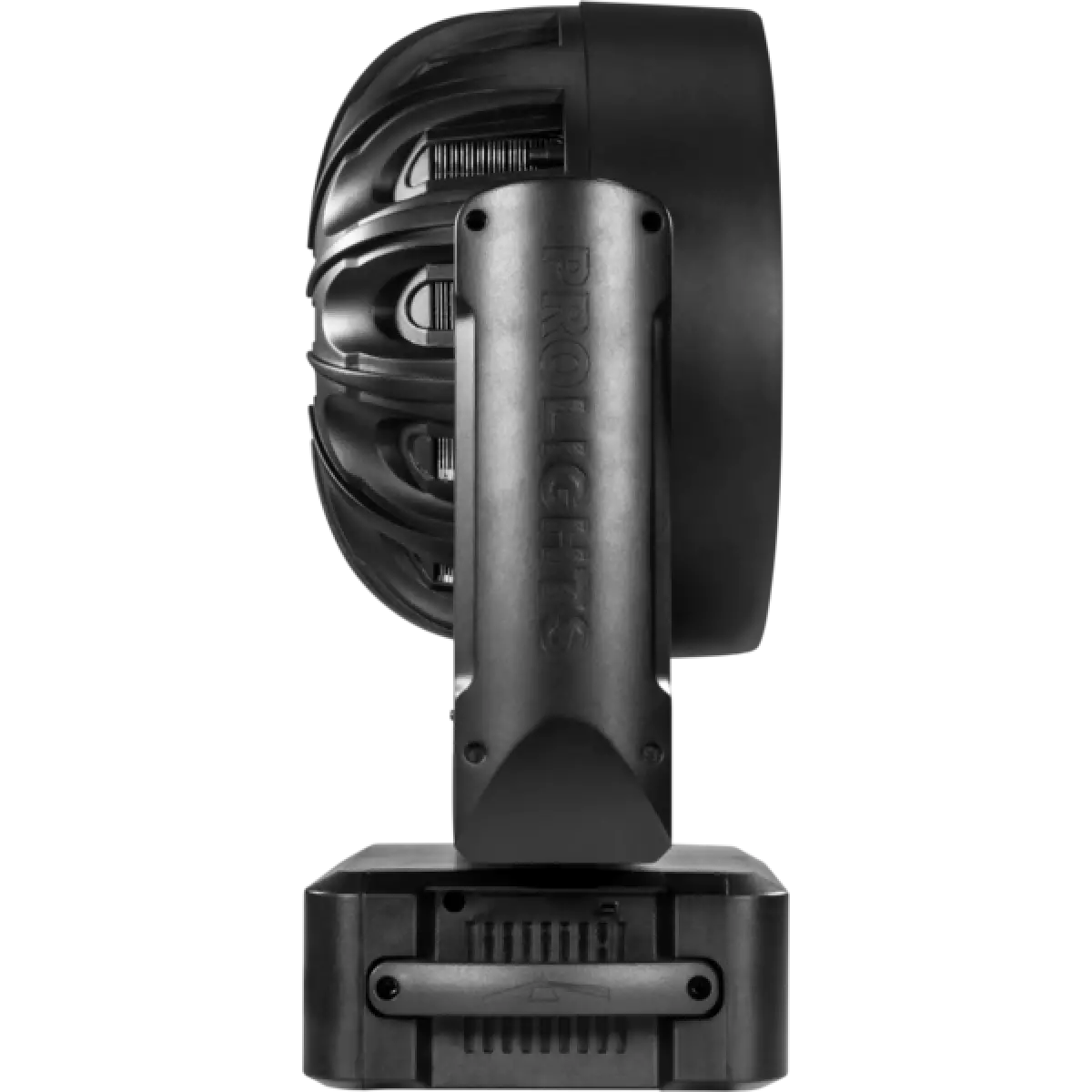
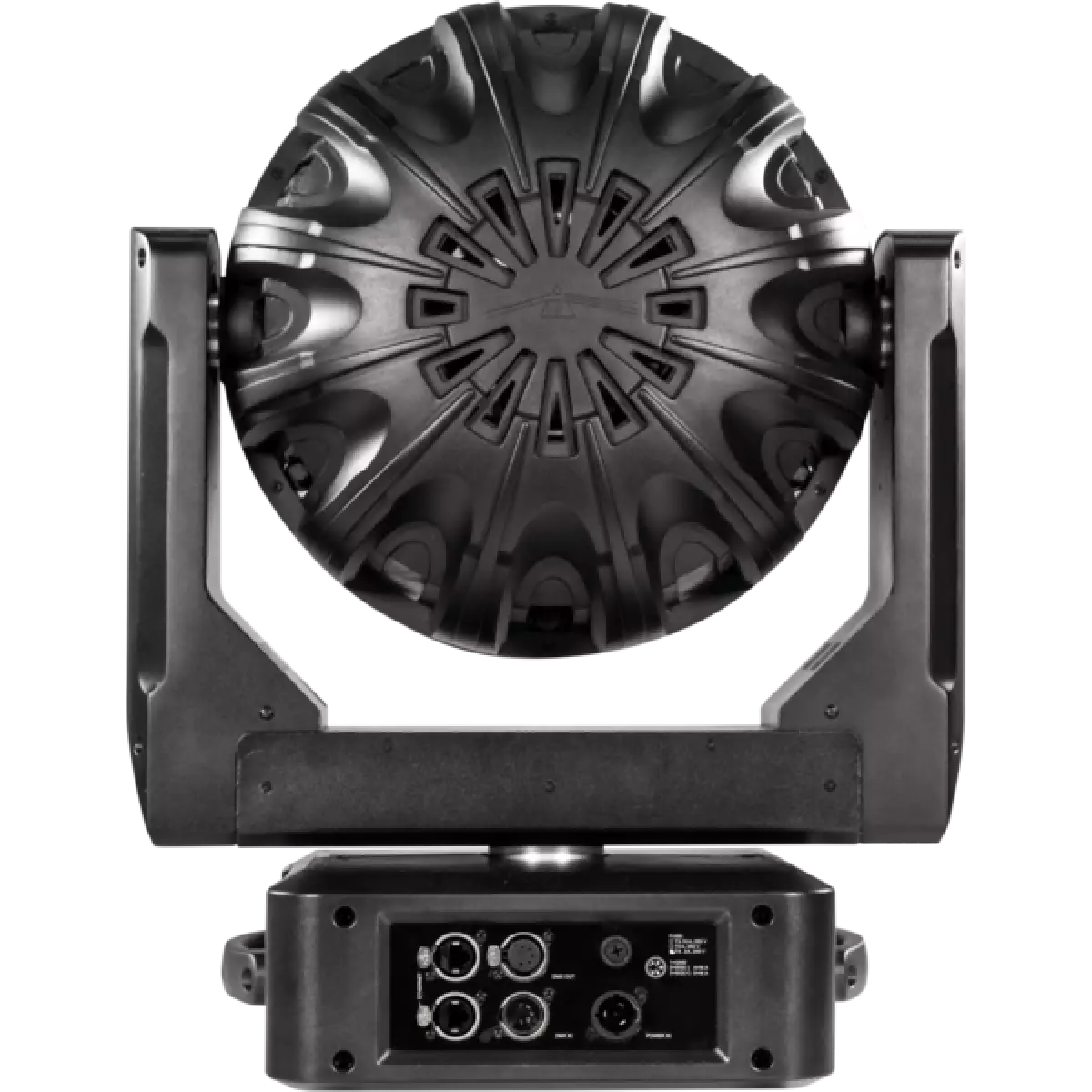
Diamond 37

Order Code: DIAMOND37

Source
37x15W RGBW Osram Ostar LEDs
Zoom range
6° - 66° motorised linear zoom
IP rating
 IP20
Weight
16kg / 35.27lbs 

Key Features

  • 37x15W Osram Ostar RGBW LEDs provide an extensive and consistent colour range
  • Individual control of pixels (on/off switch) with on-board FX generator for fast, precise effects
  • Liquid cooling system for efficient cooling with virtually no noise

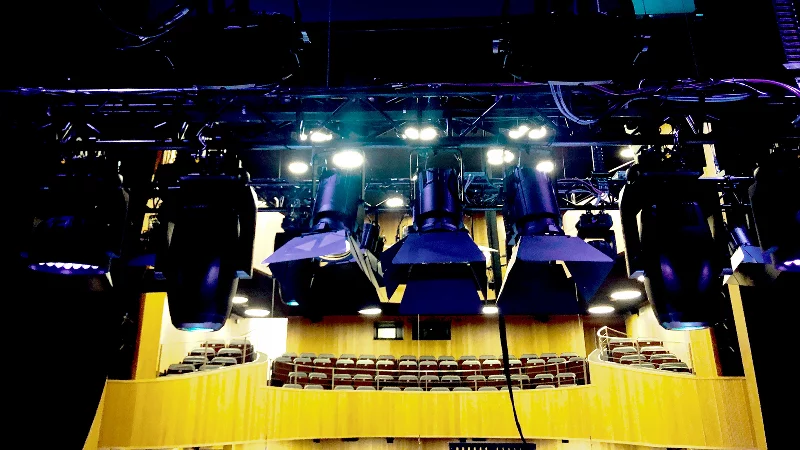
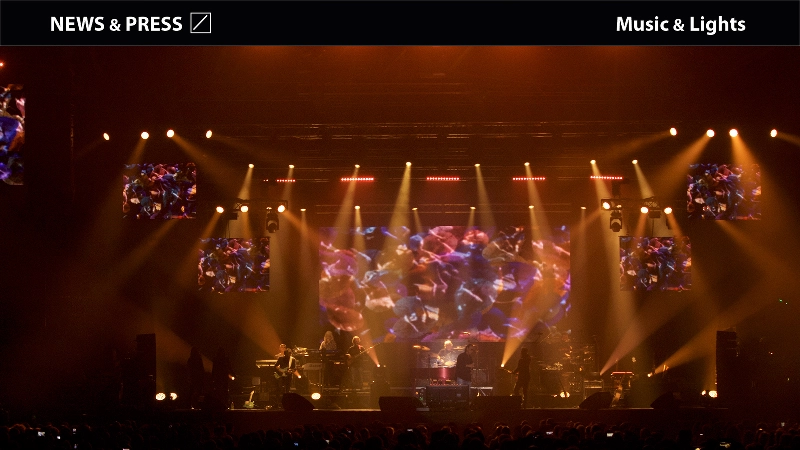
Diamond 37 is the largest of the stunning Diamond LED pixel wash family. As a wash light, the 6° - 66° zoom, even beam coupled with the fantastic colour range create a true workhorse fixture. For the next level, individual control of each LED pixel with switch system, tied with the Diamond's clever optical design and its onboard effects provide 'eye candy' effects both to look at and in the air.
Powerful, consistent and clever; the Diamond 37 makes a statement even on the largest stage.

Read less
Diamond 37 is the largest of the stunning Diamond LED pixel wash family. As a wash light, the 6° - 66° zoom, even beam coupled with the fantastic colour range create a true workhorse fixture. For the ...

Photo Gallery

Specifications

LIGHT SOURCE
  • Source: 37x15W RGBW Osram Ostar LEDs
  • Lux: (6°) 15'530 lx - (66°) 5'200lx @5 m full
  • Source life expectancy: > 50.000 h
OPTICS
  • Zoom range: 6° - 66° motorised linear zoom
  • Lens diameter: 298mm / 11.73''
  • Lens type: honeycomb gapless plano-convex optics
COLOUR SYSTEM
  • Colour mixing: RGBW / FC
  • CCT: CCT control through dedicated DMX channel
  • White presets: 2.700 K ~ 9.000K
  • Colour wheel: virtual colour wheel with macros
  • Macros: several pre-built pixel macros with adjustable speed
DYNAMIC EFFECTS
  • Pixel patterns: pre-programmed dynamic and static patterns
  • FX generator: adjustable foreground/background colour, index, speed, direction
  • Special features: Pixels controlled through On/Off switch for simplified control and budget friendly
BODY
  • Pan range: 630°
  • Tilt range: 265°
  • Pan/Tilt resolution: bit 8 / 16-bit
  • Feedback: automatic repositioning after accidental movement
  • Body: aluminium structure with high-resistance polycarbonate cover
  • Body colour: black
CONTROL
  • Protocols: DMX512, RDM, Art-Net, W-DMX
  • DMX channels: 19 / 22 / 41 / 170channel
  • Pixel control: pixel2pixel control through on/off switch
  • Wireless Control: Included Wireless Solution receiver
  • RDM: RDM for remote monitoring and settings
  • Display: LCD high resolution colour display
  • Firmware upgrade: via DMX with UPBOXPRO/UPBOX2 (USB-DMX interface not included)
  • Hibernation: power safe mode when lost DMX
  • Master/Slave: for synchronised operation of more units linked in a chain
ELECTRONICS
  • Dimmer: linear 0 ~ 100% electronic dimmer
  • Strobe / shutter: 1 - 25 Hz, electronic
  • Display battery: self-charging battery backup
  • Operating temperature: -10° ~ +45° Ta
  • LED Control: flicker free operation
ELECTRICAL
  • Mains power supply: 100-240V - 50/60Hz
  • Max power consumption: 520W
  • Max power consumption (at 120V): 520W
PHYSICAL
  • IP rating: IP20
  • Cooling: combination of heat pipe cooling system and low noise fan
  • Suspension and fixing: any position with quick-lock omega brackets
  • Signal connection: Amphenol XLR 5p IN/OUT connectors
  • Data connection: Art-Net RJ45 IN/OUT
  • Power connection: Neutrik powerCON TRUE1 IN connector
  • Dimensions (WxHxD): 427x559x235mm / 16.81''x22.01''x9.25''
  • Weight: 16kg / 35.27lbs
CERTIFICATIONS / APPROVALS
  • Certifications / Approvals: CE, UKCA, RCM

Accessories & Related Products

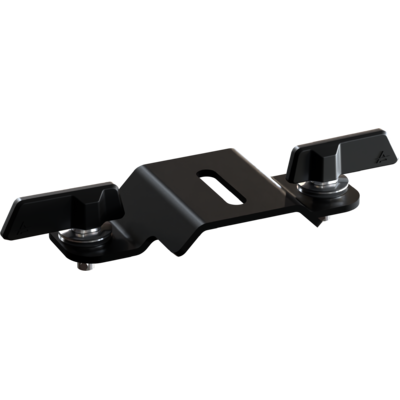
Optional OS24PLUS

Quick-lock omega bracket, M12 hole

Order Code: OS24PLUS

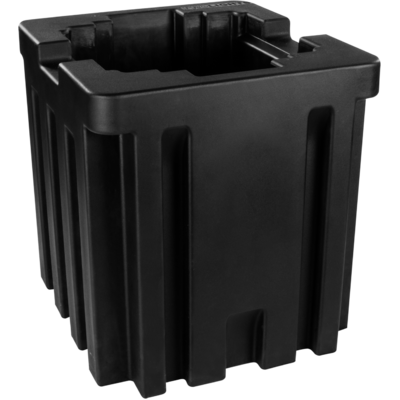
Optional FSHLW02

1U Foam shell compatible with DIAMOND37, STARK1000

Order Code: FSHLW02

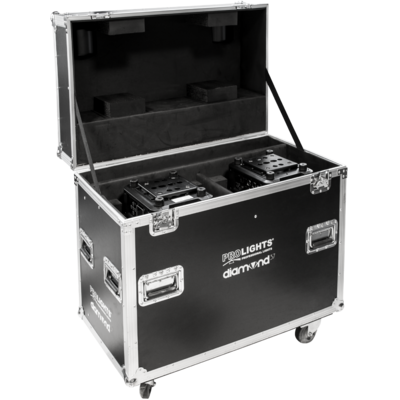
Optional FCLDIAMOND37

Flight case for 2pcs of DIAMOND37

Order Code: FCLDIAMOND37

Optional UPBOXPRO

Firmware uploader kit, USB IN, 5-pin XLR DMX OUT connector

Order Code: UPBOXPRO

Downloads

Technical documentation and support files

User manual User manual
File name File size Download
User manualDiamond37_USER_MANUAL_ITEN.pdf(31/10/2018)5MB

DMX chart & personalities DMX chart & personalities
File name File size Download
DMX chartDiamond37_DMX_CHARTS.pdf(01/02/2018)81KB

DIAMOND37 Firmware rev. 1.1.02

manufacturer fixture library (Link) Link
prolights_diamond37.d4Download
manufacturer fixture library (Link) Link
prolights_diamond37_19ch.hedDownload
prolights_diamond37_22ch.hedDownload
prolights_diamond37_41ch.hedDownload
prolights_diamond37_170ch.hedDownload
manufacturer fixture library (Link) Link
diamond37_19ch.fdfDownload
diamond37_22ch.fdfDownload
diamond37_41ch.fdfDownload
diamond37_170ch.fdfDownload
diamond37_ssl2.zipDownload
manufacturer fixture library (Link) Link
prolights@diamond_37@extended_1.xmlDownload
prolights@diamond_37@extended_2.xmlDownload
prolights@diamond_37@standard.xmlDownload
prolights@diamond_37@basic.xmlDownload
manufacturer fixture library (Link) Link
diamond37_hog3.zipDownload
manufacturer fixture library (Link) Link
diamond 37 basic.fix2Download
diamond 37 extended 1.fix2Download
diamond 37 extended 2 control.fix2Download
diamond 37 extended 2 single pixel.fix2Download
diamond 37 extended 2.fix2Download
diamond 37 standard.fix2Download
manufacturer fixture library (Link) Link

Photometrics Photometrics

CAD symbols & drawings CAD symbols & drawings
File name File size Download
2DDiamond37_CAD_2D.dwg(30/08/2018)1MB
3DDiamond37_CAD_3D.dwg(09/10/2019)1MB
Technical drawingDiamond37_TECHNICAL_DRAWING.pdf(09/05/2019)472KB

Firmware


Firmware update instructions

1 Download the firmware (complete download is available on Customer Care - contact support@prolights.it for more info)

2 Download the updater software UpBox_Tool 

3 Follow the instructions in the following guide
-------------------------------------------------------------------------------
Additional info:
  • Firmware updates require the UPBOXPRO compatible with all Prolights products
  • It's possible to use UPBOX1 and UPBOX2 *DISCONTINUED* checking the compatibility in the below tab
  • UpBox_Tool  software is compatible with all interfaces (UPBOXPRO, UPBOX1 and UPBOX2)
  • It's possible to update NET boards (with .EHEX files) following this guide with software Professional Uploader 
Update Tool: UPBOXPRO UPBOXPRO
Check hardware changelog before downloading firmware
Revision Release date Firmware changelog HW Compatibility
1.1.02 STABLE 28/06/2019 Improved Head Fan Functionality. Need to do ALL reload after upgrade. Rev. 1

Info Request

News

NEWSLETTER

Subscribe to our Newsletter

Loading...