SMARTMODULA

Smart Modula

Order Code: SMARTMODULA

Source
W light source is supplied as accessory as spot, wash, full colour or white
IP rating
 IP20
Weight
w/obaseplate23,5-withbaseplate38,5kg / 0lbs 

Key Features

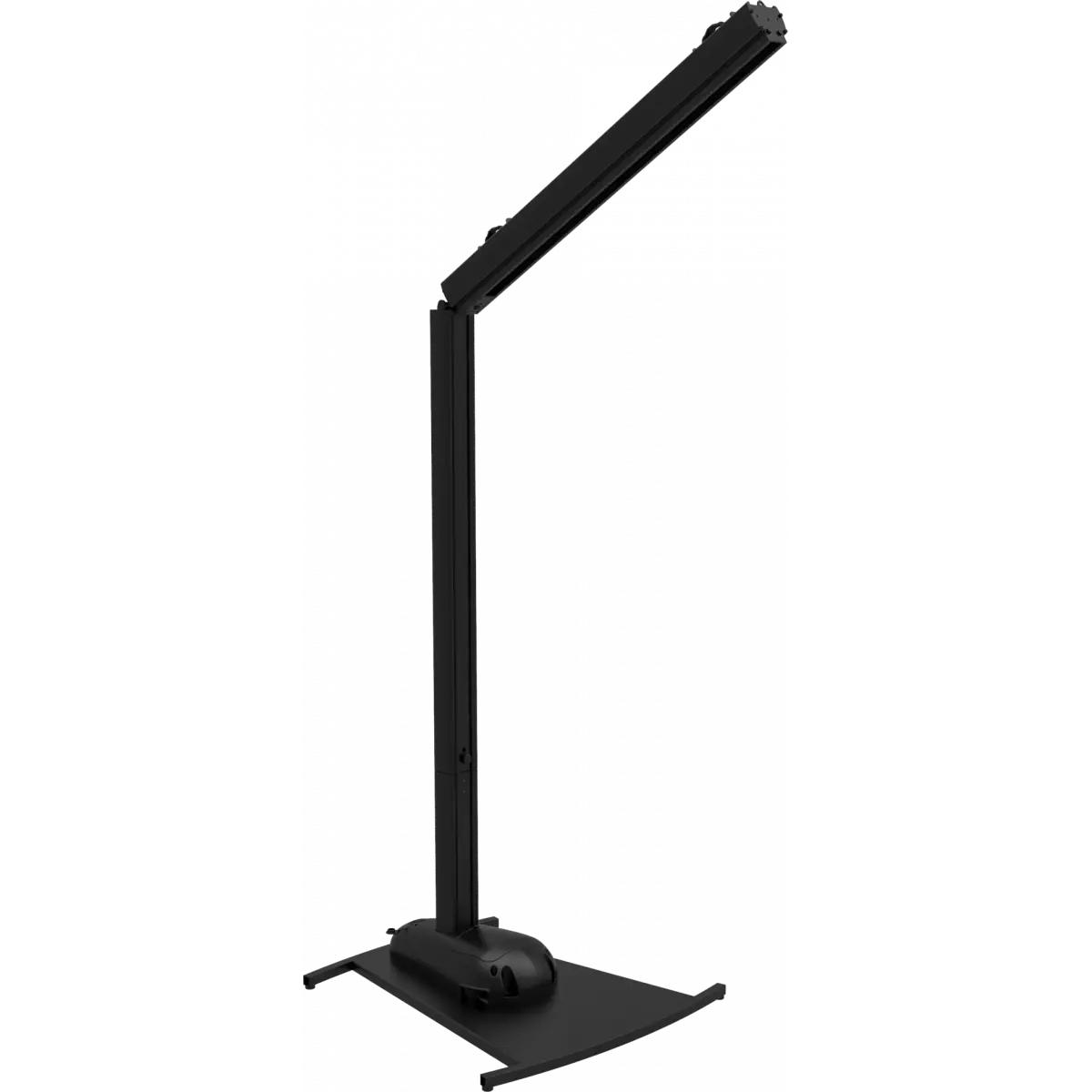
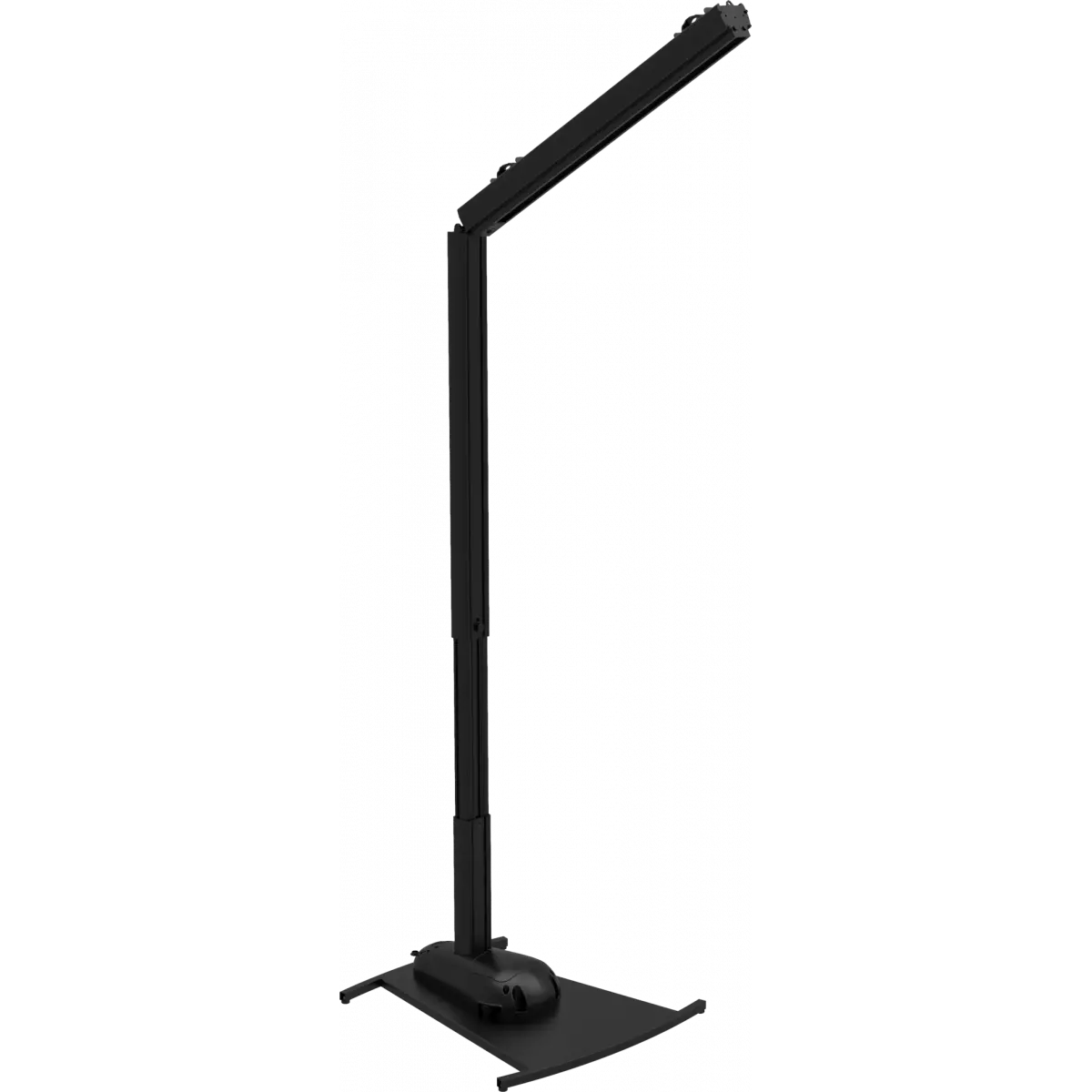
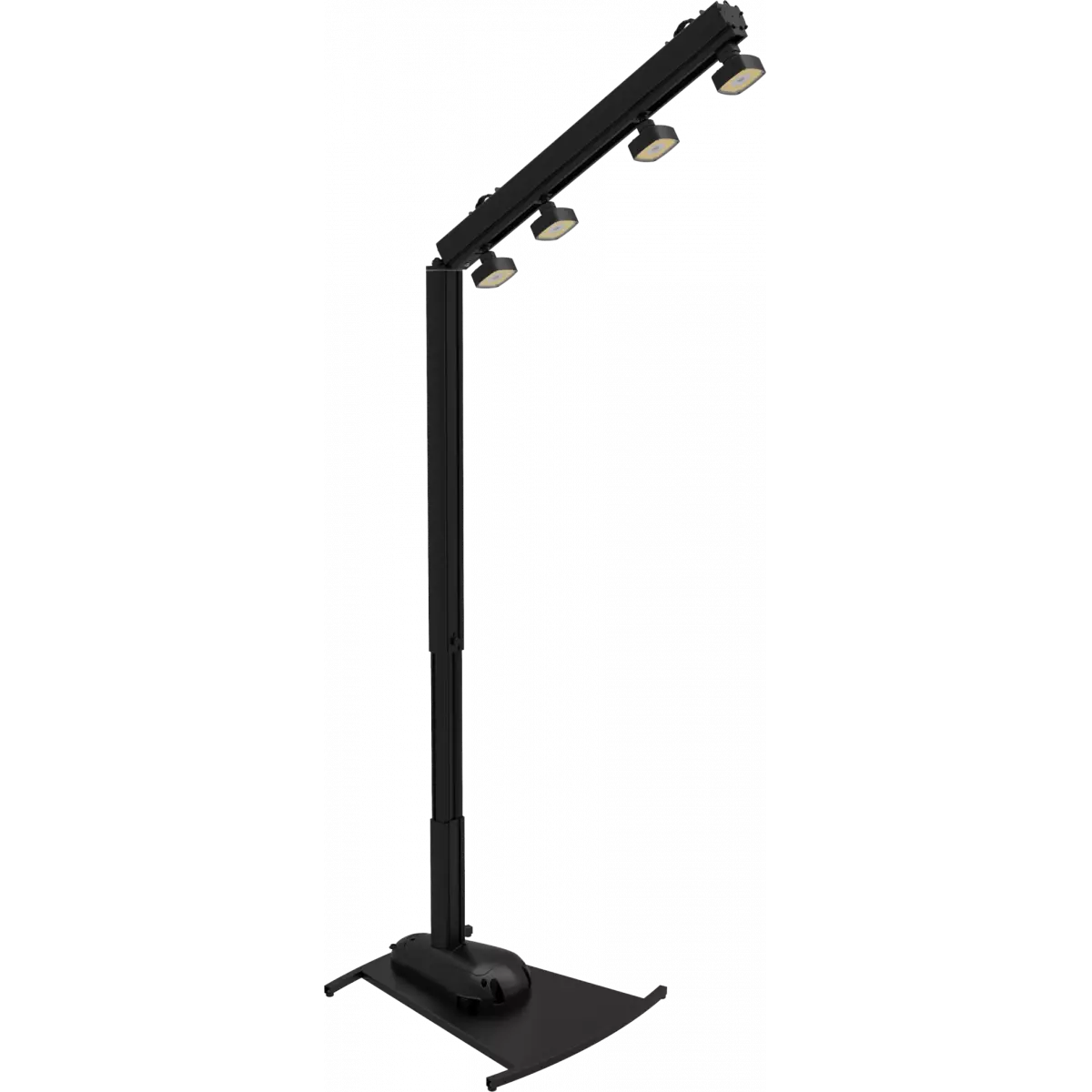
  • Smart Modula design allows floor standing with flexible swivel joints, tilt-able stand or hanging with quick-lock omega brackets
  • Accessory fixtures available in RGBW / FC and white colour mixing as well as with spot or wash optics
  • Each emitter is pixel mapped and can slide and be focused individually (not included)
  • The base houses room for an extra battery (optional) and the stand can be height adjusted

Smart Modula is a cable-free battery fixture which establishes a new form of decorative lighting for events, banquets and gardens. Its modular and customisable assembly allows for the light to stand from the floor or hang as a PINSPOT four-bar and to be packed in a comfortable carry-on size. The light emitters are adjustable and can slide on the track allowing for perfect focusing as well as fully interchangeable allowing for spot/wash or mixed configurations. All available in full colour or white colour mixing.
 
Smart Modula (Core components to be completed with accessories) includes: 
- Metal baseplate
- Baseplate with supporting bar
- Extension bar with the adjustable height
- Heading bar with light track and electronics (containing 1 battery) 
 
OPTIONAL accessories to complete the core element: 
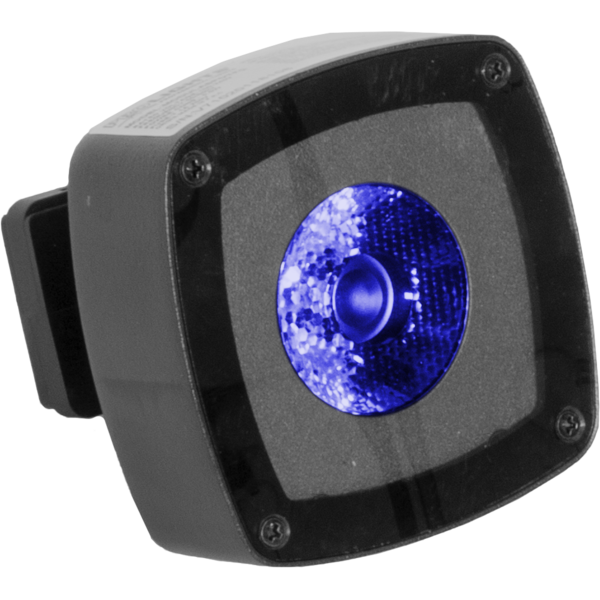
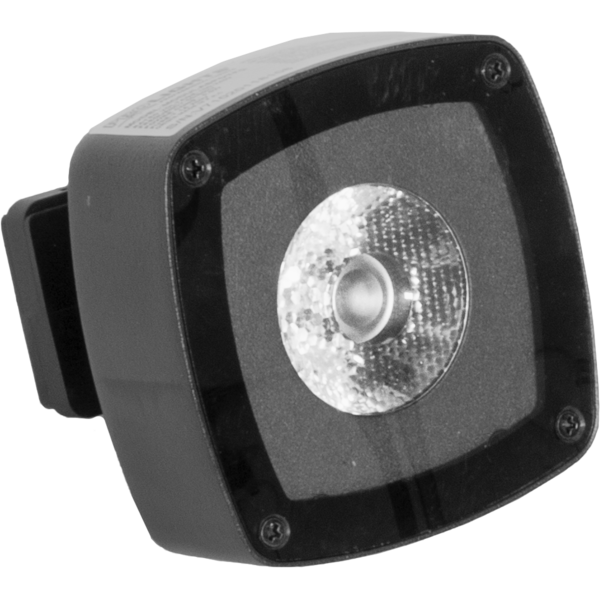
- MODULASPOT: 2pcs spot LED dot with 1 LED source 15° beam, available in full colour or white colour mixing (Max 6pcs on each SMARTMODULA)
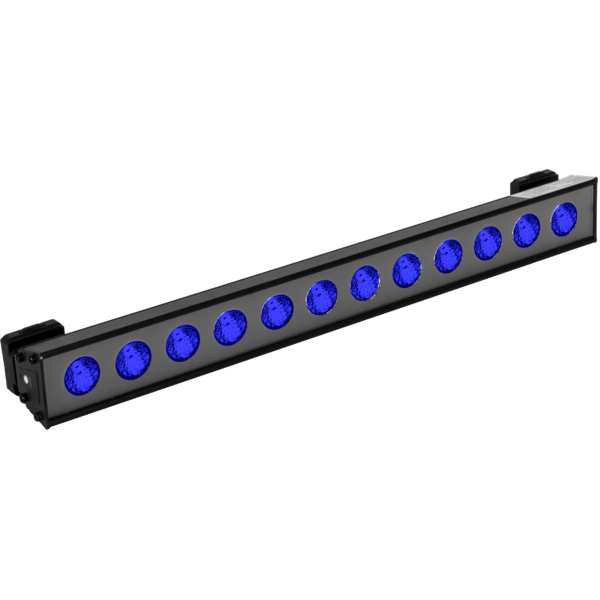
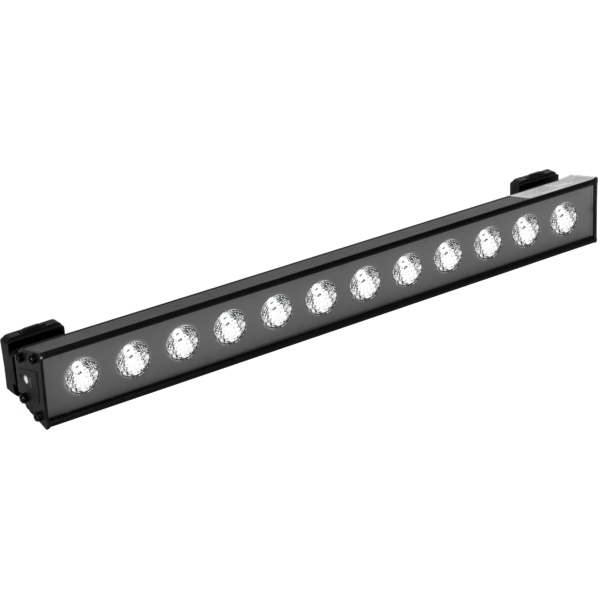
- MODULAWASH: 1pc wash LED strip with 12 LED source, 60° beam, available in full colour or white colour mixing (Max 1pcs on each SMARTMODULA + 2 spot)
- MODULABBAT: 1pc base extra-battery to be installed inside the base to extend battery operation (Max 1pcs MODULABBAT in each baseplate)
Read less
Smart Modula is a cable-free battery fixture which establishes a new form of decorative lighting for events, banquets and gardens. Its modular and customisable assembly allows for the light to stand f...

Photo Gallery

Specifications

LIGHT SOURCE
  • Source: W light source is supplied as accessory as spot, wash, full colour or white
  • Source CCT: optional - FC or WH SPOT 5.600 K - WH WASK 6.400K
  • Other: Light source is supplied as accessory as SPOT or WASH, FC or White
  • Source life expectancy: > 30.000 h
OPTICS
  • Beam angle: SPOT (Opt) 15° - WASH (Opt) 60°
COLOUR SYSTEM
  • Colour mixing: interchangeable light source: spot or wash with full colour or white LED source
DYNAMIC EFFECTS
  • Static mode: selection of static colour
  • Manual mode: manual adjustment of colour
  • Auto mode: built-in programs with execution speed adjustment
CONTROL
  • Supported Protocols: W-DMX
  • Pixel control: pixel2pixel control
  • Wireless Control: Included Wireless Solution receiver
  • Display: Graphic User Interface
  • IR: infrared sensor controlled by remote
MOVEMENT
  • Pan: 360° metal joint for 360° rotation of header bar
  • Tilt: 120° with manual regulation
BODY
  • Hardware on-board: see the introduction description
  • Housing: sturdy stretching aluminium body conceived for long-time durability
  • Finish: matte black
ELECTRONICS
  • Dimmer: linear 0 ~ 100% electronic dimmer
  • Strobe / shutter: 1 - 25 Hz, electronic
  • Operating temperature: Ta -10 to +40 °C (+14 to +104 °F)
  • LED Control: flicker free operation
ELECTRICAL
  • Mains power supply: 100-240V - 50/60Hz
BATTERY
  • Battery: (head) 1 x 14,8 V - (base - optional) 1 x 14,8V lithium
  • Battery life in colour change mode up to: refer to the user manualh
  • Battery life in single colour mode up to: refer to the user manualh
  • Battery life in full-mode up to: refer to the user manualh
  • Recharge connection: power cable
  • Recharge time: head battery 5,5 h/max - base battery 11h (max)
  • Battery level indicator: LED battery status indicator
  • Other: check user manual for further information about battery autonomy for all possible compositions
PHYSICAL
  • IP rating: IP20
  • Cooling: fan-free with natural convection
  • Suspension and fixing: bracket for hanging and positioning
  • Power connection: Neutrik powerCON IN connector
  • Dimensions (WxHxD): 739x(2920~3475)x689mm / 29.09''x0''x27.13''
  • Weight: /23,5-38,5kg / 0lbs
CERTIFICATIONS / APPROVALS
  • Certifications / Approvals: CE, UKCA, RCM
BOX CONTENT
  • 1 x SMARTMODULA (metal baseplate, baseplate with supporting bar, extension bar with the adjustable height, heading bar with light track and electronics)
  • 1 x 1,5 meters power cable (BARE END - NEUTRIK POWERCON TRUE1 IP65)
  • 1 x PRL-IRC 
  • User Manual

Accessories & Related Products

Optional 958025L03

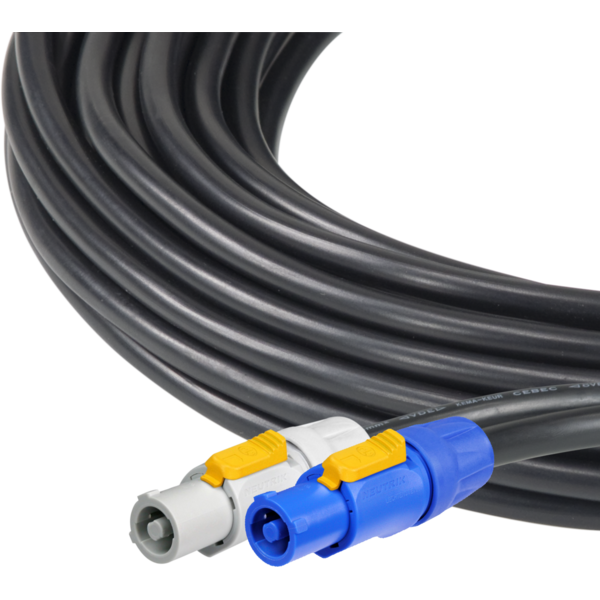
3x2.5mm TH07 Cable, 20A 3p PwCon FCA, 20A 3p PwCon FCB, L. 3m

Order Code: 958025L03

Optional 9513FCAL03

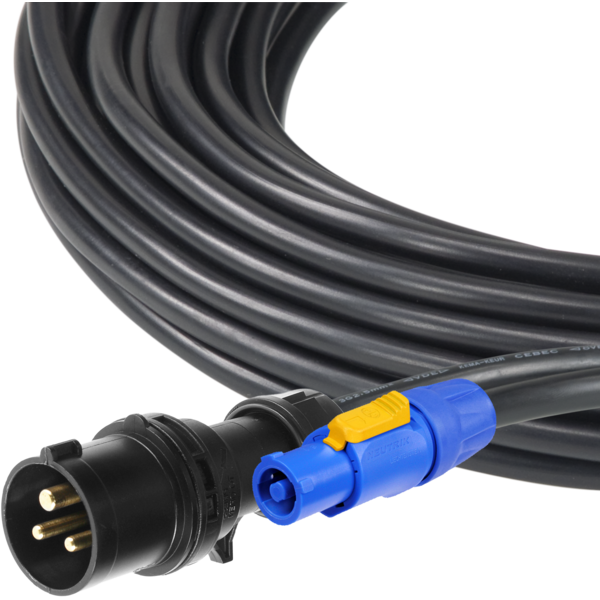
Ass. 3x2.5mm TH07 cable, 16A 3p 230V CEE plug, MENAC3FCA socket, L.3m

Order Code: 9513FCAL03

Optional 9533FCAL03

Ass. 3x2.5mm TH07 cable, SCHUKO plug, MENAC3FCA socket, L.3m

Order Code: 9533FCAL03

Optional RSR0630B

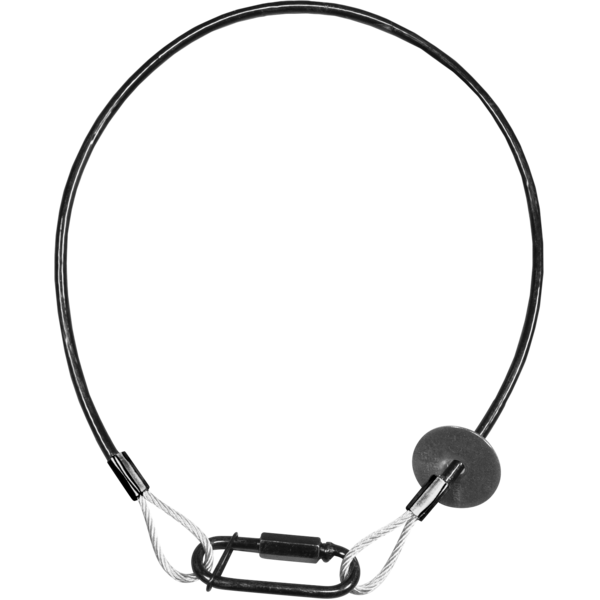
Steel security cable for hanging bodies, inox steel shackle, L=60 cm, black

Order Code: RSR0630B

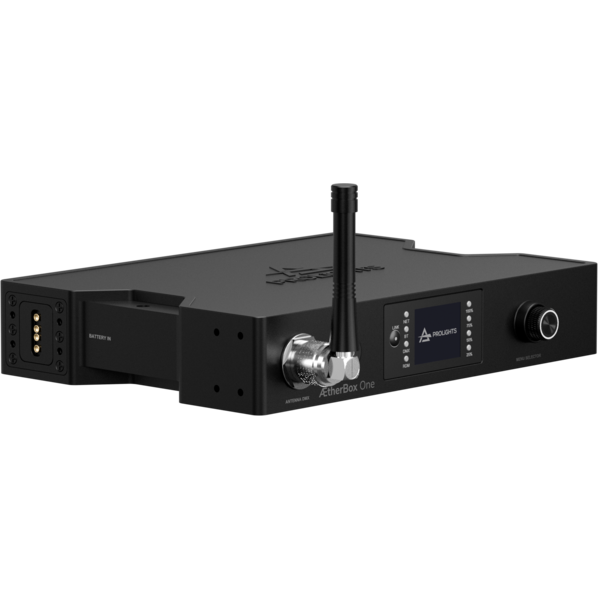
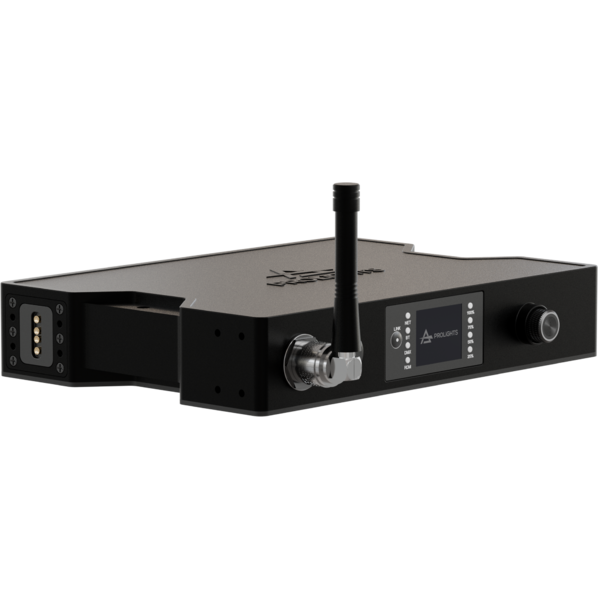
Optional <b>ÆtherBox</b>

IP65 1 universe CRMX transceiver, DMX and Ethernet protocols, Wi-Fi, Bluetooth and battery ready

Order Code: AETHERBOX

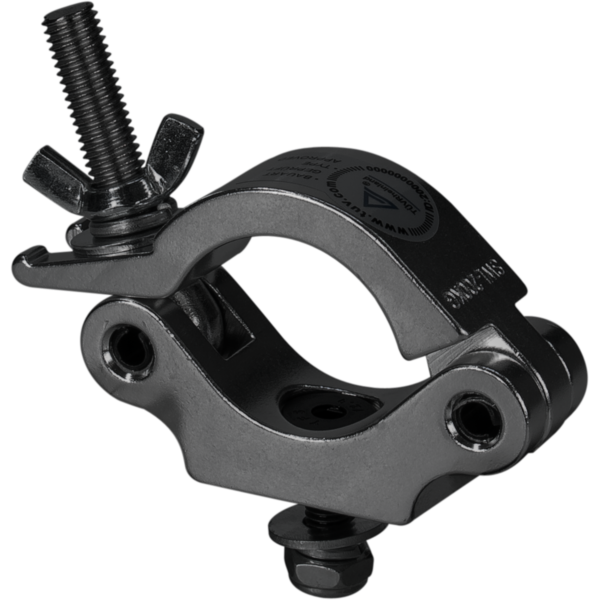
Optional C6002B

Slim aluminum clamp, 200kg loading, 48-51mm tubes, M10 bolt, Black&White& White

Order Code: C6002B

Optional MODULAWASHFC

RGBW wash module for SMARTMODULA, 25W, 60°

Order Code: MODULAWASHFC

Optional MODULAWASHDY

6400K white wash module for SMARTMODULA, 25W, 60°

Order Code: MODULAWASHDY

Optional MODULASPOTFC

2x RGBW spot modules for SMARTMODULA, 10W, 15°

Order Code: MODULASPOTFC

Optional MODULASPOTDY

2x 5600K white spot modules for SMARTMODULA, 3W, 15°

Order Code: MODULASPOTDY

Optional UPBOXPRO

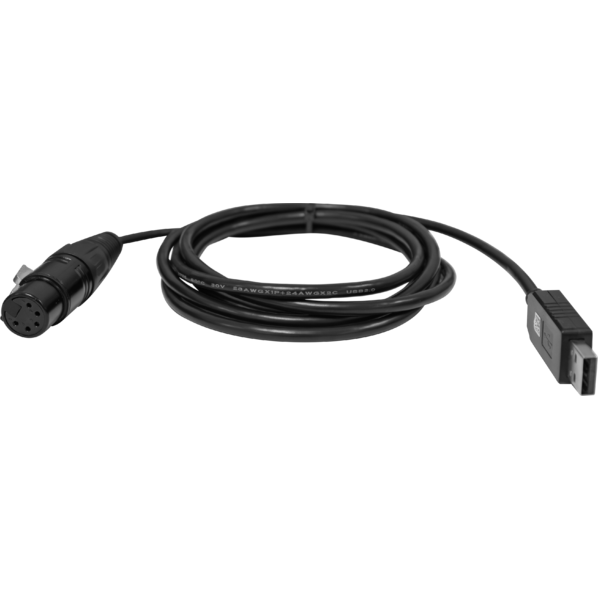
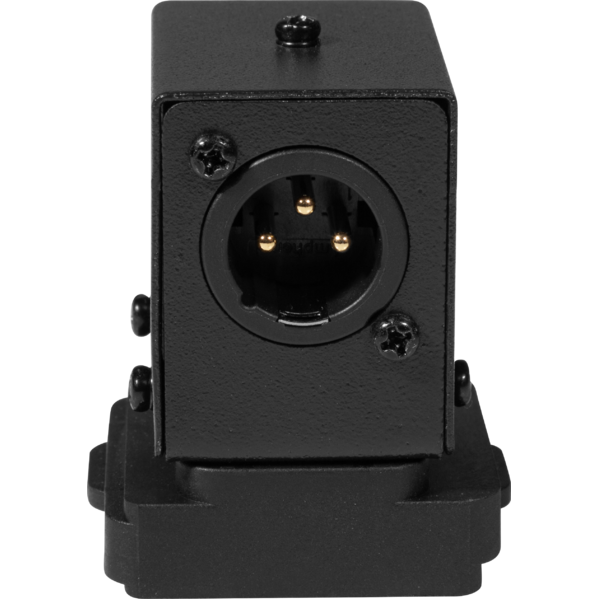
Firmware uploader kit, USB IN, 5-pin XLR DMX OUT connector

Order Code: UPBOXPRO

Optional SMUPBOXI

Interface between UPBOX2 and SMARTMODULA for make firmware upgrade

Order Code: SMUPBOXI

Optional FCLSMARTMODULA

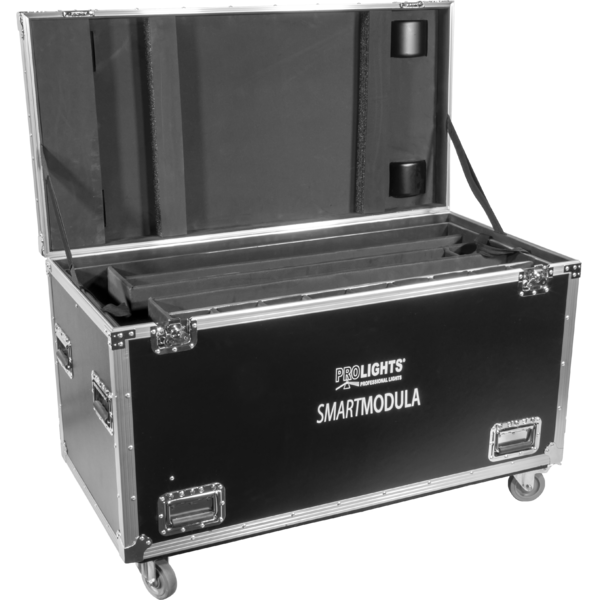
RoadCase to contain: 2xSMARTMODULA, 16xMODULASPOT, 2xMODULAWASH

Order Code: FCLSMARTMODULA

Optional <b>IR</b> Controller

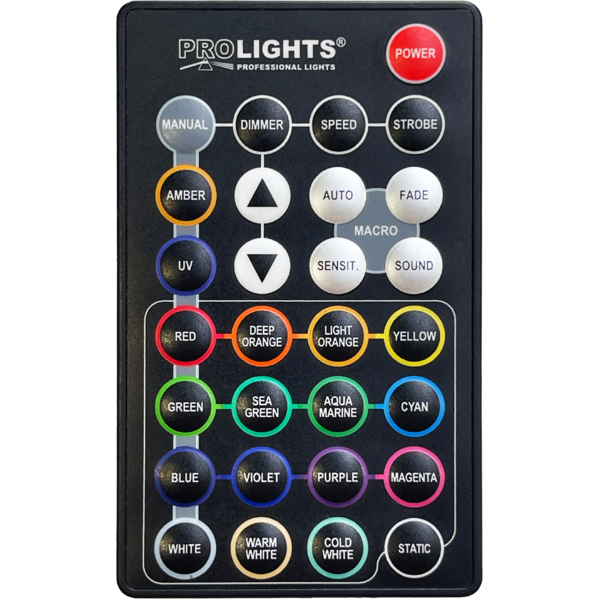
RGBWA IR controller, 29 buttons, manual/static colours, auto programs, fade

Order Code: PRL-IRC

Downloads

Technical documentation and support files

Data sheet & specs Data sheet & specs

File name File size Download
Letter datasheetSmartmodula_A4_DATASHEET_(IT).pdf(04/05/2021)500KB

User manual User manual
DMX chart & personalities DMX chart & personalities

File name File size Download
DMX chartSmartmodula_DMX_CHARTS.pdf(02/02/2018)49KB

SMARTMODULA Firmware rev. 1.2.00

manufacturer fixture library (Link) Link
prolights_smartmodula.d4Download
manufacturer fixture library (Link) Link
prolights_smartmodula_1ch.hedDownload
prolights_smartmodula_5ch.hedDownload
prolights_smartmodula_8ch.hedDownload
prolights_smartmodula_pixch.hedDownload
manufacturer fixture library (Link) Link

CAD symbols & drawings CAD symbols & drawings
File name File size Download
3DSmartmodula_CAD_3D.dwg(14/01/2020)13MB
2DSmartmodula_CAD_2D.dwg(16/02/2022)2MB
Technical drawingSmartmodula_TECHNICAL_DRAWING.pdf(28/04/2021)208KB

Firmware

-------------------------------------------------------------------------------
To perform firmware update with UPBOX the tool SMUPBOXI is also needed

Firmware Update Information

PROLIGHTS product firmware can be updated in several ways, depending on the product and file extension. The available methods are listed in the product specifications in the CONTROL - Firmware upgrade section.

Method/Device File extension Needed software Instructions
UPBOXPRO (*) .PRL UpBox_Tool Guide
USB port .PRL No software needed see User Manual 
Ethernet port .EHEX Professional Uploader Guide
Ethernet port .ALF DMX Workshop Guide

(*) You can still use UPBOX1 and UPBOX2 by checking their compatibility on the product accessories page. To use UPBOX2, you need to download the drivers from the following link.

Note: Some products without DMX or USB inputs may require an additional device and may not be compatible with UPBOXPRO. Check the product accessories page.

UPDATE Instructions

  1. Check the update methods available on your product in the CONTROL - Firmware upgrade section.
  2. Download the firmware and software dedicated for the update.
  3. Follow the update guide available in the firmware folder.
Update Tool: UPBOXPRO UPBOXPRO
Check hardware changelog before downloading firmware
Revision Release date Firmware changelog HW Compatibility
1.2.00 STABLE 23/02/2019 Added color mix and warm white. Now is possible to recall warm white from IR controller.

Info Request

NEWSLETTER

Subscribe to our Newsletter

Loading...