PANORAMAIPAB

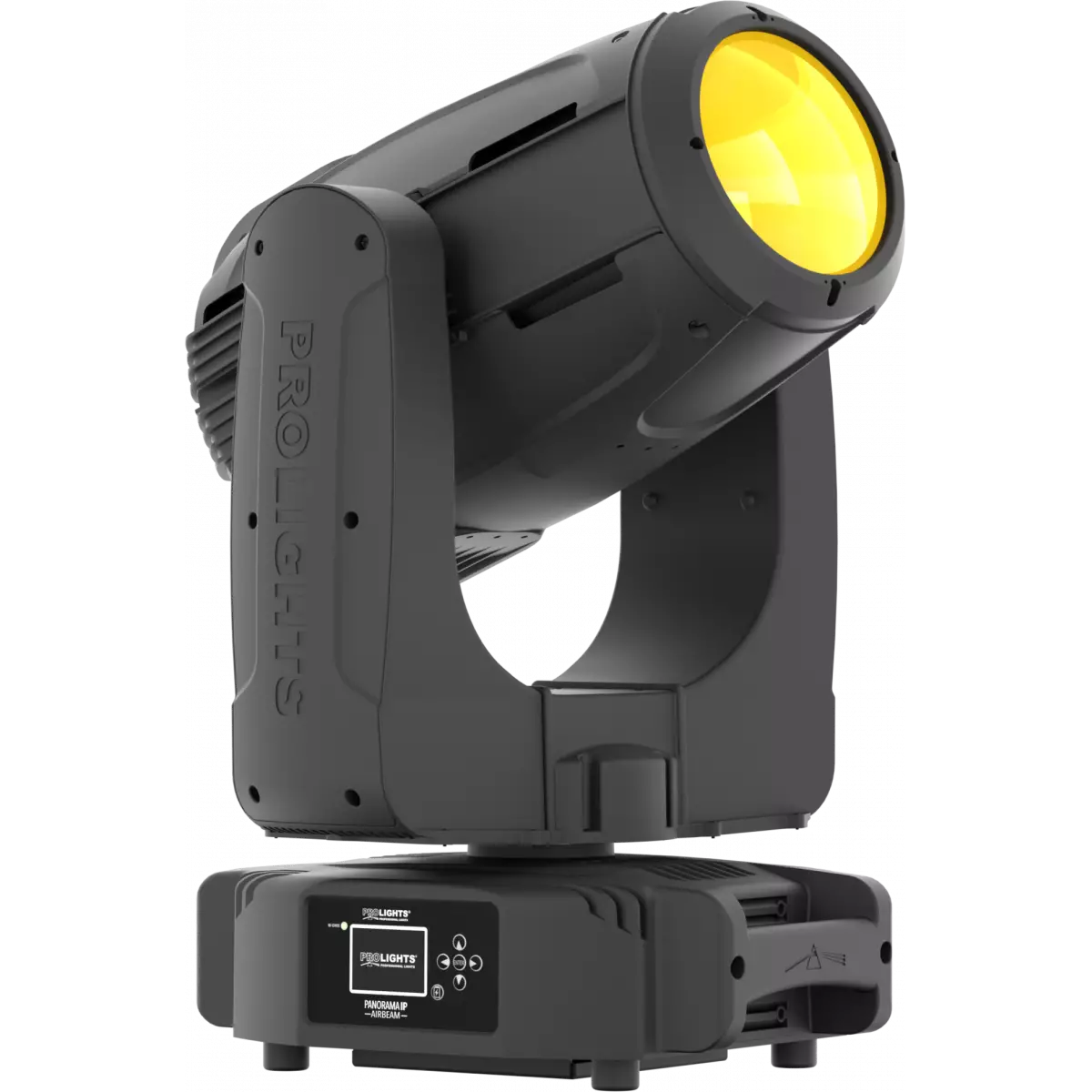
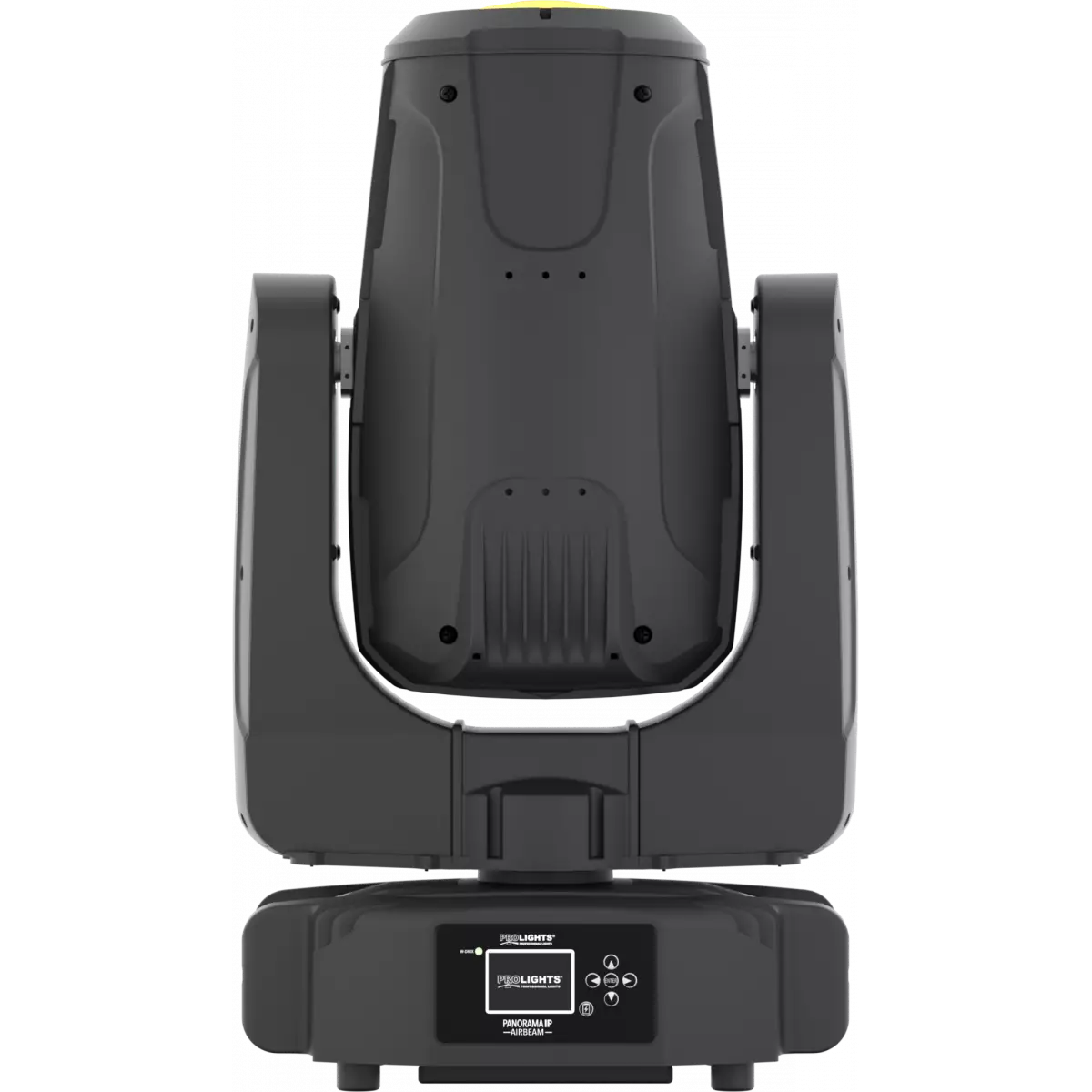
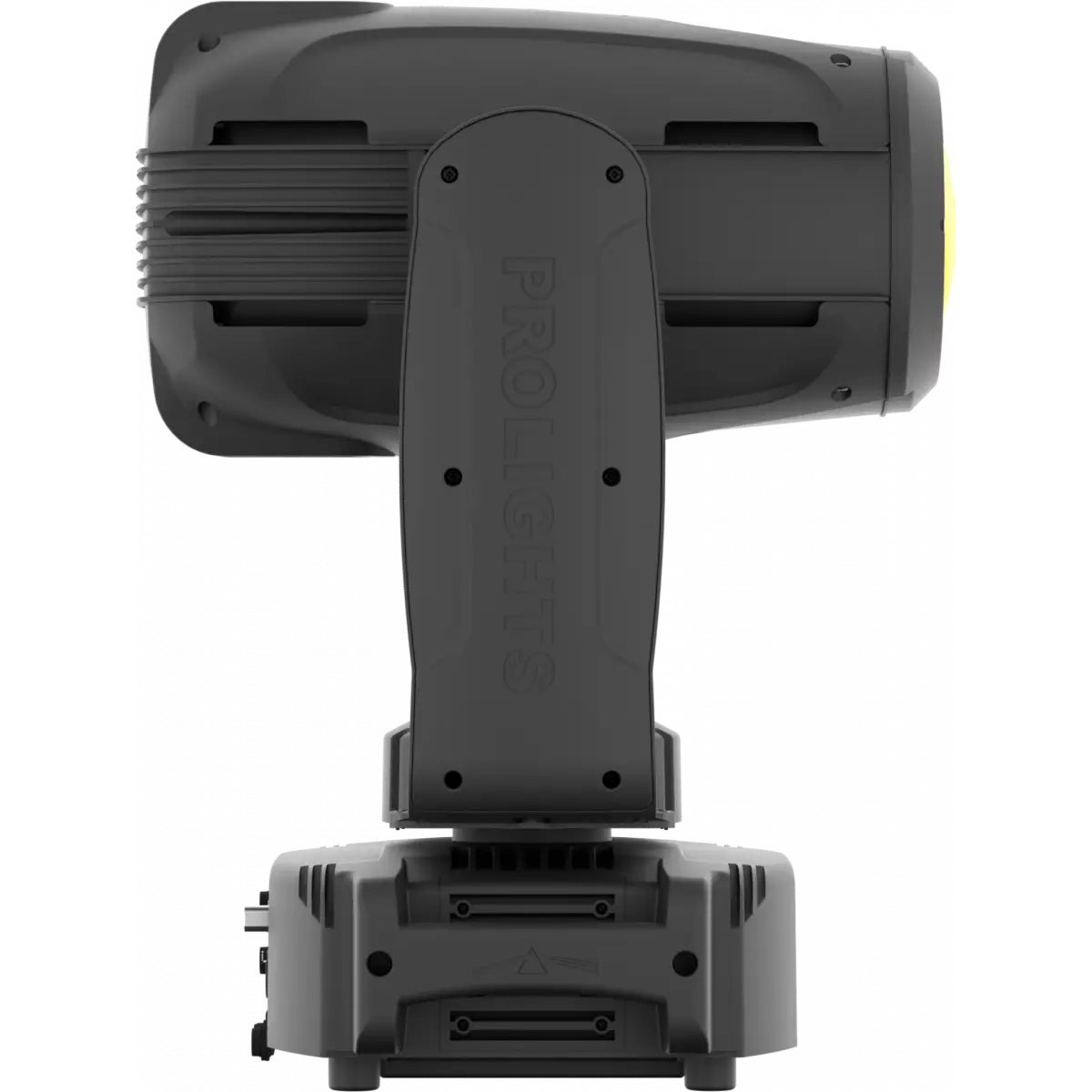
PanoramaIP AirBeam

Order Code: PANORAMAIPAB

Source
440W S Osram Sirius HRI
IP rating
 IP65 for temporary outdoor application, not for fixed installations
Weight
39kg / 85.98lbs 

Key Features

  • IP65 rated for temporary outdoor application, not for fixed installation
  • Powerful 440W S Osram HTI lamp combined with 167 mm HD front lens for bright 2° beam
  • Extensive set of effects including linear CMY mixing, rotating gobo wheel, static gobo wheel, circular and linear prisms, linear frost and focus

PanoramaIP AirBeam is a stunning IP65 moving beam light which delivers an unbelievable bright, fat 2° beam ideal for an outdoor searchlight and big air look. Designed to make a statement, the PanoramaIP AirBeam can truly make an event stand out or fill a large outdoor space with spectacular beams.

Read less
PanoramaIP AirBeam is a stunning IP65 moving beam light which delivers an unbelievable bright, fat 2° beam ideal for an outdoor searchlight and big air look. Designed to make a statement, the Panorama...

Photo Gallery

Specifications

LIGHT SOURCE
  • Source: 440W S Osram Sirius HRI
  • CCT: 7.000
  • Luminous flux: 12'457
  • Lux: 1'270'259lx @5 m full
  • Lux: 317'565lx @10 m
  • CRI: 80
  • Source life expectancy: 1.500 h
OPTICS
  • Beam angle: 2°
  • Lens diameter: 167mm / 6.57''
  • Lens type: high-quality glass lens optics
  • Focus: motorised with auto-focus
COLOUR SYSTEM
  • Colour mixing: CMY colour system on 3 gradually fading colour wheels
  • CCT: on wheel 2.500 K and 3.200 K + CTB
  • Colour wheel: 13 dichroic filters on 3 independent colour wheels
DYNAMIC EFFECTS
  • Rotating gobos: 9 rotating gobos + open, interchangeable, indexing
  • Gobo size: outer: 15,8 mm - image: 9 mm - thickness: 0,3 mm
  • Fixed gobos: 15 fixed gobos + open
  • FX generator: prisms overlap for spectacular aerial effects
  • Circular prism: 16f with bi-directional rotation, indexing
  • Linear prism: 6f with bi-directional rotation, indexing
  • Frost: linear 0 - 100% frost filter
BODY
  • Pan range: 630° - 540°
  • Tilt range: 230°
  • Pan/Tilt resolution: bit 16-bit
  • Feedback: automatic repositioning after accidental movement
  • Body: aluminium structure with high-resistance polycarbonate cover
  • Body colour: black
CONTROL
  • Protocols: DMX512, RDM, Art-Net, W-DMX
  • DMX channels: 19 / 22 / 28channel
  • Wireless Control: Included Wireless Solution receiver
  • RDM: RDM for remote monitoring and settings
  • Display: LCD high resolution colour display with autoflip
  • Firmware upgrade: via menu with internal memory or via USB - DMX interface (UPBOXPRO/UPBOX2) not included
  • Hibernation: power safe mode when lost DMX
ELECTRONICS
  • Dimmer: linear 0 ~ 100% mechanical dimmer
  • Strobe / shutter: 1 - 28 flash(s), mechanical
  • Operating temperature: -20° ~ +40° Ta
ELECTRICAL
  • Mains power supply: 100-240V - 50/60Hz
  • Max power consumption: 522W
  • Max power consumption (at 120V): 522W
PHYSICAL
  • IP rating: IP65 for temporary outdoor application, not for fixed installations
  • Cooling: active, silent operation
  • Suspension and fixing: any position with quick-lock omega brackets
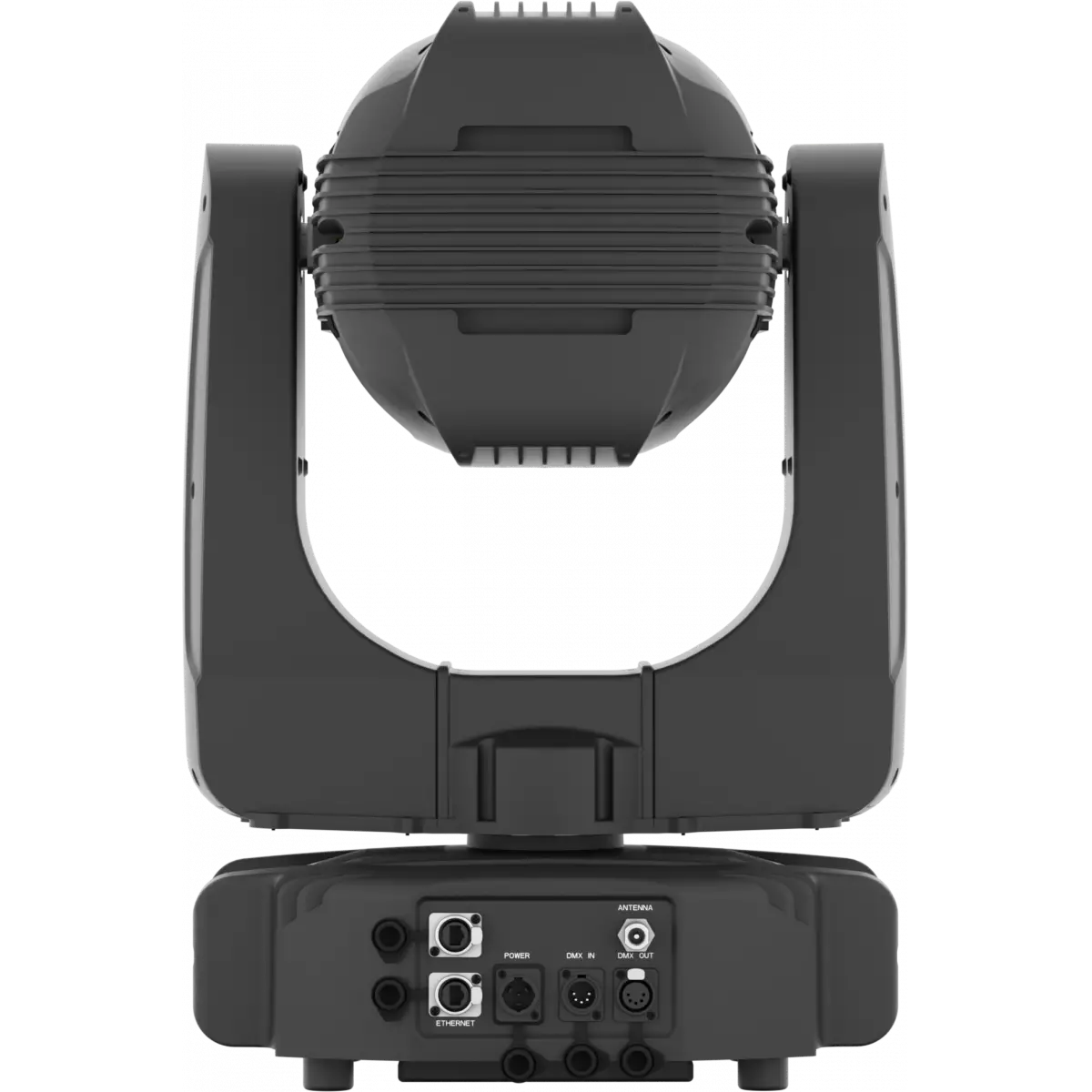
  • Signal connection: Seetronic XLR 5p IN/OUT connectors
  • Data connection: Art-Net RJ45 IN/OUT
  • Power connection: Neutrik powerCON TRUE1 IN connector
  • Dimensions (WxHxD): 441x746x326mm / 17.36''x29.37''x12.83''
  • Weight: 39kg / 85.98lbs
CERTIFICATIONS / APPROVALS
  • Certifications / Approvals: CE, UKCA, RCM
BOX CONTENT
  • 1 x PANORAMAIPAB
  • 1 x 1,5 meters power cable (BARE END - SEETRONIC IP65 power connector)
  • 2 x OSIPPLUS
  • 1 x Antenna
  • User Manual

Accessories & Related Products

Optional OSIPPLUS

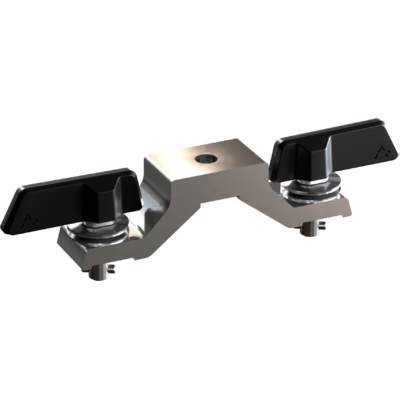
IP65 quick-lock omega bracket compatible with IP65 moving heads, M12 hole

Order Code: OSIPPLUS

Optional <b>ÆtherBox</b>

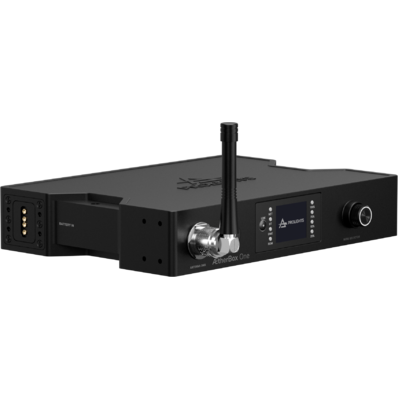
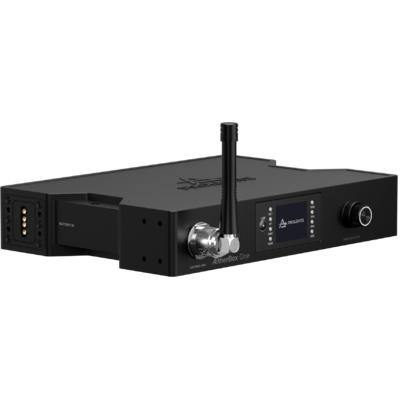
IP65 1 universe CRMX transceiver, DMX and Ethernet protocols, Wi-Fi, Bluetooth and battery ready

Order Code: AETHERBOX

Optional C6016B

Selflock slim clamp, 250Kg load, 48-51mm tubes, M10 bolt incl, Black&White& White

Order Code: C6016B

Optional UPBOXPRO

Firmware uploader kit, USB IN, 5-pin XLR DMX OUT connector

Order Code: UPBOXPRO

Included OSIPD13

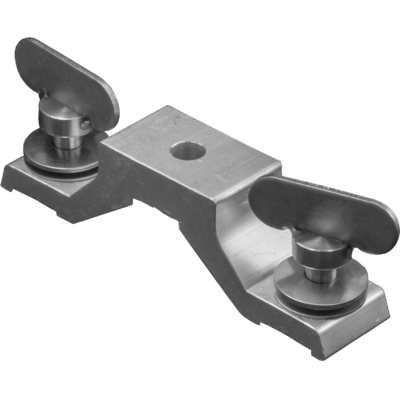
IP65 quick-lock omega bracket compatible with IP65 moving heads, M12 hole

Order Code: OSIPD13

Downloads

Technical documentation and support files

Data sheet & specs Data sheet & specs

File name File size Download
Letter datasheetPanoramaipab_A4_DATASHEET_(EN).pdf(01/09/2021)200KB
Letter datasheetPanoramaipab_A4_DATASHEET_(IT).pdf(22/04/2021)203KB

User manual User manual

File name File size Download
User manualPanoramaipab_USER_MANUAL_ITEN.pdf(14/04/2023)4MB
User manualPanoramaipab_Wireless_Protocol_Compatibilit_EN.pdf(12/06/2023)4MB

DMX chart & personalities DMX chart & personalities

File name File size Download
DMX chartPanoramaipab_DMX_CHARTS.pdf(26/10/2017)90KB

PANORAMAIPAB Firmware rev. 3.1.00

manufacturer fixture library (Link) Link
panoramaipab_19ch_bas.fdfDownload
panoramaipab_22ch_std.fdfDownload
panoramaipab_28ch_ext.fdfDownload
manufacturer fixture library (Link) Link
prolights@panorama_ip_airbeam_ext_28ch@ext_28_ch.xmlDownload
prolights@panorama_ip_airbeam_std_22ch@standard_22ch.xmlDownload
prolights@panorama_ip_airbeam_bas_19ch@basic_19ch.xmlDownload
manufacturer fixture library (Link) Link
panoramaipab_19ch_basic_sv3_8.hog4showDownload
panoramaipab_ext_sv3_8_bck.hog4showDownload
manufacturer fixture library (Link) Link
panorama ip airbeam basic.fix2Download
panorama ip airbeam extended.fix2Download
panorama ip airbeam standard.fix2Download
manufacturer fixture library (Link) Link

PANORAMAIPAB Firmware rev. 2.4.00

manufacturer fixture library (Link) Link
prolights_panorama ip airbeam.d4Download
manufacturer fixture library (Link) Link
prolights_panipairbeam_19ch.hedDownload
prolights_panipairbeam_22ch.hedDownload
prolights_panipairbeam_28ch.hedDownload
panoramaipab_19ch_bas.fdfDownload
panoramaipab_22ch_std.fdfDownload
panoramaipab_28ch_ext.fdfDownload
manufacturer fixture library (Link) Link
prolights@panorama_ip_airbeam_bas_19ch@basic_19ch.xmlDownload
prolights@panorama_ip_airbeam_ext_28ch@ext_28_ch.xmlDownload
prolights@panorama_ip_airbeam_std_22ch@standard_22ch.xmlDownload
manufacturer fixture library (Link) Link
panoramaipab_19ch_basic_sv3_8.hog4showDownload
panoramaipab_ext_sv3_8_bck.hog4showDownload
manufacturer fixture library (Link) Link
panorama ip airbeam basic.fix2Download
panorama ip airbeam extended.fix2Download
panorama ip airbeam standard.fix2Download
manufacturer fixture library (Link) Link

Photometrics Photometrics

File name File size Download
IESprolights_panoramaipab_white_2°.ies(25/07/2018)992KB
PhotometricsPanoramaipab_PHOTOMETRICS.pdf(22/01/2020)259KB
DialuxDownload DIALux product catalogue-

CAD symbols & drawings CAD symbols & drawings

File name File size Download
3D RFAPanoramaipab_3D.rfa(23/04/2021)2MB
3D SKPPanoramaipab_3D.skp(13/03/2020)6MB
2DPanoramaipab_CAD_2D.dwg(11/05/2021)2MB
3DPanoramaipab_CAD_3D.dwg(18/02/2020)3MB
2D cad symbolsPanoramaipab_CAD_2DSYMBOLS.dwg(09/03/2020)73KB
Technical drawingPanoramaipab_TECHNICAL_DRAWING.pdf(11/05/2021)512KB
VectorWorksPROLIGHTS_VECTORWORKS_v2025_LIBRARY.vwx(13/05/2025)321MB
VectorWorksPROLIGHTS_VECTORWORKS_v2020_LIBRARY.vwx(13/05/2025)276MB
VectorWorksVECTORWORKS_SYMBOLS.vwx(09/03/2020)602KB

Tech docs Tech docs

File name File size Download
Color DocumentPanoramaipab_COLOR.pdf(25/03/2020)87KB
Gobos DocumentPanoramaipab_GOBOS.pdf(25/03/2020)476KB

Firmware


Firmware update instructions

1 Download the firmware (complete download is available on Customer Care - contact support@prolights.it for more info)

2 Download the updater software UpBox_Tool 

3 Follow the instructions in the following guide
-------------------------------------------------------------------------------
Additional info:
  • Firmware updates require the UPBOXPRO compatible with all Prolights products
  • It's possible to use UPBOX1 and UPBOX2 *DISCONTINUED* checking the compatibility in the below tab
  • UpBox_Tool  software is compatible with all interfaces (UPBOXPRO, UPBOX1 and UPBOX2)
  • It's possible to update NET boards (with .EHEX files) following this guide with software Professional Uploader 
Update Tool: UPBOXPRO UPBOXPRO
Check hardware changelog before downloading firmware
Revision Release date Firmware changelog HW Compatibility
3.1.00 STABLE 26/07/2019

Firmware for Hardware revision 2.0 - To check revision please go into Information menu and check amount of xU - 5 xUs in case of HW rev 2 - 4 xUs in case of HW rev 1.
Unit with firmware version 1.x.xx can be updated only with 1.x.xx version and not with 2.x.xx

Improved Pan/Tilt management.

Hardware changes - improved cooling system.

Rev. 2
Rev. 3
Rev. 4
2.4.00 STABLE 25/07/2019 Firmware for Hardware revision 1.0 - To check revision please go into Information menu and check amount of xU - 5 xUs in case of HW rev 2 - 4 xUs in case of HW rev 1.

Unit with firmware version 1.x.xx can be updated only with 1.x.xx version and not with 2.x.xx

Improved Pan/Til movement. Improved Lamp management.
Rev. 1

Info Request

NEWSLETTER

Subscribe to our Newsletter

Loading...