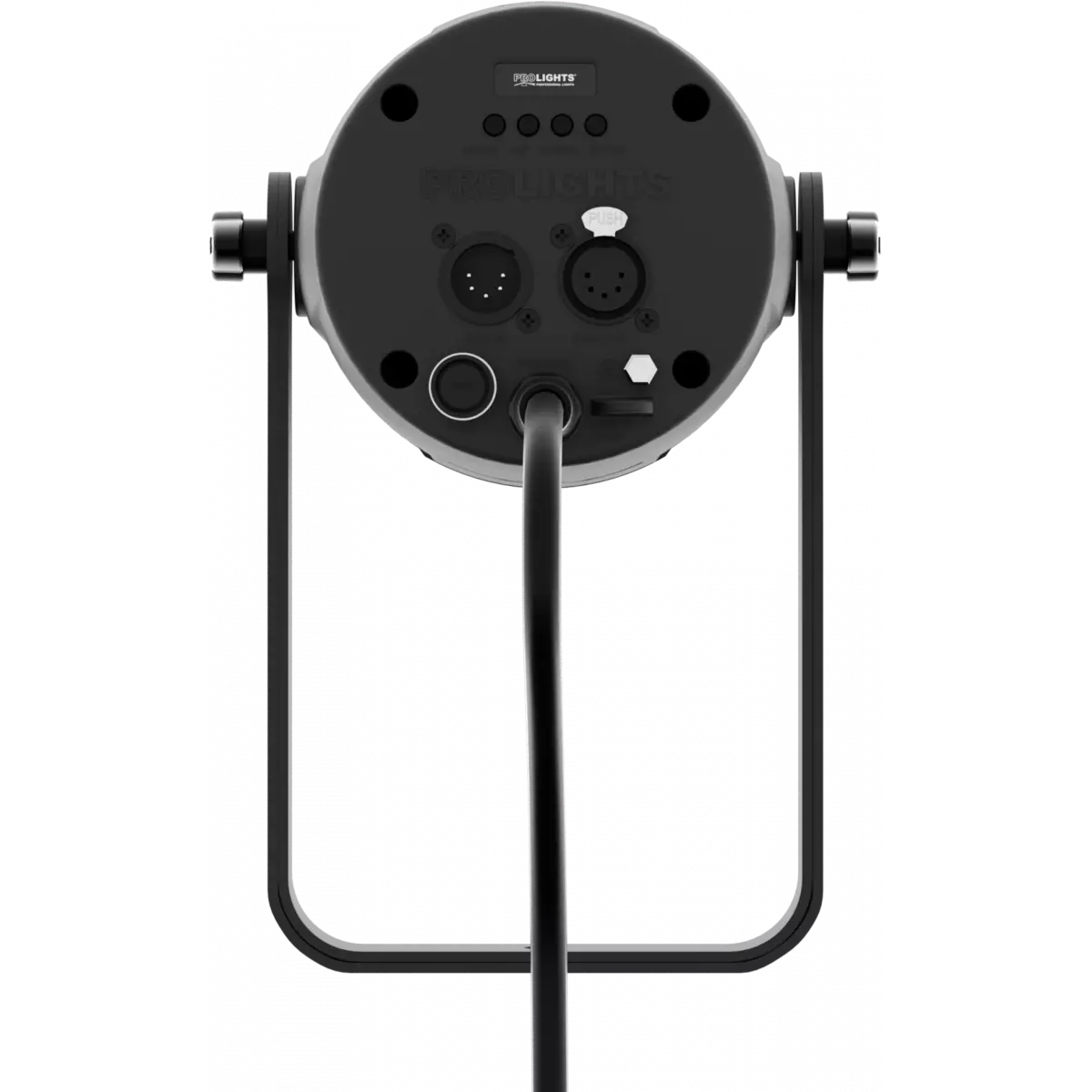


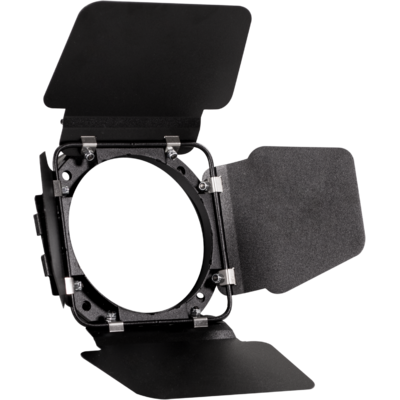


Order Code: DISPLAYCOBDY
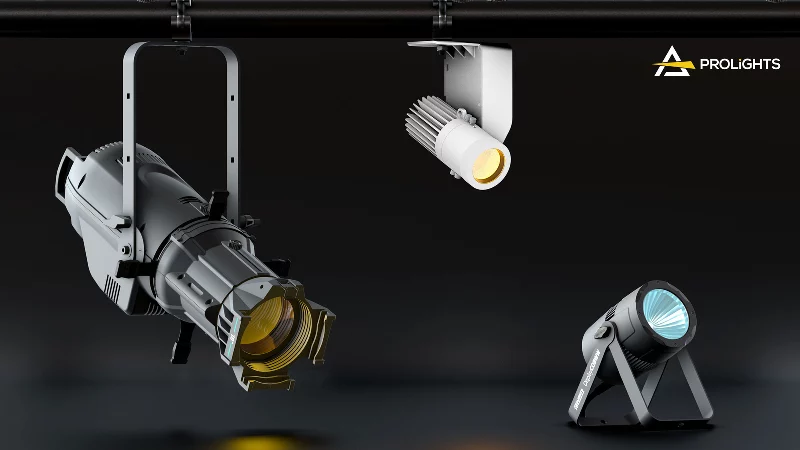
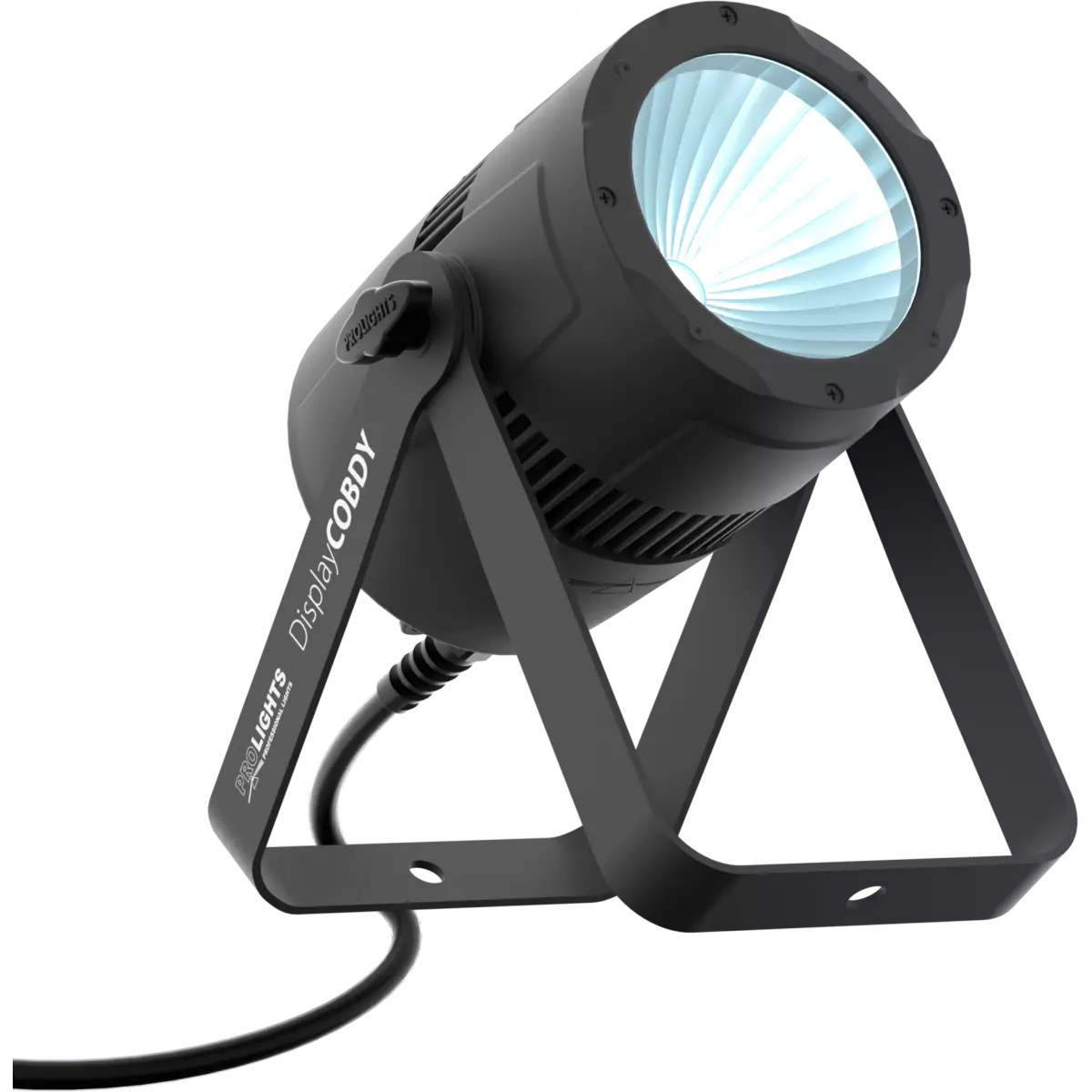
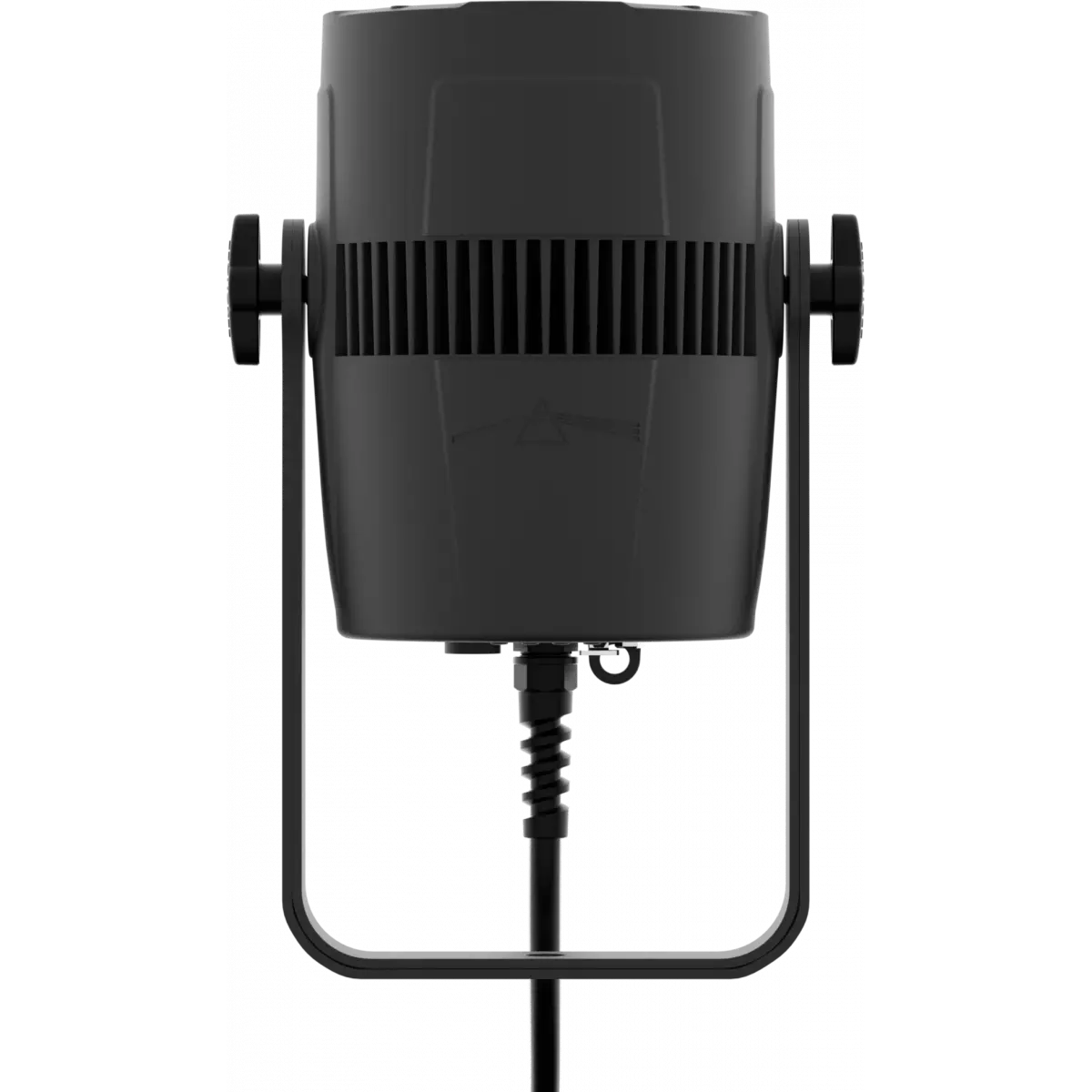
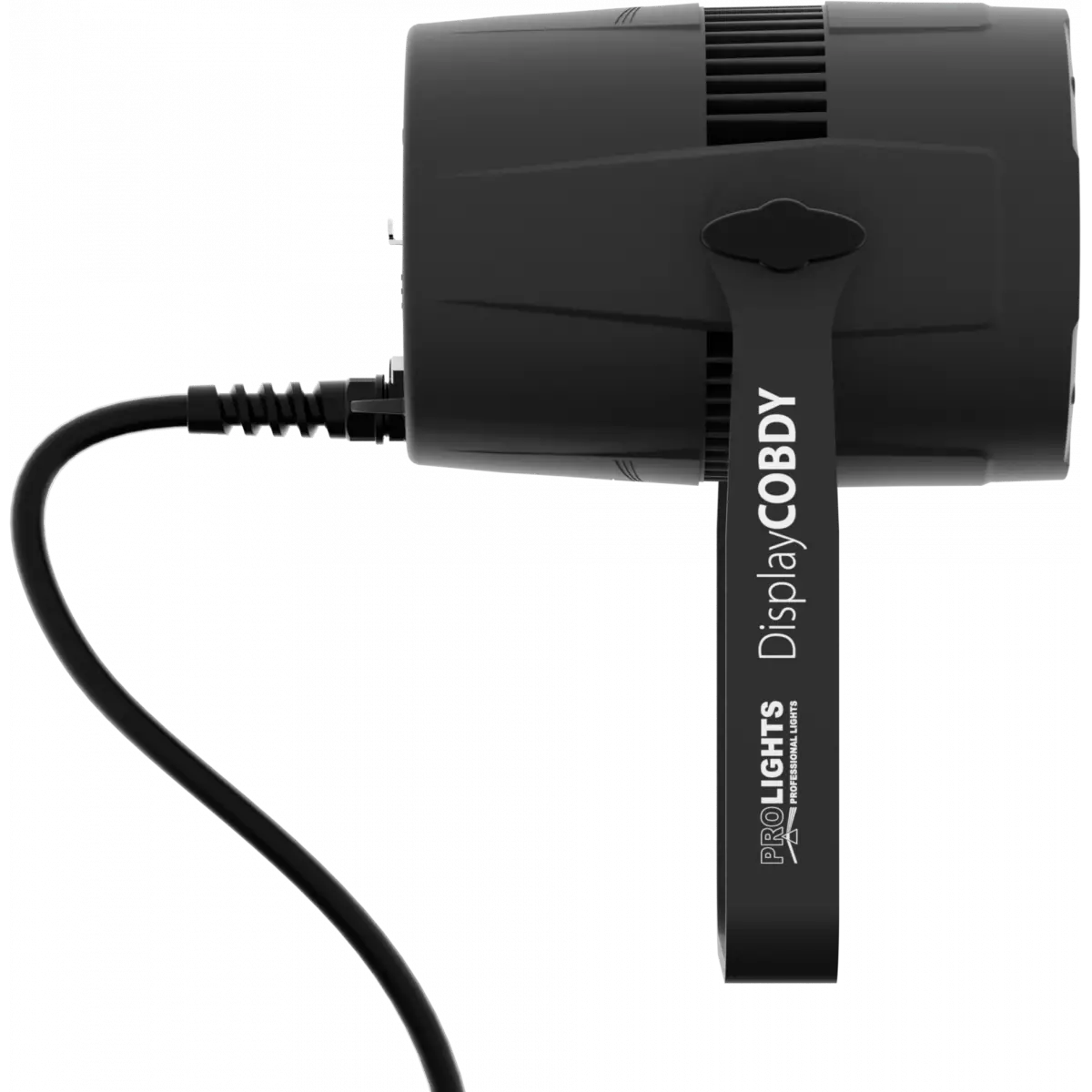
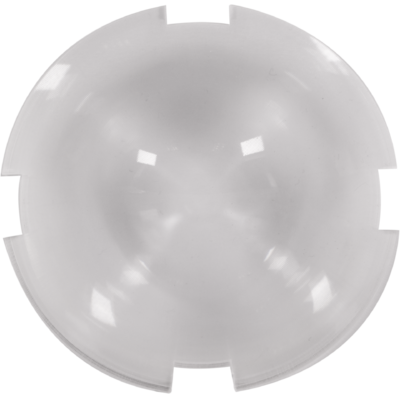
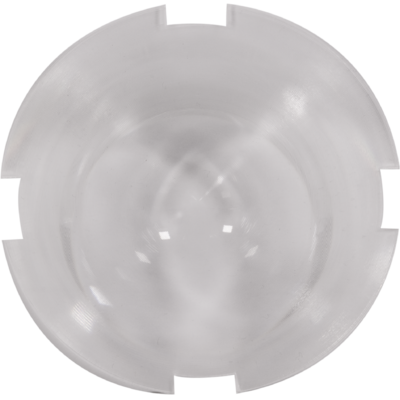
DisplayCob DY is the compact version of the popular StudioCob DY - perfect for an installation or indoor venues. DisplayCob DY uses a 45W COB LED source daylight white 5.000 K, combined with a special parabolic reflector built in aluminium which develops an extremely bright and homogeneous output of 91 CRI and interchangeable lens systems to switch from 60° (incl.) to 30° (incl.) and 15° (opt.).
Read lessDiscover the DisplayCob DY in action
Technical documentation and support files
| File name | File size | Download | |
|---|---|---|---|
| Displaycobdy_A4_DATASHEET_(IT).pdf(30/04/2021) | 421KB | ||
| Displaycobdy_A4_DATASHEET_(EN).pdf(01/09/2021) | 425KB |
| File name | File size | Download | |
|---|---|---|---|
| Displaycobdy_USER_MANUAL_ITEN.pdf(21/12/2023) | 1MB | ||
| GENERAL_SAFETY_INFORMATION.pdf(02/12/2022) | 12MB |
| File name | File size | Download | |
|---|---|---|---|
| Displaycobdy_DMX_CHARTS.pdf(01/02/2018) | 37KB |
| File name | File size | Download | |
|---|---|---|---|
| prolights_displaycobtrwddy_full_30deg.ies(30/11/2020) | 2KB | ||
| prolights_displaycobtrwddy_full_30deg.ldt(30/11/2020) | 1KB | ||
| prolights_displaycobtrwddy_full_60deg.ies(30/11/2020) | 1KB | ||
| prolights_displaycobtrwddy_full_60deg.ldt(30/11/2020) | 767KB | ||
| Displaycobdy_PHOTOMETRICS.pdf(03/03/2020) | 974KB | ||
| Displaycobdy_PHOTOMETRICS_REPORT.pdf(30/11/2020) | 2MB | ||
| Download DIALux product catalogue | - |
| File name | File size | Download | |
|---|---|---|---|
| Displaycobdy_3D.skp(30/03/2020) | 2MB | ||
| Displaycobdy_3D.rfa(23/04/2021) | 1MB | ||
| Displaycobdy_CAD_2D.dwg(18/12/2020) | 5MB | ||
| Displaycobdy_CAD_3D.dwg(30/03/2020) | 433KB | ||
| Displaycobdy_CAD_2DSYMBOLS.dwg(24/12/2020) | 55KB | ||
| Displaycobdy_TECHNICAL_DRAWING.pdf(18/12/2020) | 243KB | ||
| VECTORWORKS_SYMBOLS.vwx(24/12/2020) | 880KB | ||
| PROLIGHTS_VECTORWORKS_v2025_LIBRARY.vwx(13/05/2025) | 321MB | ||
| PROLIGHTS_VECTORWORKS_v2020_LIBRARY.vwx(13/05/2025) | 276MB |
| File name | File size | Download | |
|---|---|---|---|
| Prolights Dialux Plug-In(03/03/2025) | 192MB |
PROLIGHTS product firmware can be updated in several ways, depending on the product and file extension. The available methods are listed in the product specifications in the CONTROL - Firmware upgrade section.
| Method/Device | File extension | Needed software | Instructions |
|---|---|---|---|
| UPBOXPRO (*) | .PRL |
UpBox_Tool | Guide |
| USB | .PRL |
No software needed | see User Manual |
| NET CABLE | .EHEX |
Professional Uploader | Guide |
| NET CABLE | .ALF |
DMX Workshop | Guide |
(*) You can still use UPBOX1 and UPBOX2 by checking their compatibility on the product accessories page.
To use UPBOX2, you need to download the drivers from the following link.
Update Tool: UPBOXPRO |
||||
| Check hardware changelog before downloading firmware | ||||
| Revision | Release date | Firmware changelog | HW Compatibility | |
|---|---|---|---|---|
| 1.8 STABLE | 04/12/2023 | New Functions:
|
Rev. 1 Rev. 2 Rev. 3 Rev. 4 |
|
Subscribe to our Newsletter