






 Data sheet & specs

 User manual
 DMX chart & personalities
 Photometrics

 CAD symbols & drawings





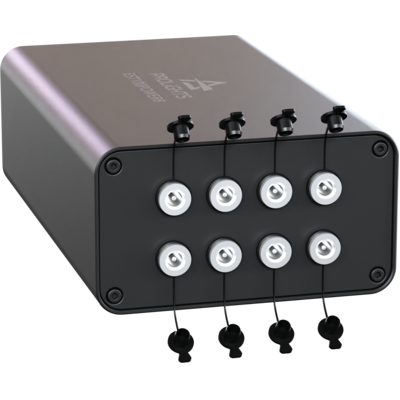
 UPBOXPRO

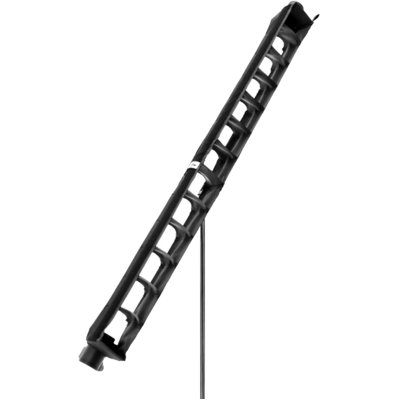
EclSoft Tube100

Order Code: ECLSOFTTUBE100
Source
48W RGB + Warm White LEDs
IP rating
IP65 for temporary outdoor use
Weight
2,4kg / 5.29lbs
Key Features
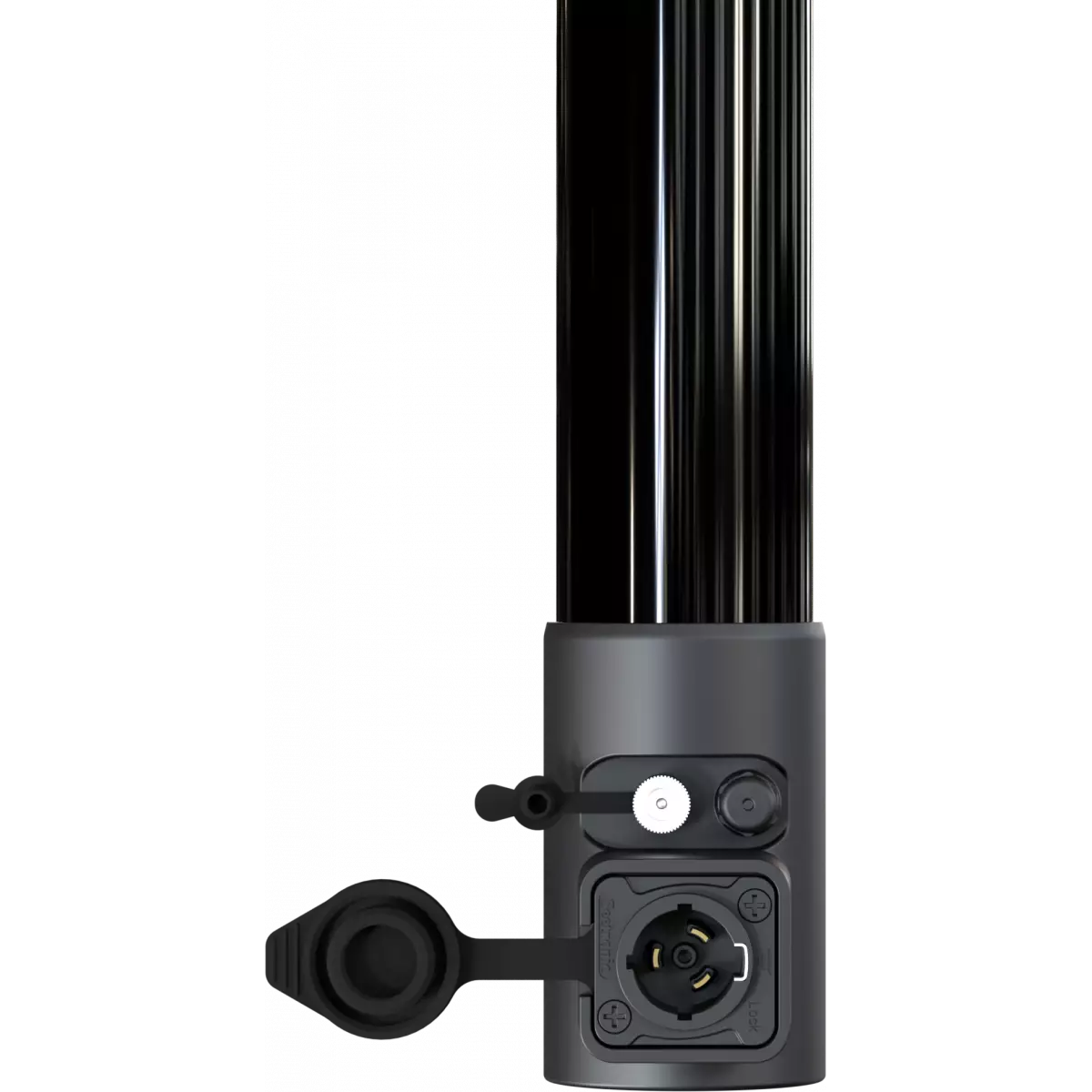
- Hybrid fixture, Wireless DMX (CRMX+W-DMX) / ethernet control, battery/mains power
- Pixel control, on-board cinema pixel engine, RGB + Warm White LED source with high CRI (up to 93) and TLCI
- IP65 for outdoor applications
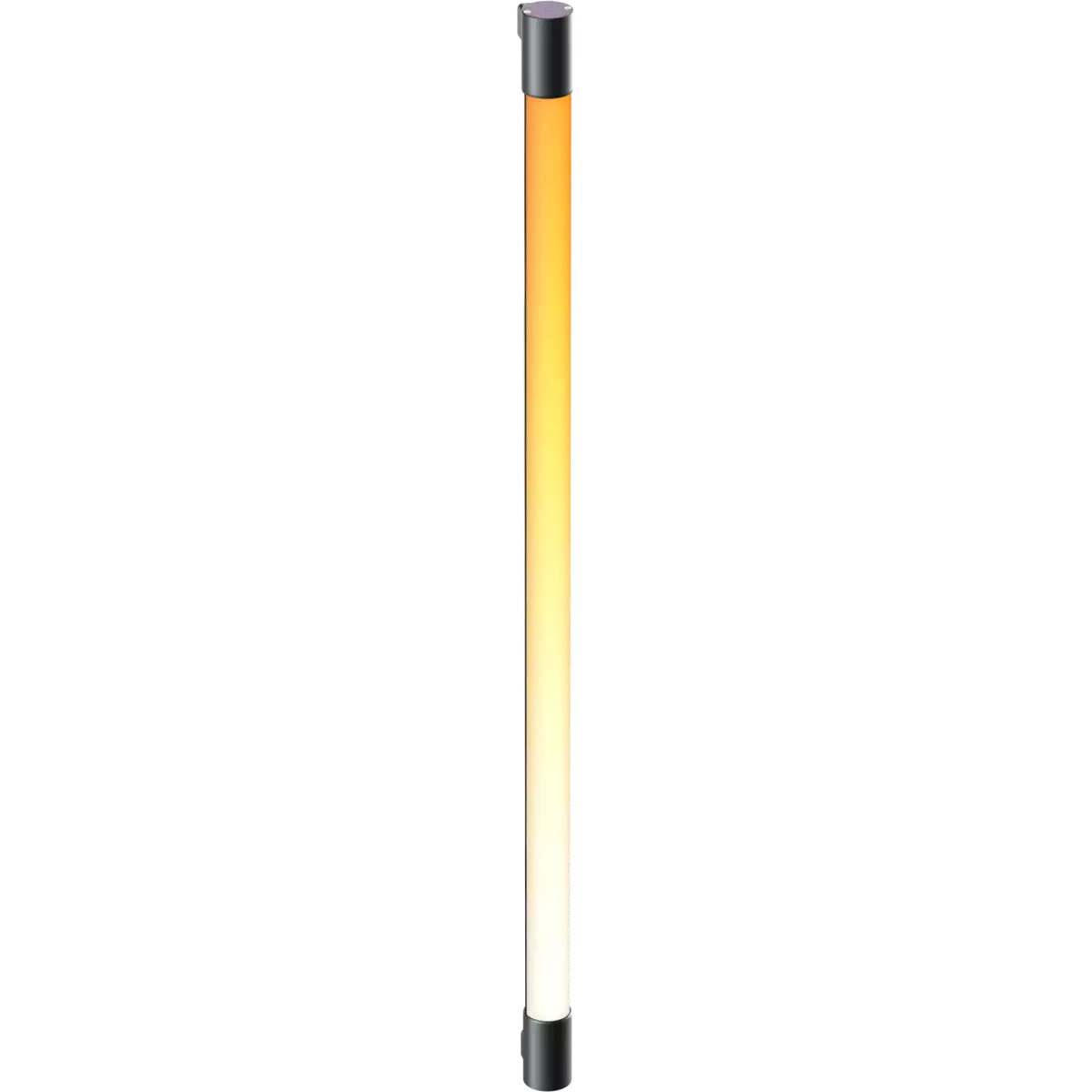
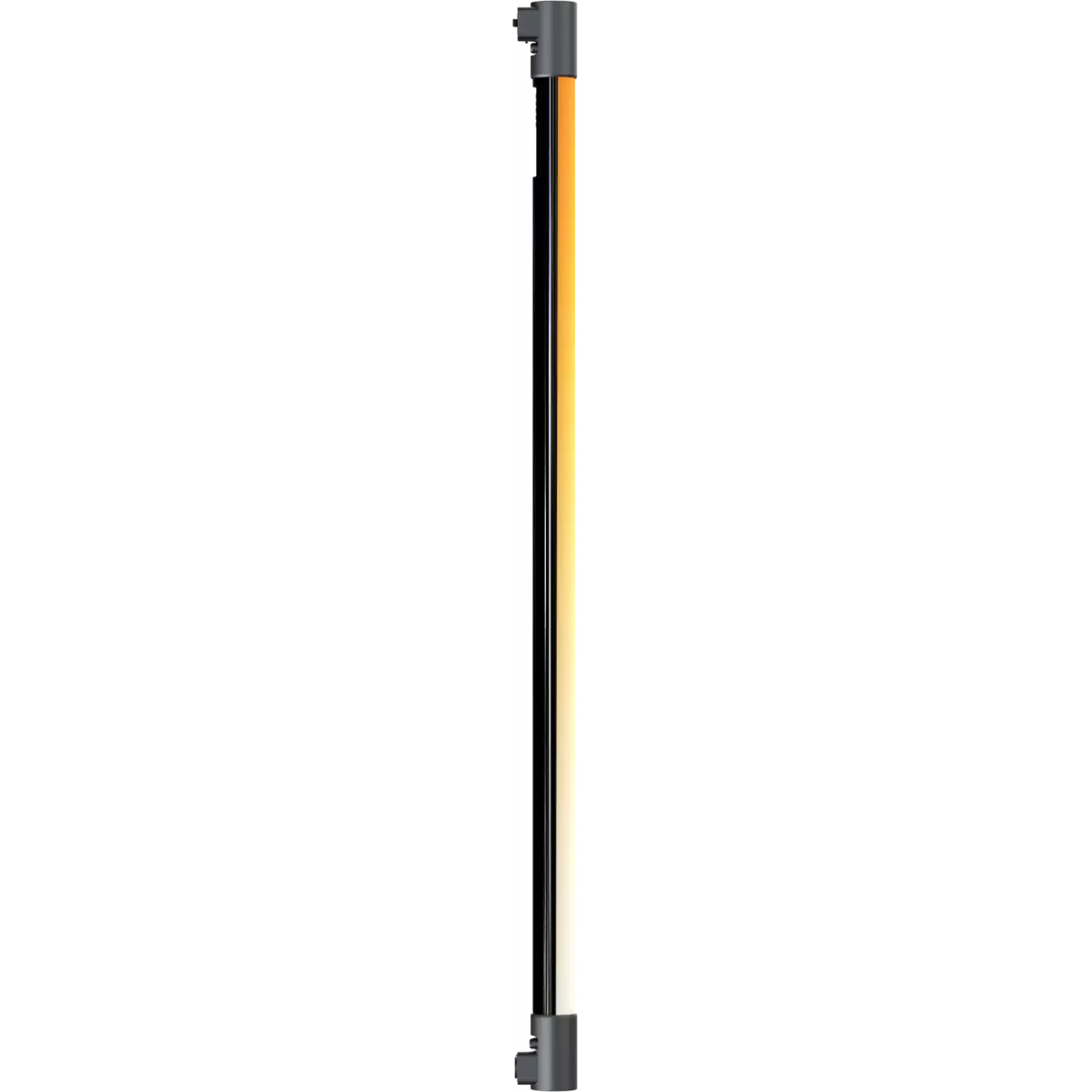
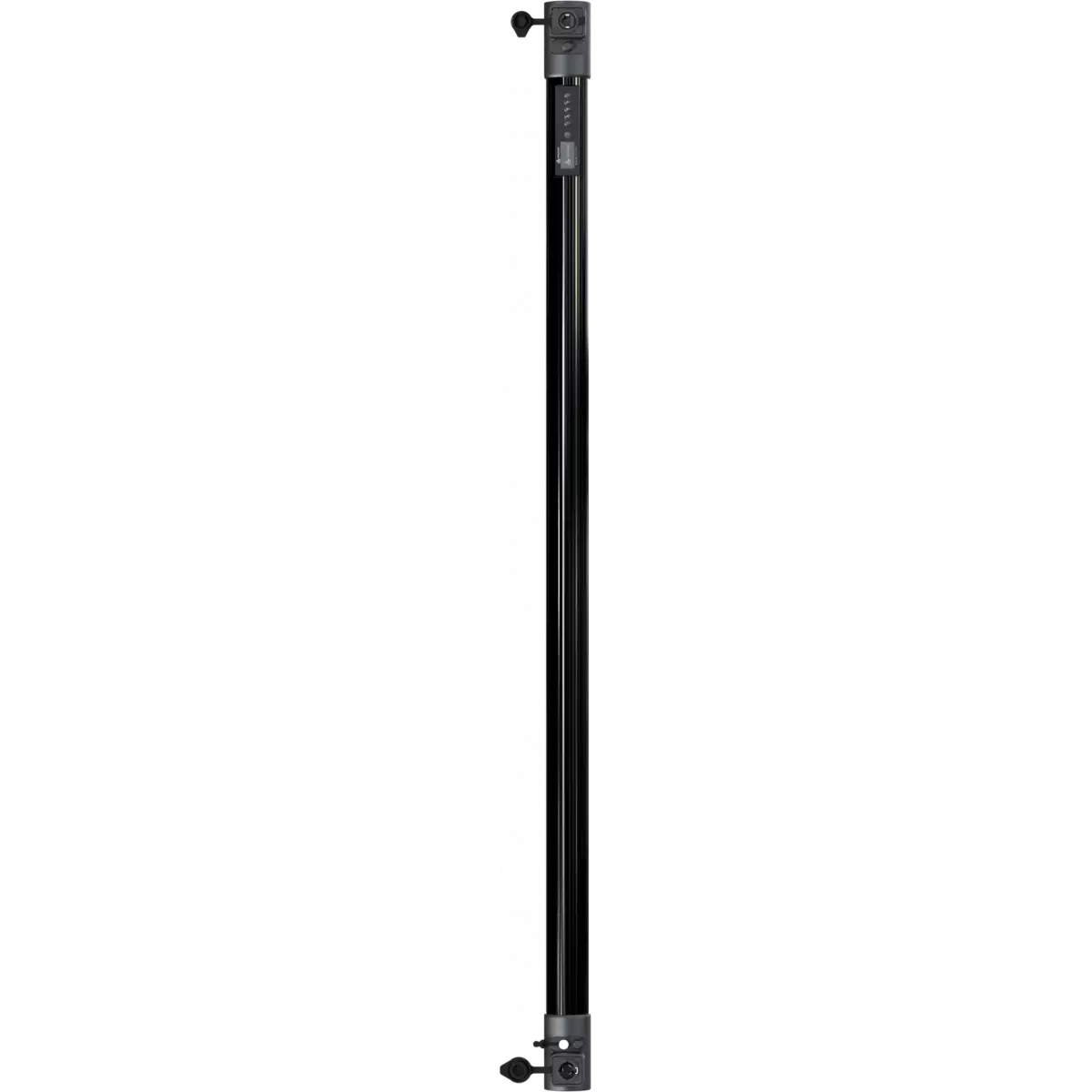
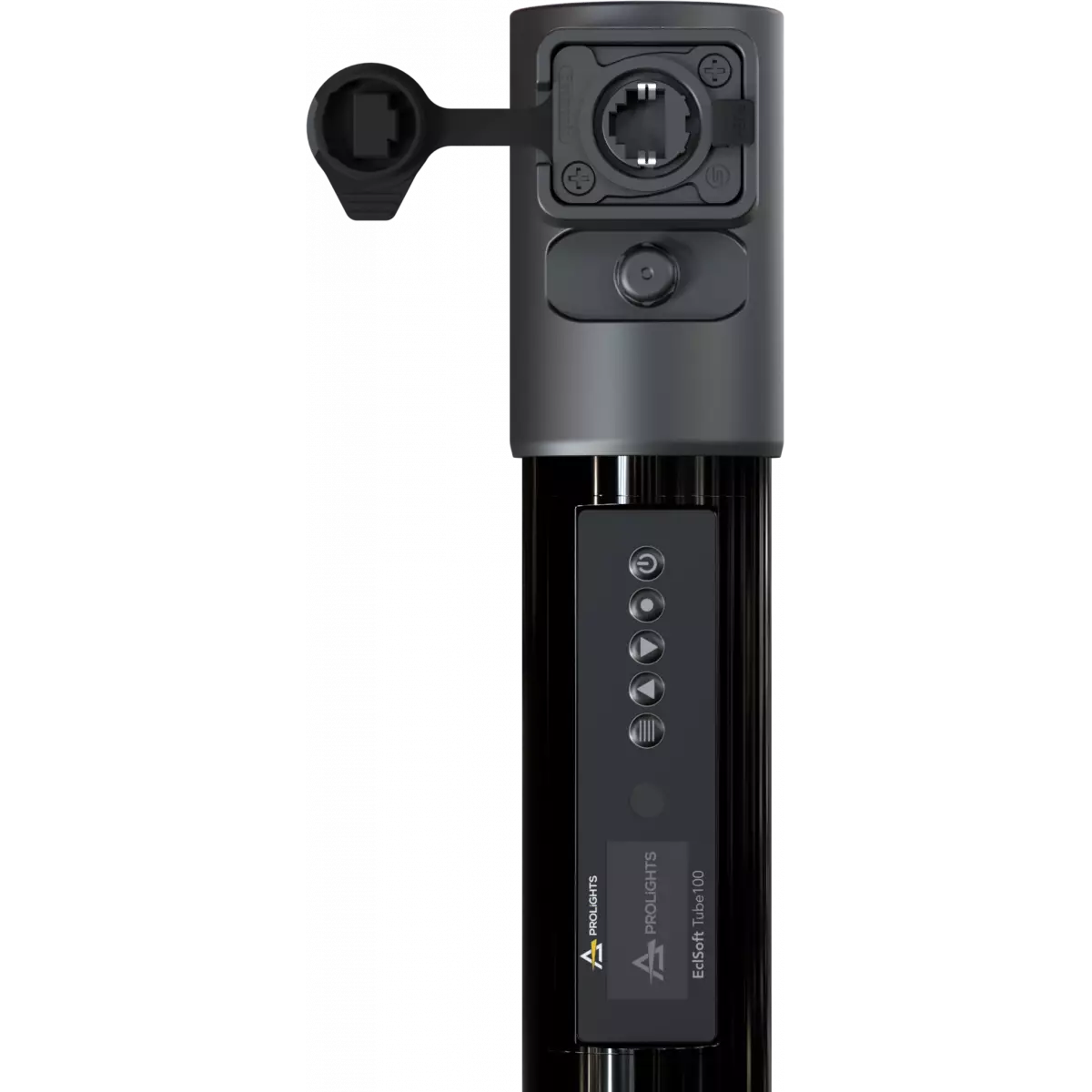
The EclSoft Tube100 is a multipurpose, IP65 wireless linear pixel tube designed for Film & TV, indoor and outdoor environments. The EclSoft Tube100 has a 48W RGB + Warm White LED source with 16 independently-controlled sections. Similar the other fixtures in the soft light range, it has an RGBW mode, RGB, CMY, HSI, XY, RAW Direct, CCT Linear and CCT Presets with +/- green shift, source emulation and industry-standard colour gels. This fixture has high-quality tunable white with ultra-high CRI, as well as on-board cinema effects and pixel effects. This fixture is also “Spektra™ Calibrated”, sharing the same colour calibration standard as some other luminaires. The EclSoft Tube100 can be used wirelessly with its on-board battery and Wireless DMX control (CRMX + W-DMX). There is also a wired connection for mains power and an ethernet port for Art-Net or s/ACN.
Read less
The EclSoft Tube100 is a multipurpose, IP65 wireless linear pixel tube designed for Film & TV, indoor and outdoor environments. The EclSoft Tube100 has a 48W RGB + Warm White LED source with 16 indepe...
Read more