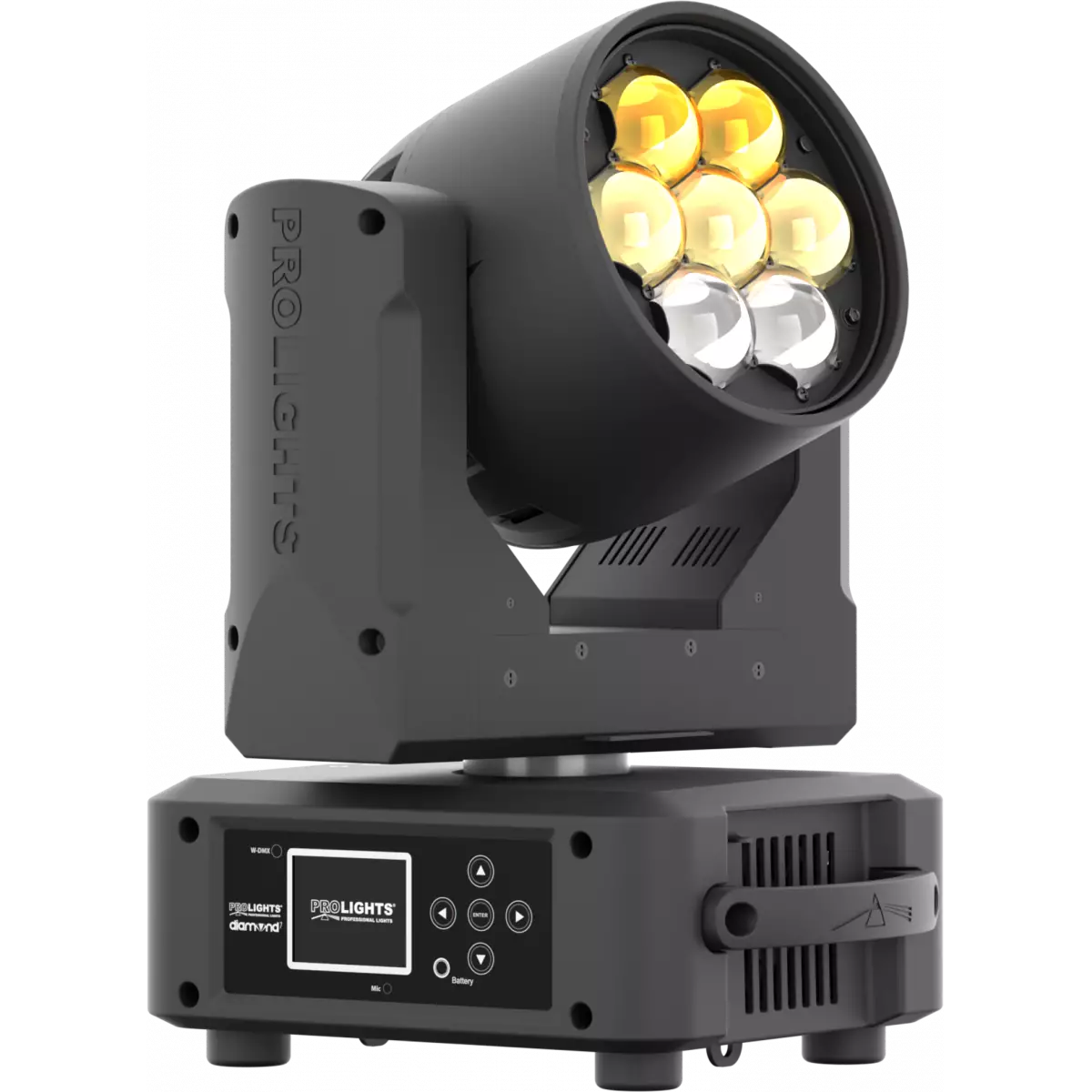
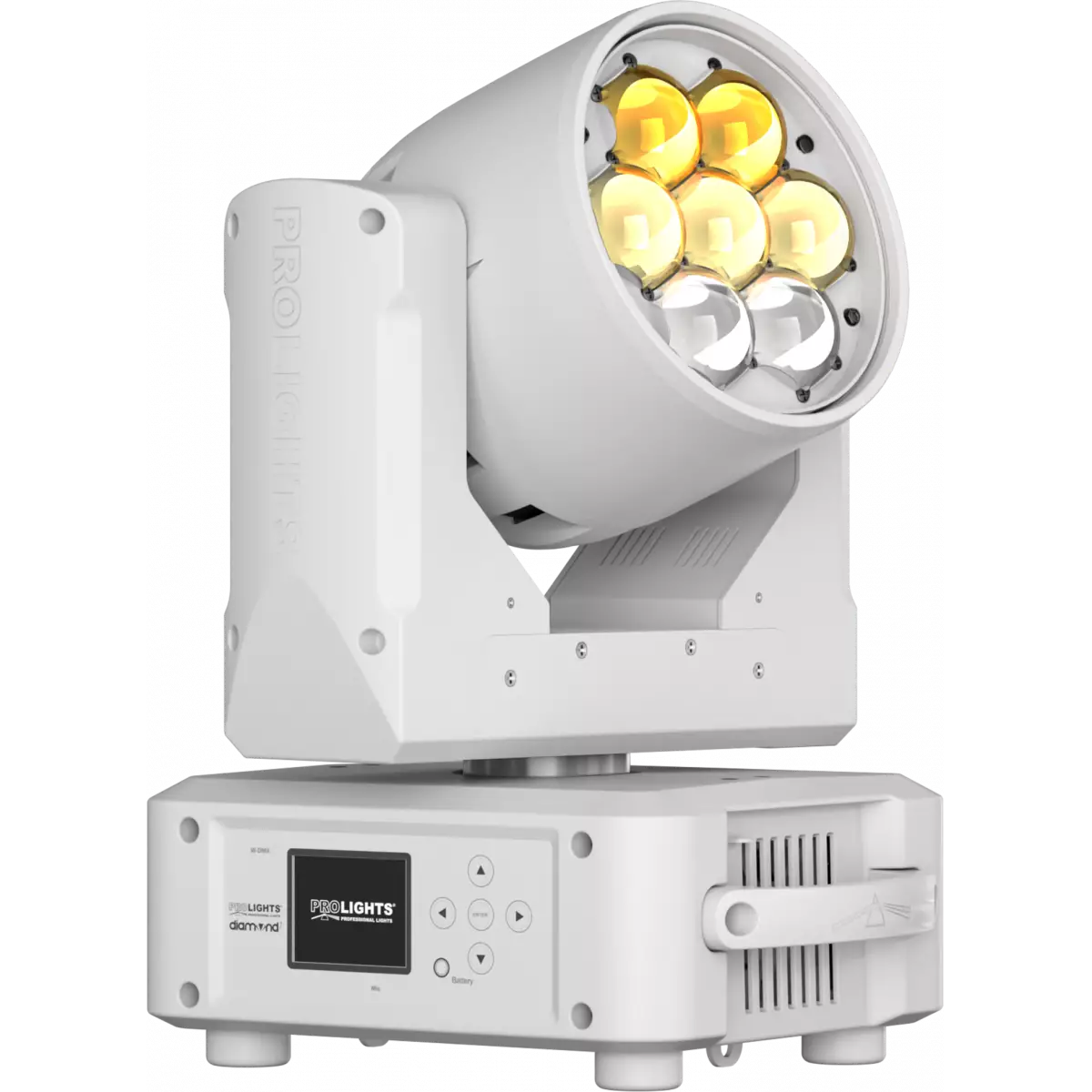
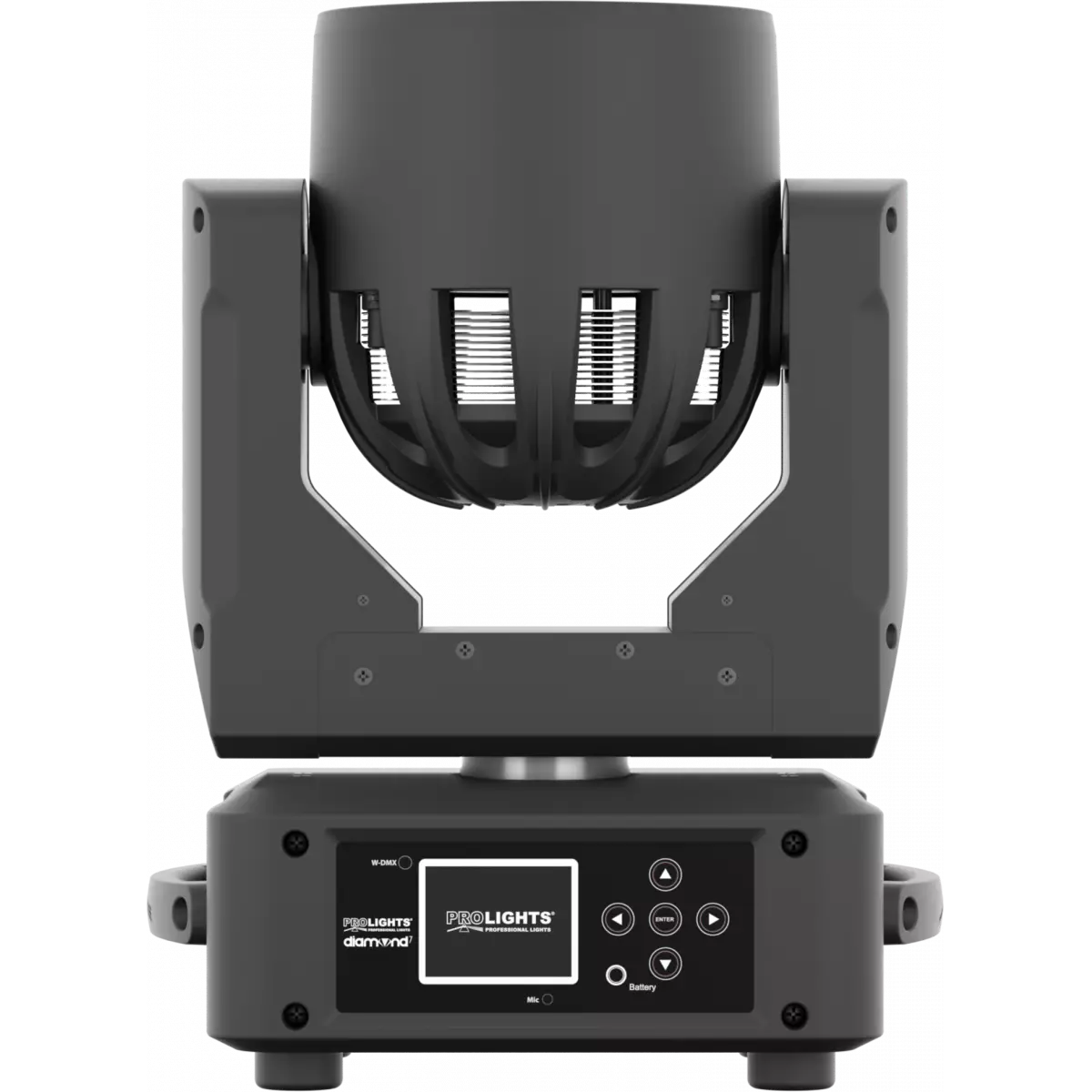
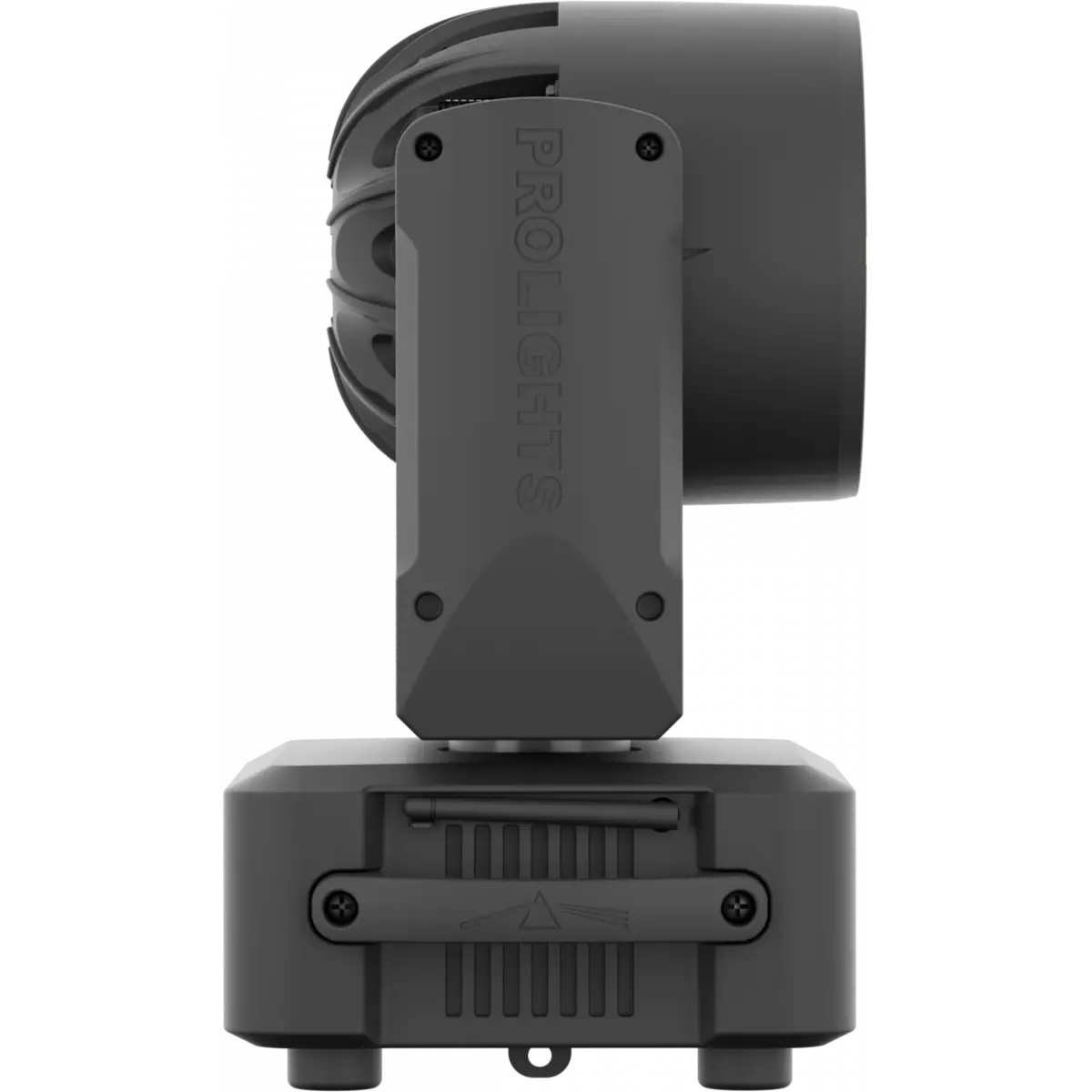
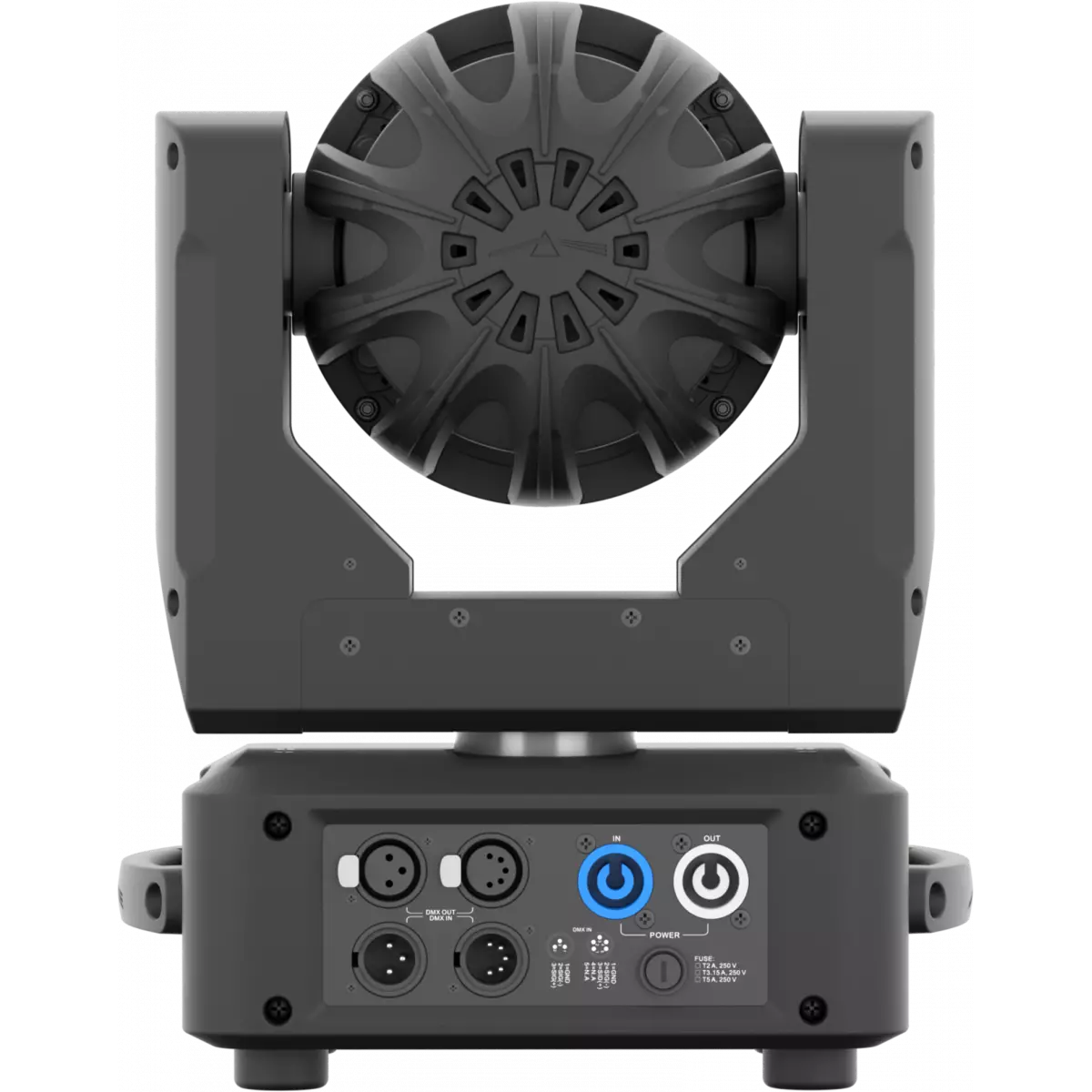
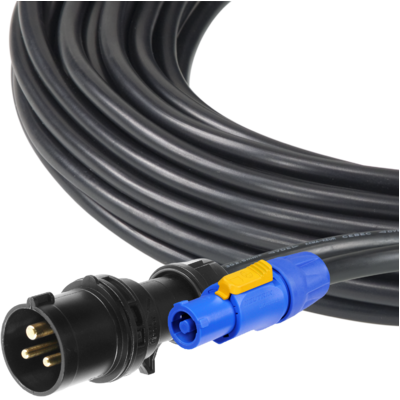
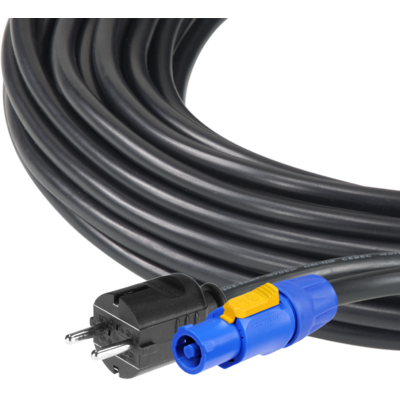

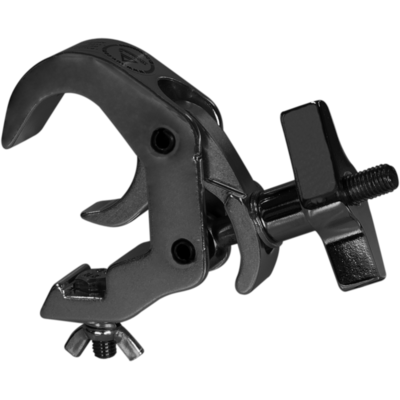
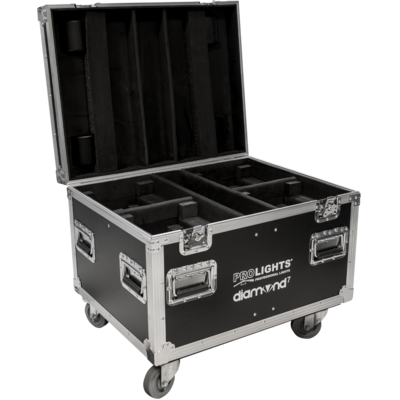


Diamond 7 is the most compact fixture of the stunning Diamond LED pixel wash family. As a wash light, the 6° - 66° zoom, even beam and fantastic colour range create a true workhorse fixture. For the next level, individual control of each LED pixel with switch system, tied with the Diamond’s clever optical design and its onboard effects provides 'eye candy' effects both to look at and in the air. Compact, consistent and clever, the Diamond 7 makes a statement, even when space is an issue.
Read less| Code | Housing | |
|---|---|---|
|
|
DIAMOND7WH
DISCONTINUED
|
White |
|
|
DIAMOND7CR
DISCONTINUED
|
Chrome |
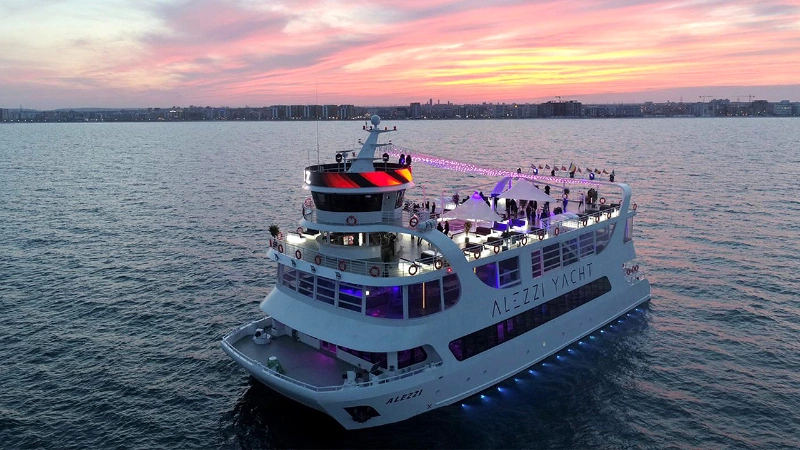
Discover the Diamond 7 in action
Technical documentation and support files
| File name | File size | Download | |
|---|---|---|---|
| Diamond7_A4_DATASHEET_(IT).pdf(30/04/2021) | 169KB | ||
| Diamond7_A4_DATASHEET_(EN).pdf(01/09/2021) | 169KB |
| File name | File size | Download | |
|---|---|---|---|
| Diamond7_USER_MANUAL_ITEN.pdf(23/06/2021) | 3MB | ||
| Installing wireless board on Prolights moving hea.pdf(04/02/2025) | 2MB |
| File name | File size | Download | |
|---|---|---|---|
| Diamond7_DMX_CHARTS.pdf(23/06/2021) | 58KB |
| File name | File size | Download | |
|---|---|---|---|
| prolights_diamond7_full_66°.ies(17/07/2018) | 992KB | ||
| prolights_diamond7_full_6°.ies(17/07/2018) | 992KB | ||
| Diamond7_PHOTOMETRICS.pdf(11/02/2020) | 388KB | ||
| Download DIALux product catalogue | - |
| File name | File size | Download | |
|---|---|---|---|
| Diamond7_3D.skp(26/07/2021) | 273KB | ||
| Diamond7_3D.rfa(23/04/2021) | 4MB | ||
| Diamond7_CAD_2D.dwg(11/05/2021) | 2MB | ||
| Diamond7_CAD_3D.dwg(05/07/2021) | 520KB | ||
| Diamond7_TECHNICAL_DRAWING.pdf(11/05/2021) | 337KB | ||
| DIAMOND7_SYMBOLS.zip | 1MB | ||
| PROLIGHTS_VECTORWORKS_v2025_LIBRARY.vwx(13/05/2025) | 321MB | ||
| PROLIGHTS_VECTORWORKS_v2020_LIBRARY.vwx(13/05/2025) | 276MB |
PROLIGHTS product firmware can be updated in several ways, depending on the product and file extension. The available methods are listed in the product specifications in the CONTROL - Firmware Upgrade section.
| Method/Device | File extension | Nedeed software | Instructions |
|---|---|---|---|
| UPBOXPRO (*) | .PRL |
UpBox_Tool | Guide |
| USB | .PRL |
Nessun software necessario | see User manual / USB UPDATE MODE |
| NET CABLE | .EHEX |
Professional Uploader | Guide |
| NET CABLE | .ALF |
DMX Workshop | Guide |
(*) You can still use UPBOX1 and UPBOX2 by checking their compatibility on the product accessories page.
To use UPBOX2, you need to download the drivers from the following link.
Update Tool: UPBOXPRO |
||||
| Check hardware changelog before downloading firmware | ||||
| Revision | Release date | Firmware changelog | HW Compatibility | |
|---|---|---|---|---|
| 3.1.00 STABLE | 15/07/2018 | Firmware for units with NEW motor zoom and NEW led tube. Firmware compatiblity can be checked considering the starting number of the firmware release already installed on the unit. Unit with firmware version 1.x.xx can be updated only with 1.x.xx version and not with 2.x.xx Based on V3.0.00 Add the theatre mode in it. |
Rev. 3 |
|
| 2.2.00 STABLE | 14/07/2018 | Firmware for units with NEW motor zoom and OLD led tube. Firmware compatiblity can be checked considering the starting number of the firmware release already installed on the unit. Unit with firmware version 1.x.xx can be updated only with 1.x.xx version and not with 2.x.xx Based on V2.1.00 Add the theatre mode in it. |
Rev. 2 |
|
| 1.0.04 STABLE | 13/07/2018 | Firmware for units with OLD motor Zoom and OLD Led tube. Firmware compatiblity can be checked considering the starting number of the firmware release already installed on the unit. Unit with firmware version 1.x.xx can be updated only with 1.x.xx version and not with 2.x.xx |
Rev. 1 |
|
Subscribe to our Newsletter