



Order Code: PIXIEWASHXB
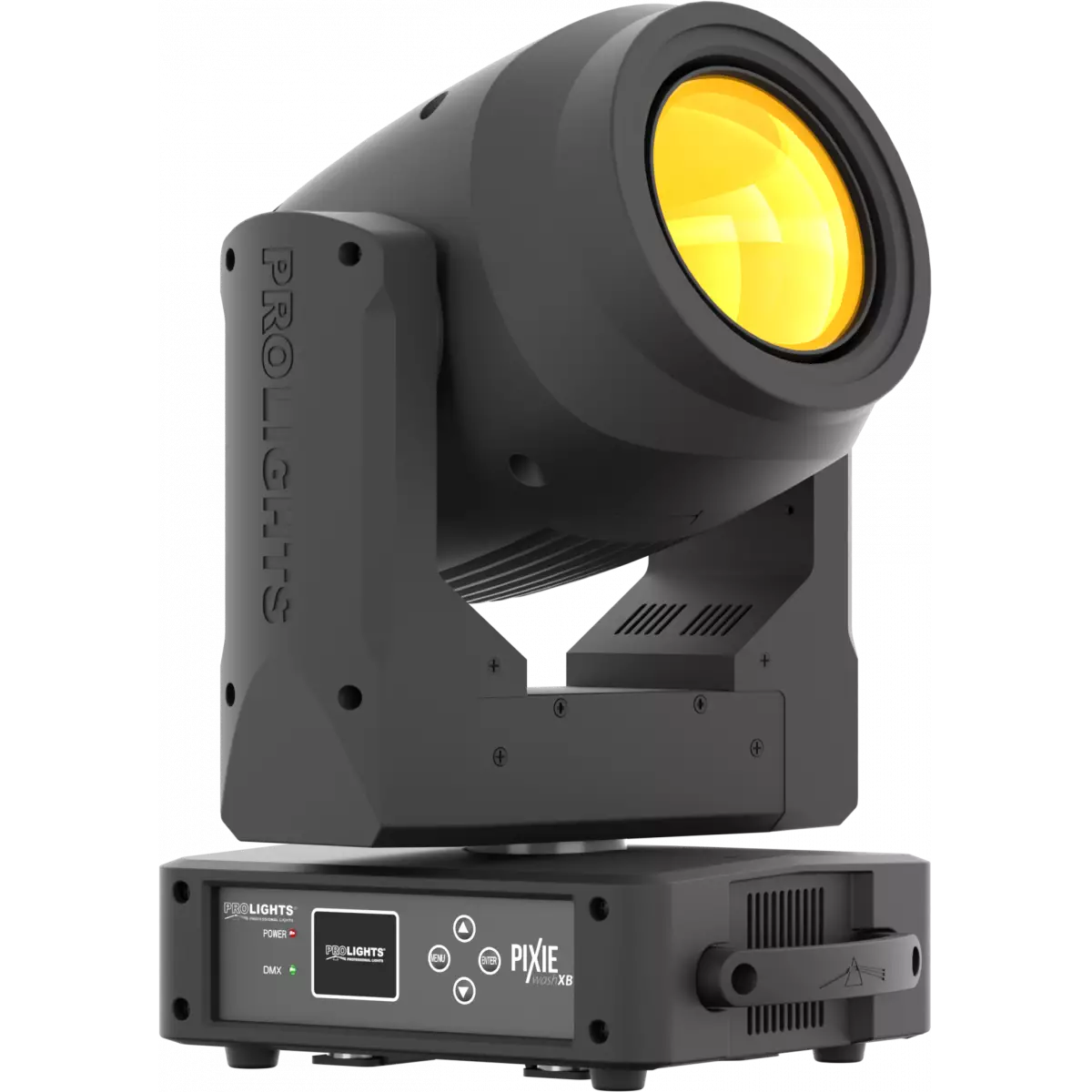
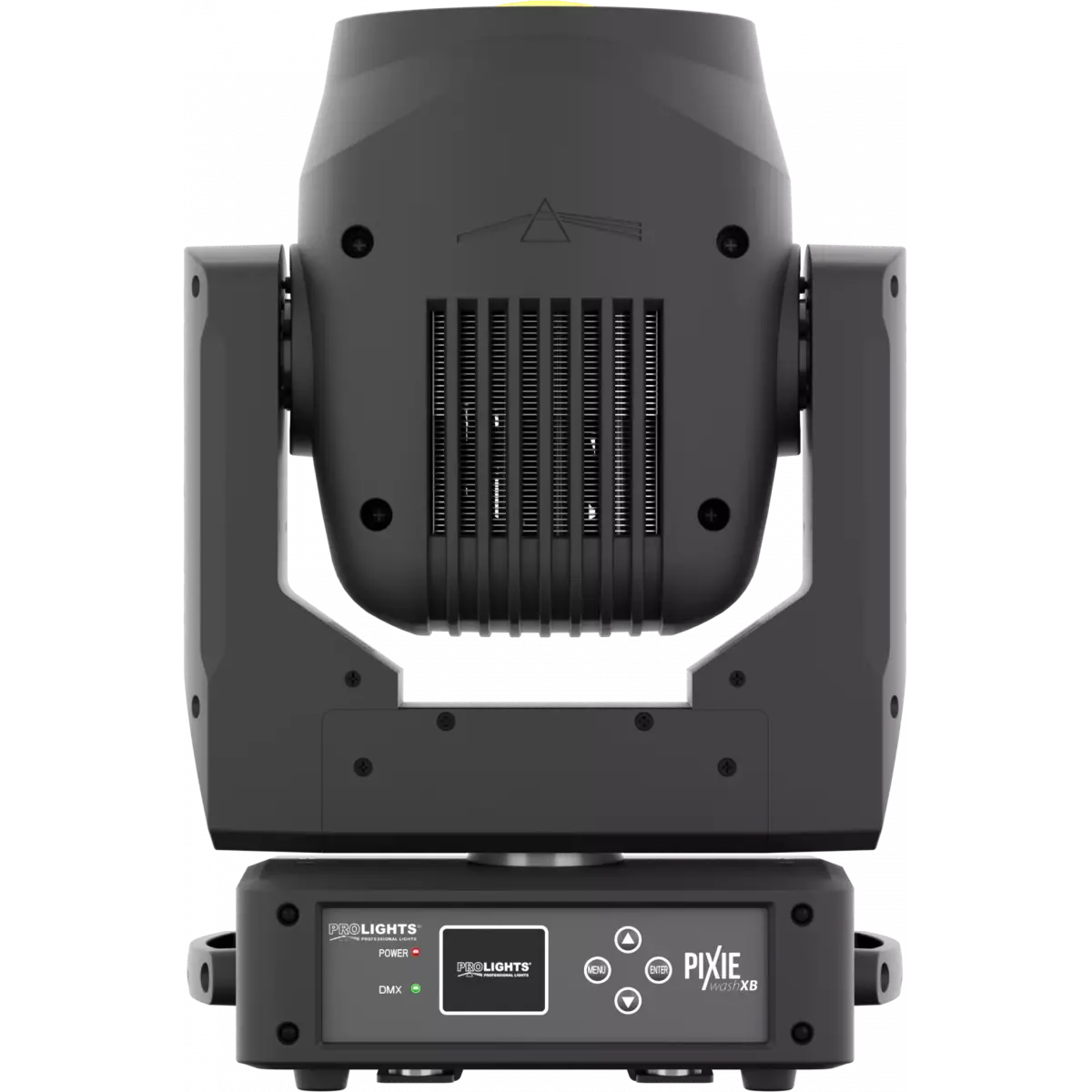
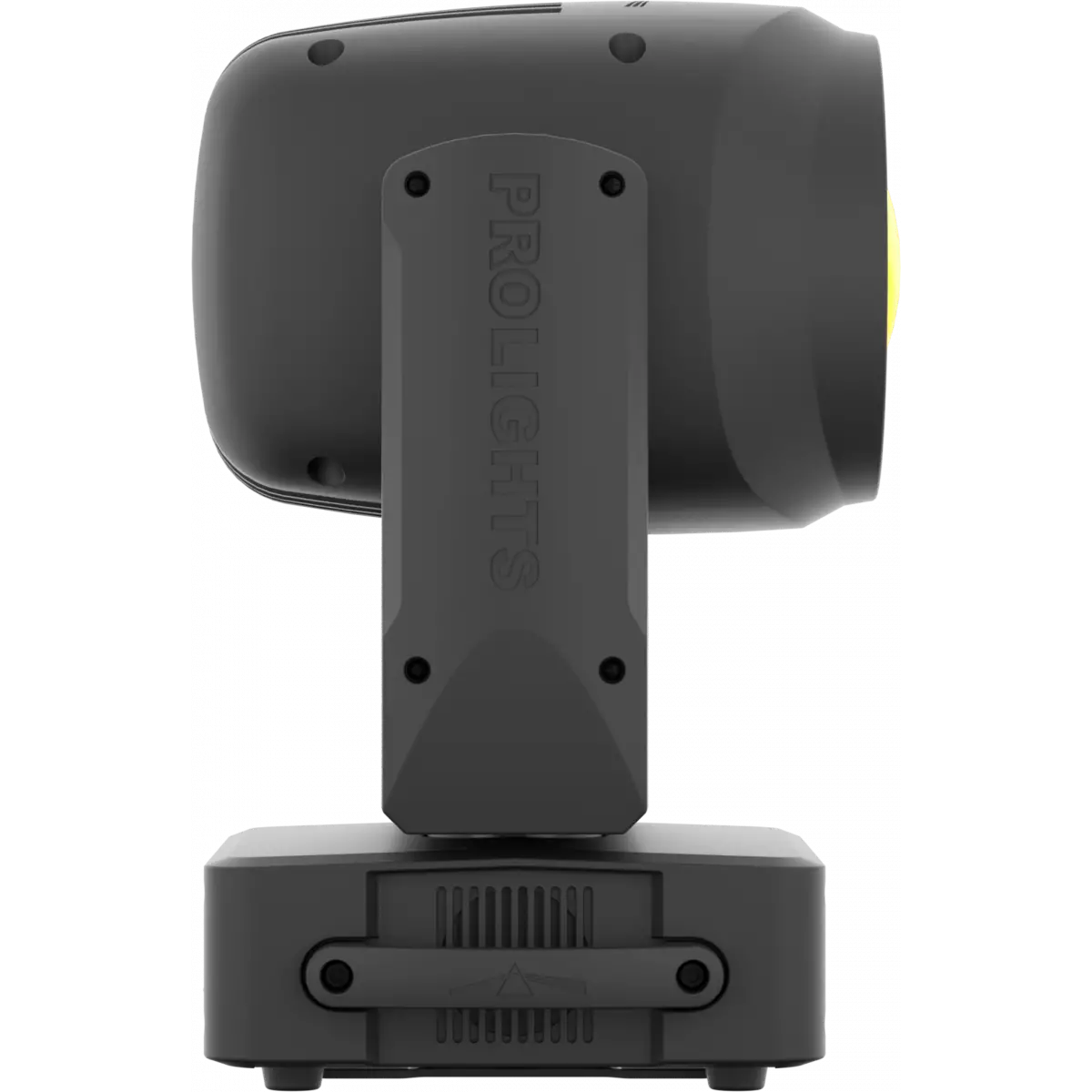
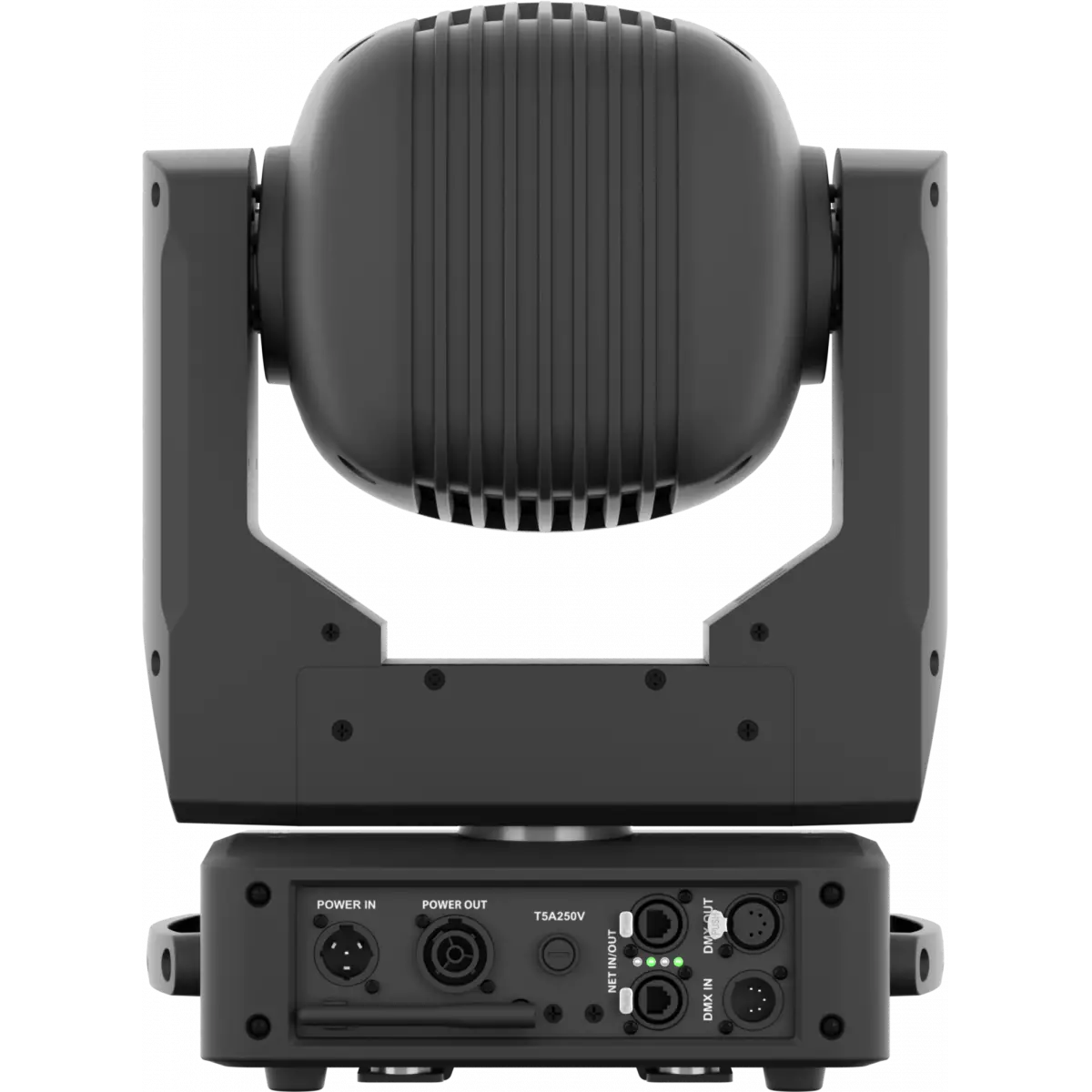
Pixie WashXB reinvents the concept of the moving LED wash light, bringing together the classic styling of a traditional wash luminaire and applying the very latest innovations in the field of LED technology. The large frontal plano-convex lens delivers a stunning level of brightness and an exceptional zoom range with a 1:8 ratio, combined with a proprietary 280W RGB and warm white LED module delivering a high-quality white reproduction with high CRI and TLCI parameters as well an extremely precise colour tuning. Pixie WashXB is an ideal solution for any application where users want a superior light quality but without the view of multi-cell fixtures. Being compact, fast and silent, the Pixie WashXB offers unprecedented flexibility and is ideal for use in theatres, TV, corporate and festivals.
Read lessDiscover the Pixie WashXB in action
Technical documentation and support files
| File name | File size | Download | |
|---|---|---|---|
| Pixiewashxb_LETTER_DATASHEET_(EN).pdf(28/09/2021) | 435KB | ||
| Pixiewashxb_A4_DATASHEET_(IT).pdf(30/04/2021) | 423KB | ||
| Pixiewashxb_A4_DATASHEET_(EN).pdf(06/09/2024) | 419KB |
| File name | File size | Download | |
|---|---|---|---|
| Pixiewashxb_USER_MANUAL.pdf(27/11/2023) | 7MB | ||
| Pixiewashxb_NET_PCB_Firmware_Update.pdf(08/01/2024) | 460KB | ||
| Pixiewashxb_Wireless_Protocol_Compatibilit_EN.pdf(12/06/2023) | 4MB |
| File name | File size | Download | |
|---|---|---|---|
| Pixiewashxb_DMX_CHARTS.pdf(04/10/2019) | 58KB |
| File name | File size | Download | |
|---|---|---|---|
| prolights_pixiewashxb_ies files.zip(21/05/2020) | 16KB | ||
| prolights_pixiewashxb_ldt files.zip(21/05/2020) | 13KB | ||
| Pixiewashxb_PHOTOMETRICS_REPORT.pdf(21/05/2020) | 4MB | ||
| Download DIALux product catalogue | - |
| File name | File size | Download | |
|---|---|---|---|
| Pixiewashxb_3D.skp(13/03/2020) | 5MB | ||
| Pixiewashxb_3D.rfa(23/04/2021) | 936KB | ||
| Pixiewashxb_CAD_2D.dwg(16/12/2020) | 8MB | ||
| Pixiewashxb_CAD_3D.dwg(18/02/2020) | 2MB | ||
| Pixiewashxb_CAD_2DSYMBOLS.dwg(09/03/2020) | 95KB | ||
| Pixiewashxb_TECHNICAL_DRAWING.pdf(16/12/2020) | 394KB | ||
| PROLIGHTS_VECTORWORKS_v2025_LIBRARY.vwx(13/05/2025) | 321MB | ||
| PROLIGHTS_VECTORWORKS_v2020_LIBRARY.vwx(13/05/2025) | 276MB | ||
| VECTORWORKS_SYMBOLS.vwx(09/03/2020) | 575KB |
| File name | File size | Download | |
|---|---|---|---|
| Pixiewashxb_NOISE_REPORT.pdf(07/12/2022) | 130KB |
| File name | File size | Download | |
|---|---|---|---|
| Professional Uploader(03/03/2025) | 19MB |
PROLIGHTS product firmware can be updated in several ways, depending on the product and file extension. The available methods are listed in the product specifications in the CONTROL - Firmware Upgrade section.
| Method/Device | File extension | Nedeed software | Instructions |
|---|---|---|---|
| UPBOXPRO (*) | .PRL |
UpBox_Tool | Guide |
| USB | .PRL |
Nessun software necessario | see User manual / USB UPDATE MODE |
| NET CABLE | .EHEX |
Professional Uploader | Guide |
| NET CABLE | .ALF |
DMX Workshop | Guide |
(*) You can still use UPBOX1 and UPBOX2 by checking their compatibility on the product accessories page.
To use UPBOX2, you need to download the drivers from the following link.
Update Tool: UPBOXPRO |
||||
| Check hardware changelog before downloading firmware | ||||
| Revision | Release date | Firmware changelog | HW Compatibility | |
|---|---|---|---|---|
| 2.3 STABLE | 25/06/2025 | Improvement:
|
Rev. 1.0 Rev. 1.1 |
|
Subscribe to our Newsletter